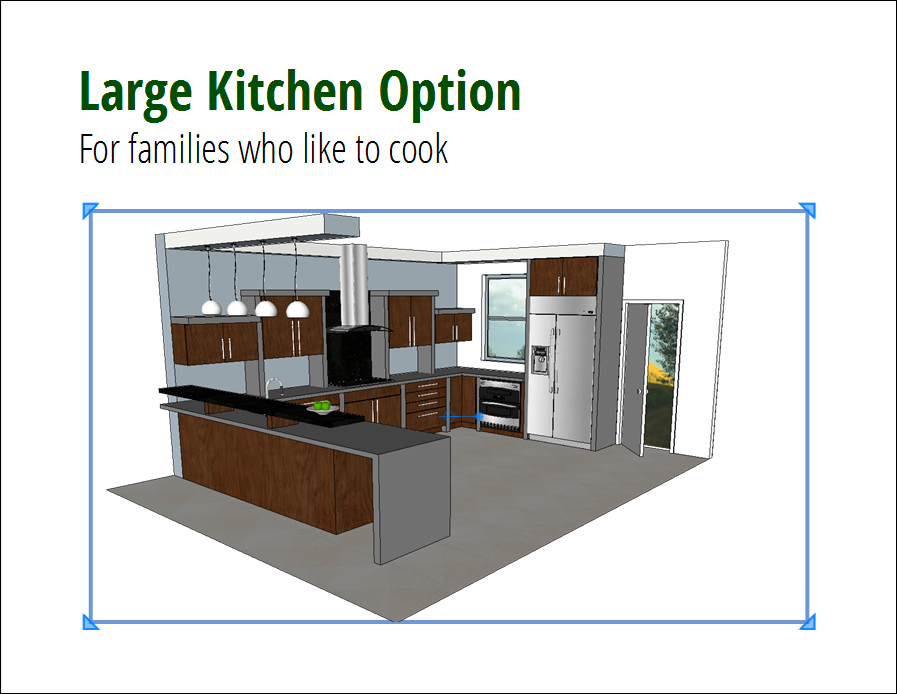
Follow these steps to insert a SketchUp model into a LayOut document.
- Go to the page where you want to insert a SketchUp model.
- Select File > Insert from the menu bar.
- In the Open dialog box, find and select the SketchUp model file, then click Open. Your SketchUp model appears in the document area.
Once inserted, your SketchUp model becomes a SketchUp model entity. Select it in the document area to show a blue selection border, as shown in the following figure. This border works like the selection border around other LayOut entities. You can select the model entity at any time to move, resize, rotate, and arrange it in relation to other entities on the page.