Chaos Vantage
Hair4 Material
This page provides information about the Hair4 material available for creation in Chaos Vantage.
Last updated 12 February 2026
This page provides information about the Hair4 material available for creation in Chaos Vantage.
Overview
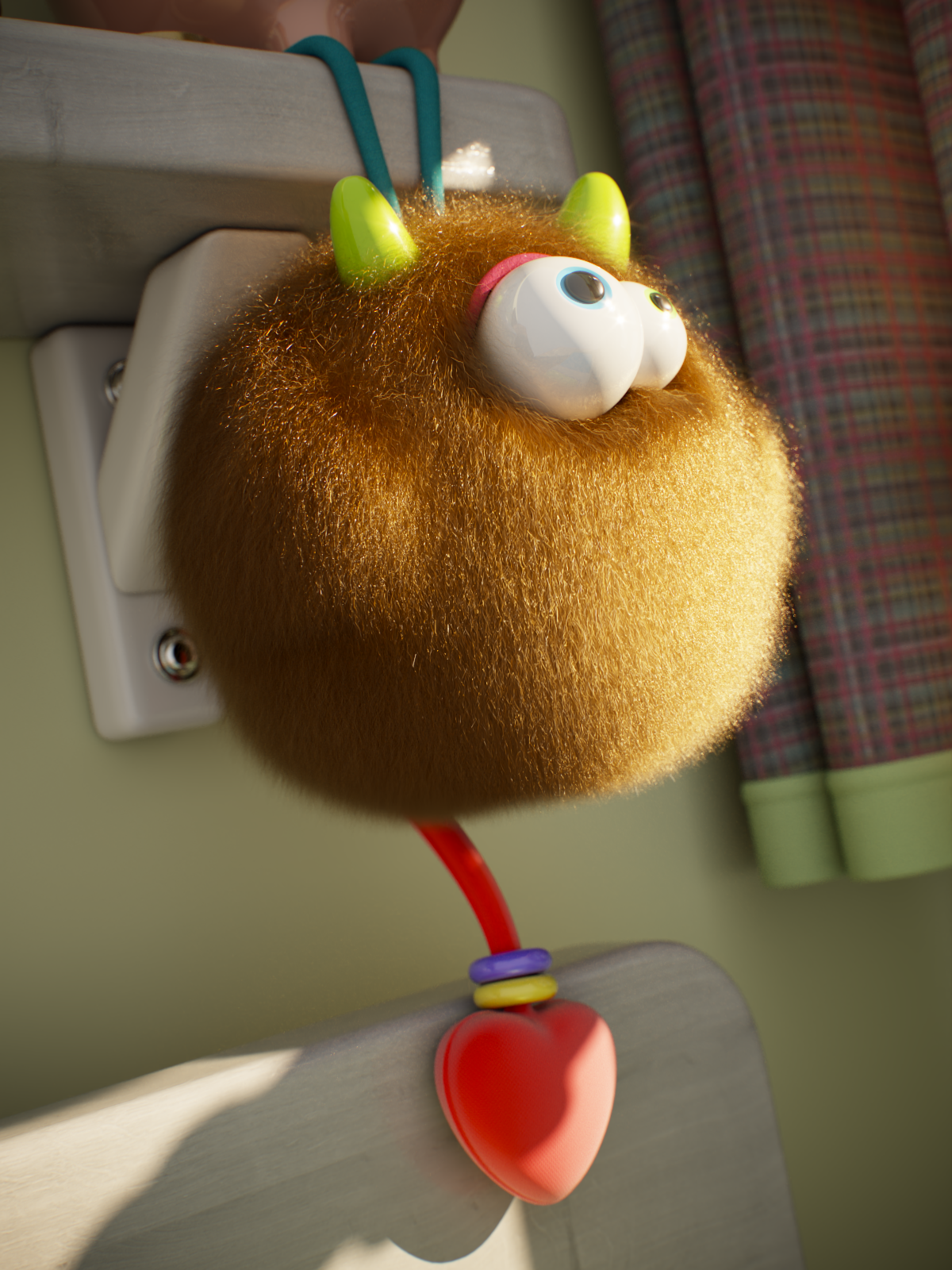
The Hair4 material is specifically designed for rendering hair and fur and provides settings for a workflow based on the physiology of real hair. Instead of tweaking arbitrary colors that mix together, the Hair4 material uses a simple melanin slider that determines the hair color just like in the real world. The material is the product of research based on the paper A Practical and Controllable Hair and Fur Model for Production Path Tracing.
Parameters
The Hair4 material parameters are grouped into three tabs: Hair, Hair Advanced, and Hair Randomize.

Hair
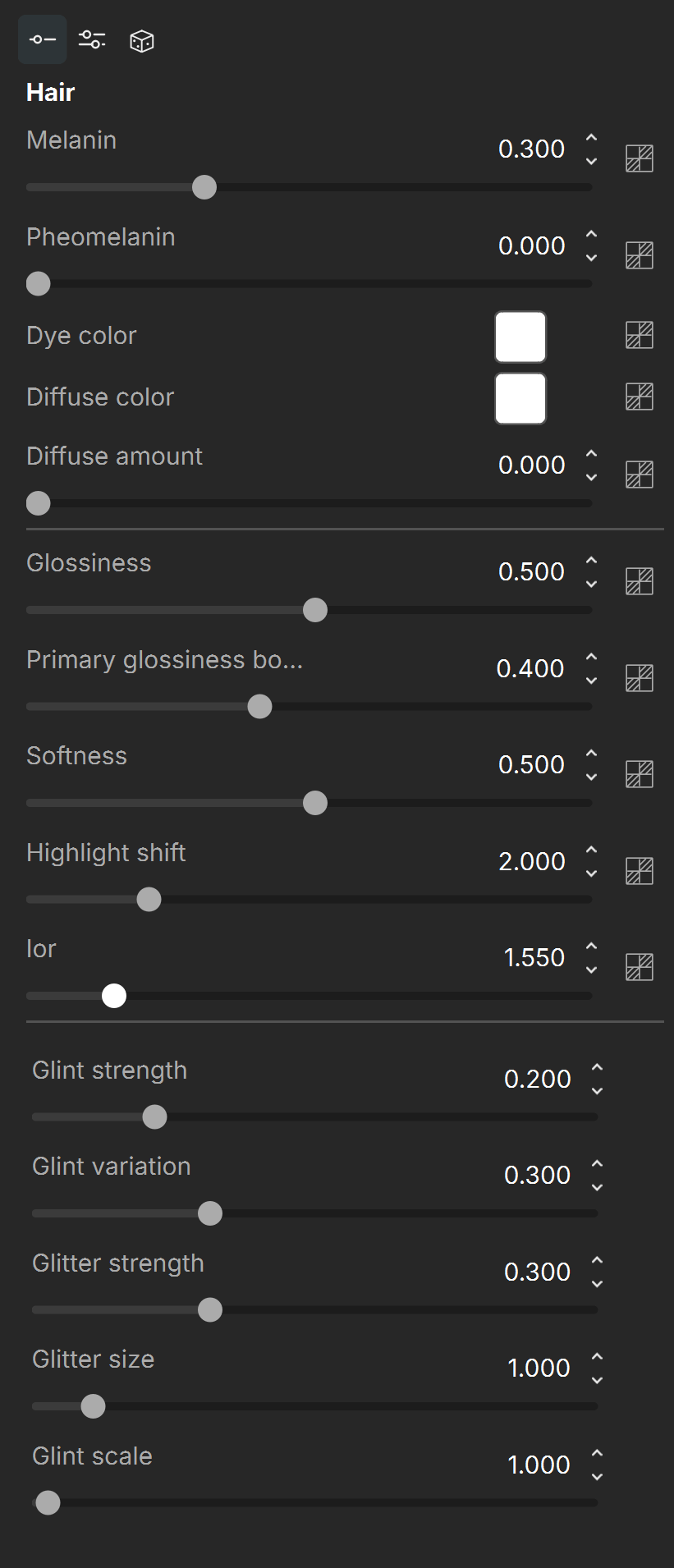
Melanin – The pigmentation component that gives the hair strand its main color. The higher the value assigned, the higher the concentration of melanin and the darker the hair strands are. See the Melanin example below.
Pheomelanin – The redness (pheomelanin content) of the hair strand as fraction of all melanin. 1.0 makes the hair redder. The ratio of melanin to pheomelanin determines how red the hair is. The Pheomelanin value will have no effect if the Melanin is set to 0. See the Pheomelanin example below.
Dye color – Applies a color tint to the hair. For a dyed hair look, set the Melanin to 0, otherwise the melanin darkens the dye color and pheomelanin introduces redness to it. White means no hair dye. See the Dye Color example below.
Diffuse color – Controls the diffuse component of the shader. Use this for materials made out of cloth threads or other non-translucent fibers, as well as for dirty hair. See the Diffuse example below.
Diffuse amount – Specifies the amount for the diffuse component of the material. See the Diffuse example below.
Glossiness – Controls the glossiness along the hair strand. It primarily controls the width of the highlight, essentially how shiny the hair appears. See the Glossiness example below.
Primary glossiness – Additional scaling factor to boost the primary reflection glossiness. This can be useful for reproducing the effect of shiny coating on rough-looking fur. See the Primary Glossiness example below.
Softness – Controls the overall softness of the hair by how much the highlights are wrapped around the individual hair strands. Higher values make the highlights wrap almost completely around the strands giving the hair a smoother look, while lower values make it look crispier. See the Softness example below.
Highlight shift– Shifts the highlights along the hair strand. Positive values shift the highlight away from the root of the hair, while negative values move the highlight closer to the root. Values in the range 2-4 are typical for human hair. See the Highlight Shift example below.
IOR – Hair index of refraction. The typical value for human hair is 1.55. The higher the value, the more reflective the hair strands. See the IOR example below.
Glint strength – Controls the strength of the colored highlights across and along the strand.
Glint variation – Adds a random glint variation along the strand. It affects the glint strength and orientation; the original secondary highlight strength and orientation; the softness, glossiness and highlight shift.
Glitter strength – Controls the glitter strength. Glitter is the additional more focused colorless highlight, which is randomly scattered along the strand. It is more pronounced with hard lighting produced by small or collimated light sources.
Glitter size – This parameter controls the size of the randomization pattern applied. Increasing the value increases the size of the pattern.
Glint scale – Internally, the variation along the strand is set in real world units. This parameter allows correction of the appearance of hair not modeled in real world scale. Values below 1.0 shrink the variation pattern, while values above 1.0 elongate it.
Hair-Advanced
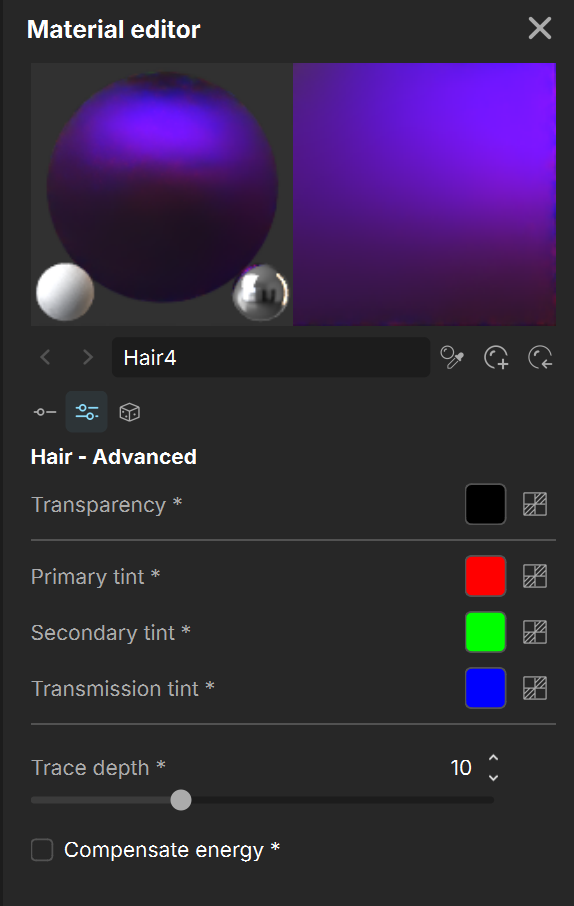
Transparency – Controls the transparency of the hair. White is fully opaque, while black is fully transparent.
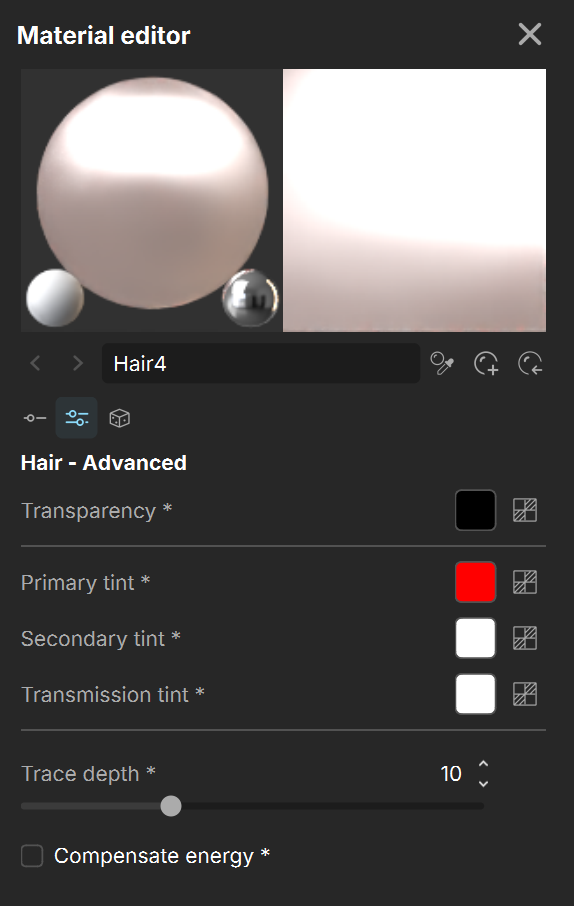
Primary tint – The color tint for the primary component. Corresponds to the light reflected off of the outer surface of a hair strand. See the Tint example below.
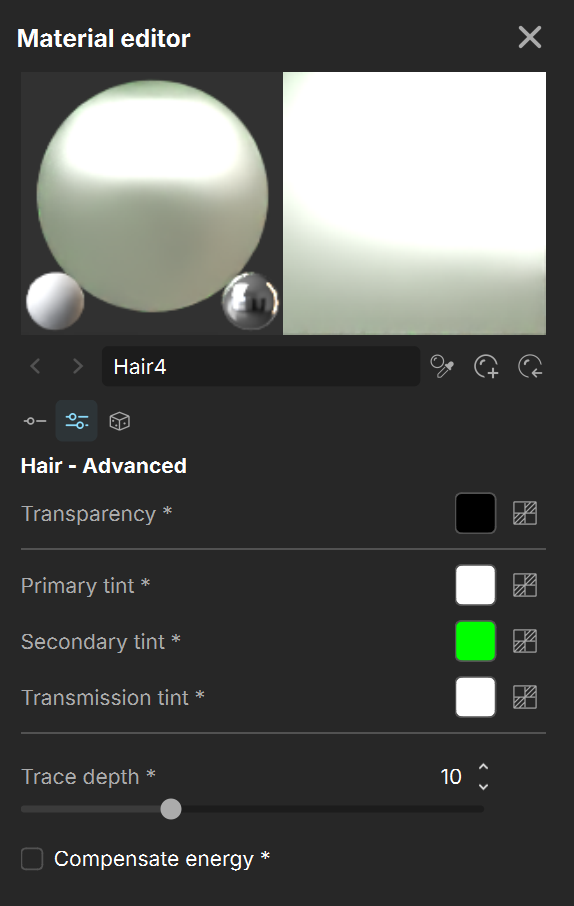
Secondary tint – The color tint for the secondary component. Corresponds to the light piercing through and reflecting off of the back surface of a hair strand. See the Tint example below.
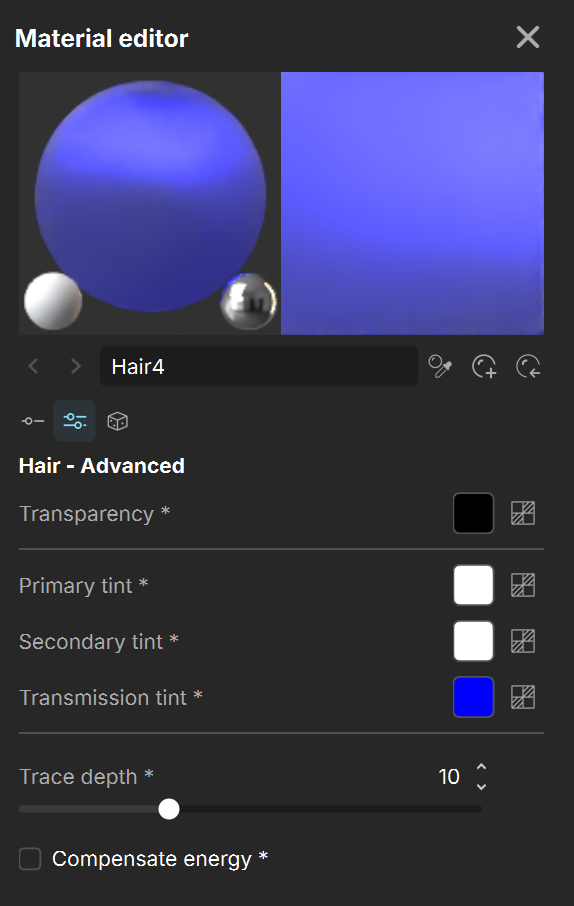
Transmission tint – The color tint for the transmission component. Corresponds to the light going through the hair strands. See the Tint example below.
Trace depth – The number of indirect bounces used to compute the effect of the multiple scattering. It can significantly affect the hair appearance, especially for light colored hairs. The number of bounces necessary can vary from 5 for dark colored hairs, to 30 and more for light colored ones.
Compensate energy – When enabled, compensates for a lack of light bounces in areas where the hair is denser and light cannot pass sufficiently.

Hair-Randomize
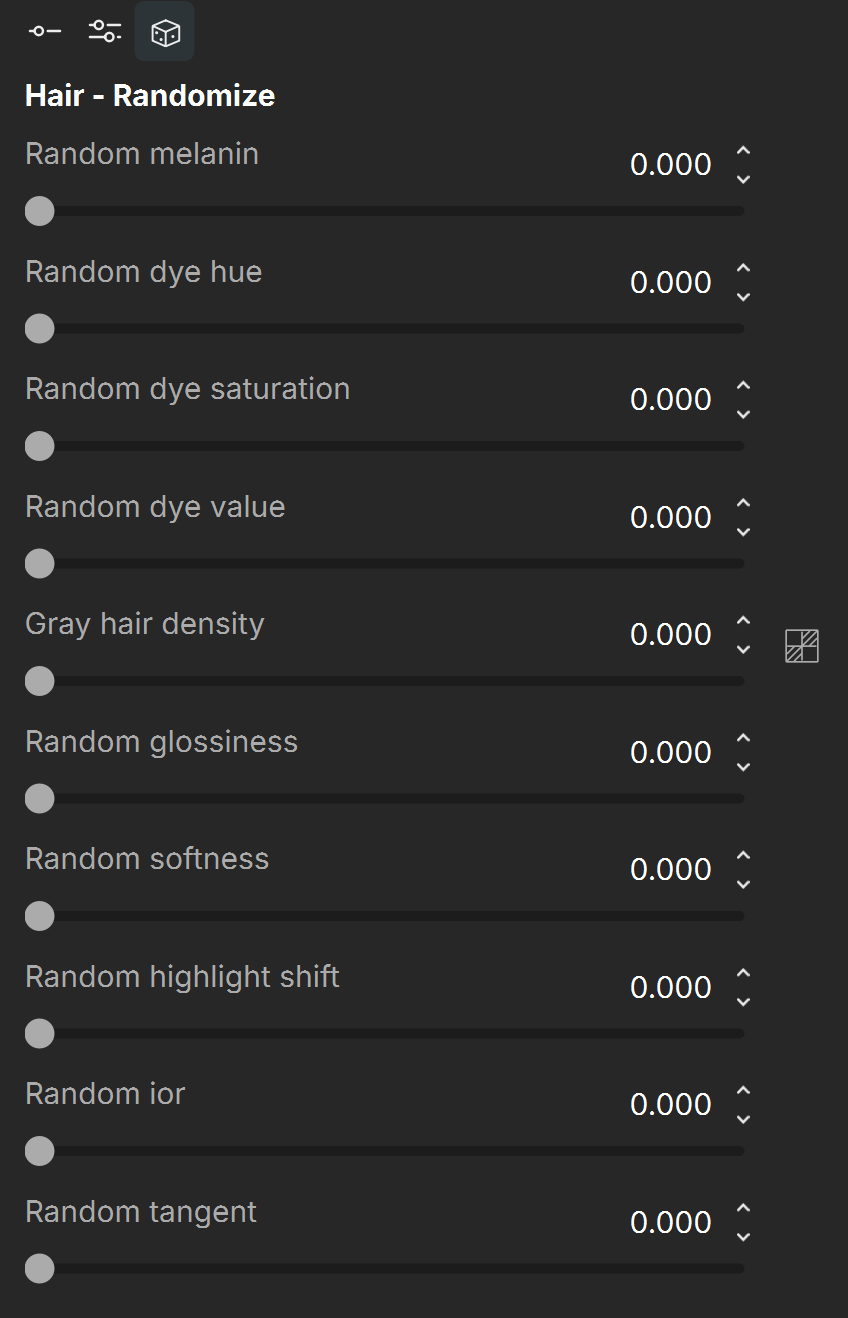
Random melanin – Adds variation to the amount of melanin in each hair strand. See the Random Melanin example below.
Random dye hue – Adds variation to the hue component of the Dye color. This makes each strand appear with a different dye color. This parameter has no effect, when dye color is not used, i.e. when the Dye color is pure white. See the Random Dye Hue example below.
Random dye saturation – Randomizes the saturation of the Dye color between hair strands. This makes each strand appear with a more or less saturated dye color. This parameter has no effect, when dye color is not used, i.e. when the Dye color is pure white.
Random dye value – Adds variation to the value component of the Dye color. This makes each strand appear with a brighter or darker dye color. This parameter has no effect, when dye color is not used, i.e. when the Dye color is pure white. See the Random Dye Value example below.
Gray hair density – Adds variation to the number of gray hair strands. You can also assign a texture map to this parameter to specify areas where the density is higher. See the Gray Hair Density example below.
Random glossiness – Randomizes the Glossiness of each hair strand.
Random softness – Assigns a random value for the Softness parameter for each strand. This makes some hair strands appear crisper, while other appear softer.
Random highlight shift – Adds variation to the Highlight shift for each strand. This offsets the highlights closer or further away from the root of the hair on a per strand basis.
Random ior – Randomizes the IOR value for each hair strand. This makes some strands more reflective, and others - less reflective.
Random tangent – Adds a random offset to the hair tangent. This makes the hair stands receive light from slightly different directions, which also means that the highlights are placed in slightly different places for each strand. Note that this parameter depends on the scene scale.
Examples
The following examples demonstrate the effect that individual Hair4 material parameters have on the scene. Click on any image to view it at a higher resolution.
Example Melanin
This example shows the effect of Melanin. It determines the base color of the hair strands: at 0, the hair appears white, indicating no melanin. Higher values make the hair progressively darker.
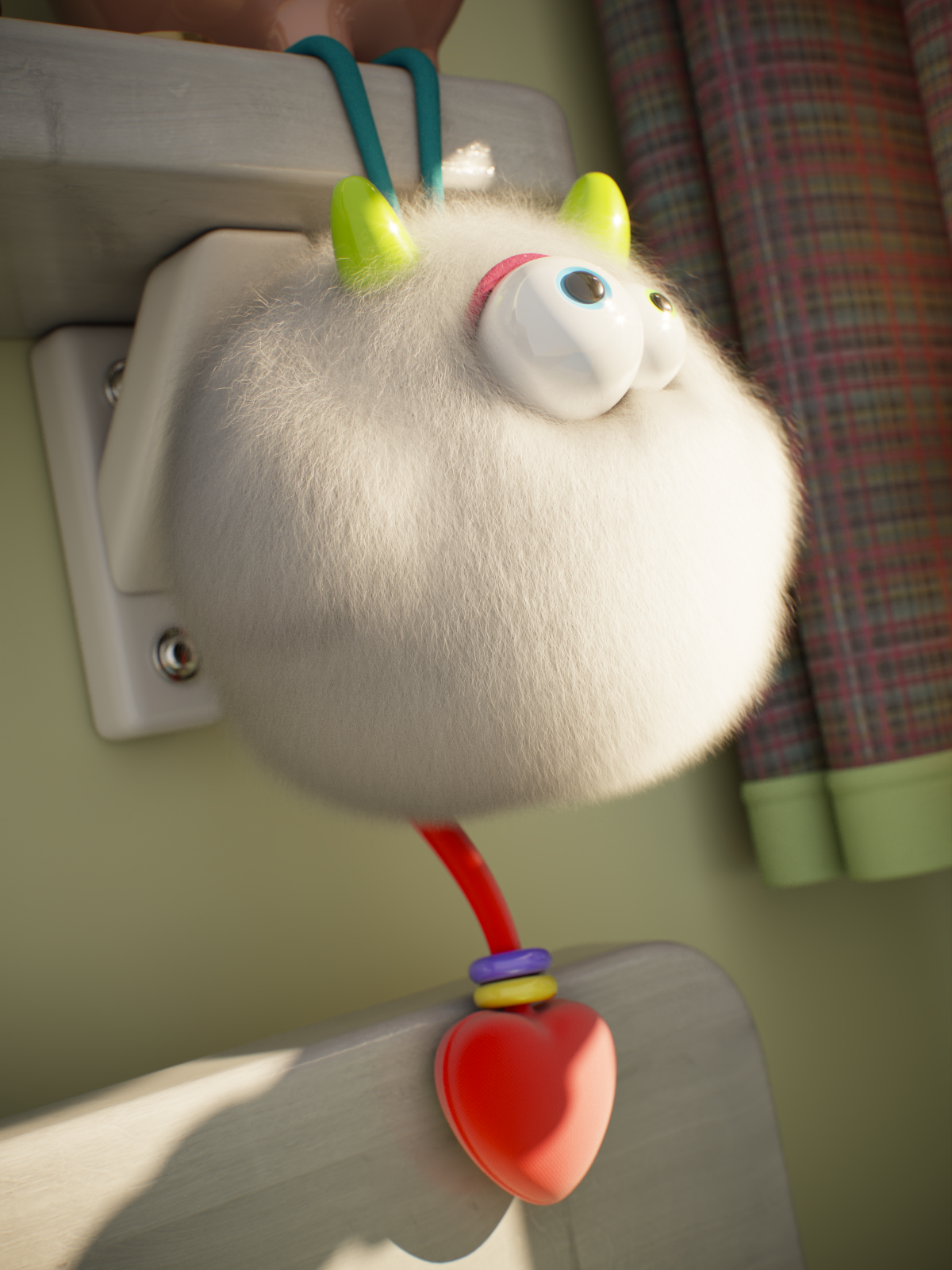
Melanin = 0

Melanin = 0.5
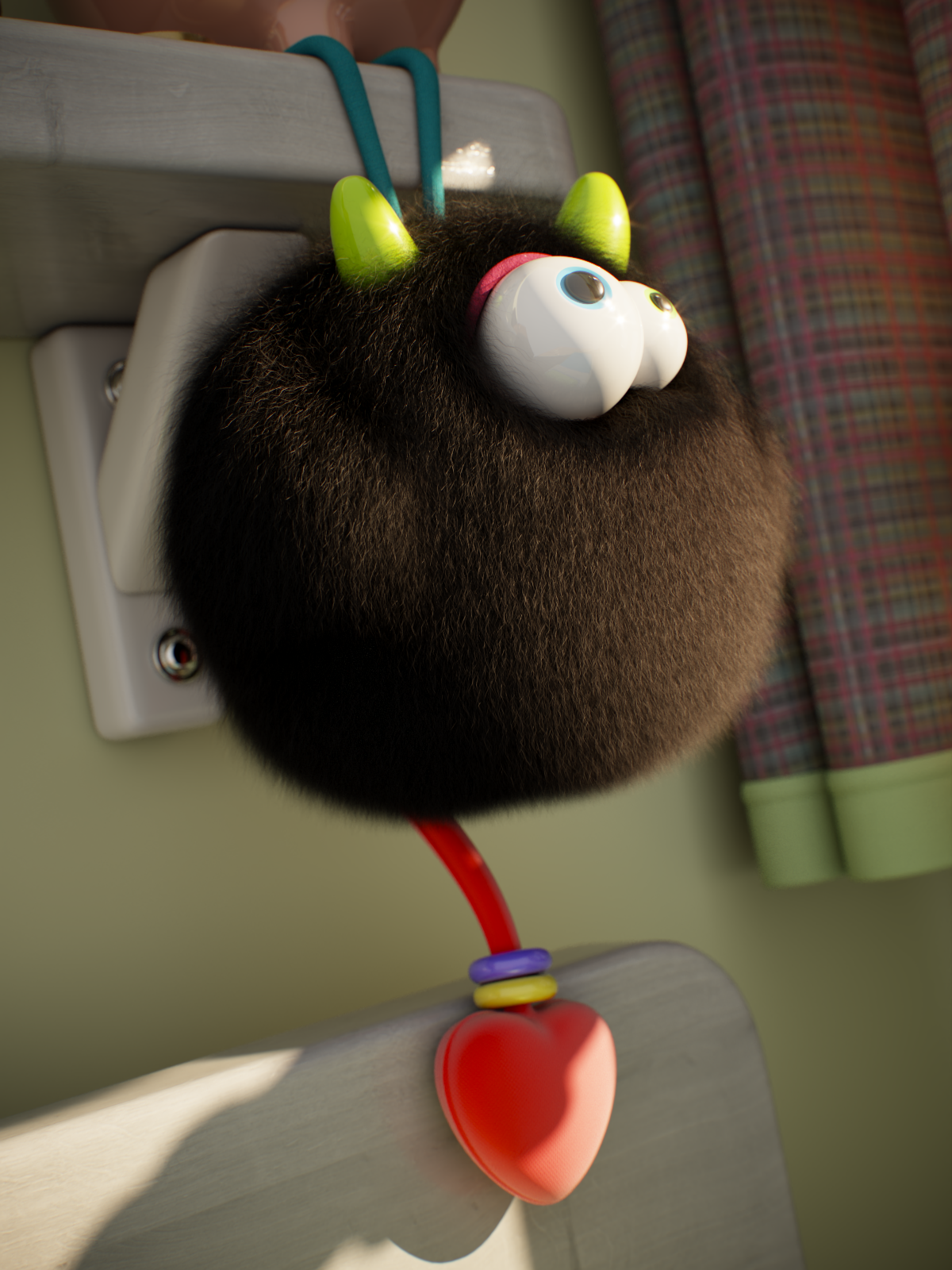
Melanin = 1
Example Pheomelanin
This example shows the effect of Pheomelanin, i.e. the redness of the hair strand as fraction of all melanin. The Melanin is set to 0.7.
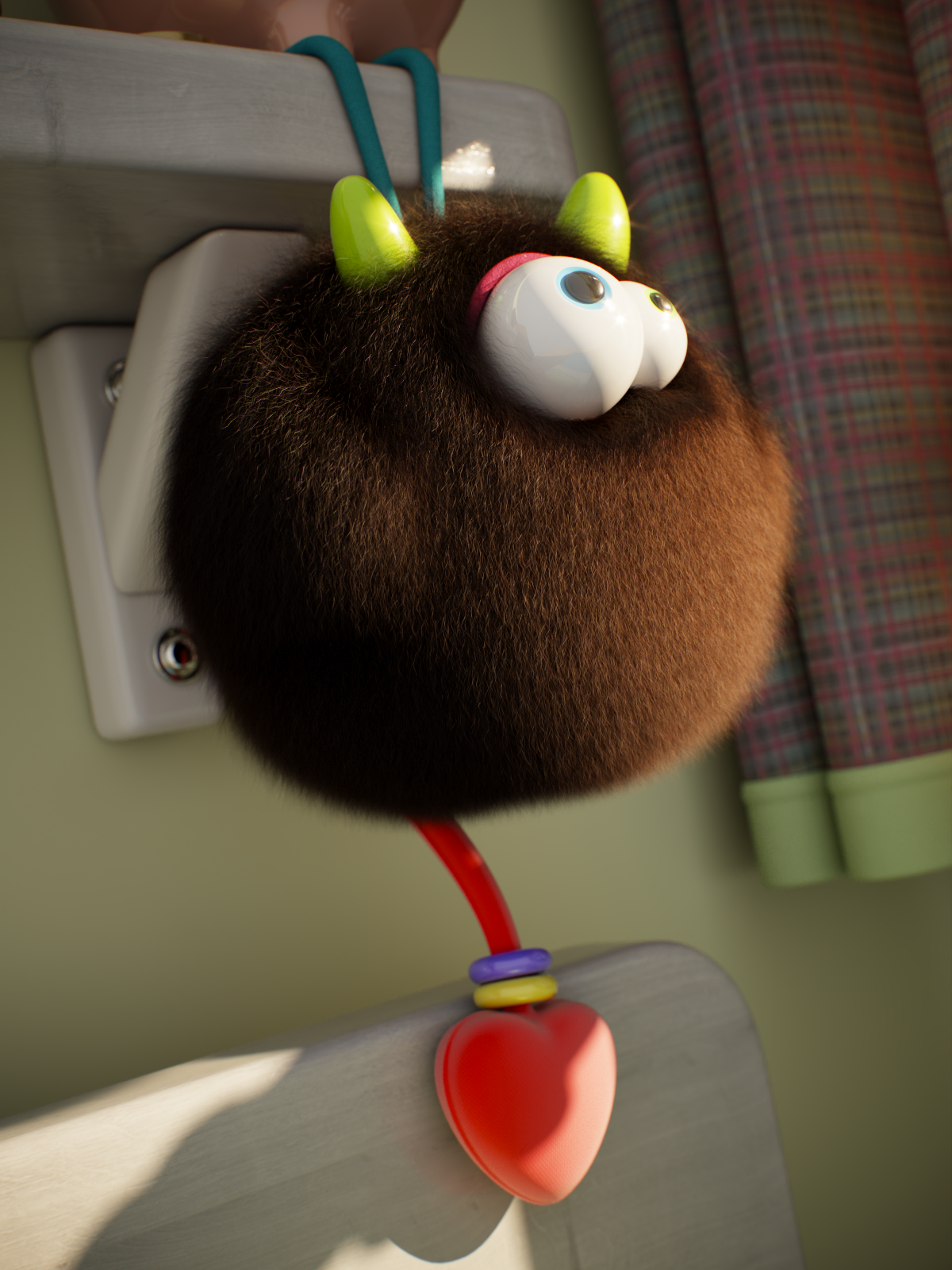
Pheomelanin = 0
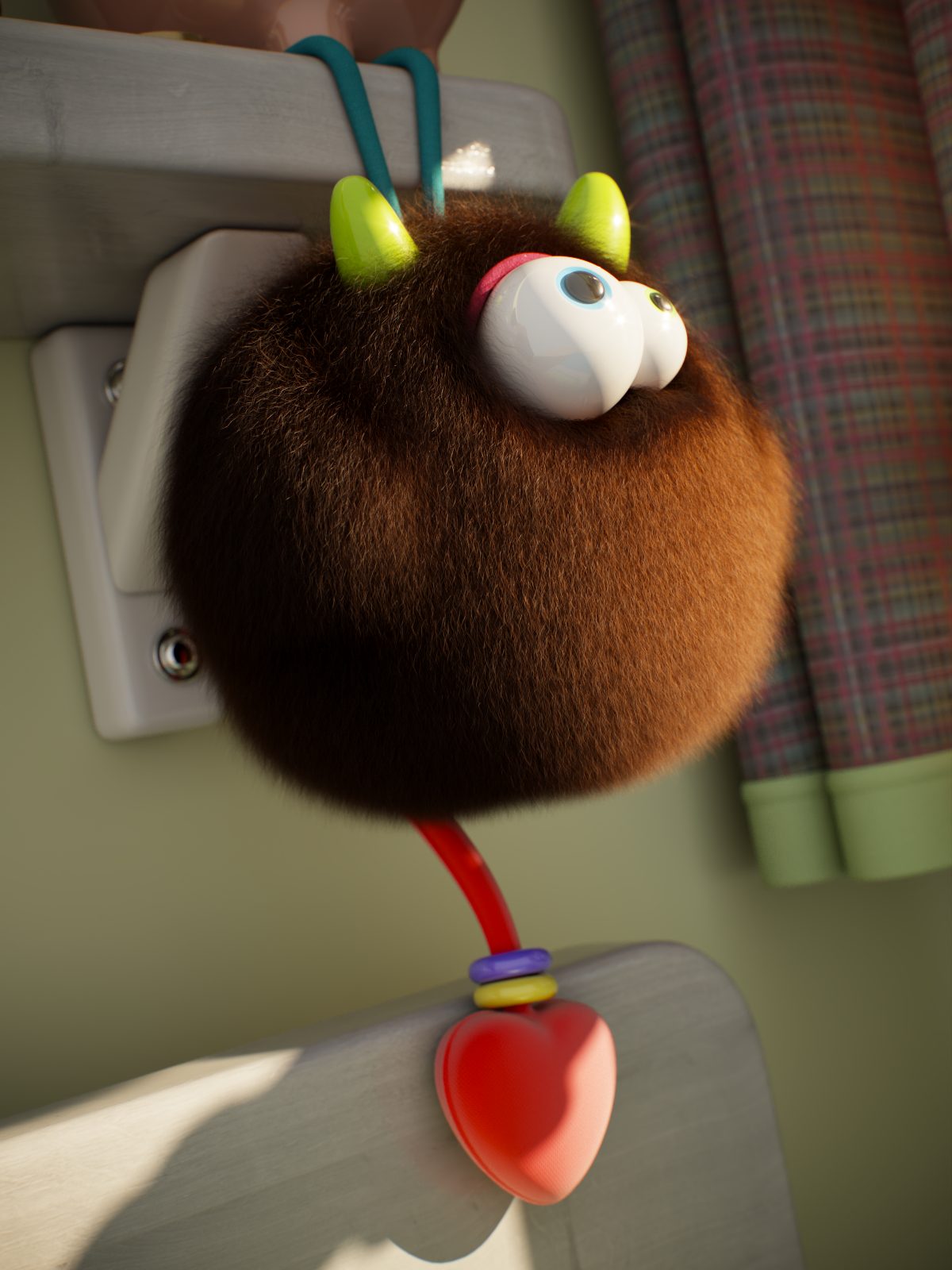
Pheomelanin = 0.5
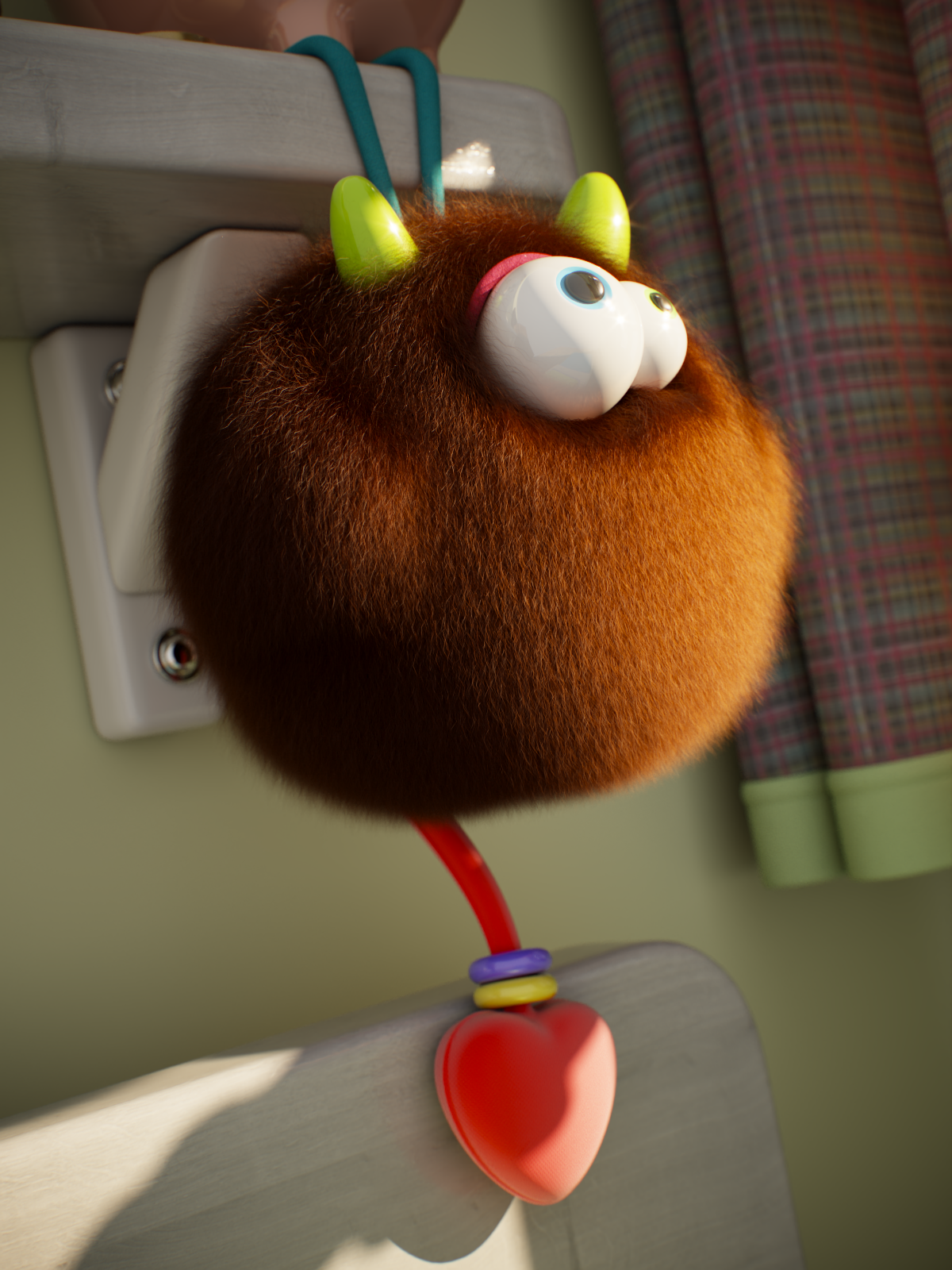
Pheomelanin = 1
Example Dye Color
This example shows the effect of Dye Color, which applies a color tint to the hair. The Melanin is set to 0.

Red
RGB (0.95, 0.3, 0.3)

Green
RGB (0.15, 0.95, 0.3)
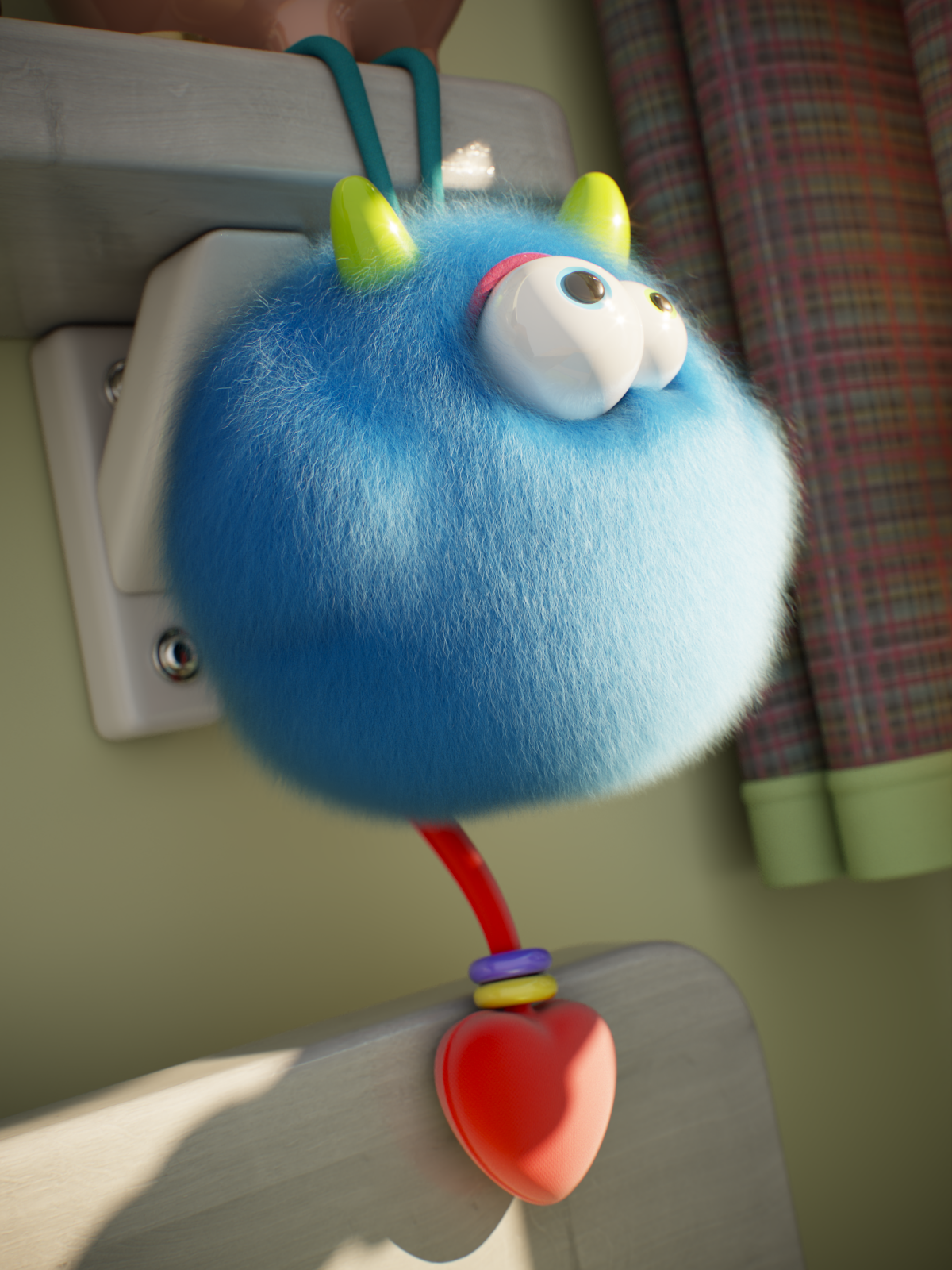
Blue
RGB (0.3, 0.15, 0.95)
Example Diffuse
This example shows the effect of the Diffuse color and Diffuse amount parameters. The Melanin is set to 0. The Diffuse color is set to RGB (0.35, 0.25, 0.5).

Diffuse amount = 0

Diffuse amount = 0.5
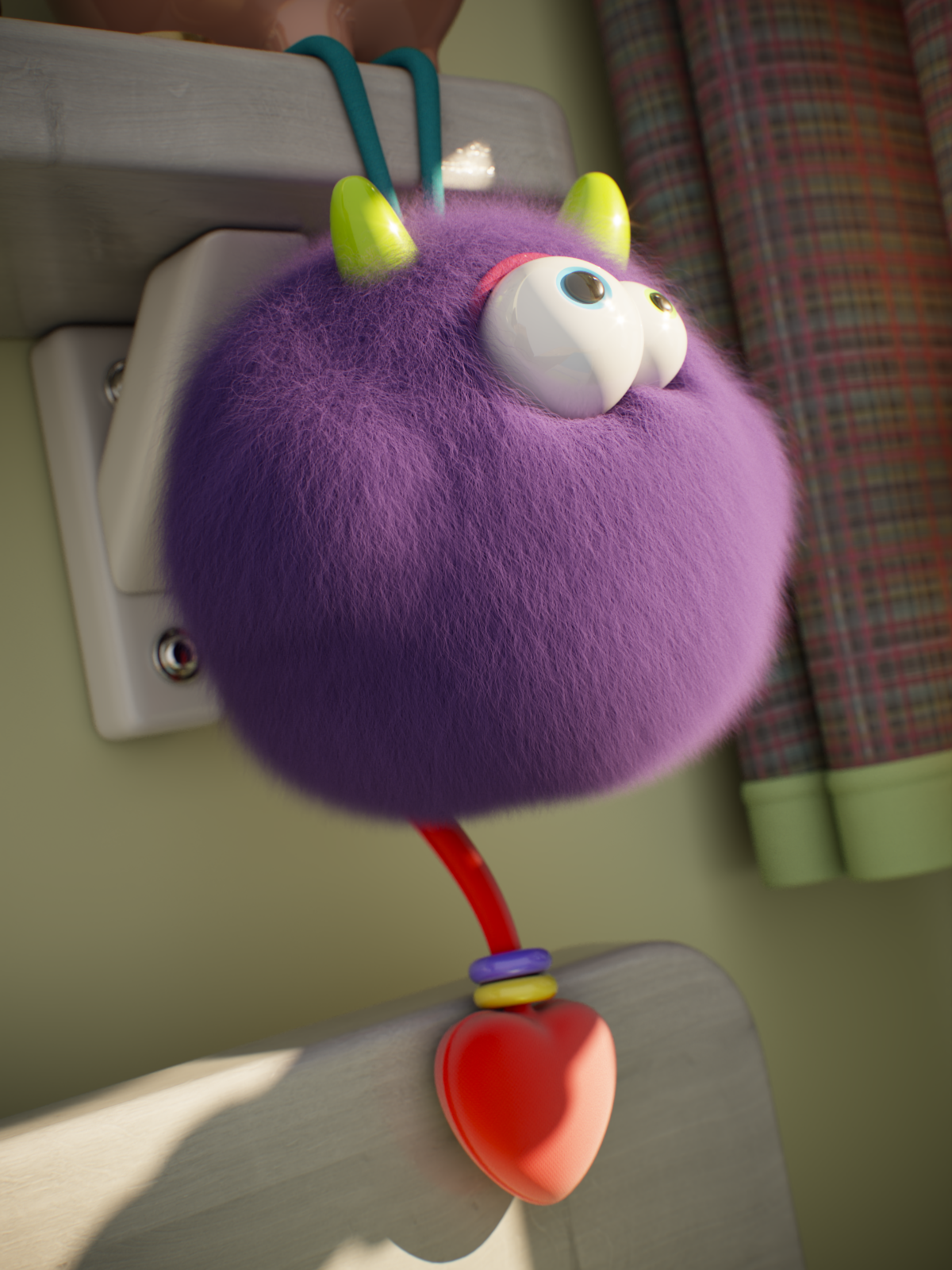
Diffuse amount = 1
Example Glossiness
This example shows the effect of Glossiness along the hair strands. The higher the value, the shinier the hair.
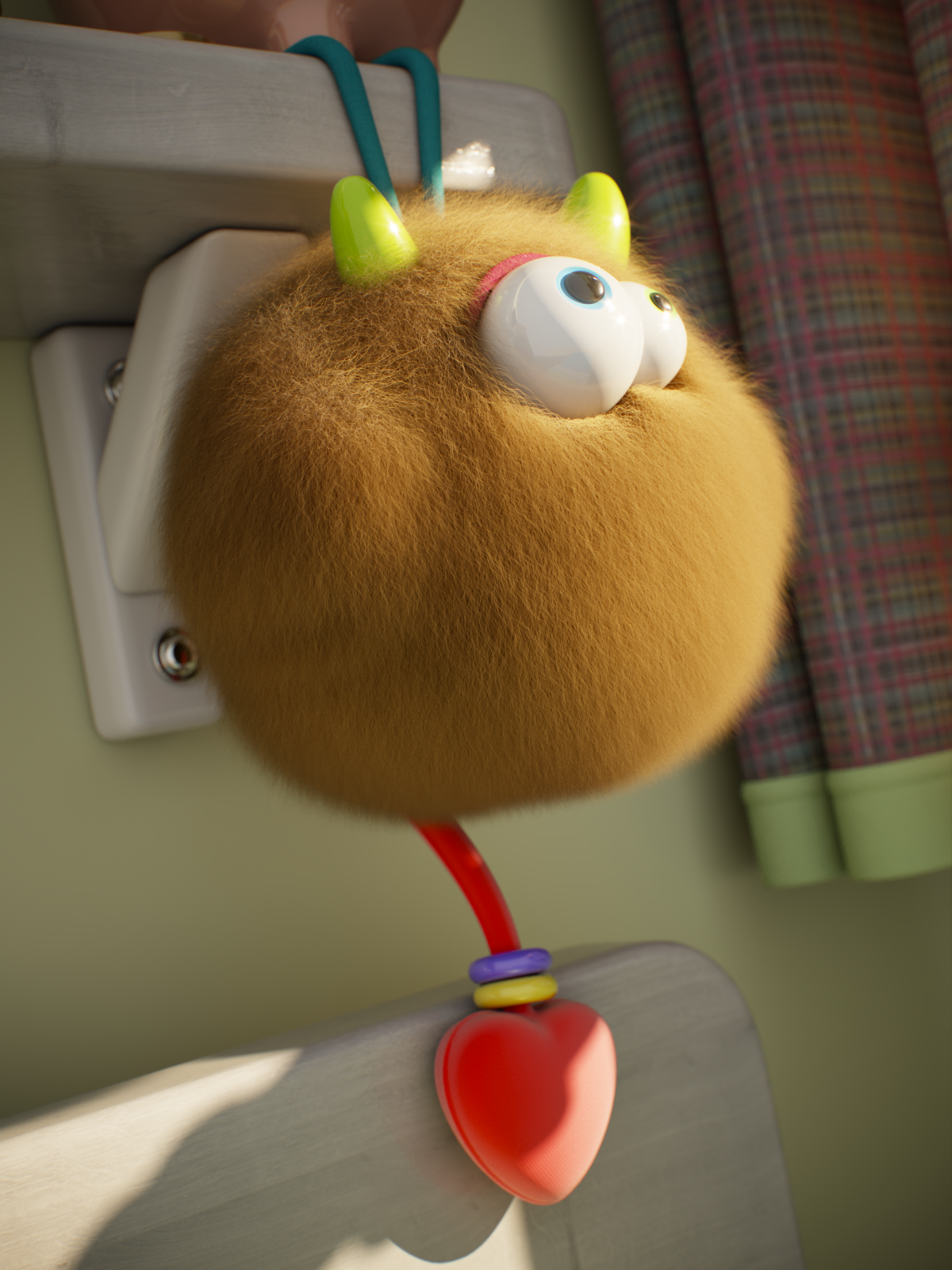
Glossiness = 0
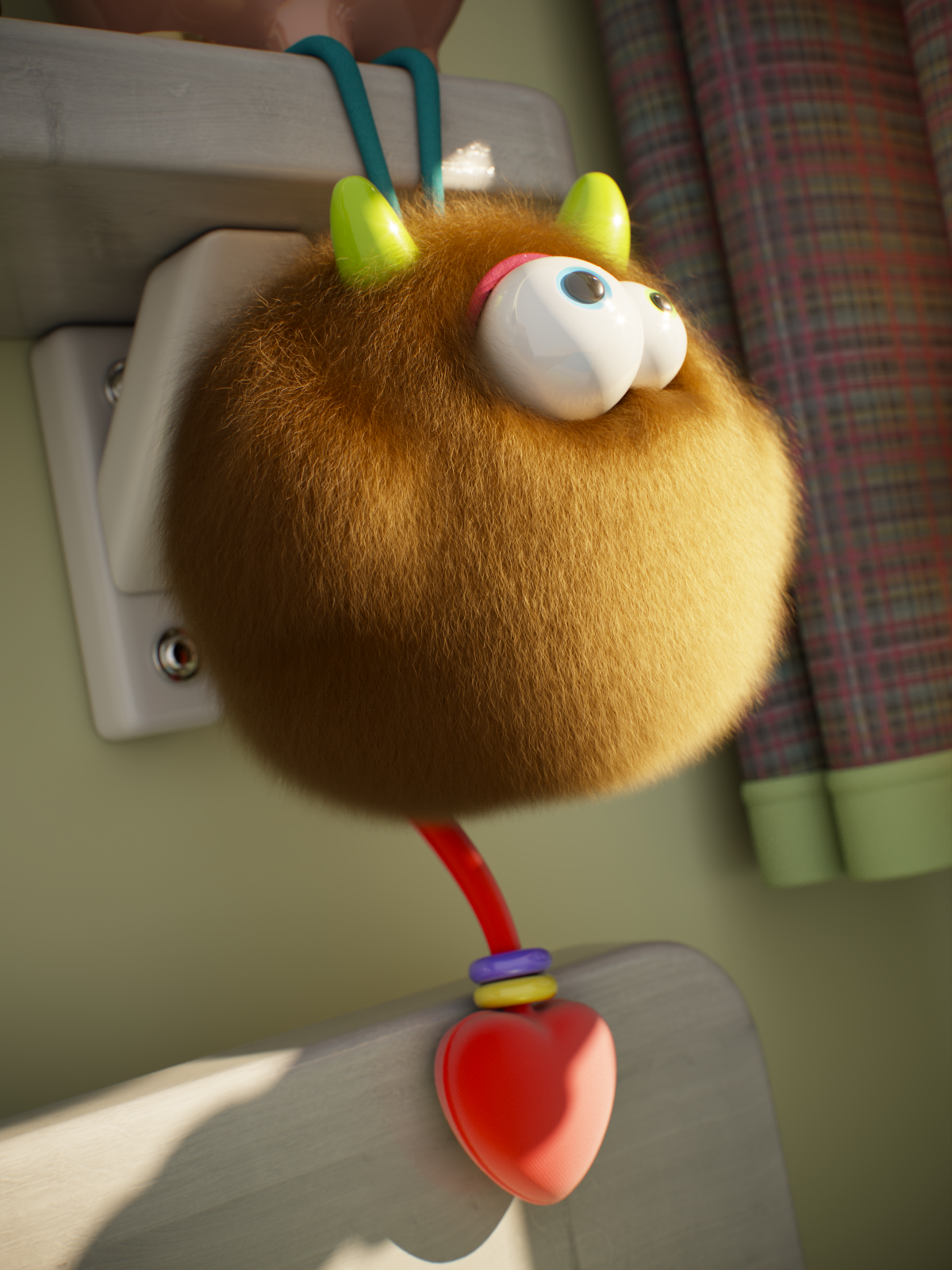
Glossiness = 0.5
Glossiness = 1
Example Primary Glossiness
This example shows the effect of Primary glossiness. The Glossiness is set to 0.2, and the Melanin is 0.3.

Primary glossiness = 0
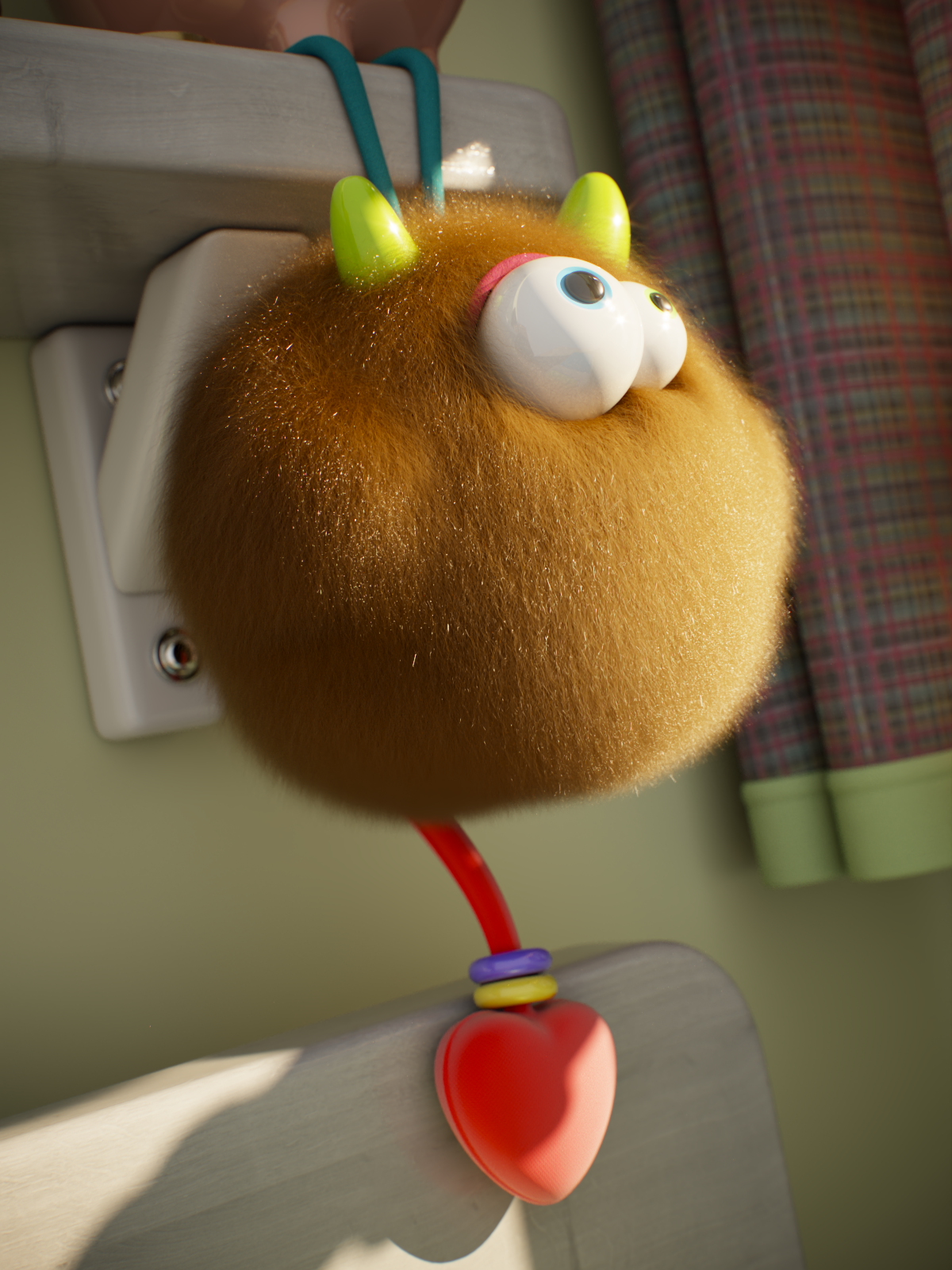
Primary glossiness = 1
Example Softness
This example shows the effect of Softness. Higher values make the hair strands look smoother, while lower values make them look crispier.
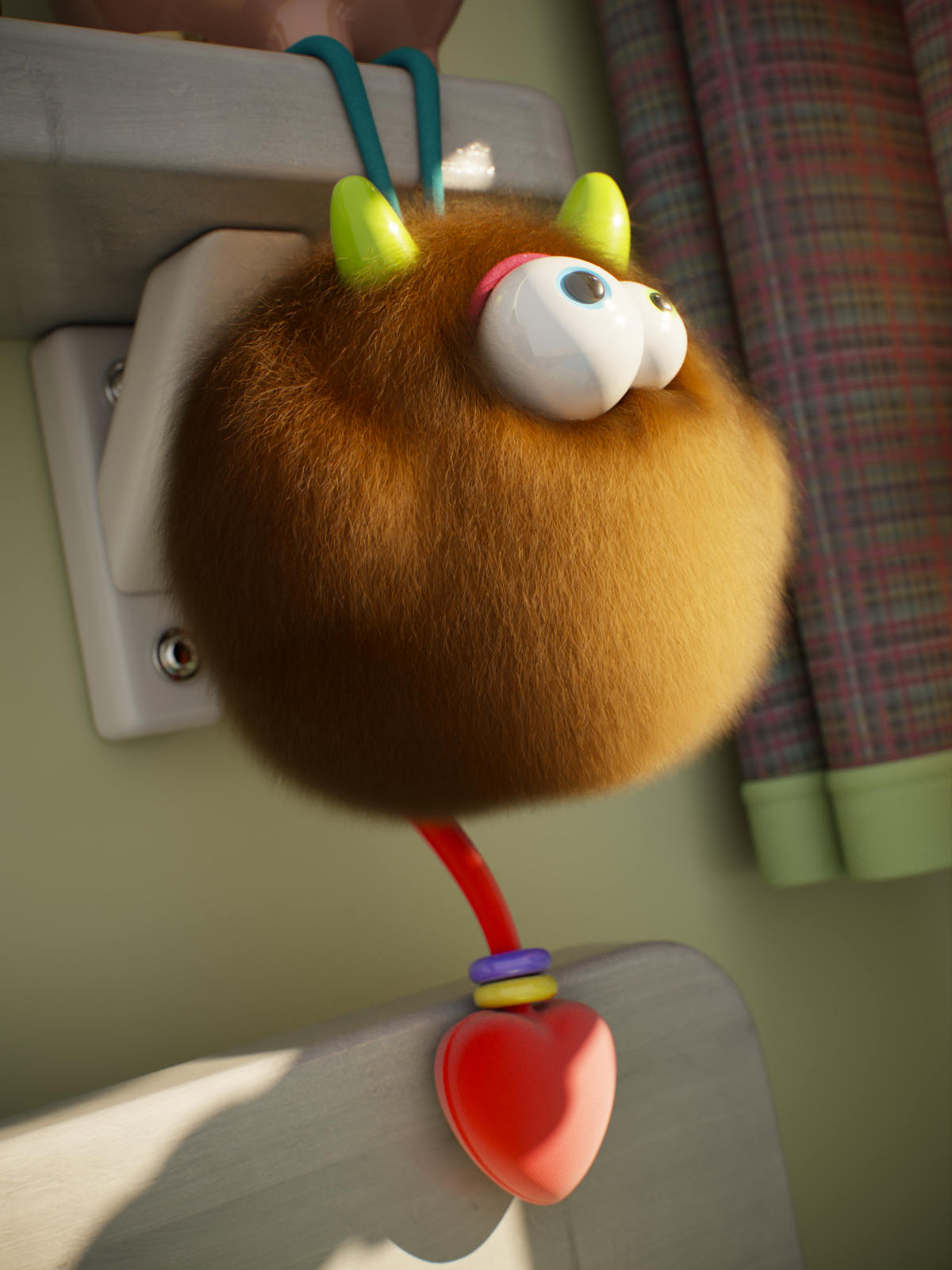
Softness = 0
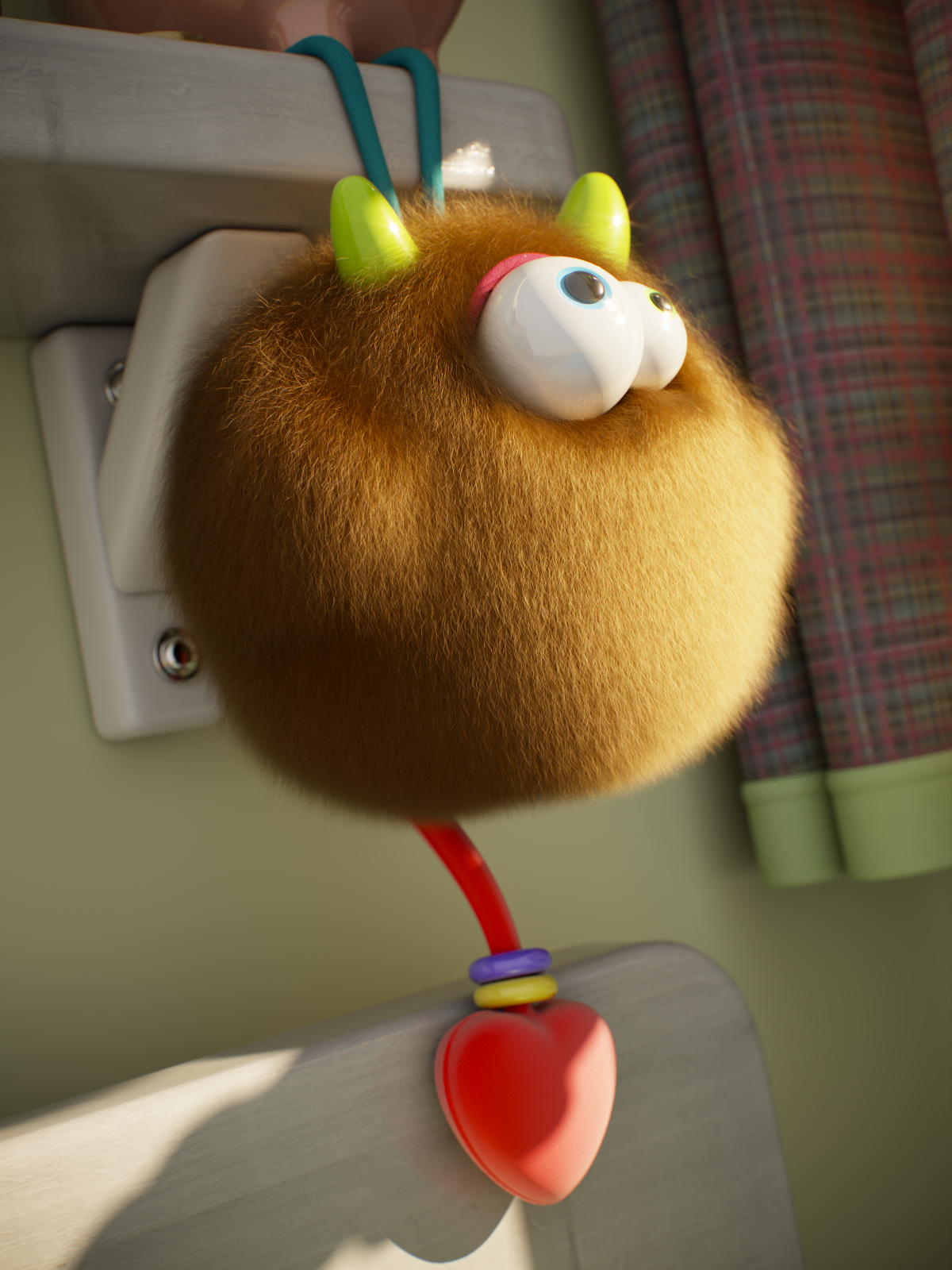
Softness = 0.5
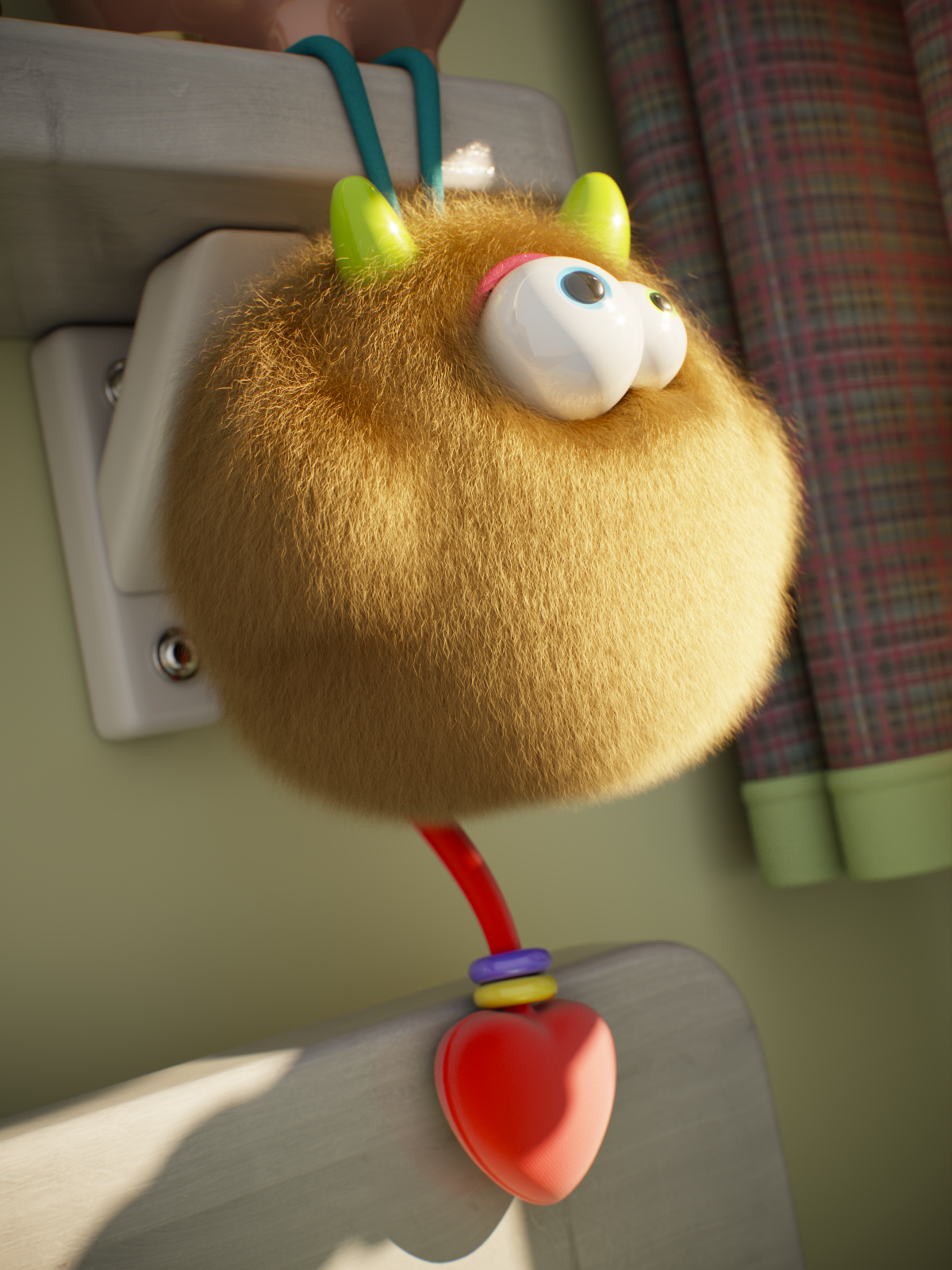
Softness = 1
Example Highlight Shift
This example shows the effect of Highlight shift, i.e., how the highlights are shifted along the hair strands. The Glossiness is set to 0.75, and the Melanin is 0.3.
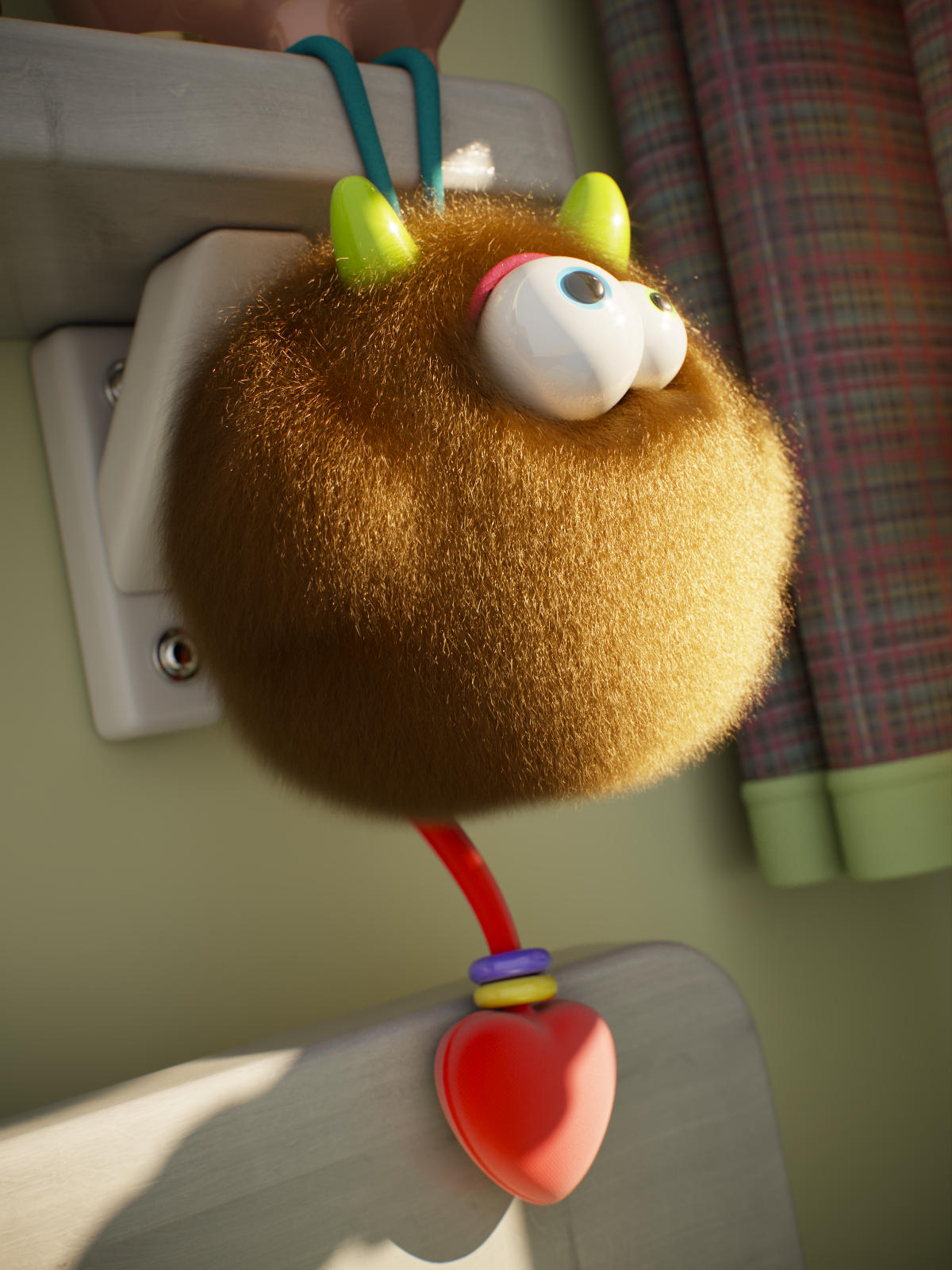
Highlight shift = -4
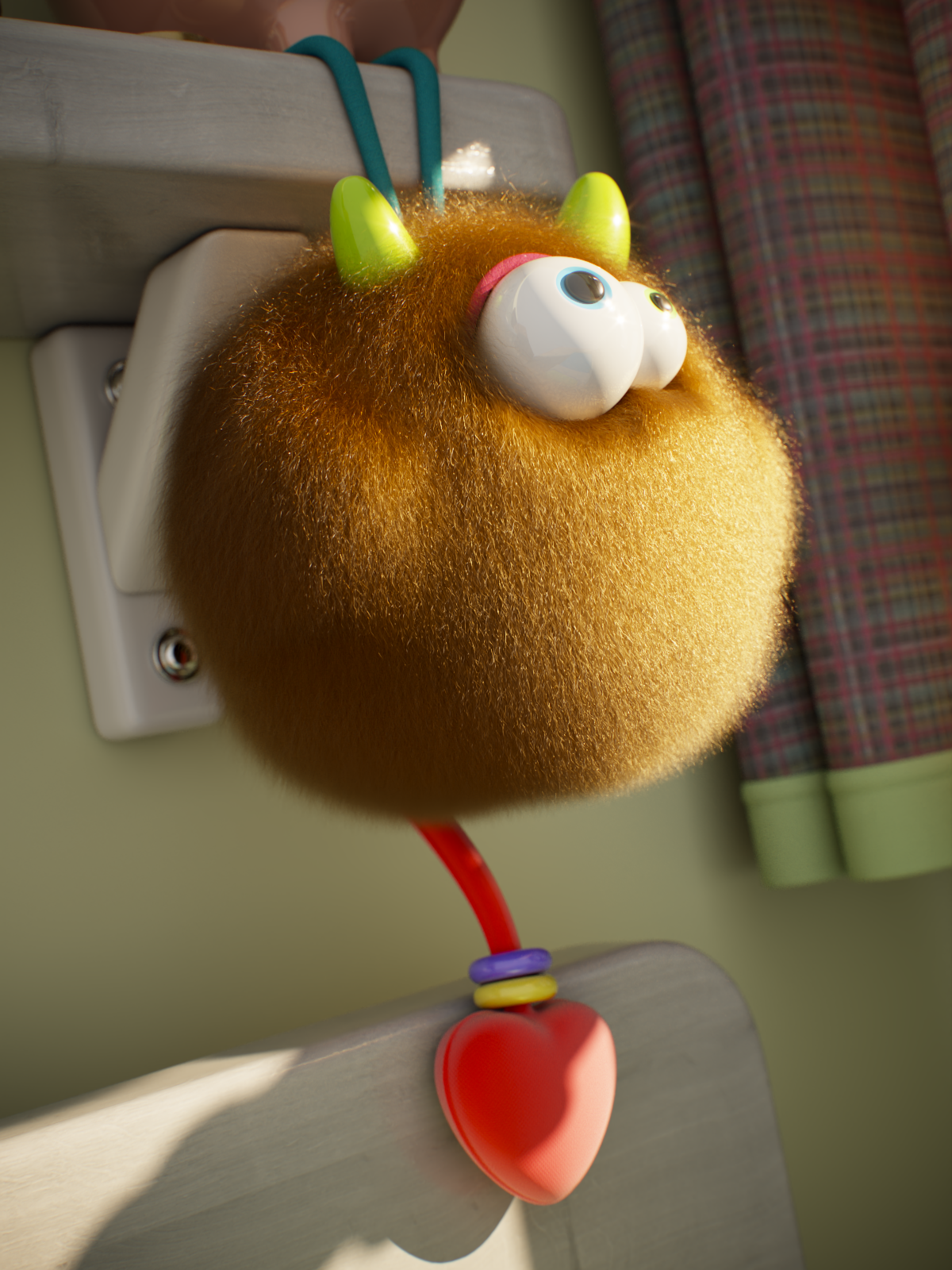
Highlight shift = 0
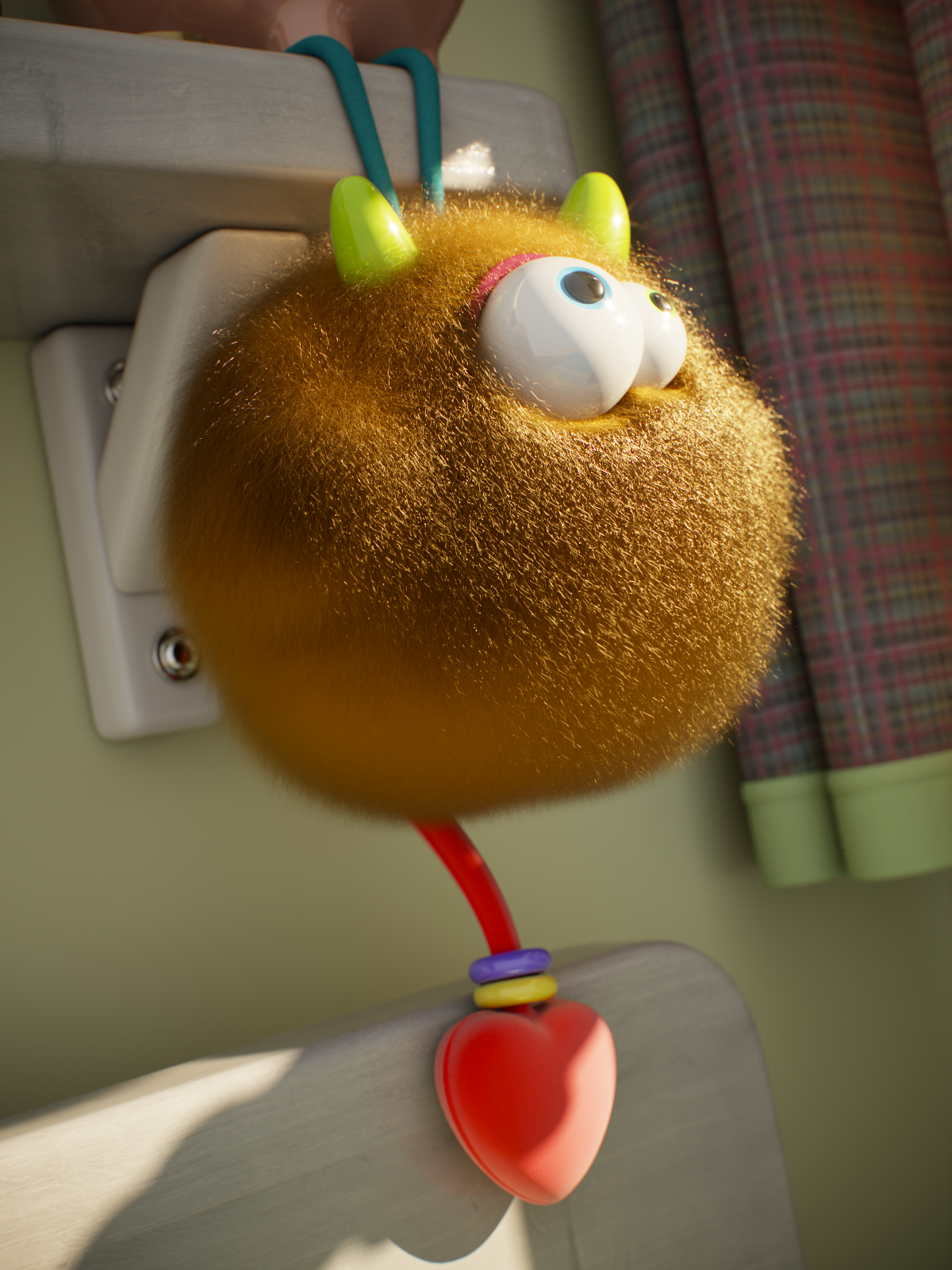
Highlight shift = 4
Example IOR
This example shows the effect of IOR. Increasing the value makes the hair strands more reflective. The Melanin is set to 0.75, the Pheomelanin is 0, and the Glossiness is 0.5.

IOR = 1.55 (default)

IOR = 2
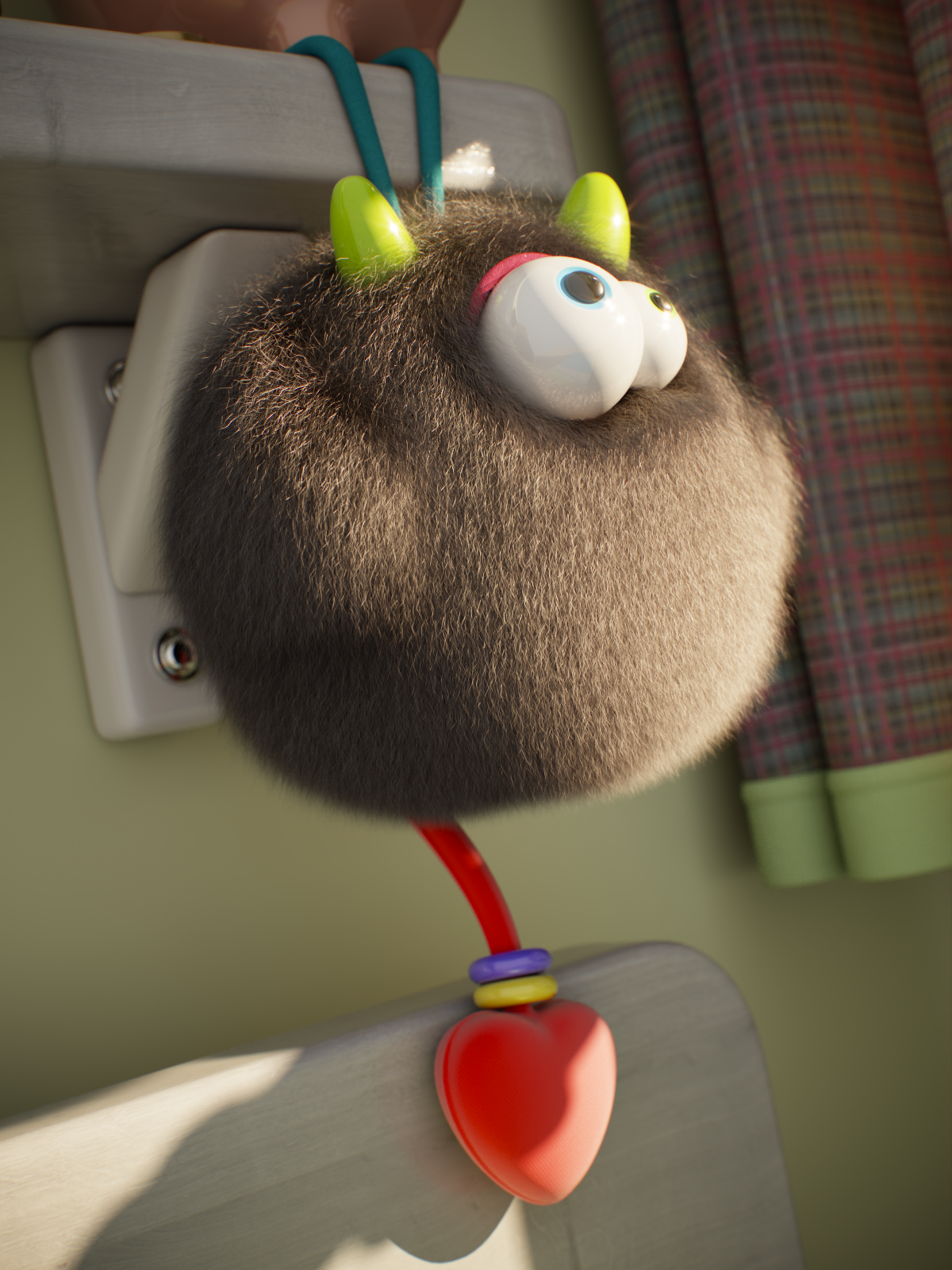
IOR = 3
Here, the Melanin is lowered to 0.3, and the Glossiness is increased to 0.75.

IOR = 1.55 (default)

IOR = 3
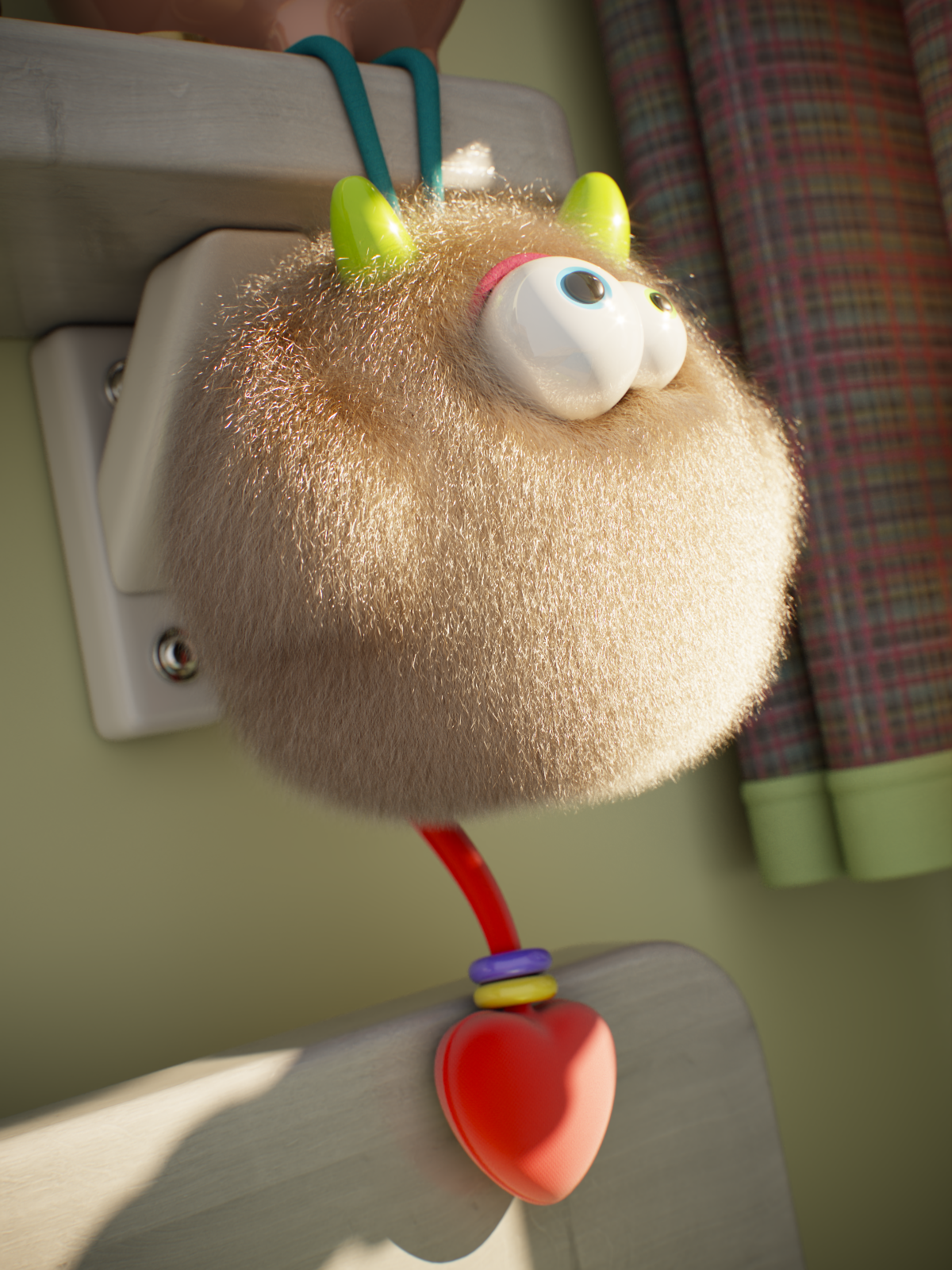
IOR = 6
Example Tint
This example shows the effect of all tint options. Melanin is set to 0, Dye and Diffuse colors are white.
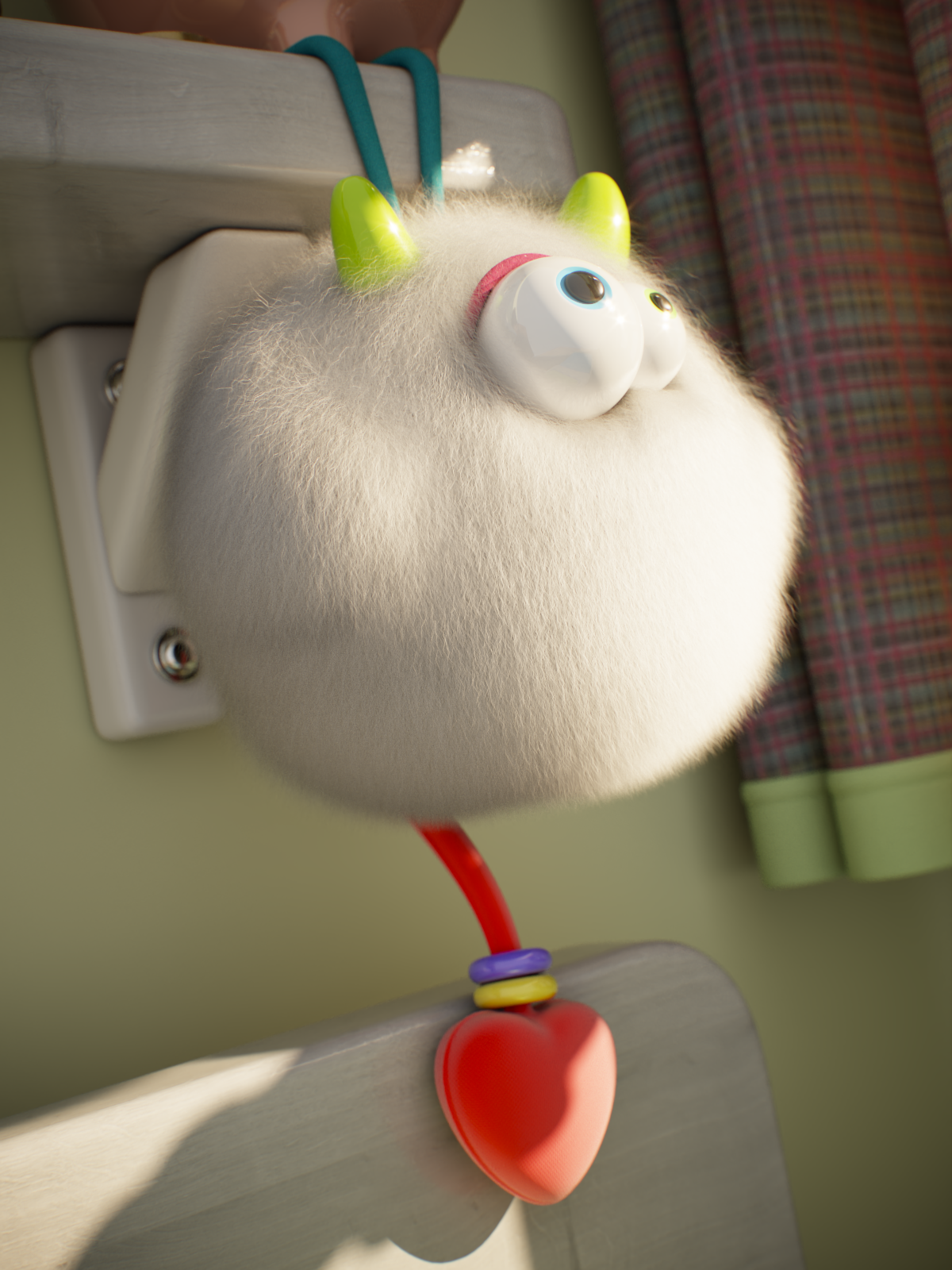
No tint is added
Setup
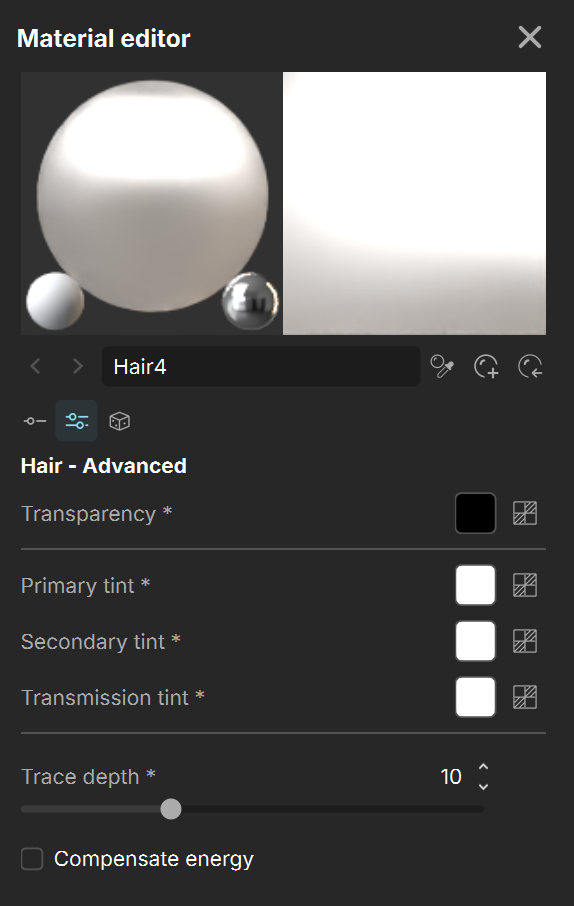
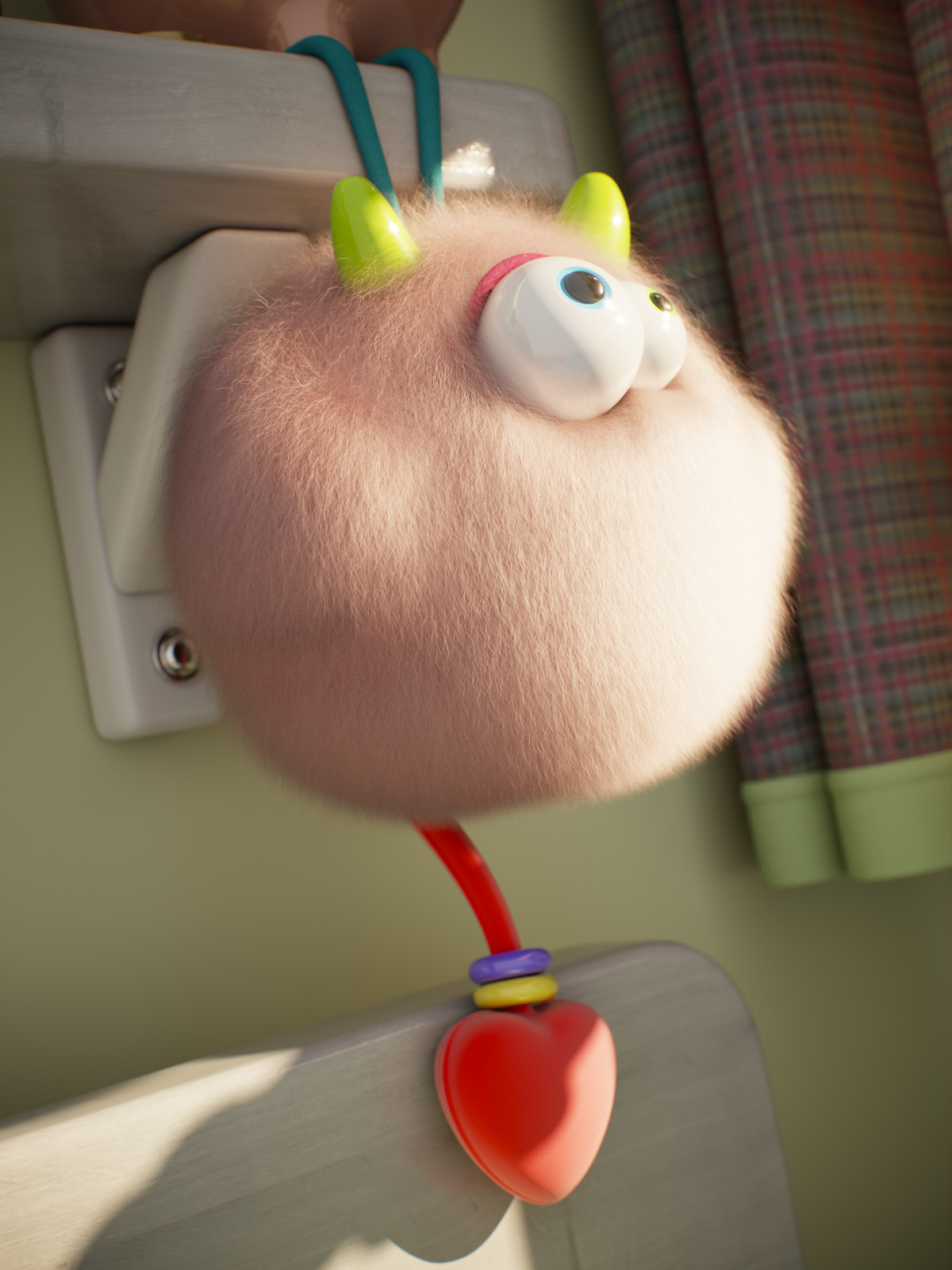
Primary tint is red
Setup

Secondary tint is green
Setup

Transmission tint is blue
Setup

Transmission tint is blue
Secondary tint is green
Setup
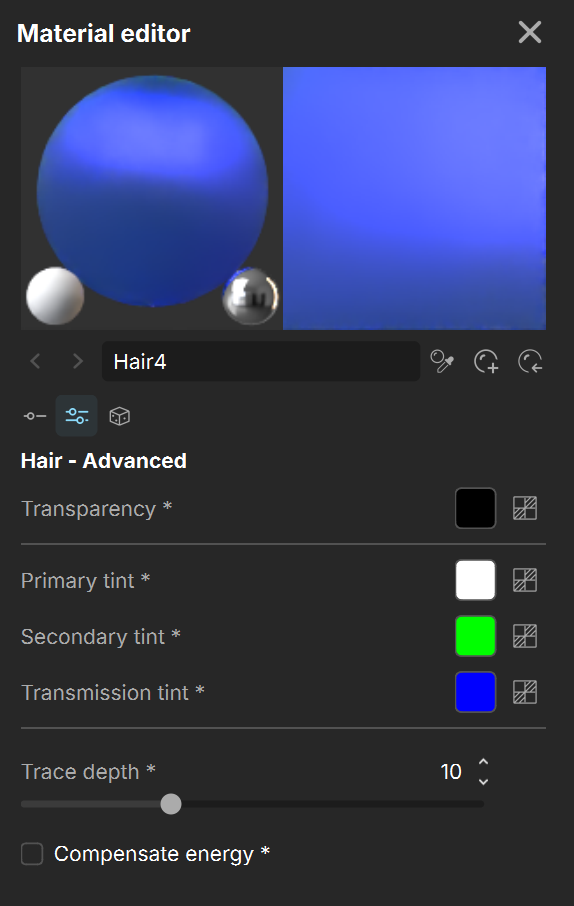
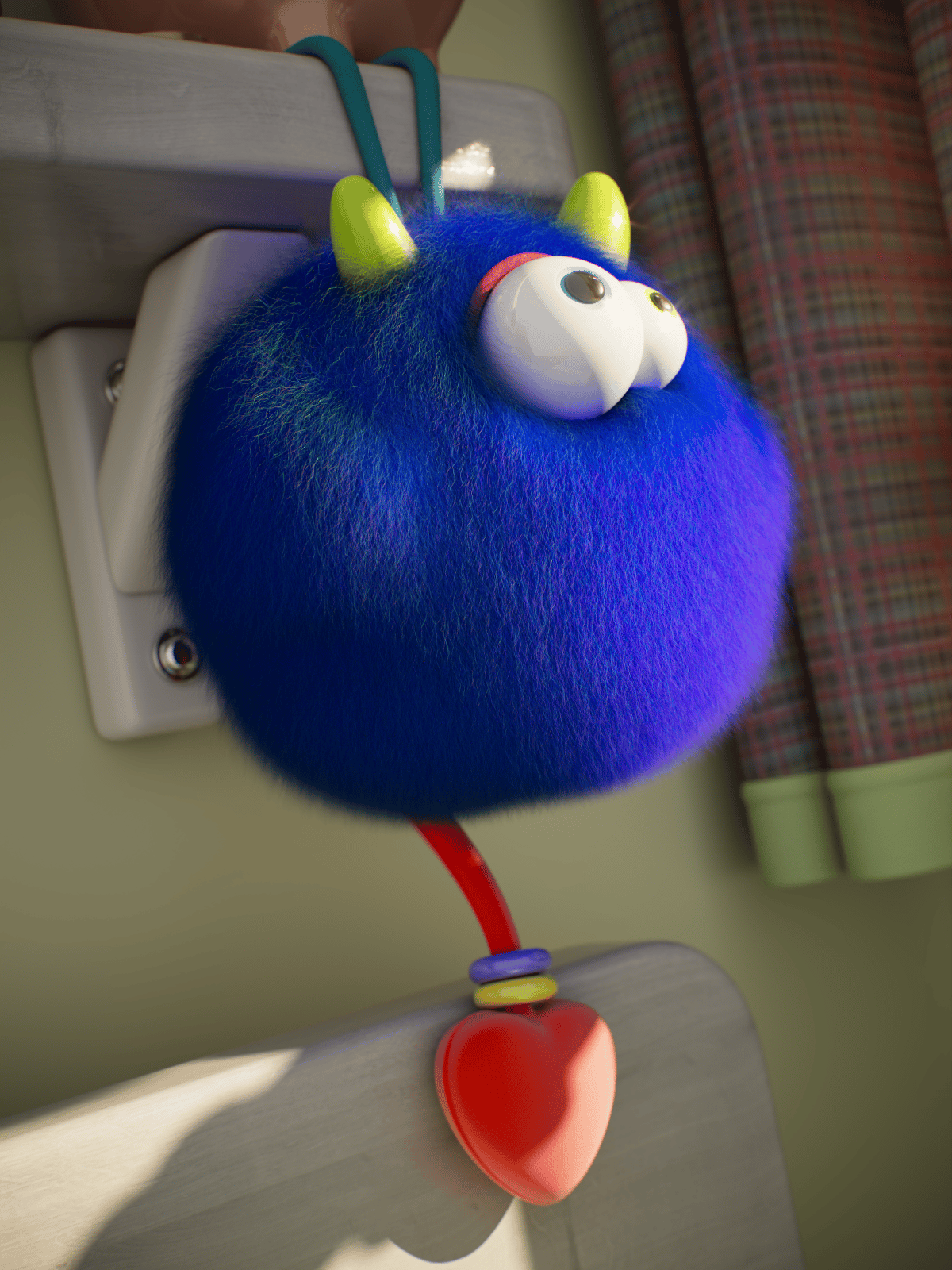
Transmission tint is blue
Secondary tint is green
Primary tint is red
Setup

Here, Melanin is set to 0.3.
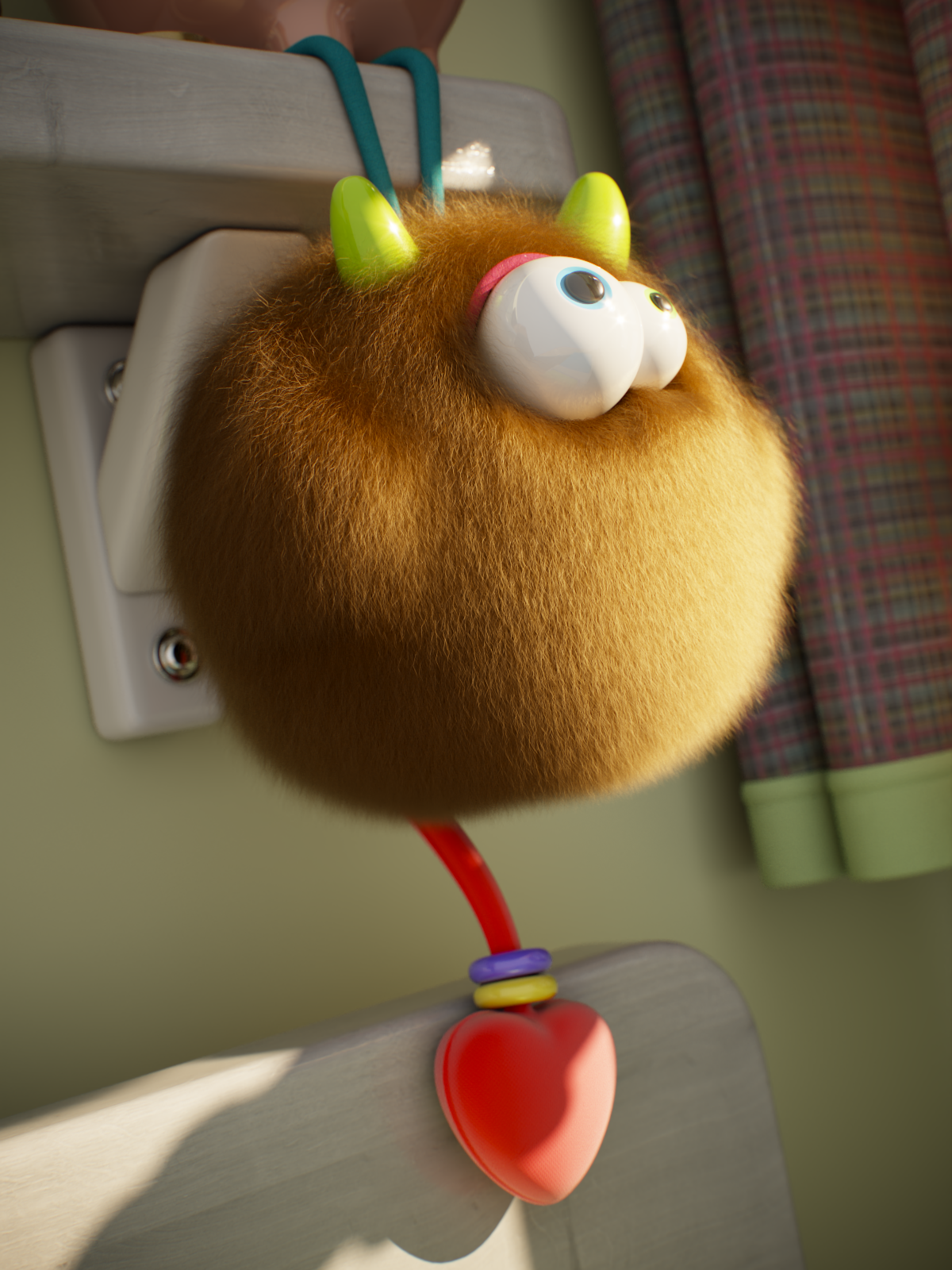
No tint is added
Setup

Primary tint is red
Setup

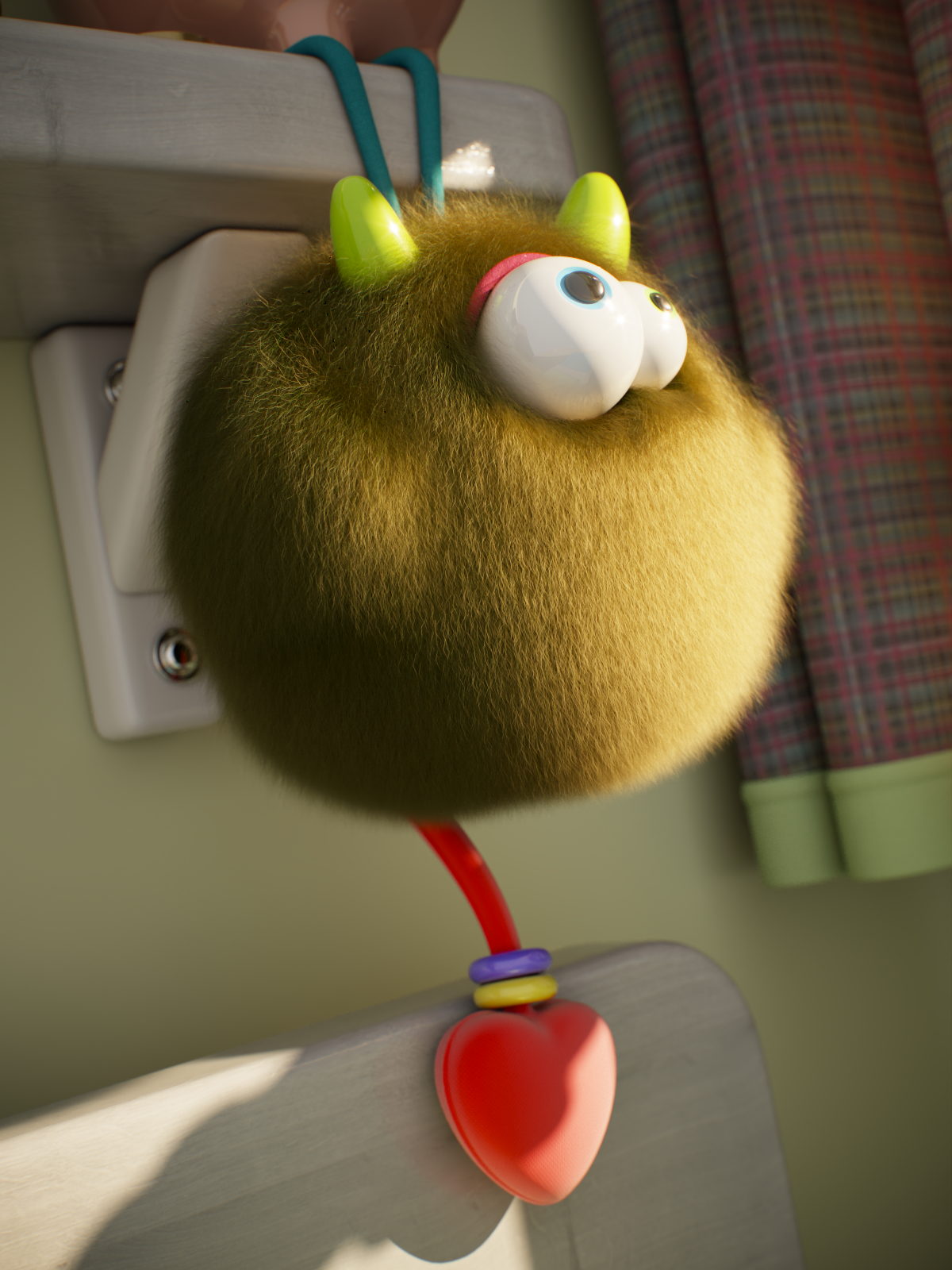
Primary tint is red
Setup
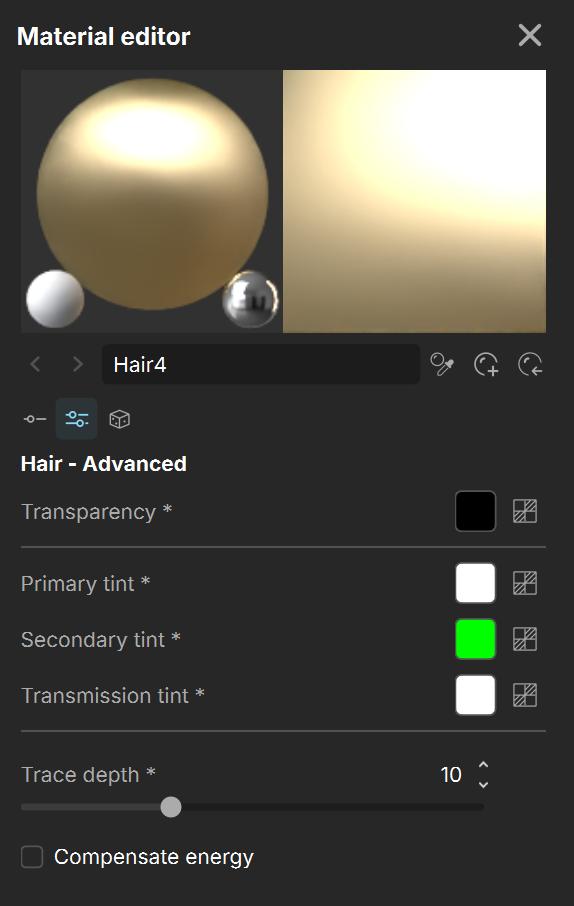
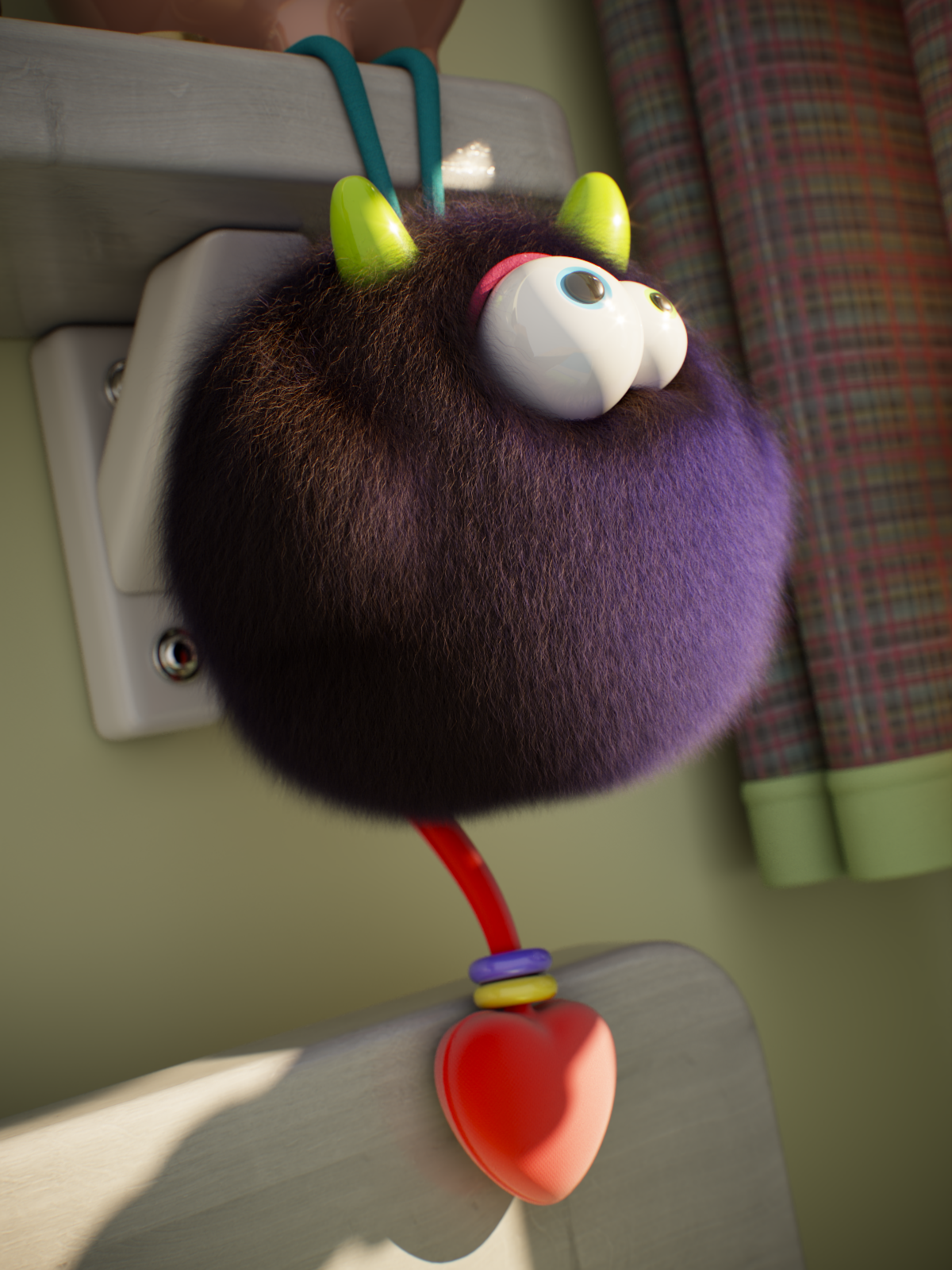
Transmission tint is blue
Setup
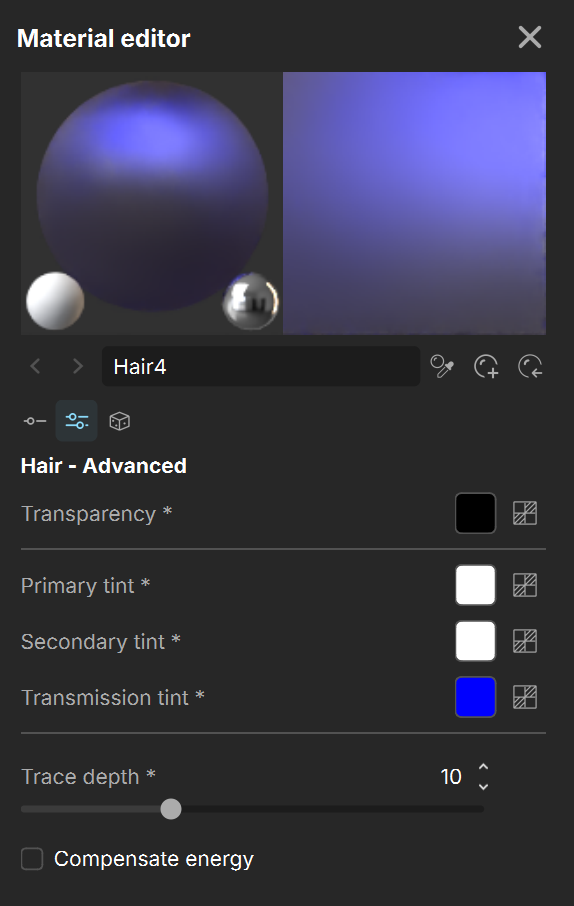

Transmission tint is blue
Secondary tint is green
Setup
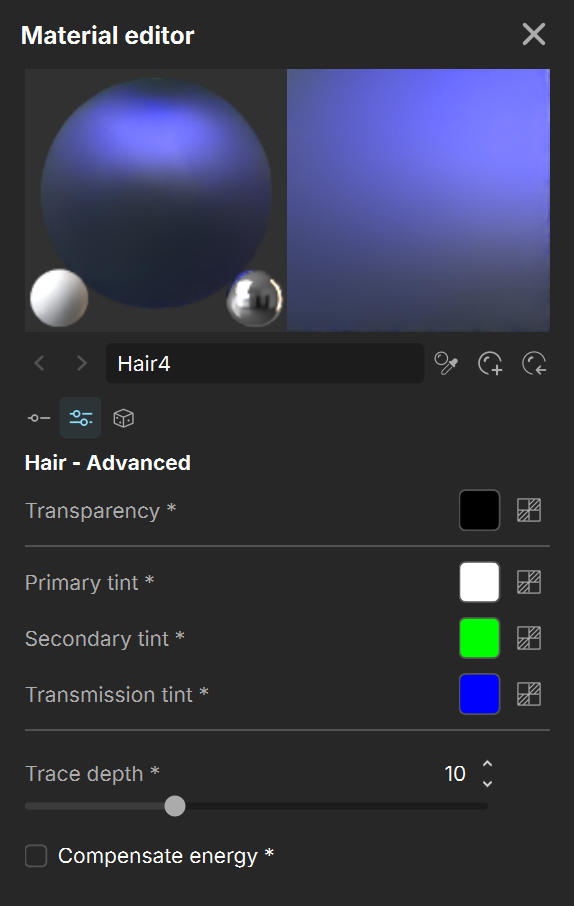

Transmission tint is blue
Secondary tint is green
Primary tint is red
Setup
Example Random Melanin
This example shows the effect of Random melanin.
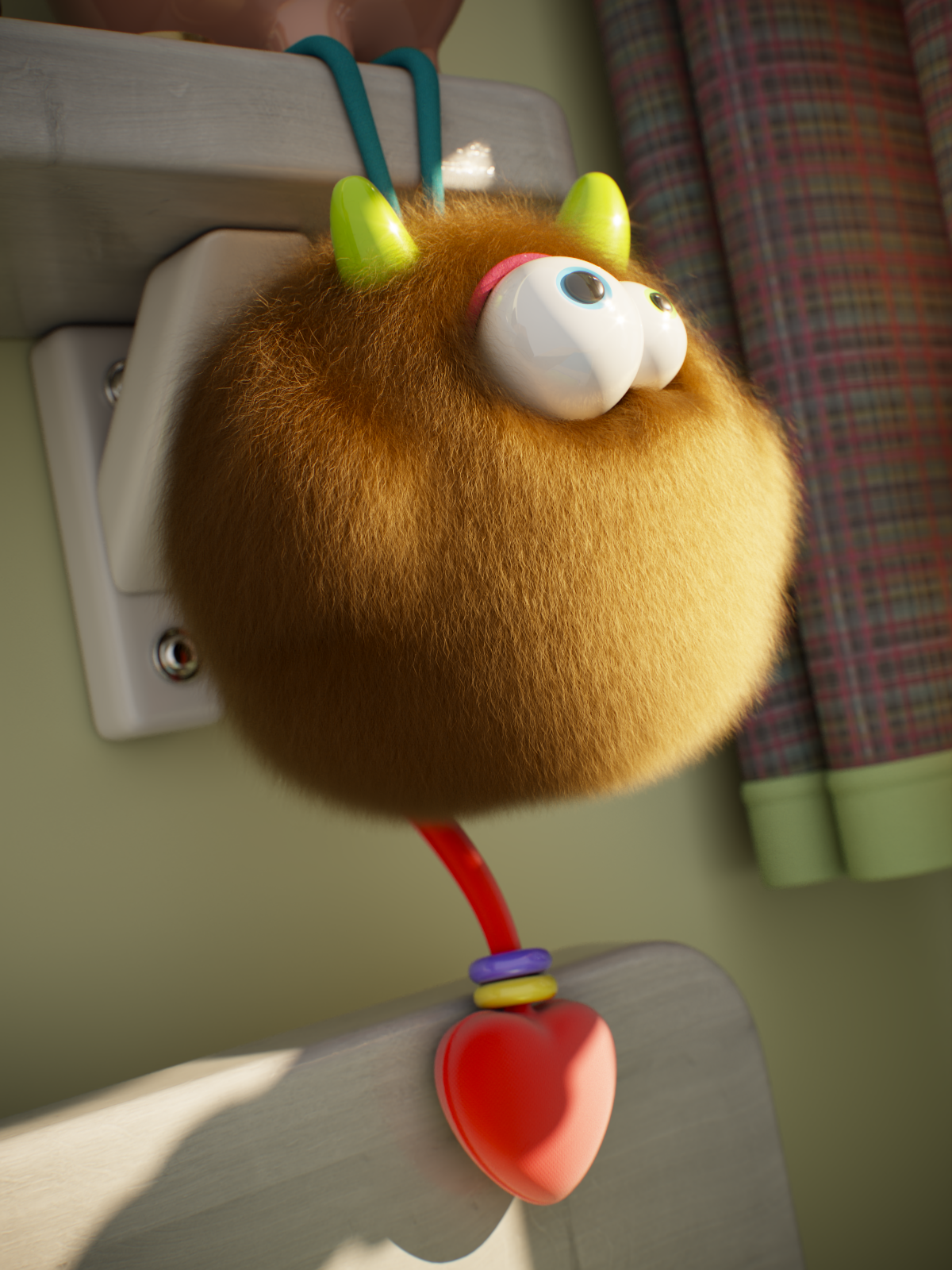
Random melanin = 0
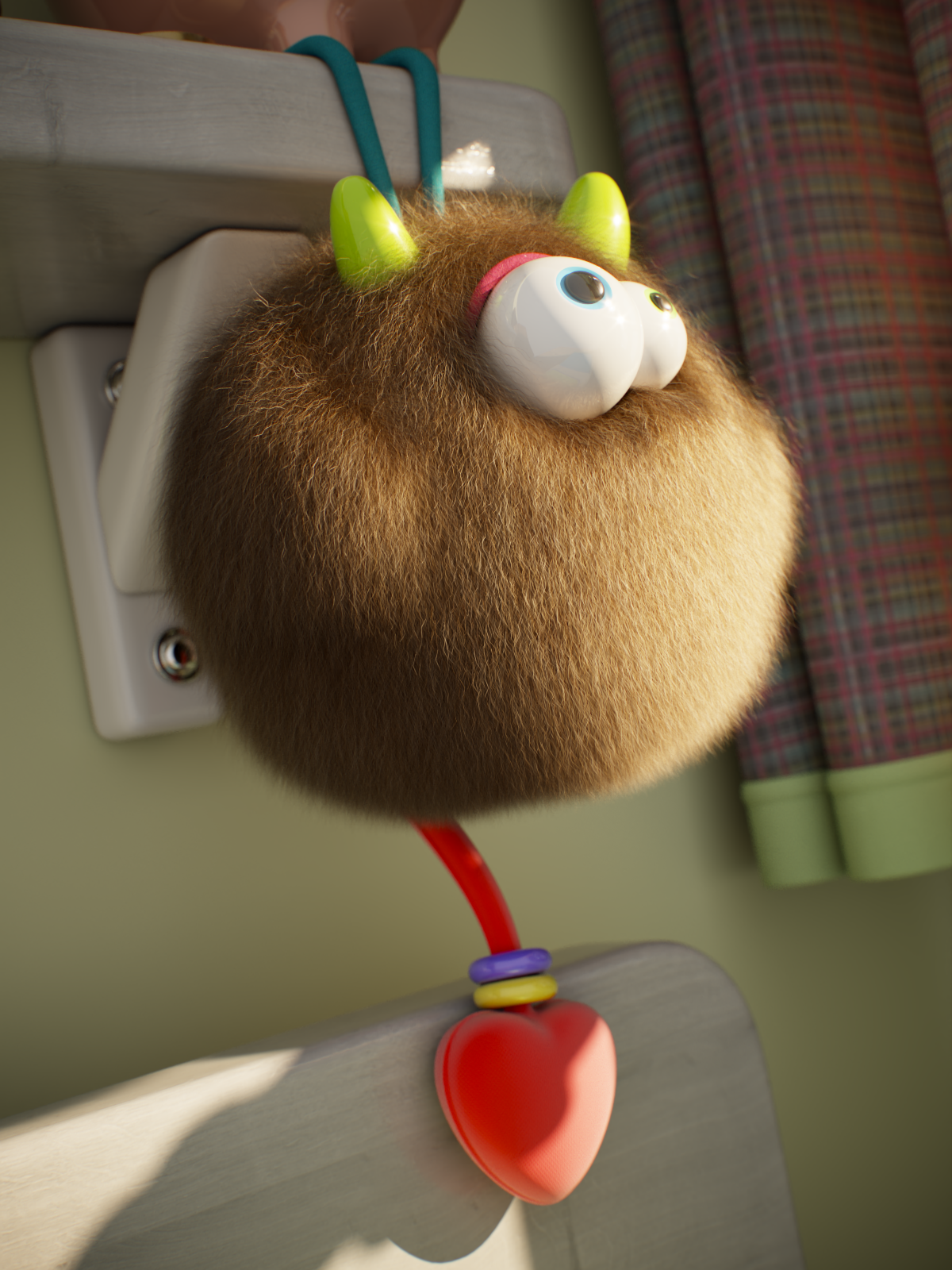
Random melanin = 0.5

Random melanin = 1
Example Random Dye Hue
This example shows the effect of Random dye hue. The greater the value, the greater the variation in the hue component of the Dye color. Melanin is 0 and Dye color is green.
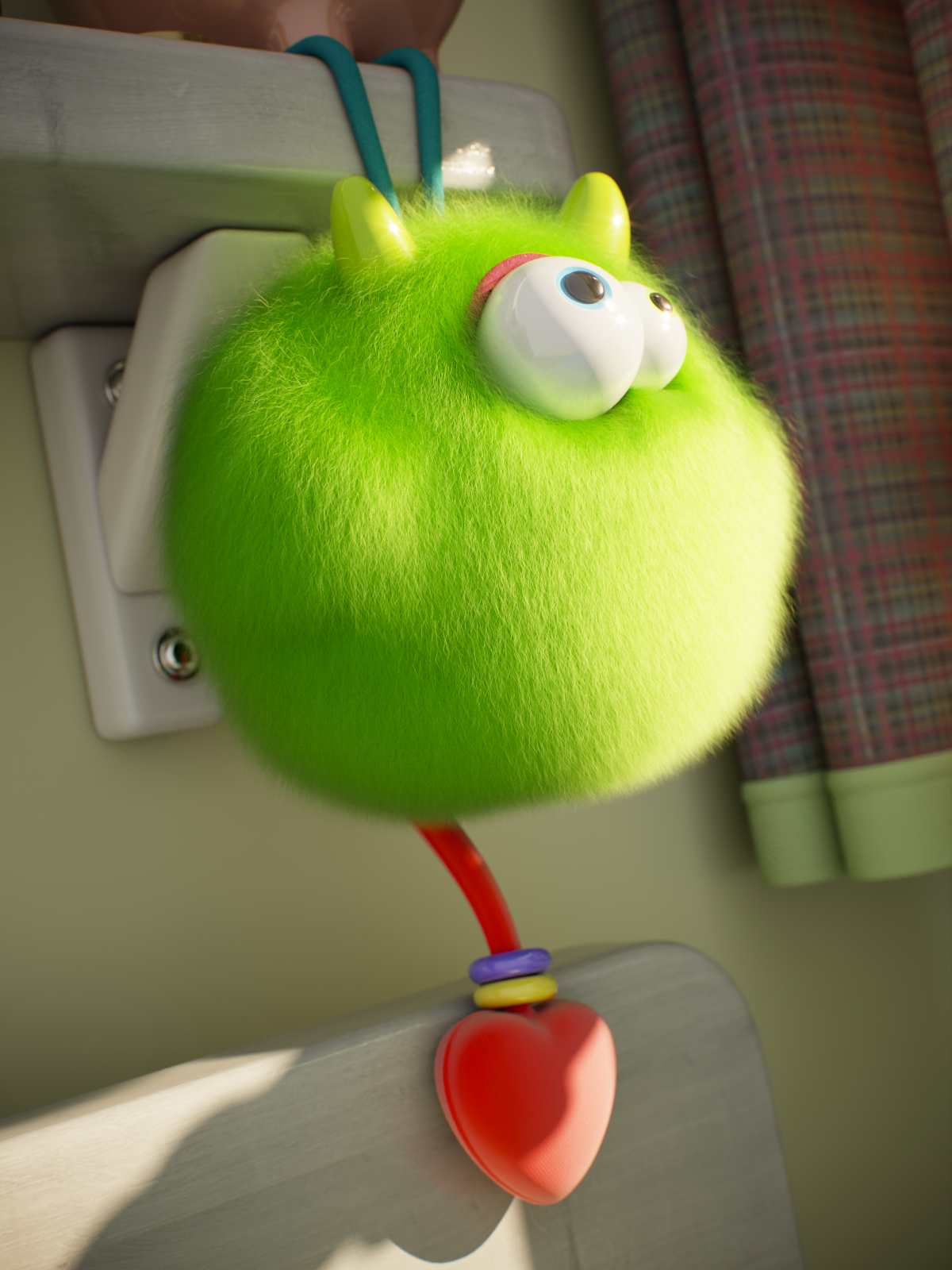
Random dye hue = 0
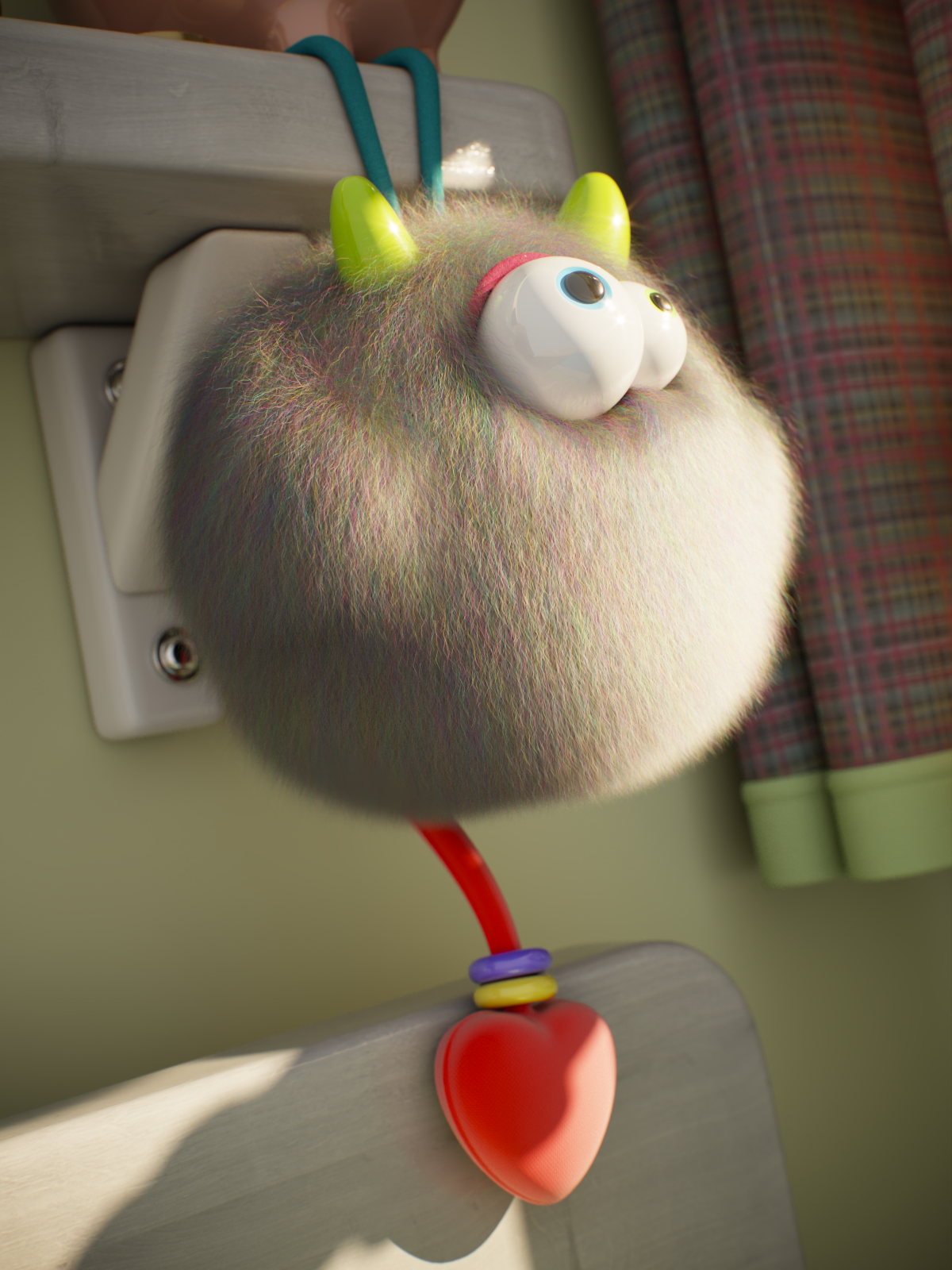
Random dye hue = 0.5
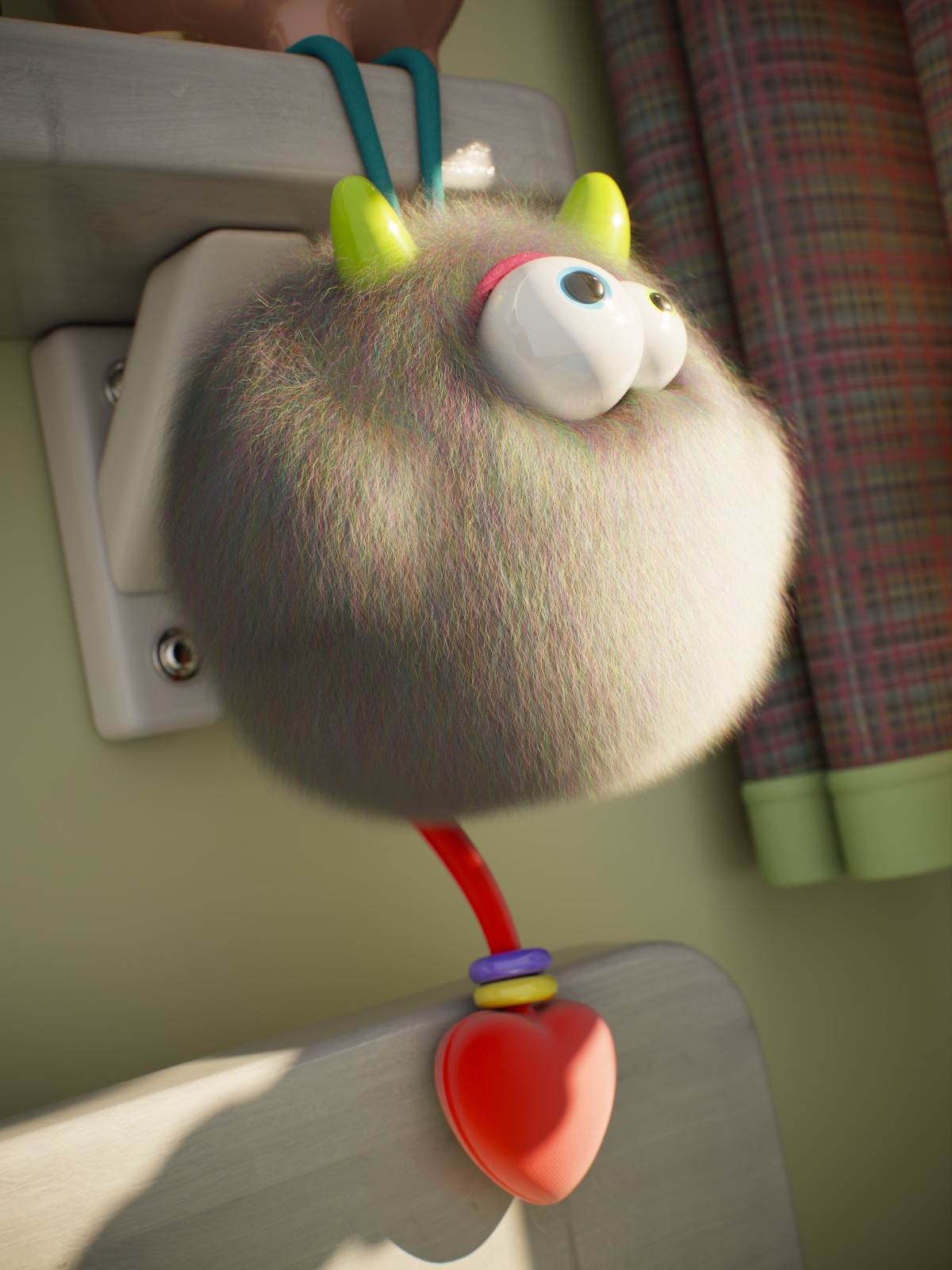
Random dye hue = 1
Example Dye Value
This example shows the effect of Random dye value. Melanin is 0 and Dye color is green.
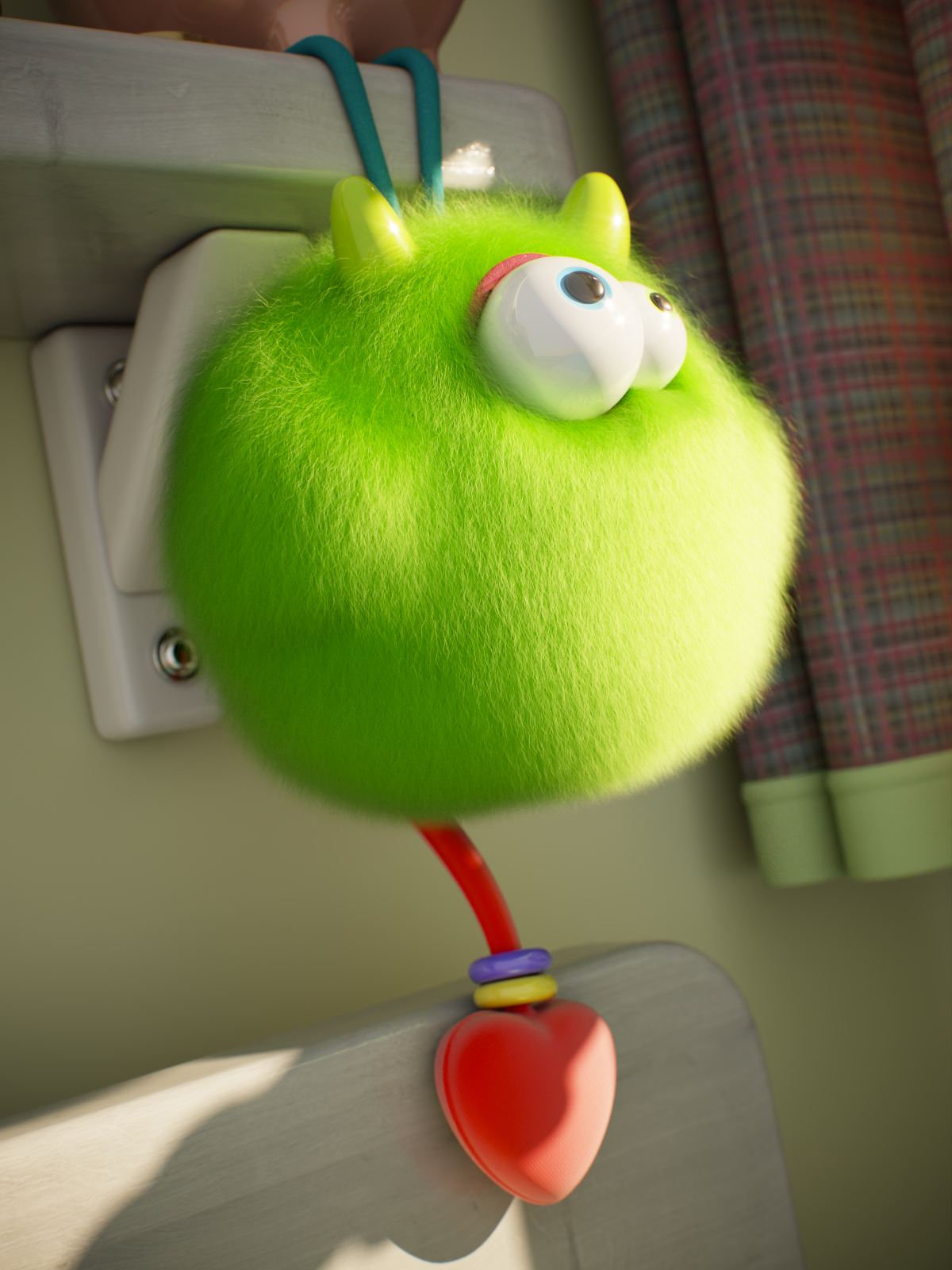
Random dye value = 0
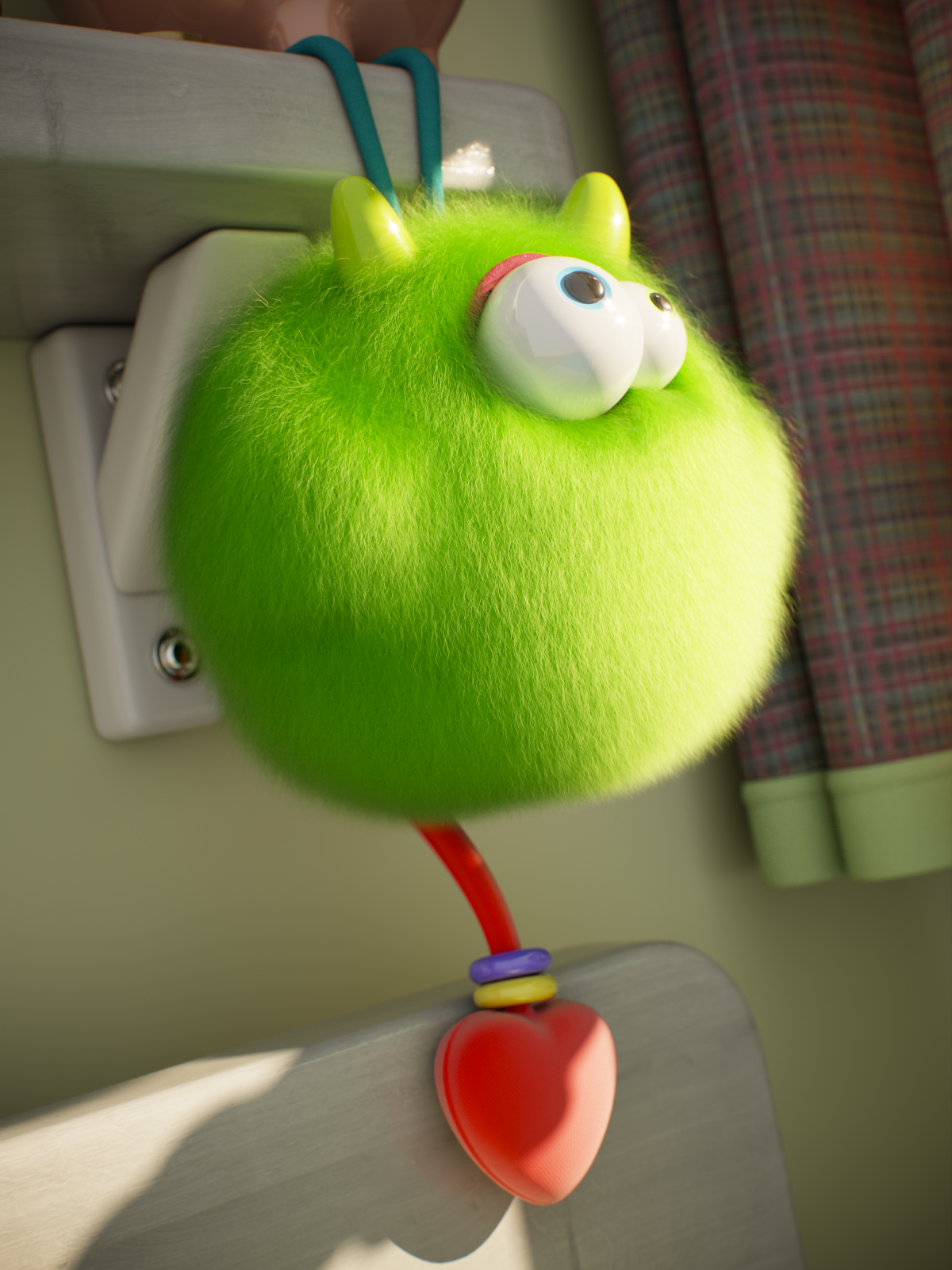
Random dye value = 0.5

Random dye value = 1
Example Gray Hair Density
This example shows the effect of Gray hair density.

Gray hair density = 0

Gray hair density = 0.5

Gray hair density = 1
References
Here is a list of references used when building the Hair4 material.
- Chiang et al. "A Practical and Controllable Hair and Fur Model for Production Path Tracing" - 2016
(https://benedikt-bitterli.me/pchfm/) - Pharr "THE IMPLEMENTATION OF A HAIR SCATTERING MODEL" - 2016
(http://www.pbrt.org/hair.pdf) - d'Eon et al. "An Energy-Conserving Hair Reflectance Model" - 2011
(https://eugenedeon.com/pdfs/egsrhair.pdf) - d'Eon et al. "An Energy-Conserving Hair Reflectance Model" post publication review - 2011
(https://publons.com/publon/2803/) - d'Eon et al. "Importance Sampling for Physically-Based Hair Fiber Models" - 2013
(https://cg.ivd.kit.edu/publications/pubhanika/2013_hairbrief.pdf) - d'Eon et al. "A Fiber Scattering Model with Non-Separable Lobes - Supplemental Report" - 2014
(https://eugenedeon.com/pdfs/nonsephair2014.pdf) - Marschner et al. "Light Scattering from Human Hair Fibers" - 2003
(http://www.graphics.stanford.edu/papers/hair/hair-sg03final.pdf) - Zinke et al. "Light Scattering from Filaments" - 2007
(http://cg.cs.uni-bonn.de/project-pages/hairmodeling/documents/BFSDF_preprint_with_copyright_notice.pdf - no longer available) - Zinke (thesis) "Photo-Realistic Rendering of Fiber Assemblies" - 2008
(http://cg.cs.uni-bonn.de/en/publications/paper-details/Zinke2008a/ - no longer available) - Jakob (thesis) "Light Transport On Path-Space Manifolds" - 2012
(https://ecommons.cornell.edu/handle/1813/34189) - Yan et al. "Physically-Accurate Fur Reflectance: Modeling, Measurement and Rendering" - 2015
(https://cseweb.ucsd.edu/~ravir/paper_fur.pdf) - Yan et al. "An Efficient and Practical Near and Far Field Fur Reflectance Model" - 2017
(https://cseweb.ucsd.edu/~ravir/lingqi_fur2.pdf)