Corona for 3ds Max
Corona Mix Map
This page provides information on the Corona Mix Map map, its settings, and usage.
Last updated 9 January 2026
This page provides information on the Corona Mix Map map, its settings, and usage.
Overview
The Corona Mix map allows for blending two input maps (be it procedural maps or bitmaps) and a "Mix amount" mask, using operations similar to blending modes commonly found in 2D compositing software.
Settings
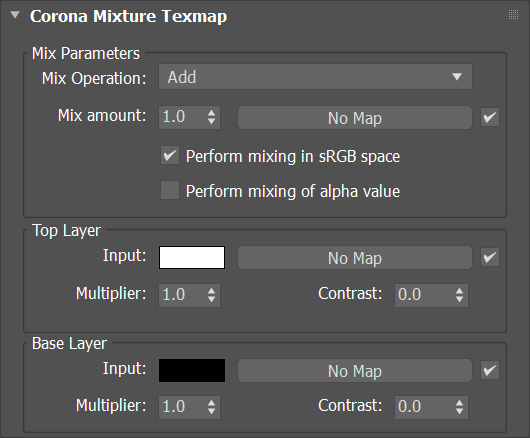
Mix Parameters
Mix Operation – Available blending modes:
- Add
- Subtract
- Multiply
- Divide
- Minimum (Darken)
- Maximum (Lighten)
- Mix
- Gamma
- Difference
- Screen
- Overlay
- Color Dodge
- Color Burn
- Linear Burn
- Linear Light (Add Sub)
- Soft Light
- Hard Light
- Vivid Light
- Pin Light
- Hard Mix
- Exclusion
Mix amount – Defines the amount of mixed layers.
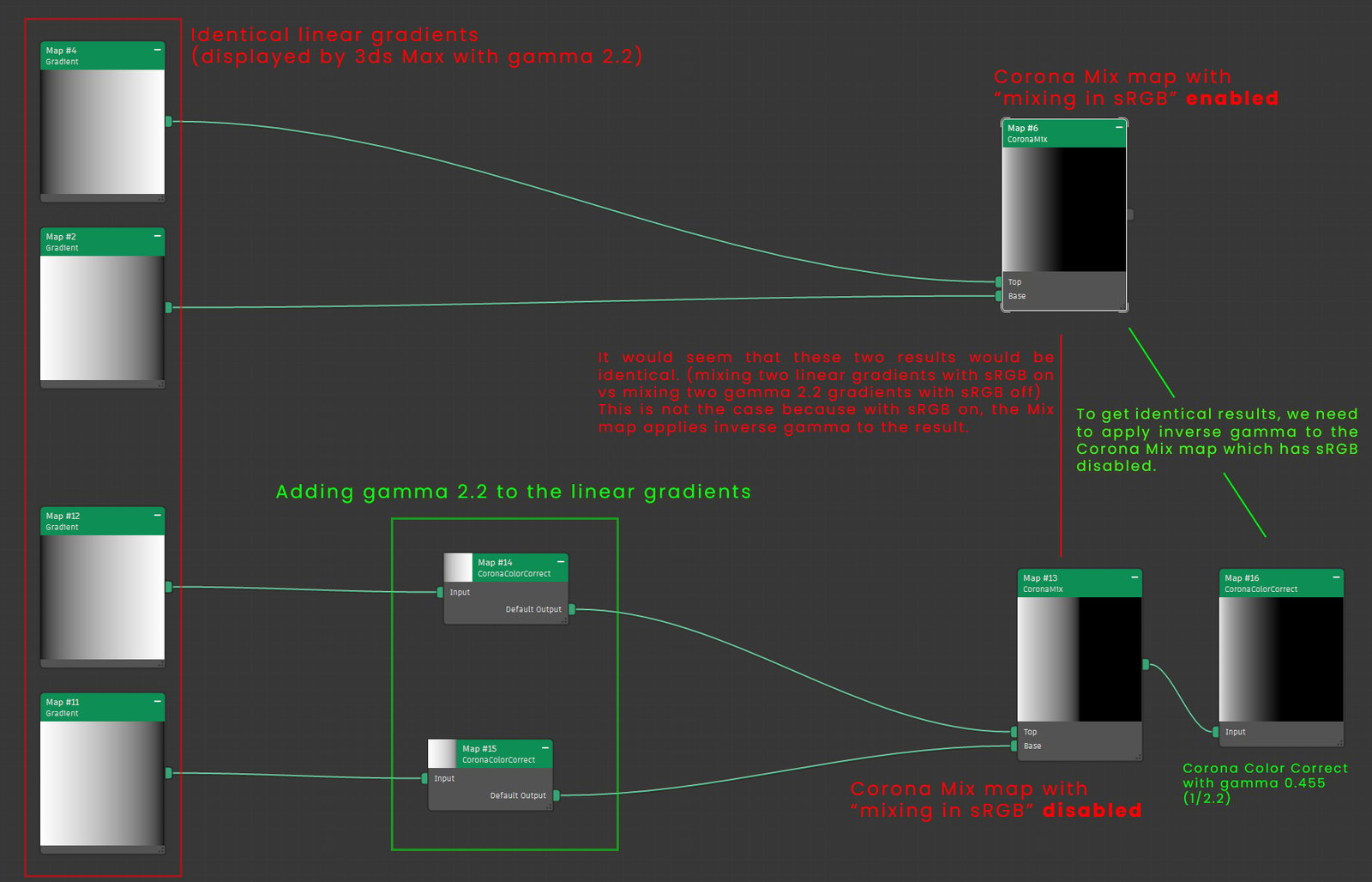
Perform mixing in sRGB space – When enabled, this map operates in the sRGB color space, similar to popular 2D image editing software, making the results of advanced operations such as Screen and Overlay identical between Corona and these applications.
Click here to learn more about the "Perform mixing in sRGB space" checkbox...
Perform mixing of Alpha value – When enabled, this map applies mixing to alpha channel just as to RGB channels. If it is disabled, the alpha channel is passed from base color unmodified.
Top Layer
Input – Allows to select the color for Top Layer using Corona Color Picker or load a texmap.
Multiplier – Value that makes the top layer stronger/subtler.
Contrast – Controls the contrast of the Top Layer input.
Base Layer
Input – Allows to select the color for Base Layer using Corona Color Picker or load a texmap.
Multiplier – Value that makes the base layer stronger/subtler.
Contrast – Controls the contrast of the Base Layer input.
Examples
Displacement details
In this example, a 3ds Max Gradient Ramp map and a Noise map are blended together using the Corona Mix map. The result is used as displacement to create a material simulating a simple landscape.
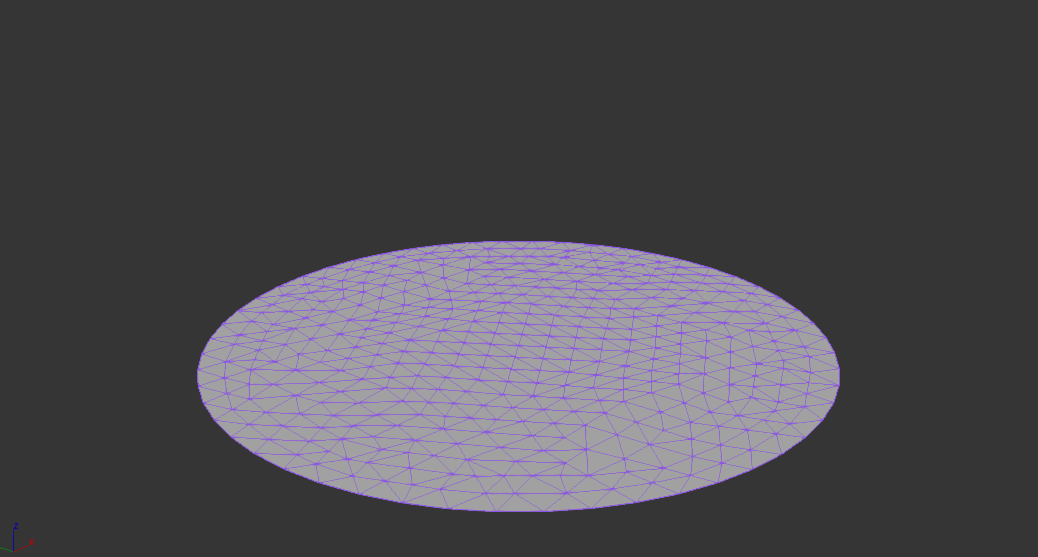
The original geometry seen in the viewport

Material setup (using the Add operation)
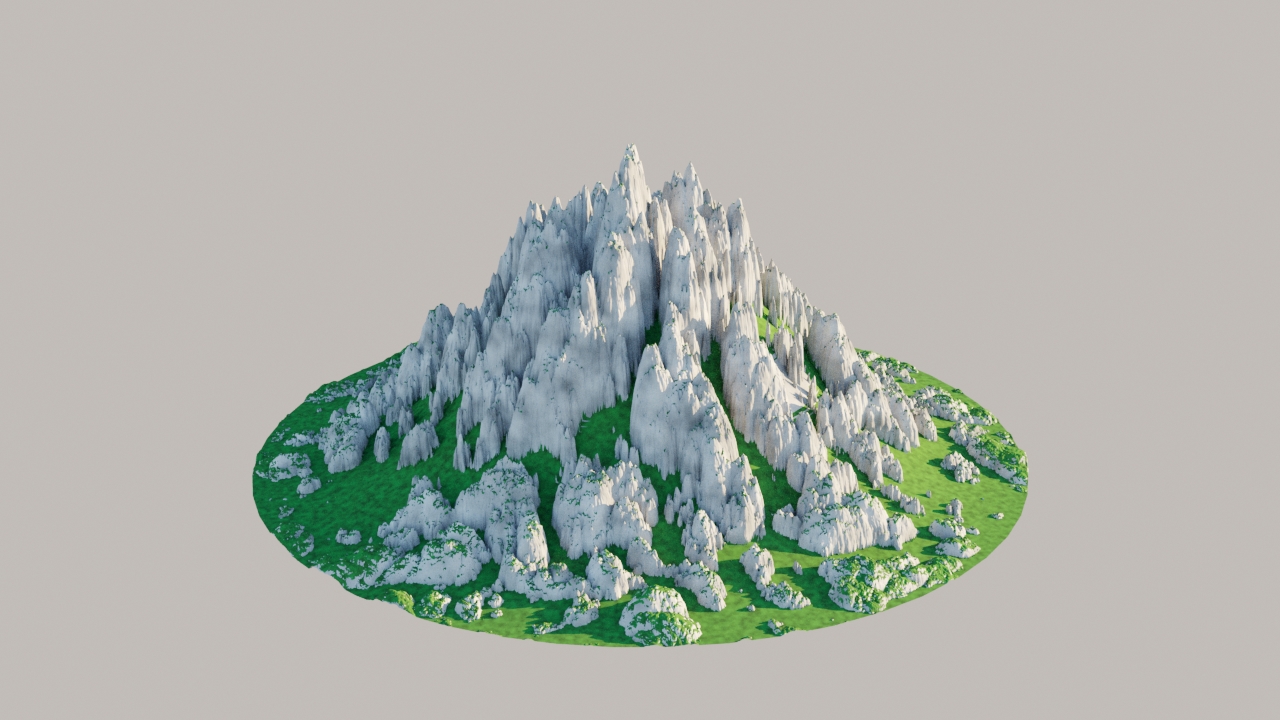
Mix operation: Add
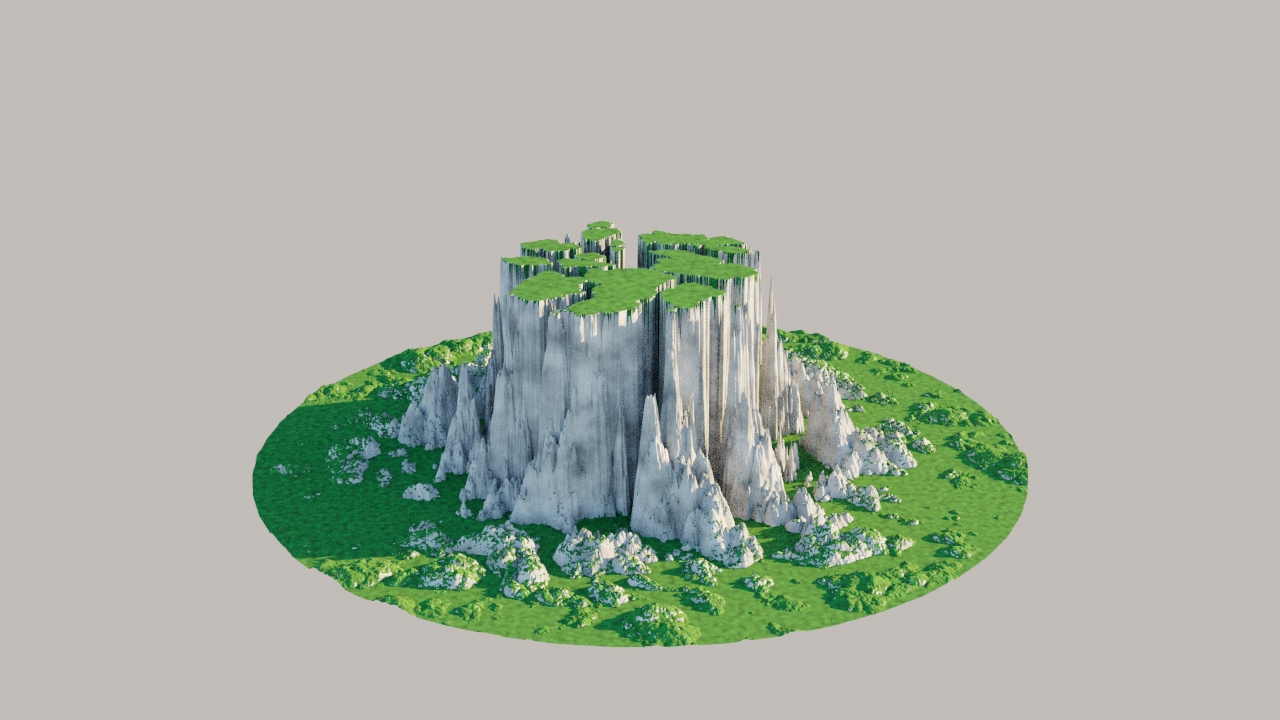
Mix operation: Color Dodge
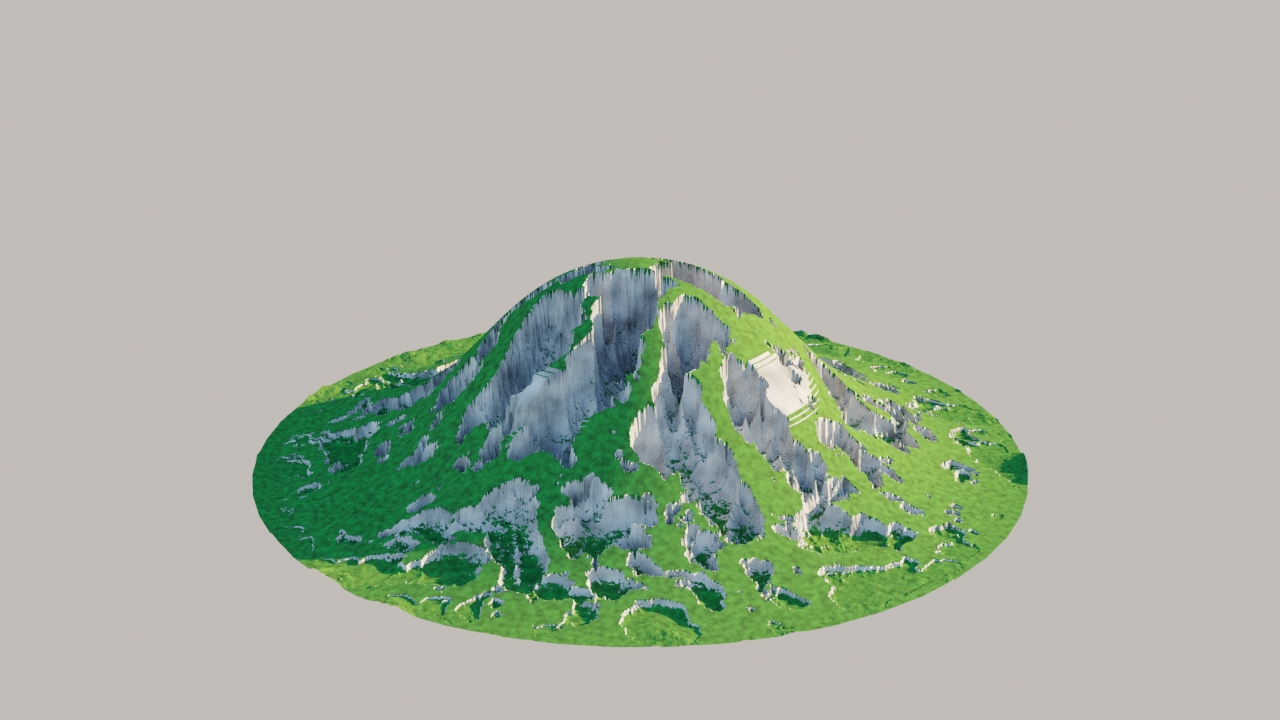
Mix operation: Difference

Mix operation: Multiply

Mix operation: Overlay
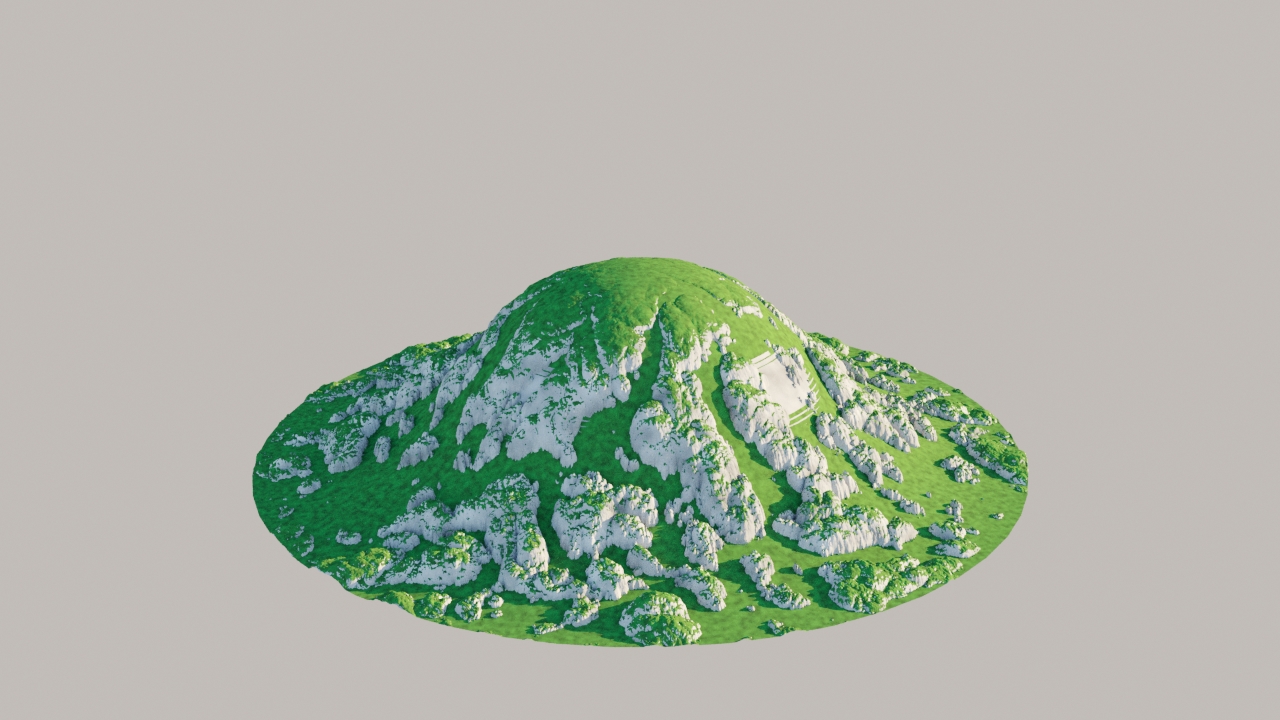
Mix operation: Screen
Coloring and color randomization
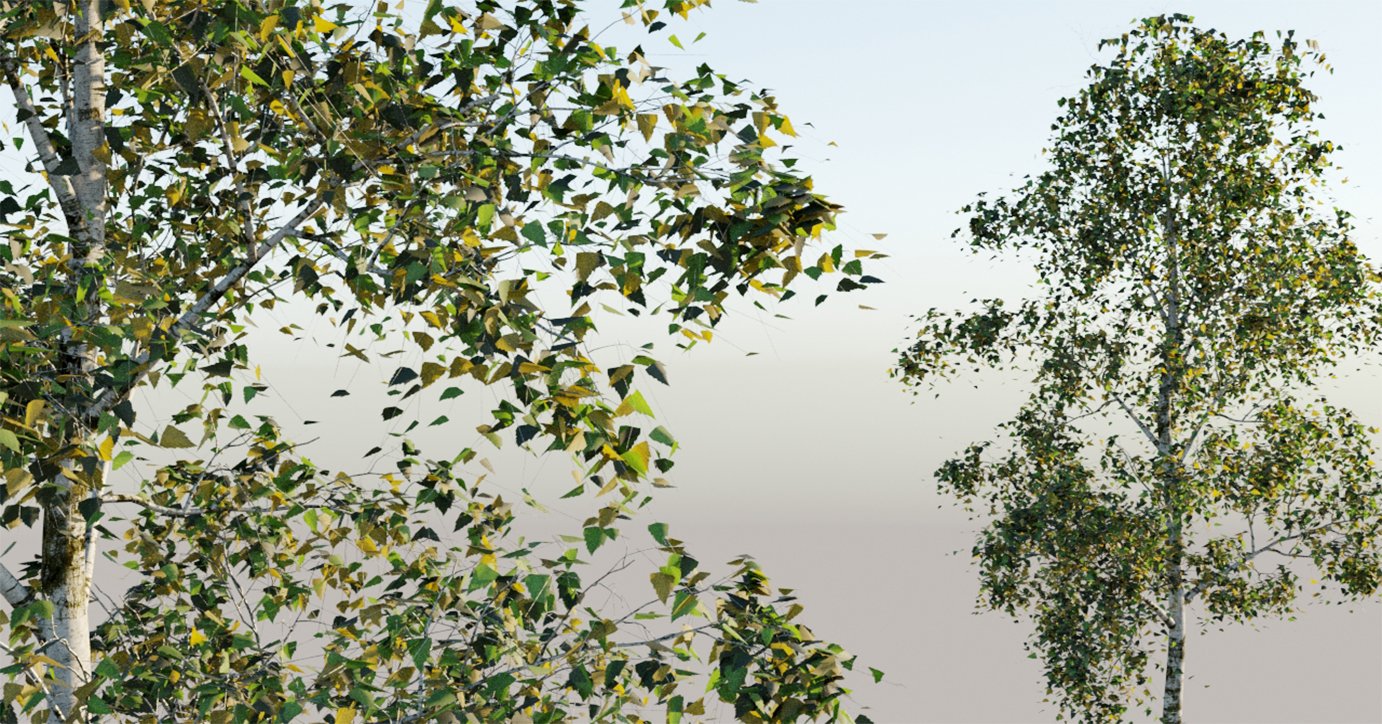
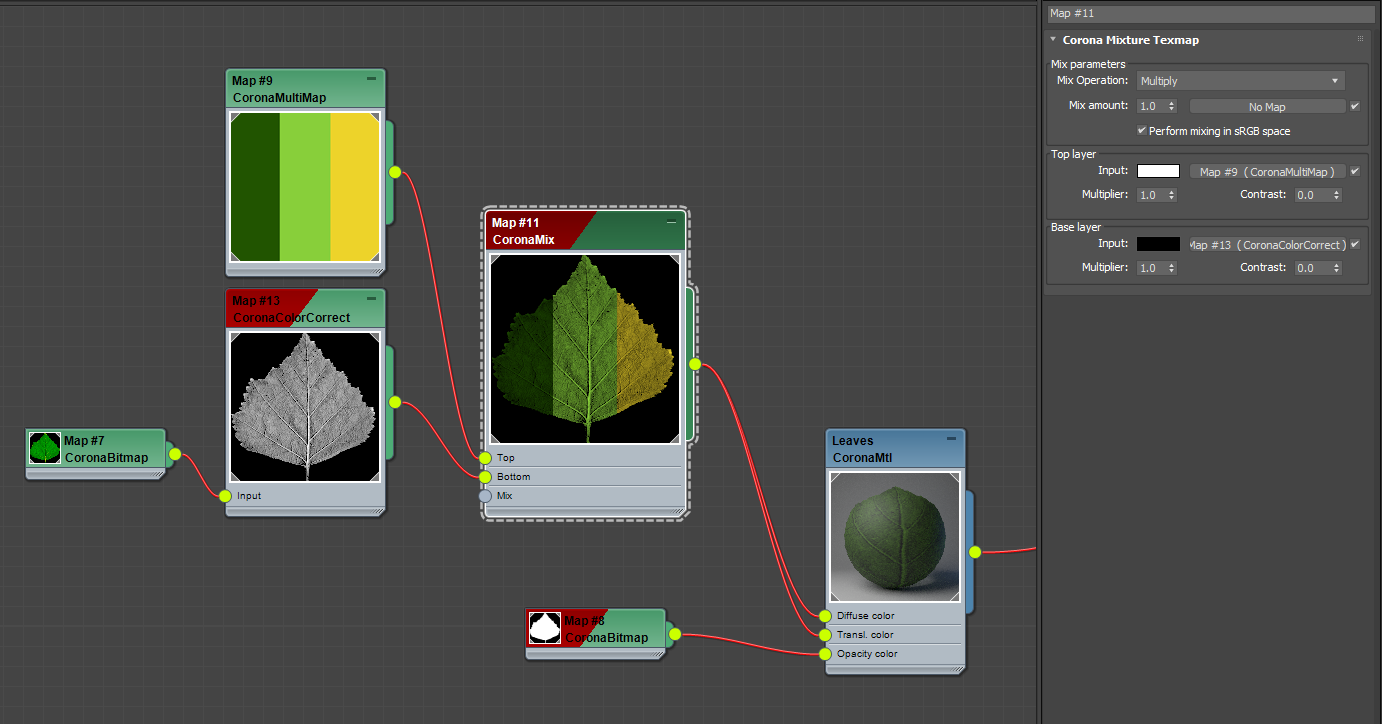
In this example, a grayscale tree leaf bitmap is colorized using the Corona Mix map in Multiply mode. The grayscale map is mixed with a Corona Multi Map, which additionally allows for per-leaf color randomization.
Rendered result:
Click here to see the material setup
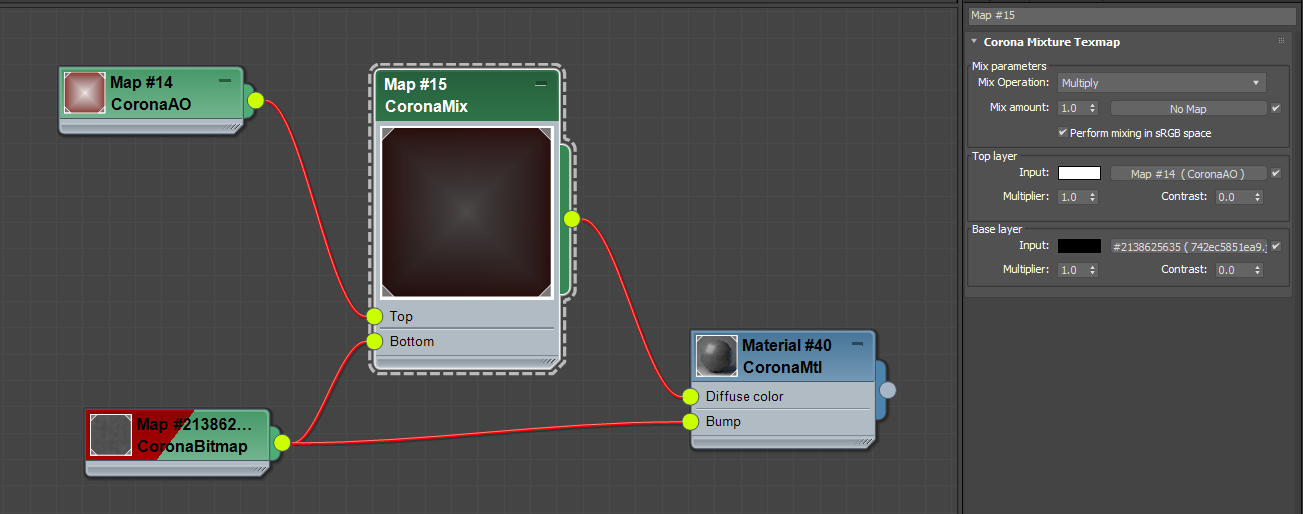
Blending Ambient Occlusion with the underlying texture
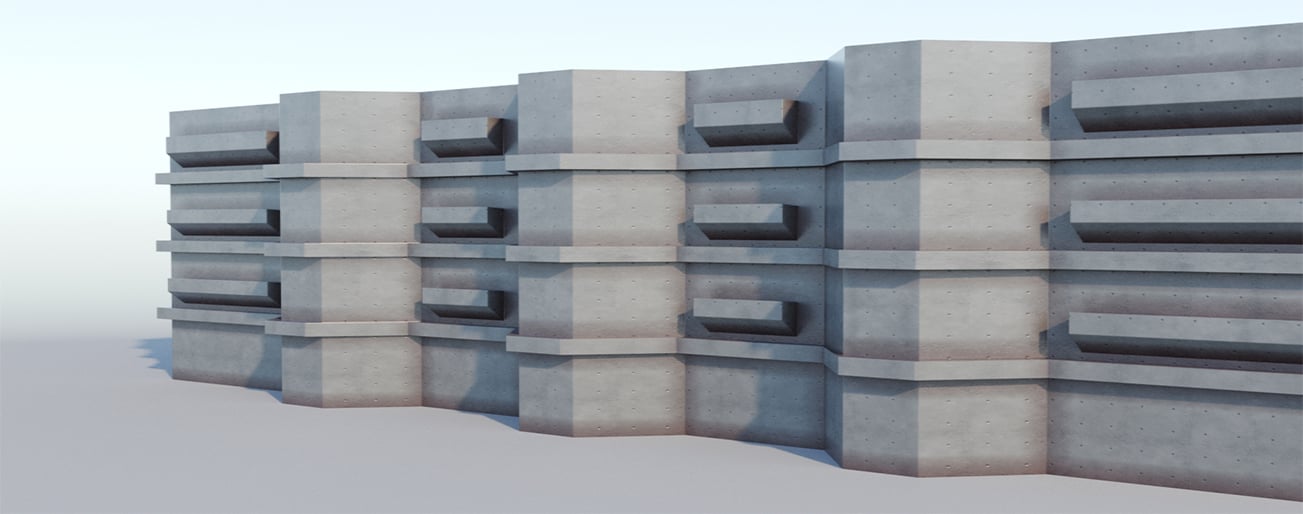
In this example, the Corona Mix map is used to blend the base texture (concrete) with an Ambient Occlusion node to produce weathering effect.
Rendered result:
Click here to see the material setup