Corona for 3ds Max
Corona Normal Map
This page provides information on the Corona Normal Map, its settings, and usage.
Last updated 9 January 2026
This page provides information on the Corona Normal Map, its settings, and usage.
Overview
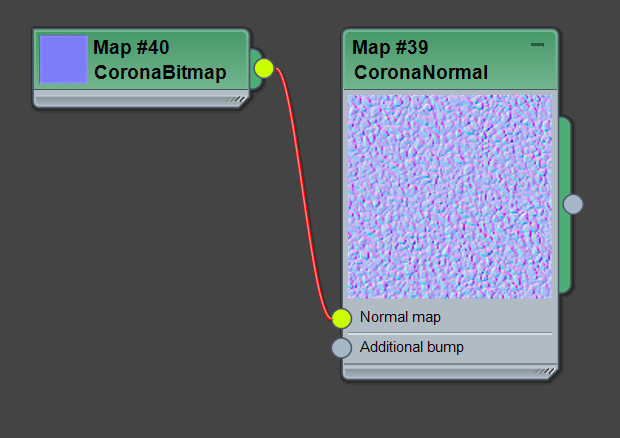
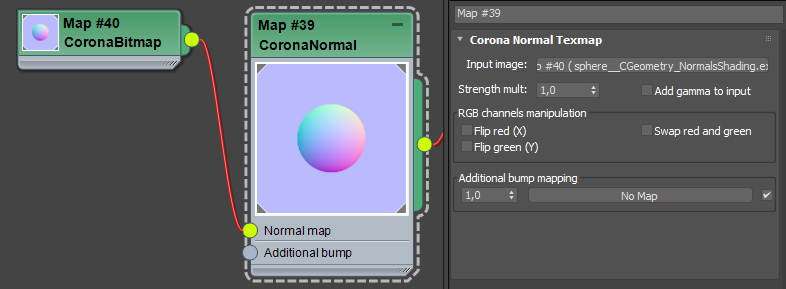
Use the Corona Normal Map in the material editor to load RGB normal map files you want to use as the bump map for your material. The bitmaps can be loaded using either the native 3ds Max Bitmap node, or using the Corona Bitmap node, which offers more filtering options and generally renders faster.
Settings
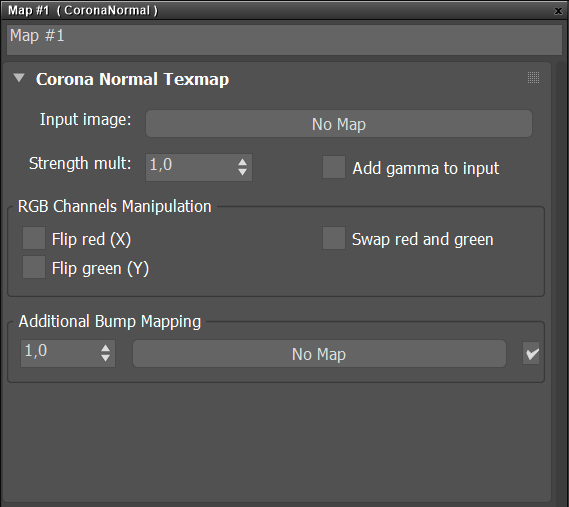
Input image – Allows loading a normal texmap.
Strength mult – Controls the overall intensity of the bump effect.
Add gamma to input – Textures are usually assumed to have sRGB gamma baked in and when they are being loaded 3ds Max automatically performs a correction to remove the sRGB gamma (to make them linear). While this provides correct results for most of the texture maps, normal maps usually do not have sRGB gamma baked in and are already linear - therefore they should not be gamma corrected. To make sure that no gamma correction is applied to the normal map, either override its input gamma parameter to 1.0 or leave its input gamma parameter at 2.2 and enable this checkbox.
Flip red (X) – Determines the left-to-right direction of the normal map (higher red values mean either the right direction or the left direction of the normals).
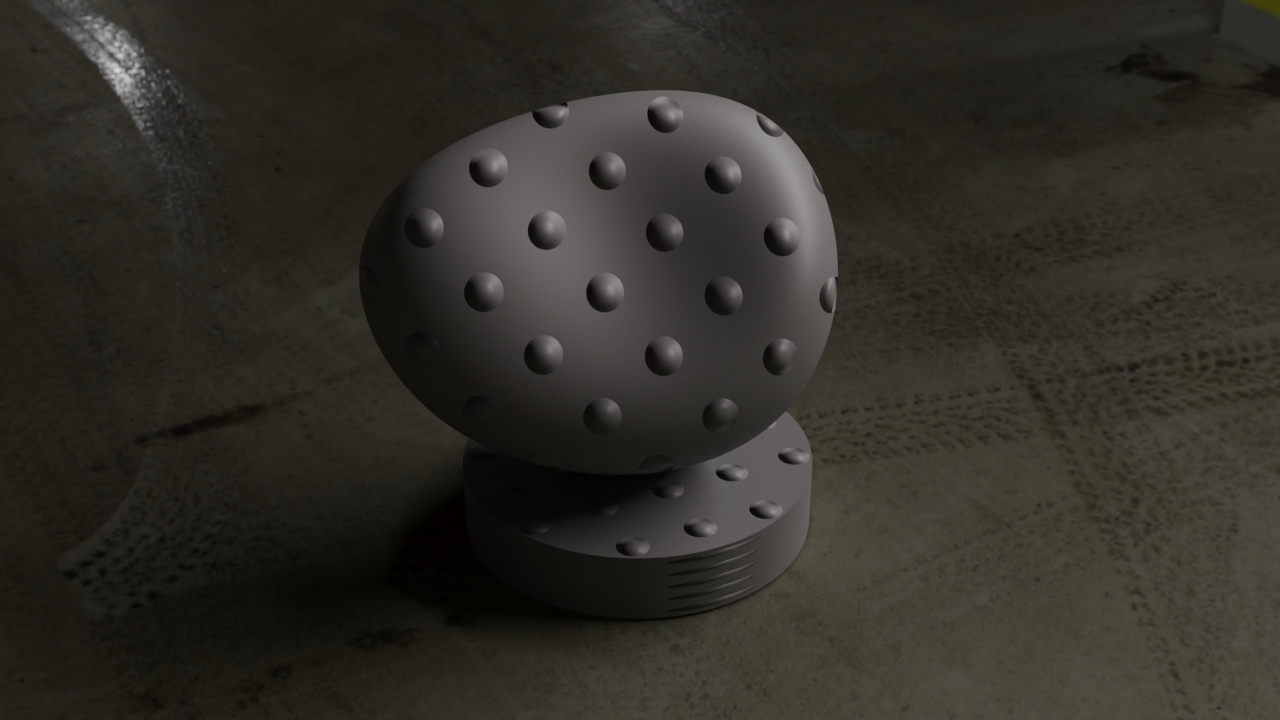
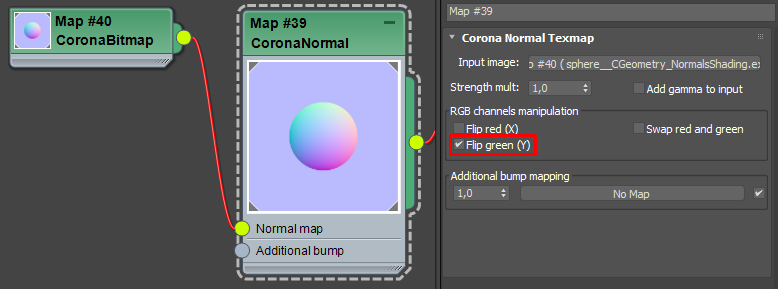
Flip green (Y) – Determines the bottom-to-top direction of the normal map (higher green values mean either the bottom or up direction of the normals).
Swap red and green – Decides which color should be interpreted as the left-to-right direction, and which as the left-to-right direction.
Additional bump mapping – An additional bump map can be plugged into this slot. It will be mixed with the normal map.
How to find out what settings to use?
There are two ways to find out which settings are correct:
- Get reliable information about the normal map you are using (e.g. it could be included in a readme file supplied with the bitmap).
- Trial and error approach.
Sometimes it is easy to imagine what the normals should look like (in case of a spherical or pyramidal pattern), but sometimes it may be harder (in case of a chaotic, organic pattern).
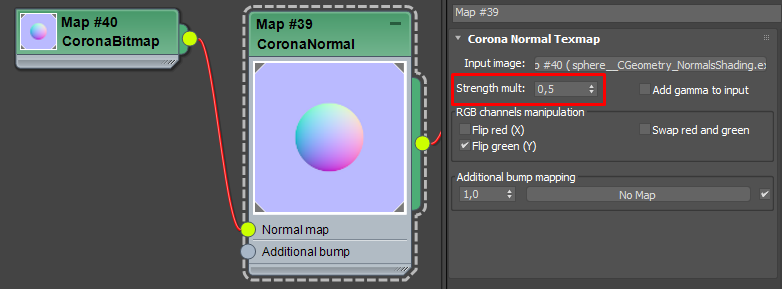
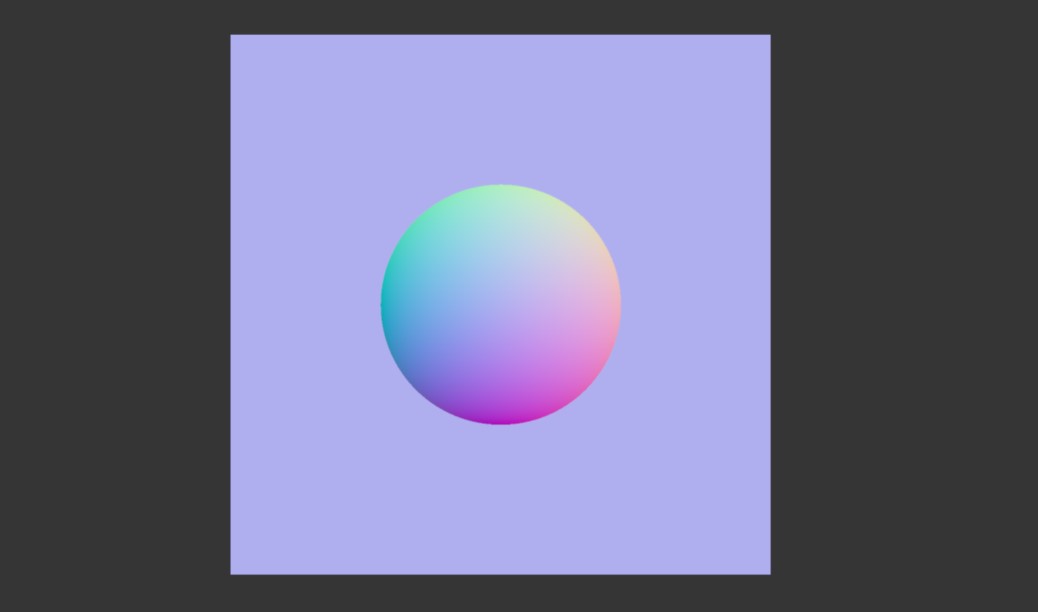
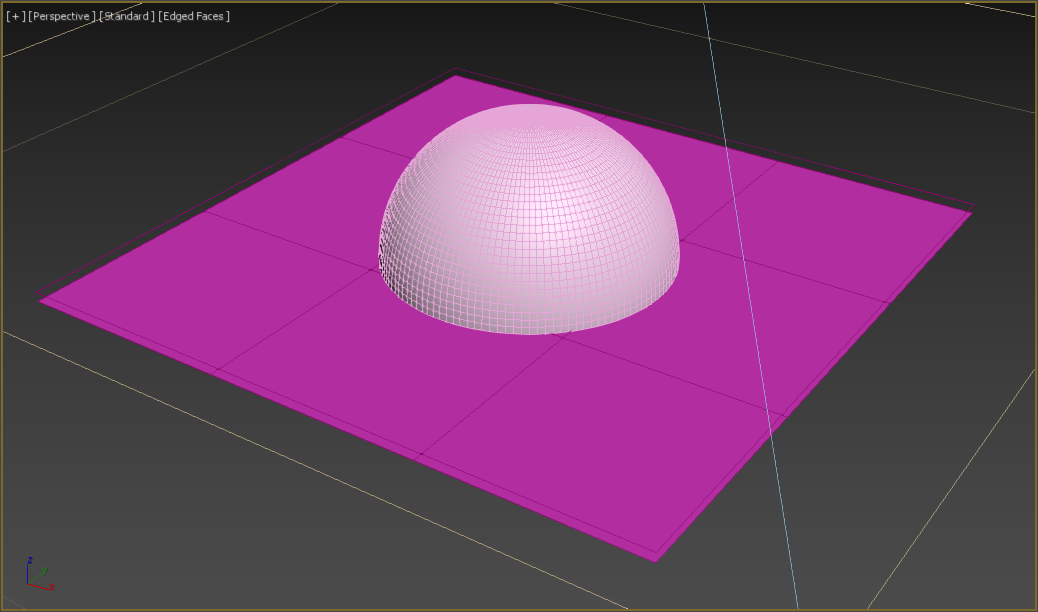
In the first example, normal map is generated from a half-sphere, seen from above and saved directly from the Corona VFB as a 32-bit EXR file.
Viewport screenshot of the geometry which was used to capture the normal map.
Examples
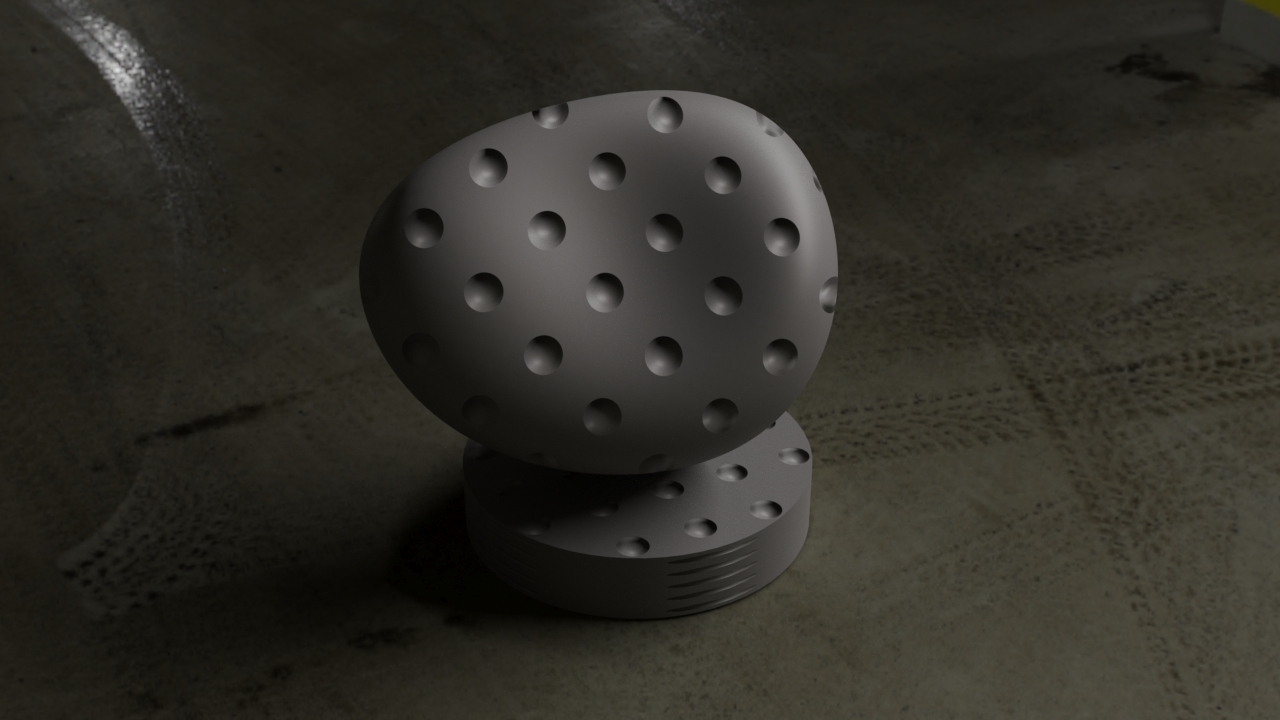
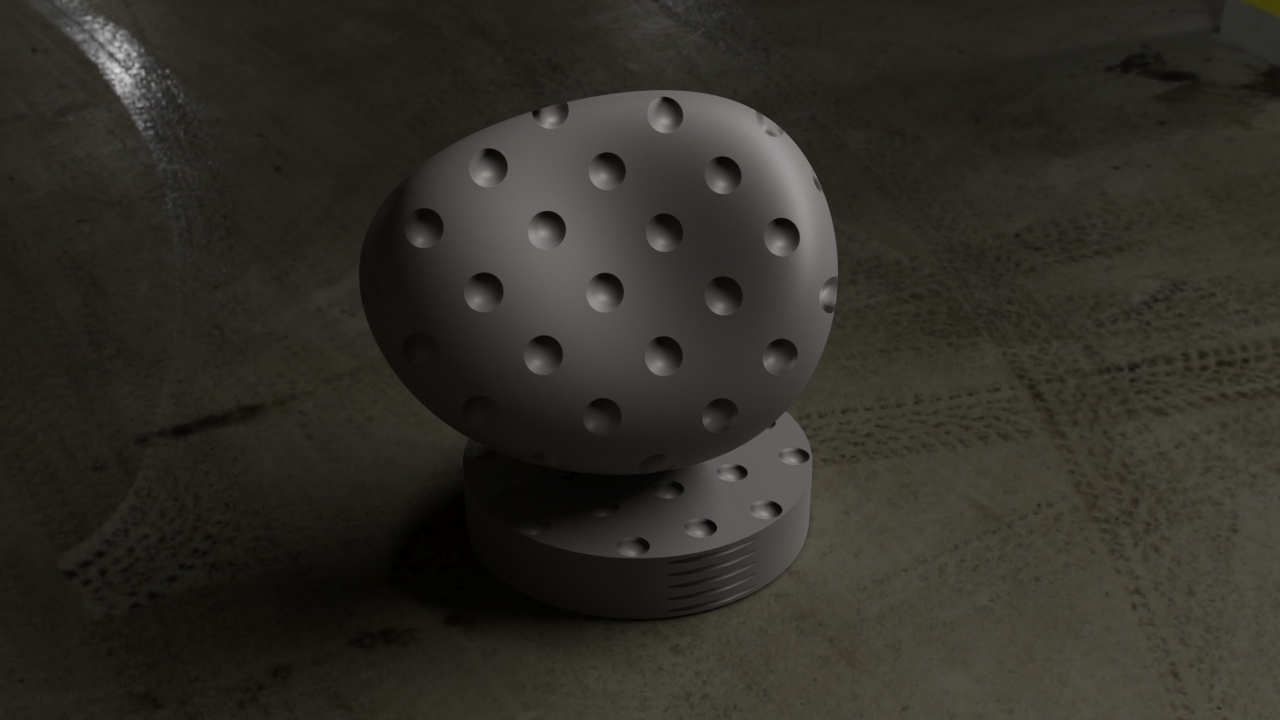
Corona Normal Map - Default Settings.
Click here to see the material setup
No Corona Normal Map used.

Add gamma to input disabled.
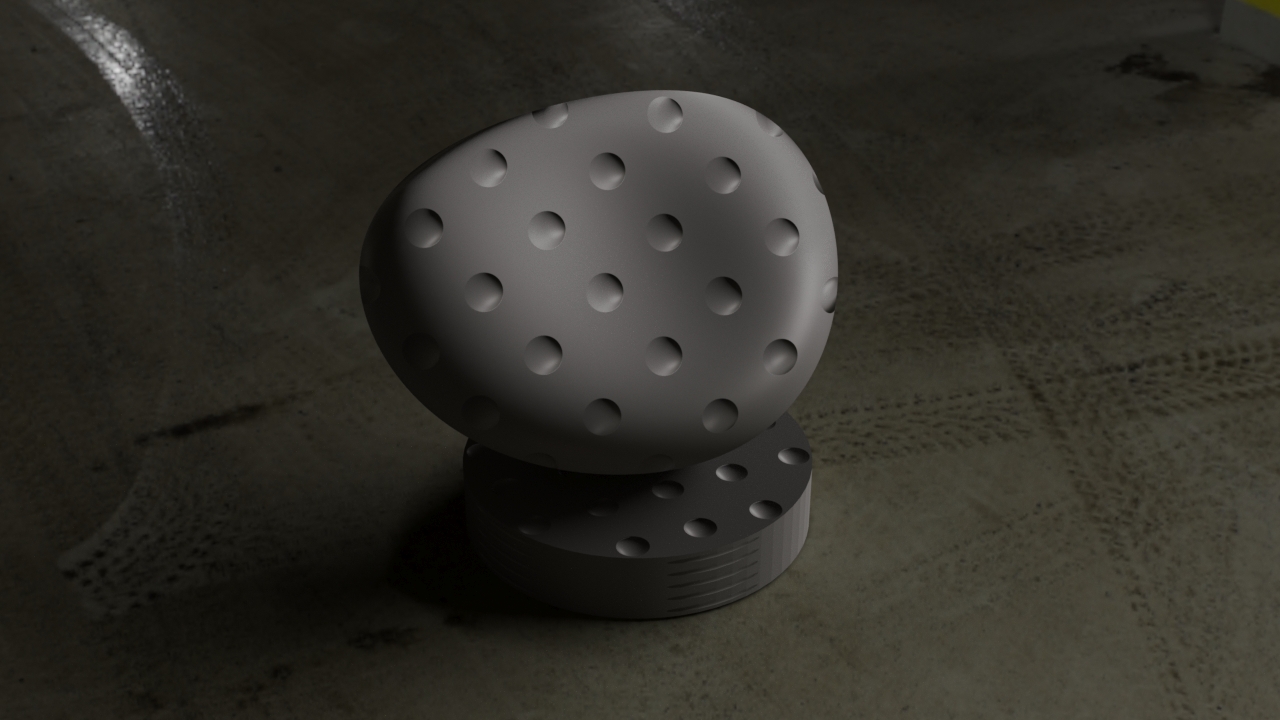
Add gamma to input enabled.
Flip green (Y) enabled.
Click here to see the material setup
Strength multiplier lowered to 0.5.
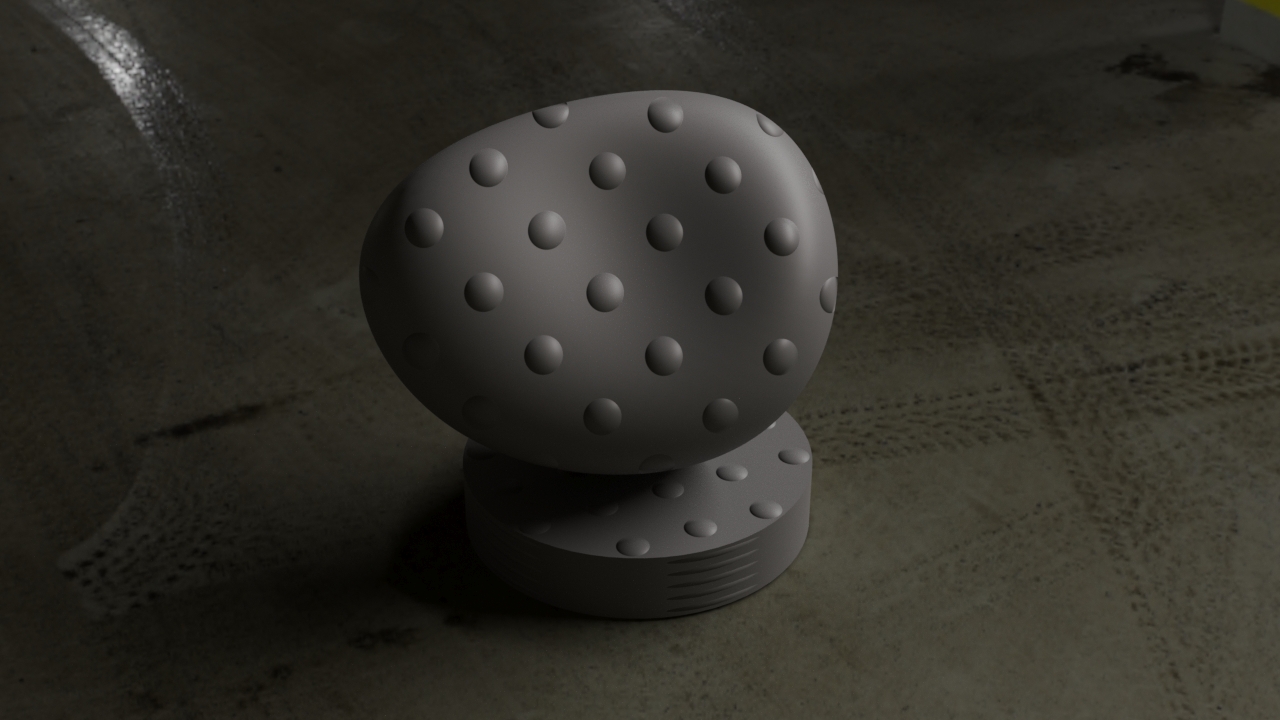
Click here to see the material setup