Corona for 3ds Max
Corona Tonemap Control Map
This page provides information on the Corona Tonemap Control Map.
Last updated 9 January 2026
This page provides information on the Corona Tonemap Control Map.
Overview
You can use the Corona Tonemap Control Map to exclude a specific texture from the VFB exposure and tone mapping influence. The Corona Tonemap Control Map transforms the texture using the inverse of current color mapping, effectively removing any post-processing color mapping from it. This can be useful for rendering an emissive texture that exactly matches the input bitmap in the resulting render under any color mapping. For this feature to work correctly, the color mapping must be specified before the rendering is started and cannot be changed afterwards.
Properties
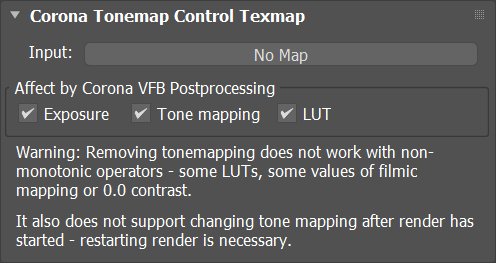
Input – The input map which is excluded from the VFB tone mapping influence.
Affect by Corona VFB Postprocessing
Exposure – When enabled, the input map is affected by custom exposure. When disabled, the map is excluded from exposure influence.
Tone mapping – When enabled, the input map is affected by various tone mapping operators. When disabled, the map is excluded from their influence.
LUT – When enabled, the input map is affected by the currently used LUT. When disabled, the map is excluded from LUT influence.
Examples
Without Corona Tonemap Control
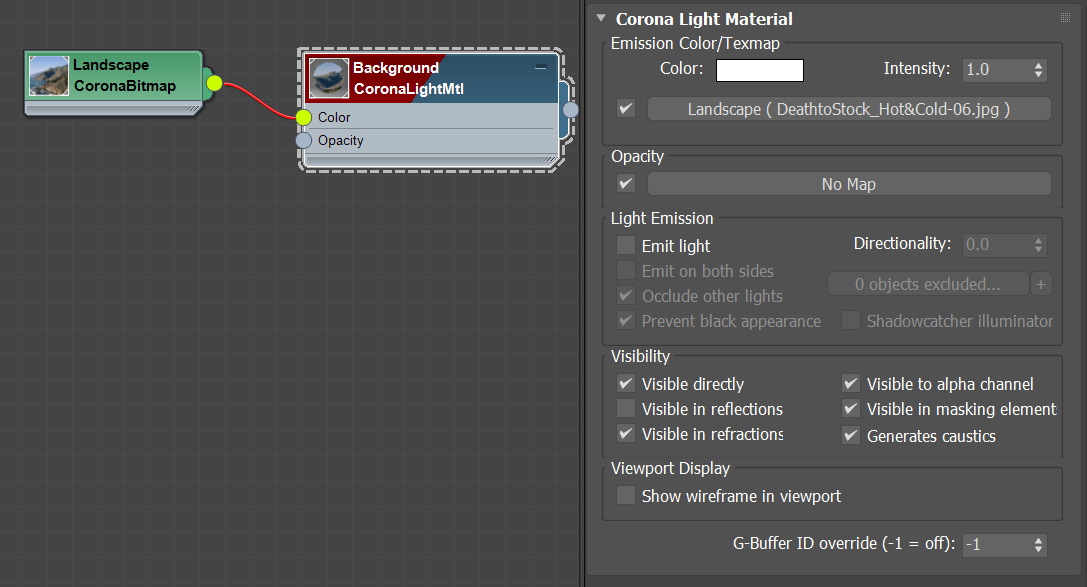
In this example, the landscape photo is connected directly to a Corona Light Material with Emit light option disabled to create a background effect. The Corona Tonemap Control Map is not used. When the scene exposure is changed, the brightness of the background photo changes as well (e.g. when exposure is set to 4, the background becomes overexposed).
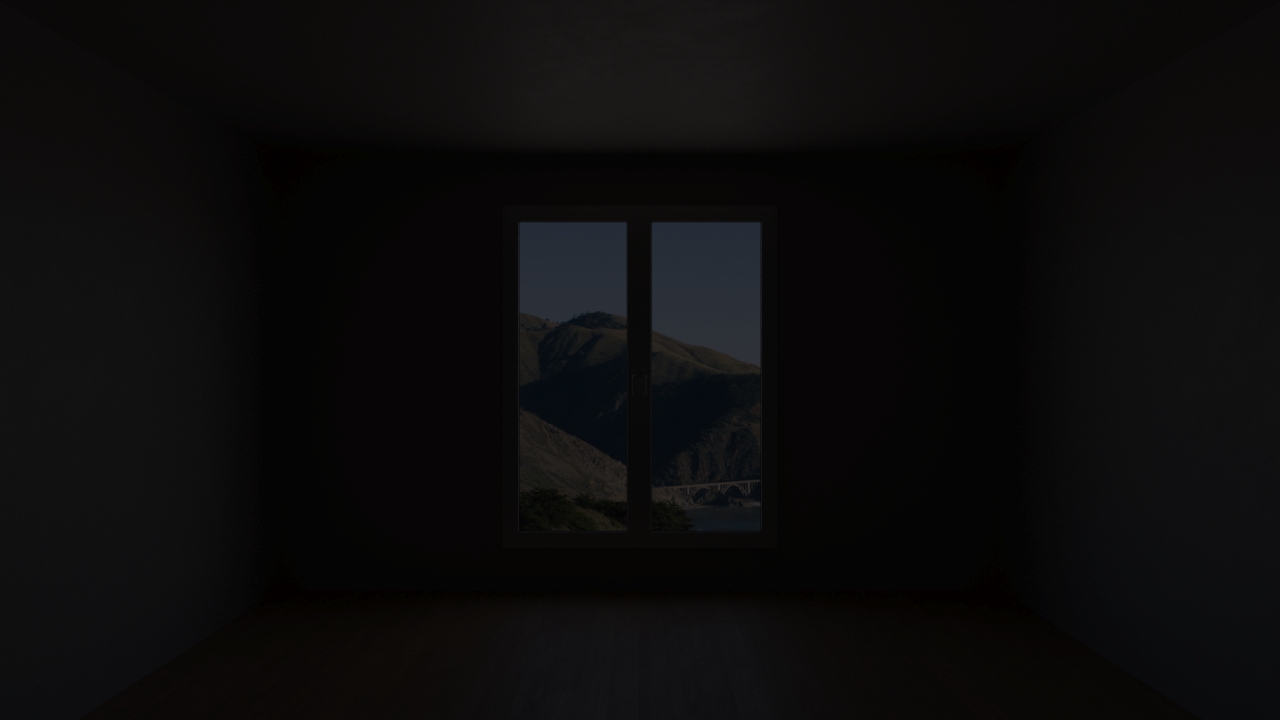
Exposure = -4

Exposure = 0
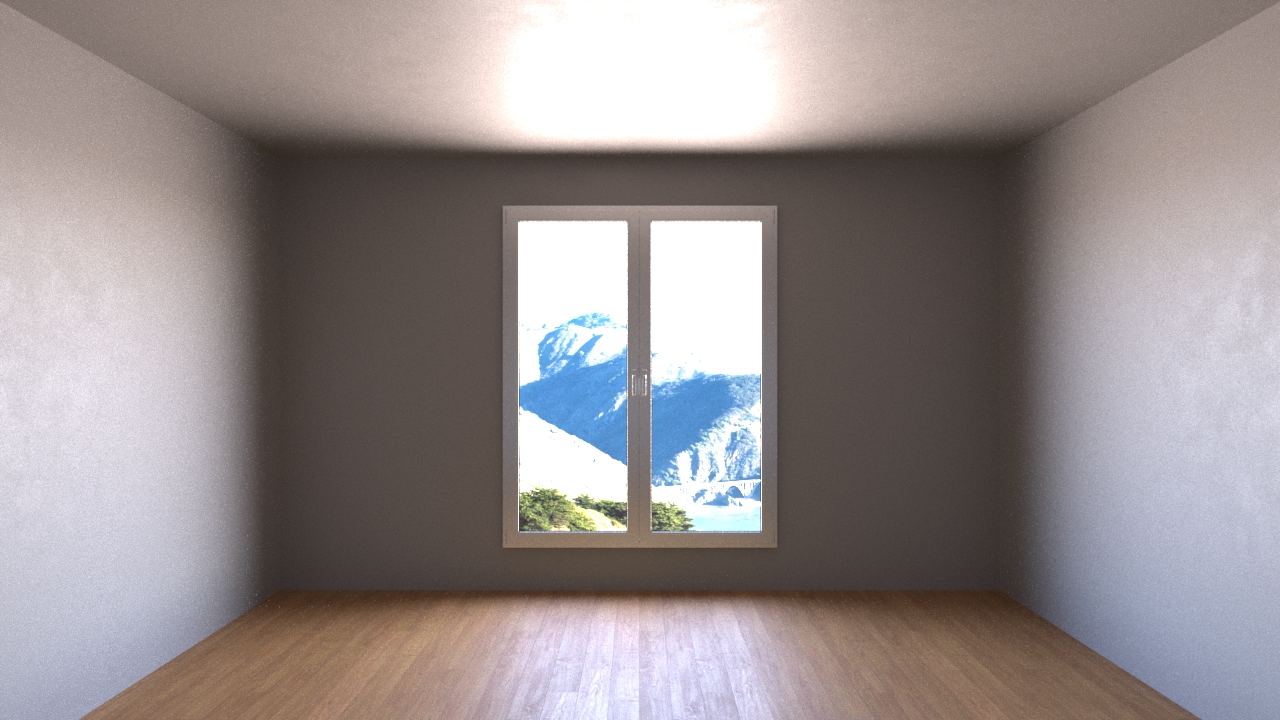
Exposure = 4
Click here to see the material setup
With Corona Tonemap Control
In this example, the landscape photo is connected to a Corona Tonemap Control node, and then to a Corona Light Material with Emit light option disabled. Thanks to the Tonemap Control map, even if the scene exposure is changed, the brightness of the background photo stays the same.

Exposure = -4
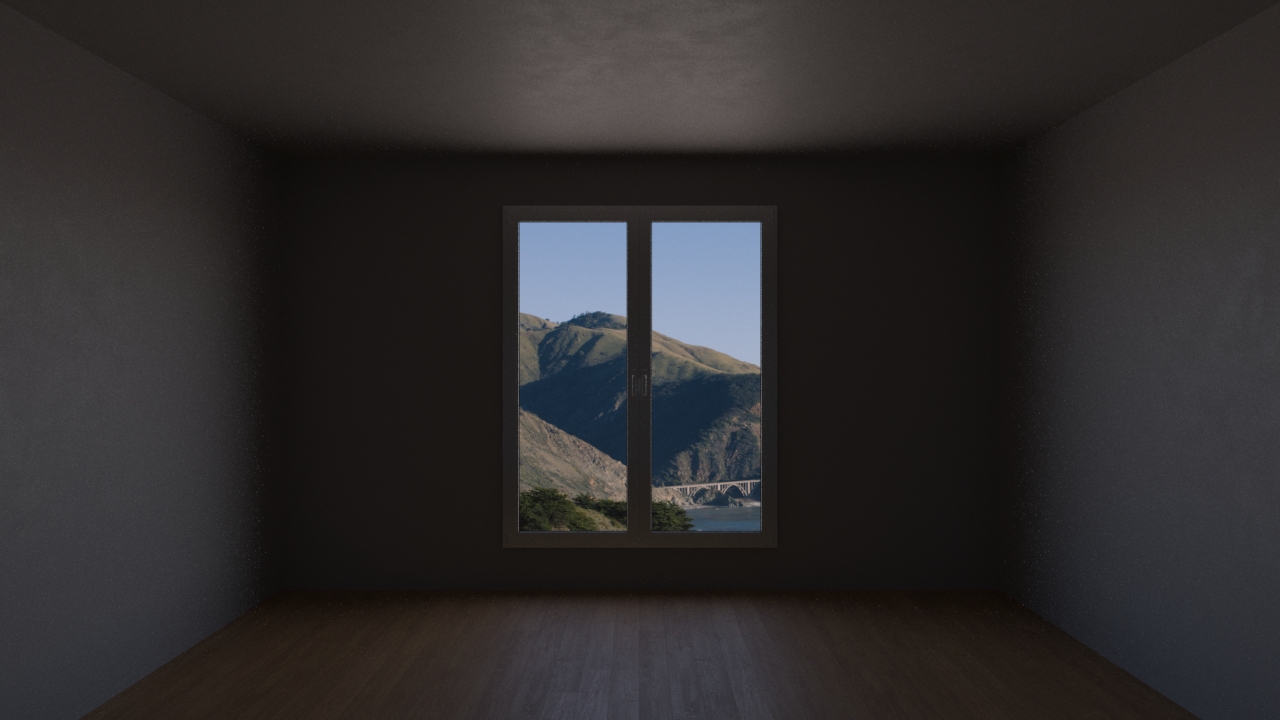
Exposure = 0
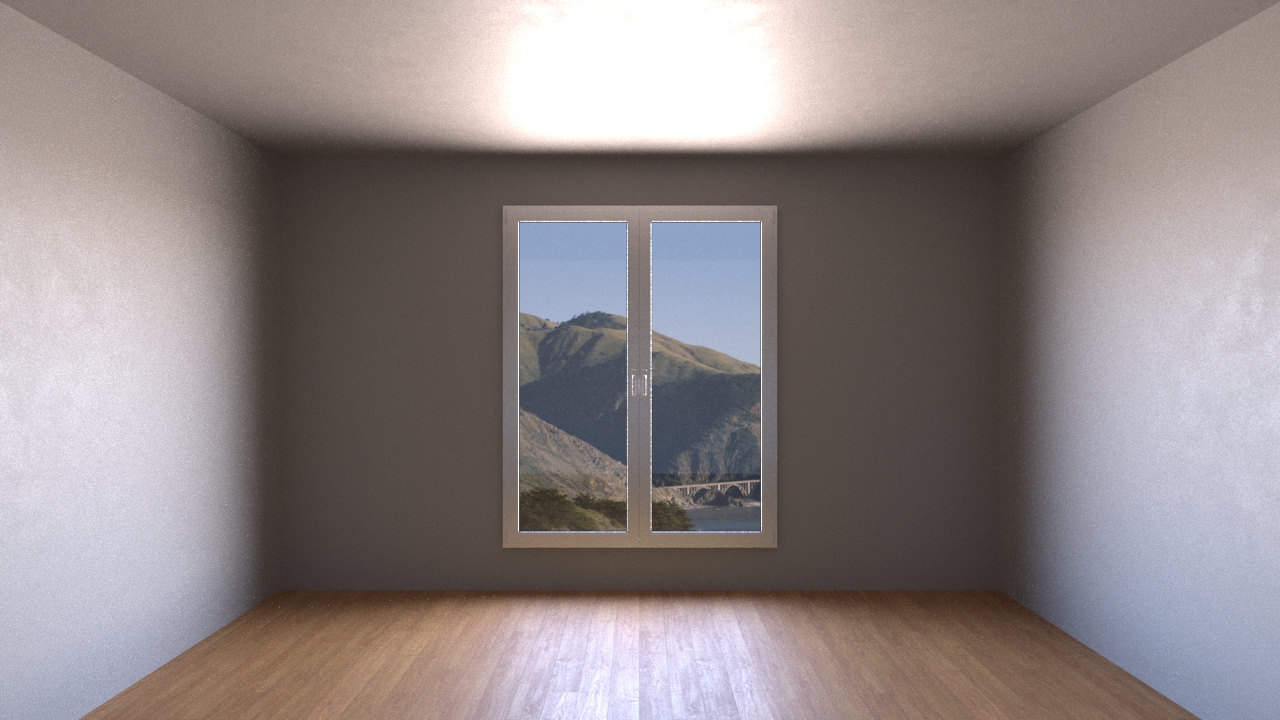
Exposure = 4
Click here to see the material setup
