Corona for Cinema 4D
Corona Node Material Editor
This article provides information on using the Corona Node Material Editor in Corona for Cinema 4D.
Last updated 13 July 2026
This article provides information on using the Corona Node Material Editor in Corona for Cinema 4D.
Overview
Corona for Cinema 4D comes with its own Node Material Editor. The Corona Node Material Editor provides a more visual and intuitive way of creating materials by displaying the whole connection graph of nodes/shaders.
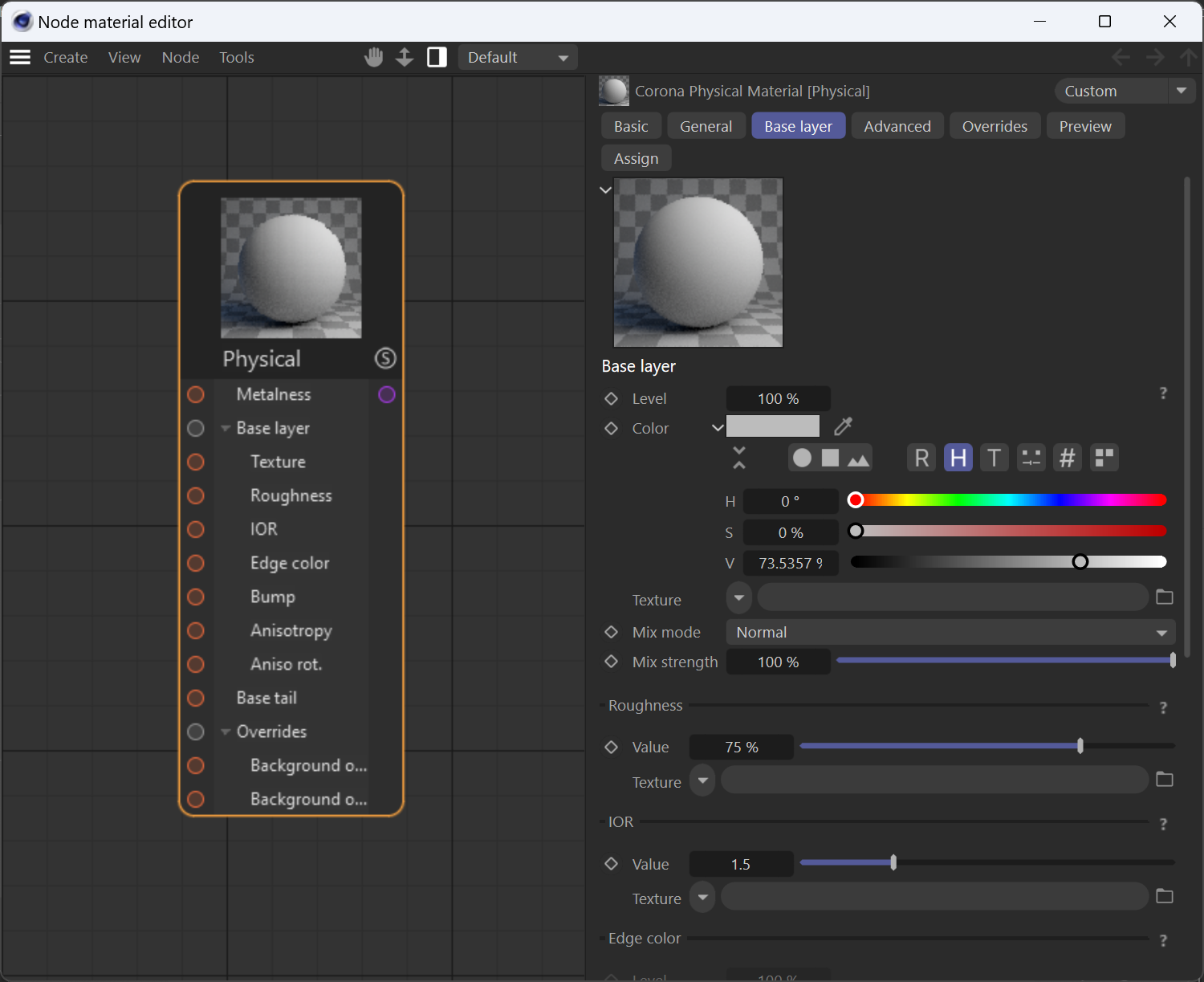
Accessing the Corona Node Material Editor
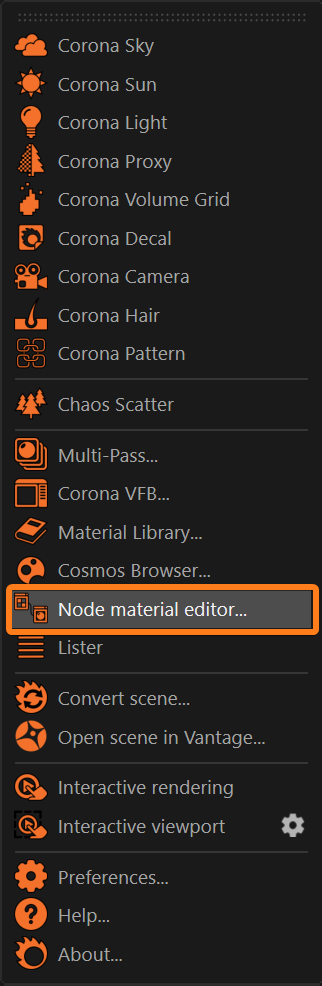
The Corona Node Material Editor is available in the Corona menu.
UI Path
Key features
- Simplifies working with complex material setups using an intuitive node representation.
- Simplifies using the same shader (node) in more than one material channel.
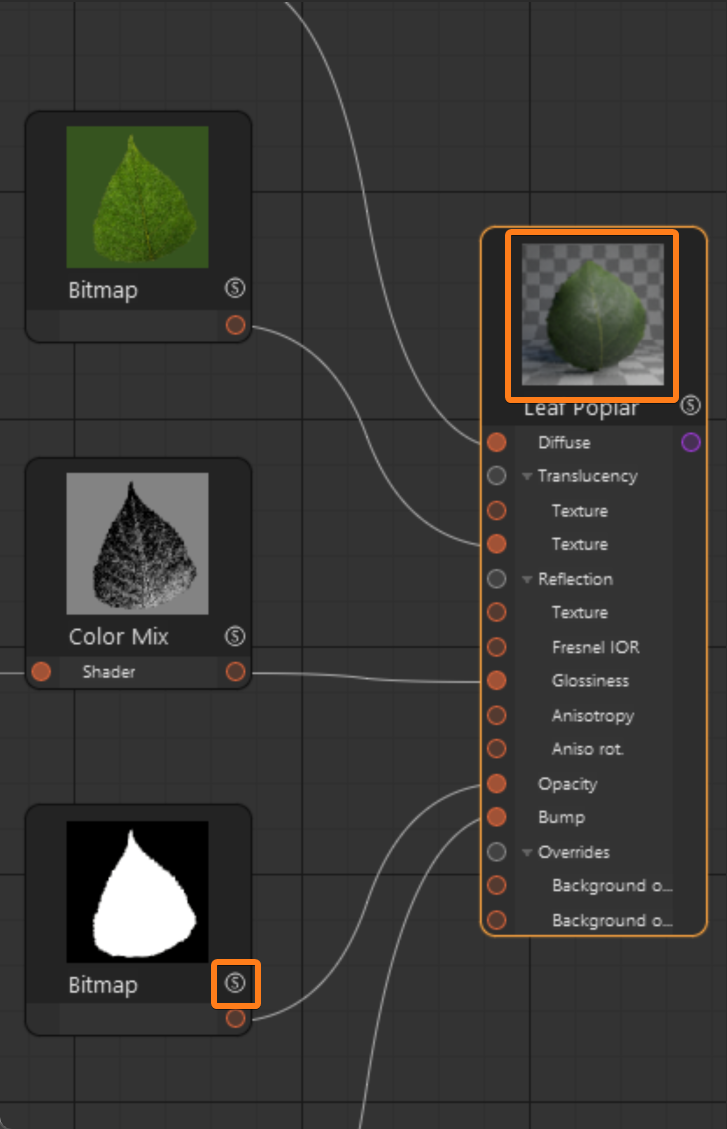
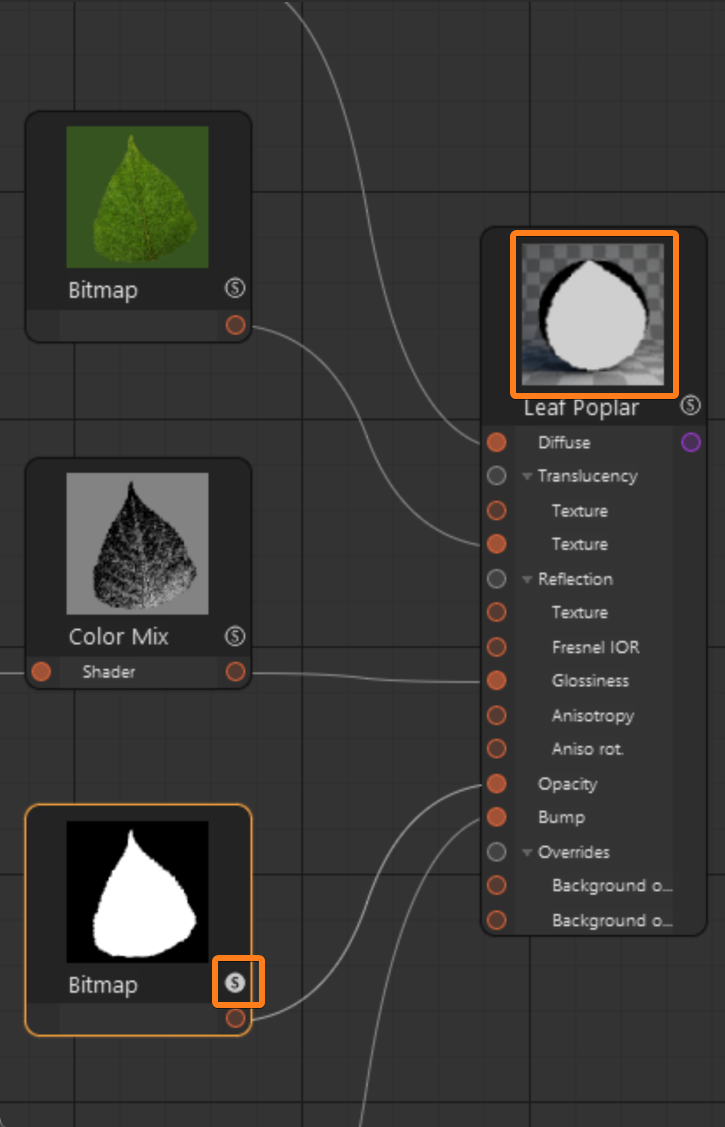
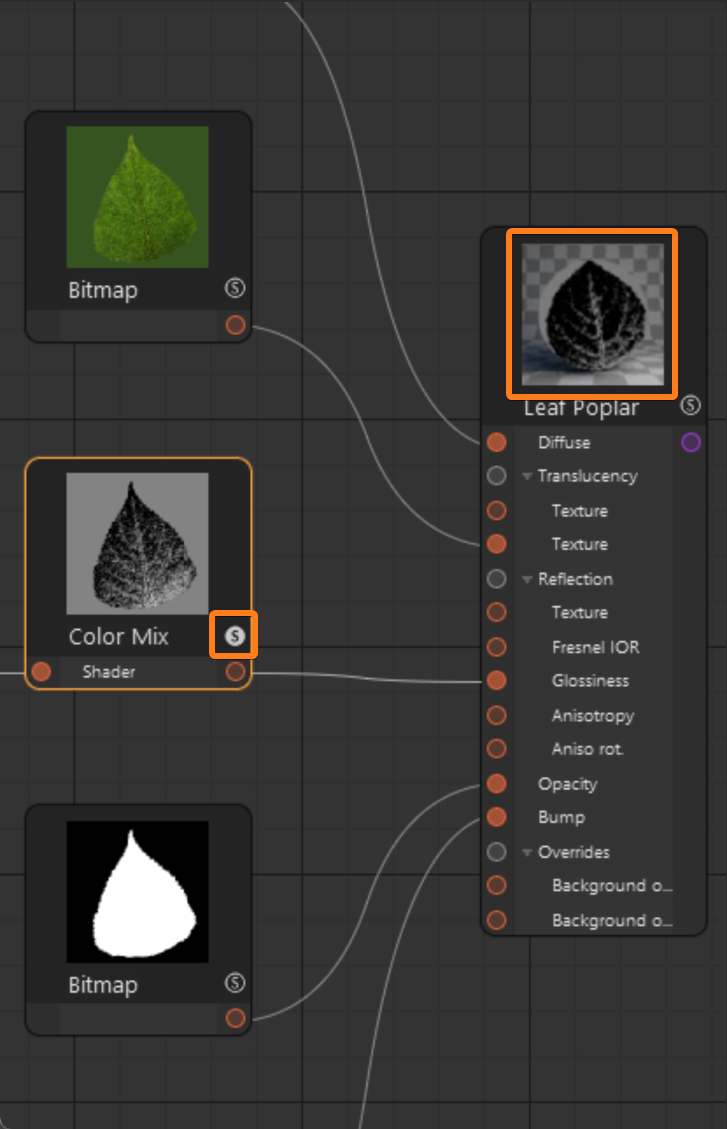
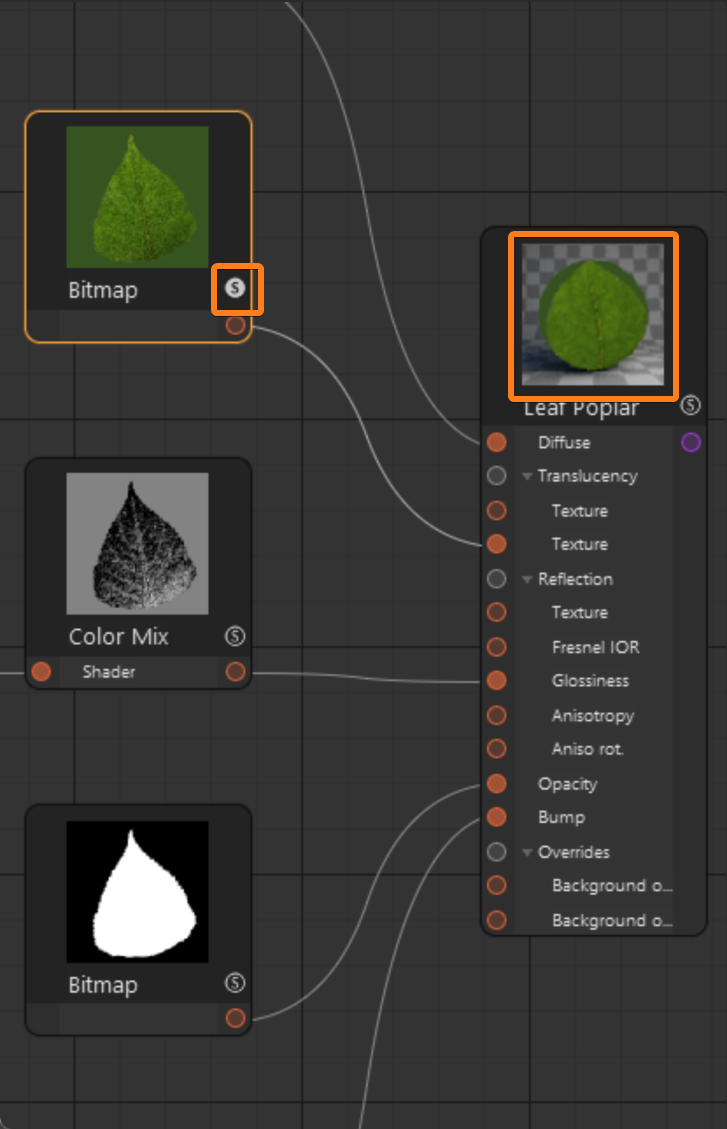
- If required, a node can be soloed, resulting in the material temporarily displaying the soloed node as the main shader for easy representation in the Viewport until the Solo mode for the node is disabled.
- Different views (working spaces) can be created to improve the organization of the materials/nodes loaded in the Node Material Editor.
Create menu
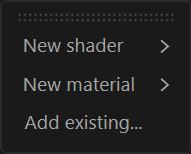
New shader – Creates a new shader.
New material – Creates a new material.
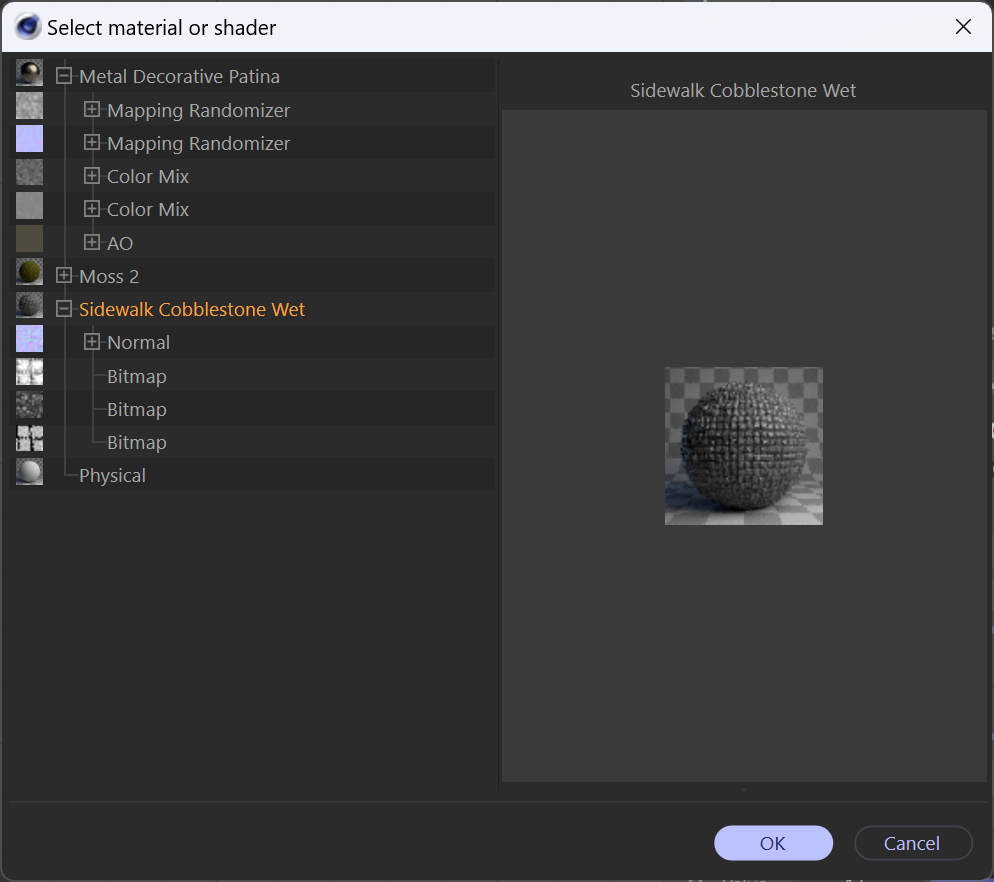
Add existing... – Loads an existing material from the scene into the current Node Material Editor's view.
Click here to see the Add existing UI...
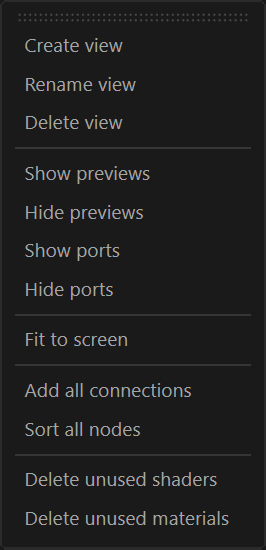
View menu
Create view – Creates a new Node Material Editor view (working space).
Rename view – Renames a previously created Node Material Editor view (working space).
Delete view – Deletes an existing Node Material Editor view (working space).
Show previews – Shows the node's preview thumbnails regardless of whether it's a shader or a material.
Hide previews – Hides the node previews thumbnails regardless of whether it's a shader or a material.
Show ports – Displays all the ports (connections) available for the node.
Hide ports – Hides all the ports (connections) available for the node resulting in a minimalistic view of the node.
Fit to screen – Zooms in/out the workspace/view so that every node in the view fits into the Node Material Editor's window size.
Add all connections – When a node/connection is removed/hidden from the current active view, this retrieves/shows the hidden nodes/connections for the selected node.
Sort all nodes – Sorts and align all the nodes in the view
Delete unused shaders – Deles all unused shader nodes in the view.
Delete unused materials – Deletes all unused material nodes in the view.
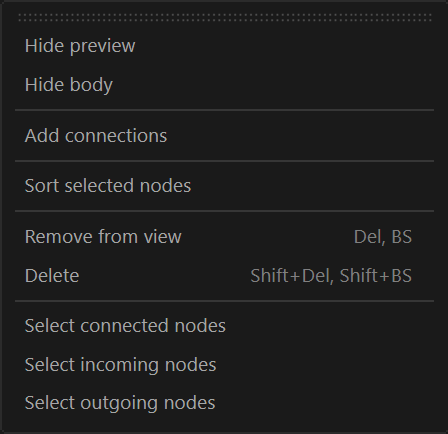
Node menu
Hide preview – Hides the preview thumbnail for the selected node.
Hide body – Hides the node's UI body and keeps only the preview thumbnail.
Add connections – When a node/connection is removed/hidden from the current active view, this retrieves/shows the hidden nodes/connections for the selected node.
Sort selected nodes – Sorts and align the selected nodes.
Remove from view – Removes a selected node from the current view. This action does not remove the node from the scene project, only from the current view.
Delete – Deletes the selected node.
Select connected nodes – Adds all the connected incoming and outgoing nodes from the selected node to the current selection.
Select incoming nodes – Adds all the connected incoming nodes from the selected node to the current selection.
Select outgoing nodes – Adds all the connected outgoing nodes from the selected node to the current selection.
Tools menu
Save without shared shaders... – Saves a copy of the scene, replacing the shared nodes in the scene by making them unique.

Toolbar
The Node Material Editor comes with a basic toolbar which includes:
Pan – Pans the workspace area for the active view. |
Pan – Pans the workspace area for the active view. | |
Zoom in/out – Zooms in/out the workspace area for the active view. | |
Side panel – Shows/Hide the properties side panel for the Corona Node Material Editor. | |
Active View – Lists all the available views for the Corona Node Material Editor for the current scene project and sets the current active view. |
Examples
The Solo mode can be enabled for either shaders or materials.