Corona for Cinema 4D
Corona Sun
This article explains the settings and values for the Corona Sun object.
Last updated 1 September 2026
This article explains the settings and values for the Corona Sun object.
Overview
The Corona Sun allows you to add a realistic and physically correct source of daylight for illumination of the scene.
By default, the sun's height in the sky adjusts the color of the sun realistically. It always generates "soft" shadows since it is physically realistic.
You can adjust the size of the sun if required, with a larger sun creating softer shadows. Rather than have the sun color and intensity controlled automatically, you can choose to manually override it and set it to a specific color and/or intensity.
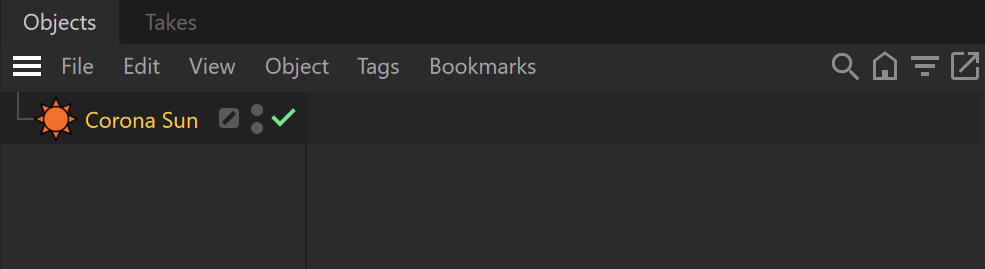
Object Properties
Enabled – Allows you to turn on and off the sunlight.
Size – Makes the shadows softer/sharpen.
Intensity – Specifies an intensity multiplier for the Corona Sun.
View size – Allows you to adjust the Corona Sun object's viewport representation. This value won't affect any other parameter.
Textured – When enabled, there are subtle color differences towards the borders/horizon. Enabling this option can slow down the rendering and produces no visible differences, except when the sun is viewed directly in detail, so there is usually no need to enable it. When disabled, the sun disc has uniform color on its entire surface.
Sky-independent – When enabled, the sun is not automatically linked to the Corona Sky object.

Use color from sky – Changes the Corona Sun color, depending on the position of the sun.
Color – Allows selecting specific colors for the light emission. Note that the chosen color will also affect the color of clouds respectively.
Temperature – Adjusts the Corona Sun color temperature according to the Kelvin Temperature Scale.
Rotation – Sets the orientation (clockwise) of the Sun using the vertical axis.
Angle – Sets the sun's angle from the horizon to the zenith.
Direction – These parameters set the position of the sun.


Visible directly – When enabled, the Corona Sun is directly visible to the camera.
Visible in reflections – When enabled, the Corona Sun is directly visible in reflections.
Visible in refractions – When enabled, the Corona Sun is directly visible in refractions.
Generate caustics – Enabling this option allows for generating caustics.
Visible in editor – When disabled, this hides the object in the viewport.
Apply shadows from clouds – When enabled in combination with the clouds from the Corona Sky, the sun casts shadows from the clouds.
Use old (pre-v6) color mode – When enabled, the sun's realistic color is computed using the Hosek&Wilkie sky model.

Examples
Corona Sun - Size
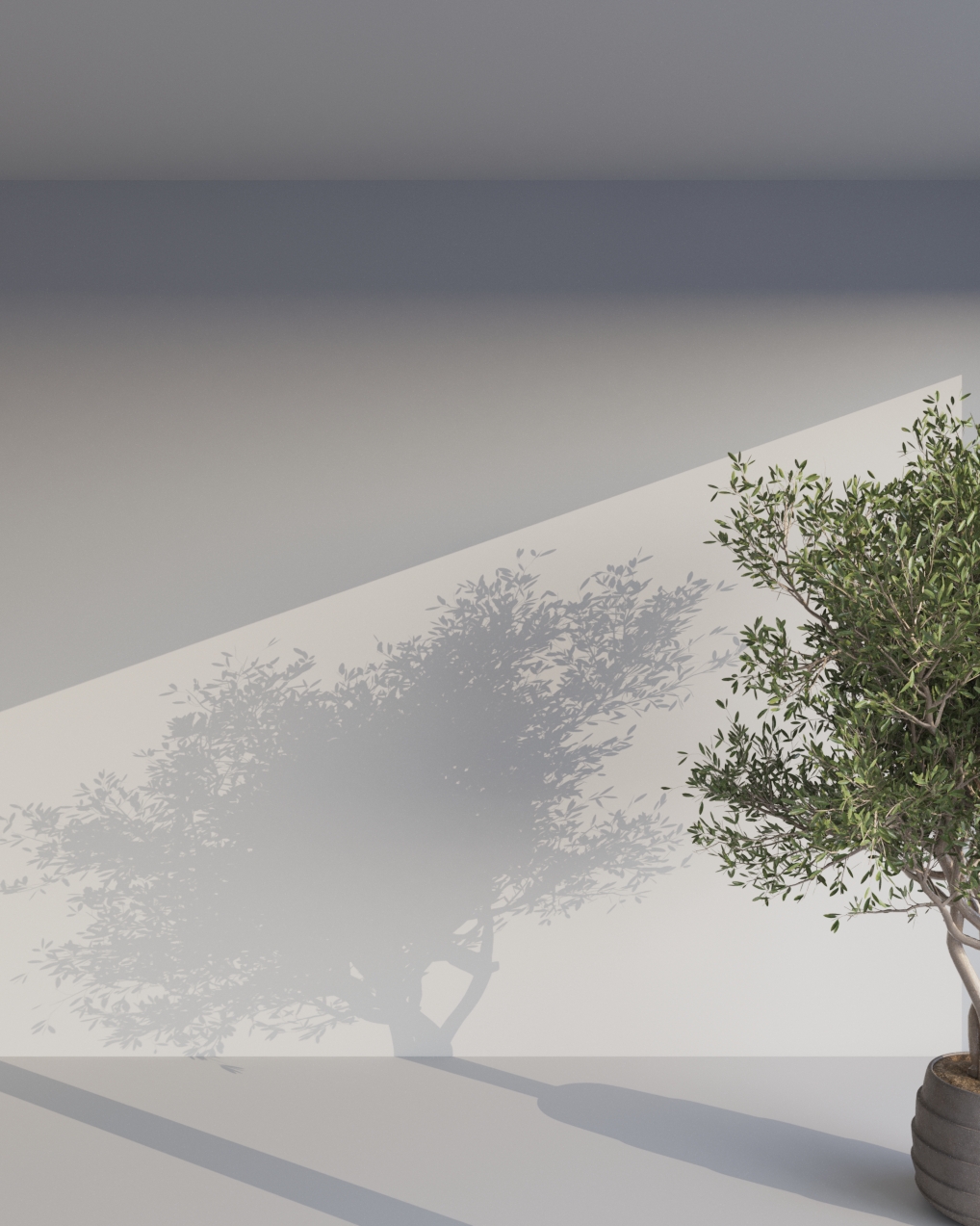
Size = 0.1

Size = 1

Size = 5
Corona Sun - Intensity

Intensity = 0.1

Intensity = 1

Intensity = 5
Corona Sun - Temperature

(No change in position)
Temperature = 6500 °K

(No change in position)
Temperature = 4000 °K
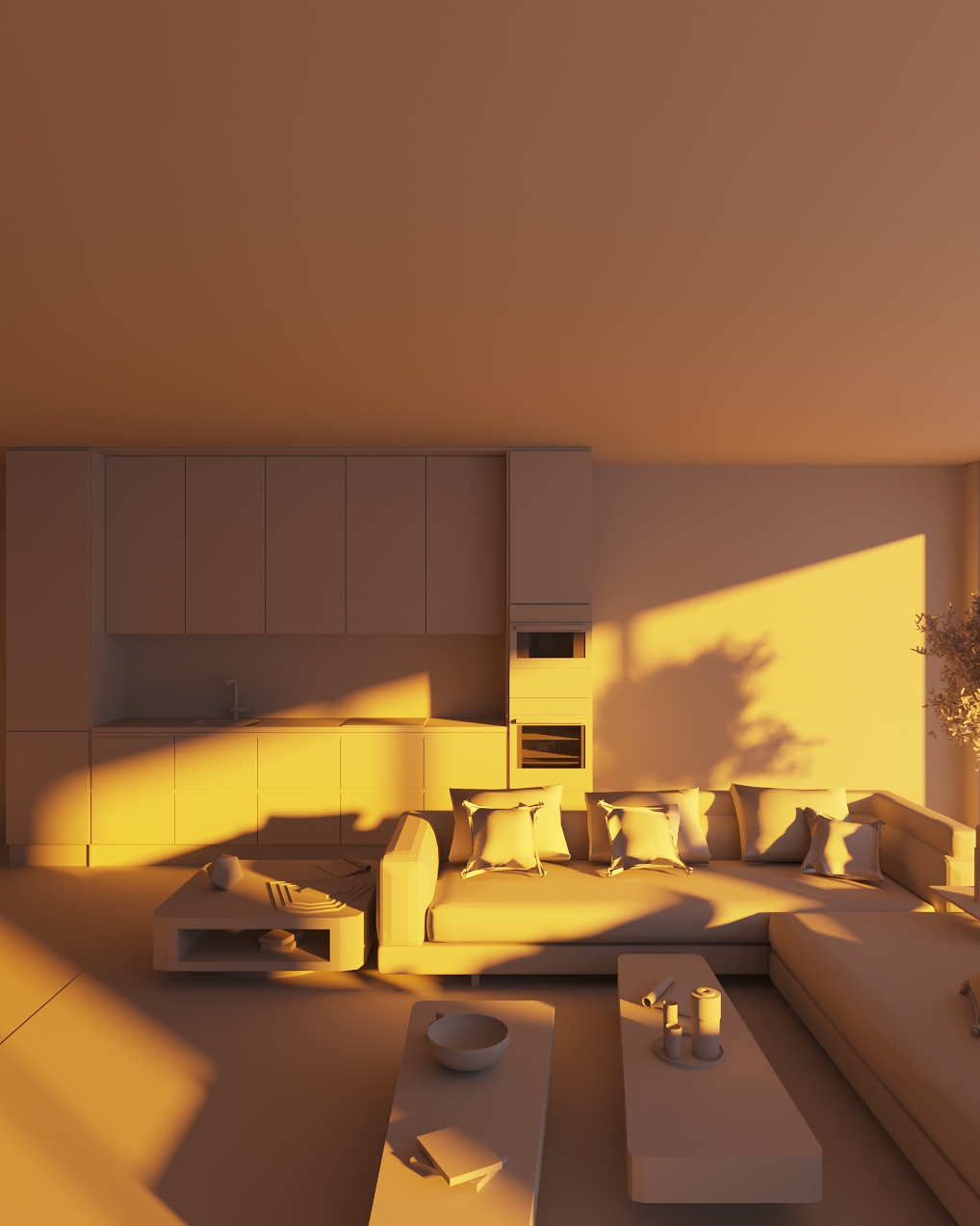
(No change in position)
Temperature = 2000 °K
Corona Sun - Position (Rotation & Angle)

Rotation & Angle = Example 01

Rotation & Angle = Example 02

Rotation & Angle = Example 03
Positioning via the Corona VFB
In Corona 15, you can position the Corona Sun / Corona Moon dynamically by picking its exact location directly within the rendered image. This allows for intuitive, visual lighting placement without manually adjusting coordinates or rotating light sources.
Workflow:
- Set up your scene – Add a Corona Sun/Moon to your scene.
- Start rendering – Launch your render (preferably Interactive Rendering) in the Corona Virtual Frame Buffer (VFB).
- Activate Pick Mode – Click the Pick button (pointer icon) in the Corona VFB toolbar.
- Select location – Right-click on the exact point in your rendered image where you want the light source to appear.
- Position the light – From the context menu, select Place Corona Sun here or Place Corona Moon here.
The light source is automatically repositioned in 3D space to align precisely with the pixel coordinates you selected.

Example: Corona Sun Position
