Corona for Cinema 4D
Distributed Rendering
This page covers the basics of distributed rendering in Chaos Corona for Cinema 4D.
Last updated 1 September 2026
This page covers the basics of distributed rendering in Chaos Corona for Cinema 4D.
Overview
Thanks to distributed rendering you can render a single frame faster by using multiple computers on your local network.
For a guide on getting started with distributed rendering and basic troubleshooting, please visit the Chaos Help Center: How to use Team Render (Distributed Rendering in C4D)?
UI Path: ||Render Setup window|| > Corona > Team Render tab
Master Machine
The master is the machine where the distributed rendering is initiated. It is running Cinema 4D with the user interface visible and has distributed rendering enabled in Corona render settings. It is rendering on its own, but also sending scene data to the render nodes and collecting the rendered pixels from them.
To enable distributed rendering use the following instructions:
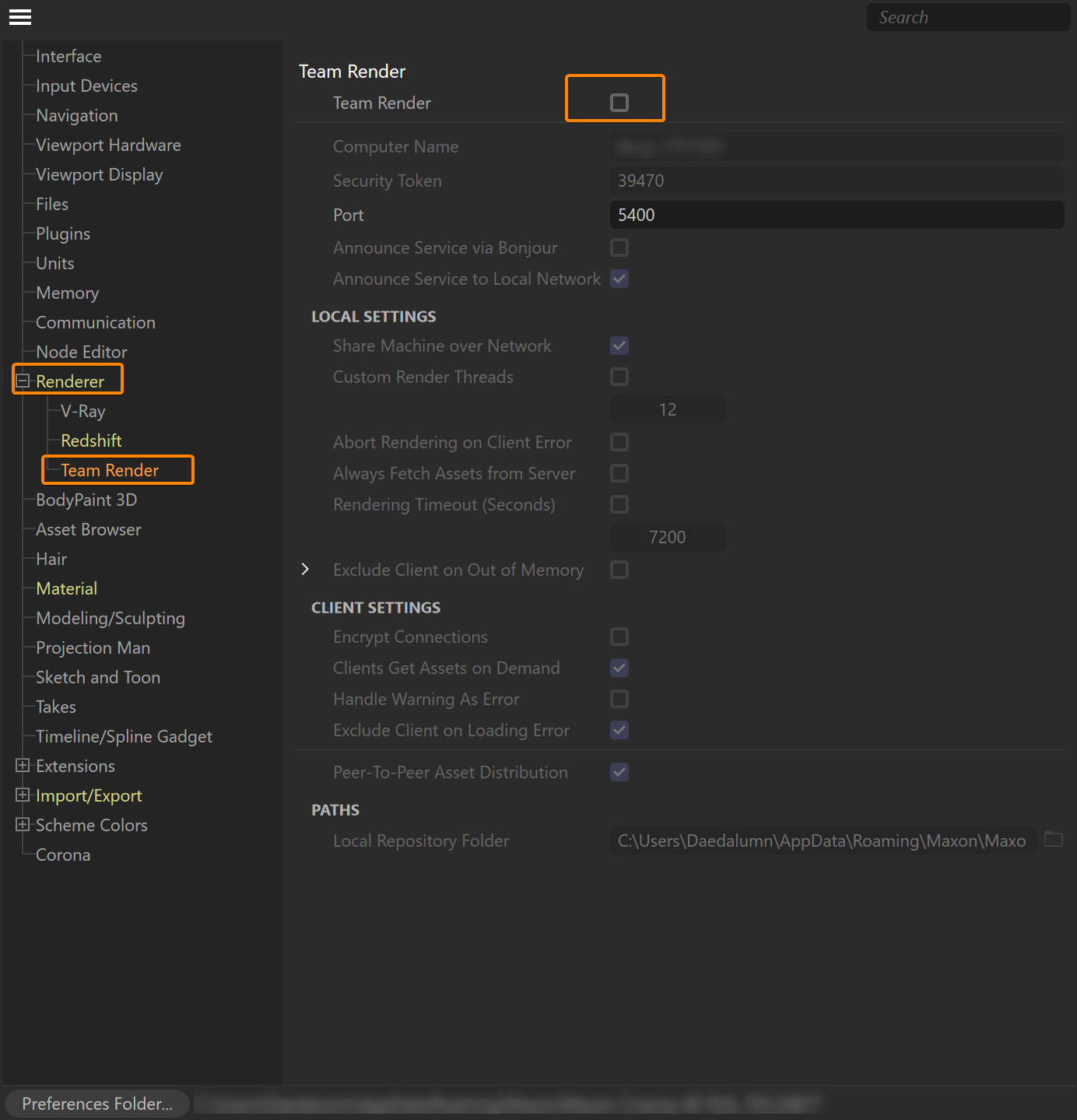
- In Cinema 4D, enable Team Render by going to the menu Edit > Preferences > Renderer > Team Render, and check the Enable Team Render option.
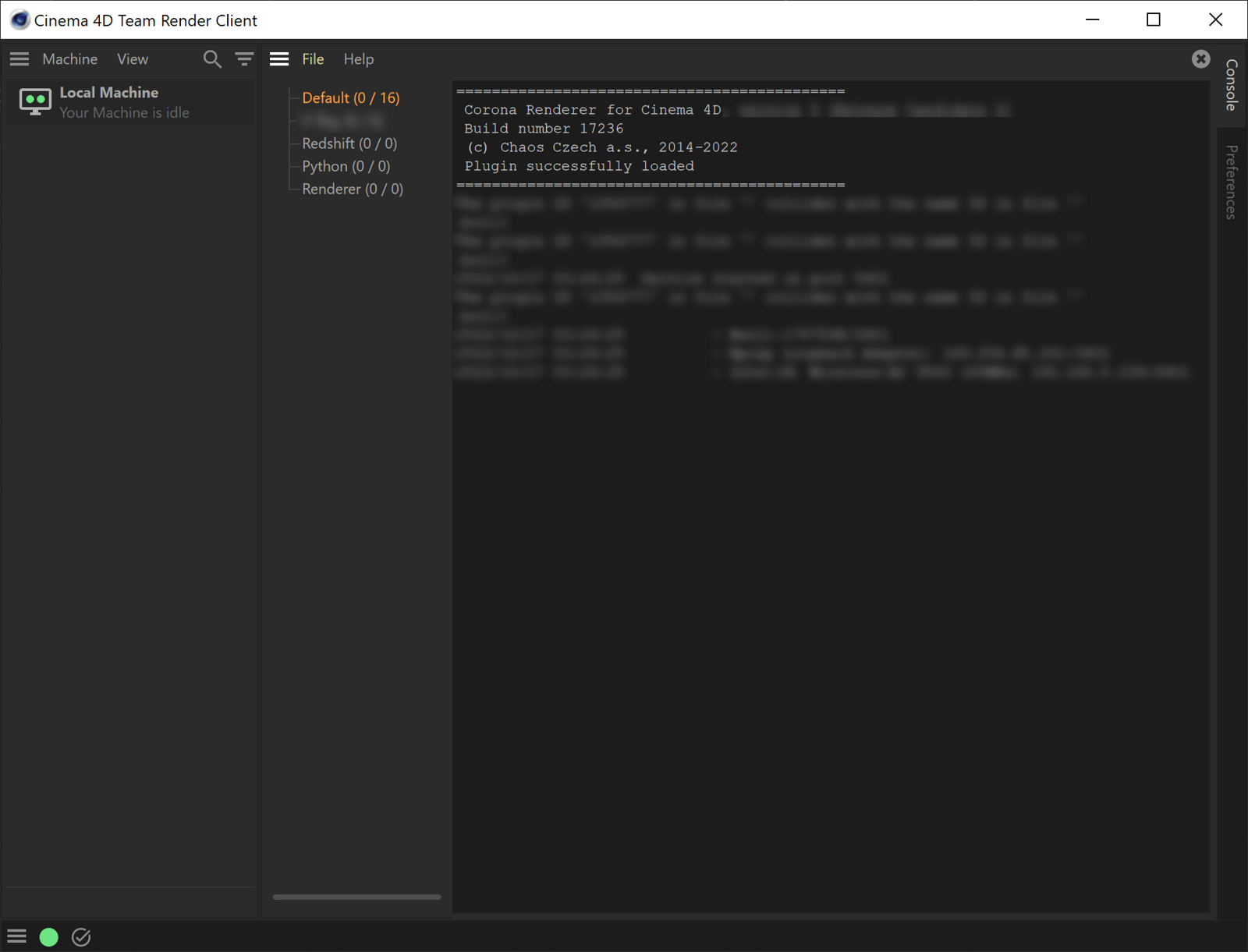
- For machines that will act as clients, run Cinema 4D's Team Render Client service from the Windows start menu.
- Once enabled, check that the Machine List is as expected (under the Cinema 4D menu Render > Team Render Machines).
Machines can be added to this list automatically or manually (see Cinema 4D help for full details). You may need to verify the machines on the list and enter the security token for that machine (and sometimes you may need to unverify then verify the machine)
See also: Team Render
Render Node Machine
A render node is a machine that renders the scene and sends the rendered data back to the master. The data rendered on all render nodes is sent to the master machine and merged there, together with the data rendered by the master machine itself.
In order for a rendering node to be ready to receive rendering jobs, simply open the Team Render Client instead of the regular Cinema 4D UI.