Enscape
Enscape Error on Windows
This page provides information about the possible Enscape errors in Windows.
Last updated 1 September 2026
This page provides information about the possible Enscape errors in Windows.
Overview
When starting Enscape, some users might see the Access Denied prompt.
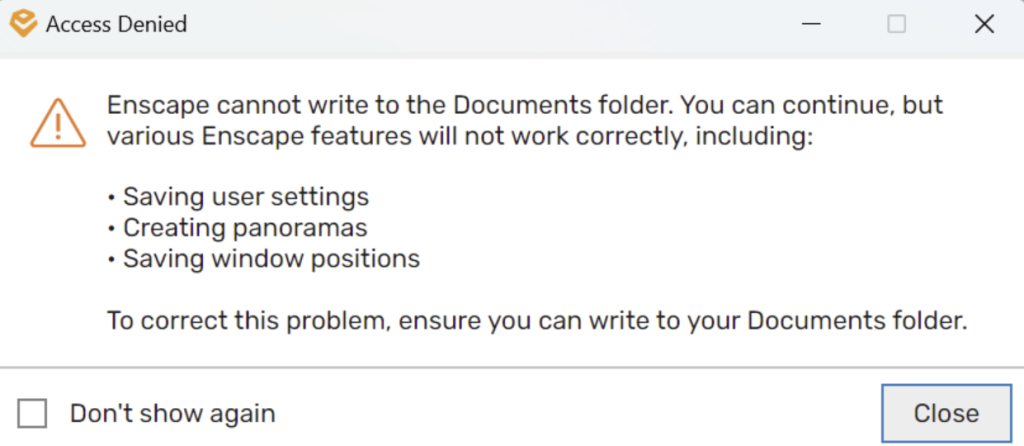
Access Denied prompt
Impact on Your Enscape Experience
If Enscape cannot write to the My Documents folder, you can experience limitations in functionality, specifically:
- You cannot save or modify your custom user settings.
- You cannot create or export panoramas.
- Window positions and layout preferences don’t persist between sessions.
Recommended Actions:
Option 1: Contact your organization’s IT Administrator and request permissions to read/write to your My Documents folder.
Option 2: Continue using Enscape with the limitations. You are informed about these limitations each time Enscape starts unless you choose Don’t show again.
Notes for IT Administrators
To fully resolve this issue and ensure optimal Enscape functionality, ensure that the user account running Enscape has full read/write permissions to the My Documents folder.
Additional Assistance
For further assistance, please contact our customer support team.