V-Ray for Maya
Caustics (RE)
This page provides details about the Caustics Render Element and how it is used in compositing.
Last updated 18 September 2025
This page provides details about the Caustics Render Element and how it is used in compositing.
Overview
Caustics is an effect that is produced when light rays are reflected or refracted by the materials within a scene, which can produce light patterns on objects in the scene. The Caustics Render Element displays these effects, generated with Caustics photon mapping. It is enabled from the Caustics rollout under the GI tab in the Render Settings window. This render element is useful for enhancing or toning down caustic effects in the composite.
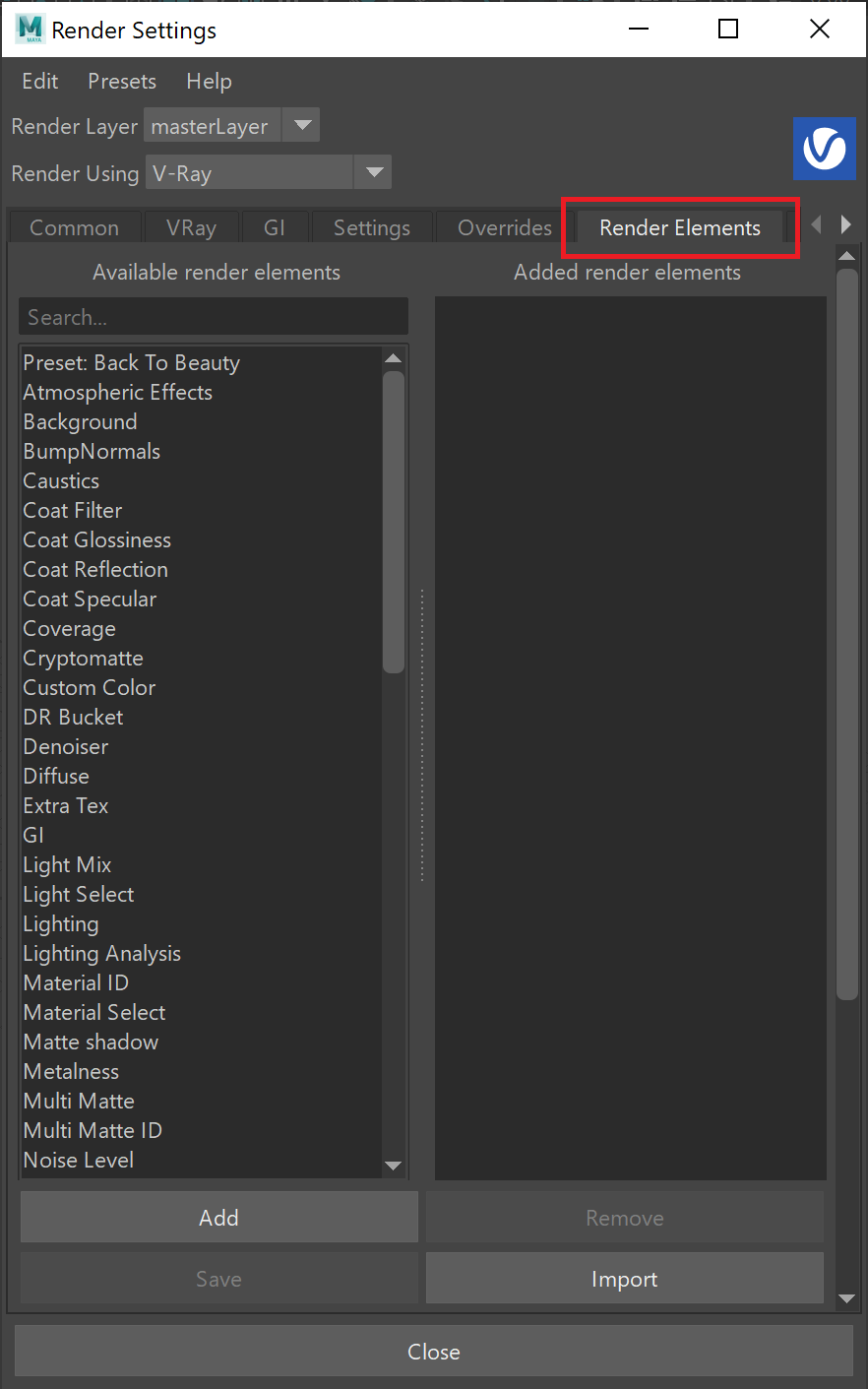
UI Path: ||Display Render Settings button|| > Render Elements tab > Caustics

Attributes
Enabled – When enabled, the render element appears in the V-Ray Virtual Frame Buffer.
Deep output – Specifies whether to include this render element in deep images.
Filename suffix – The text added to the end of the rendered file, when saved as a separate file (e.g. myrender.caustics.vrimg).
Apply color mapping – Applies the color mapping options specified in the Color Management rollout of the V-Ray tab in the Render Setup window to this render element. This option is enabled by default.
Denoise – Enables the render element's denoising, provided the Denoiser render element is present.

Common Uses
The Caustics Render Element is useful for changing the appearance of rendered caustic effects with a compositing or image editing application. Below is an example of its use.

Original Beauty composite

Caustics Render Element

Tinted Caustics Render Element

Darkened caustics
Compositing Formula
vrayRE_Casutics + Beauty = Final Image

Notes
- The Reflective Caustics and Refractive Caustics options on the GI section in the Render Settings window cause a similar effect in the final rendering, but these caustics do not show up in the Caustics Render Element.