V-Ray for Maya
ExtraTex
This page provides information on the Extra Texture render element.
Last updated 18 September 2025
This page provides information on the Extra Texture render element.
Overview
The Extra Texture Render Element shows the rendered image with a single texture applied to all objects in the scene. The texture applied to the scene can be a bitmap or a procedural texture such as VRayDirt or VRayCurvature.
A common use for VRayExtraTex is to use VRayDirt as the texture, which creates an ambient occlusion element for use in the composite. In this way, ambient occlusion can be controlled separately during the compositing process.
While a similar result to the VRayExtraTex render element can be obtained by applying the same texture to all objects in the scene and rendering, as usual, such an approach requires additional time spent on reverting to actual materials, saving different versions of the scene, etc. The VRayExtraTex render element provides a quick and easy way to render the scene with a single texture without the extra work.
UI Path: ||Display Render Settings button|| > Render Elements tab > Extra Tex


Attributes
Enabled – The render element is generated.
Deep output – Specifies whether to include this render element in deep images.
Filename suffix – Appends this value to the name of the channel, followed by the name of the connected texture when an explicit channel name is not specified.
Type – Specifies the type of texture that is used for rendering the extraTex channel.
Texture– Allows a bitmap or a procedural texture to be connected. This is the default option. A Texture field is available for selection, when this option is selected.
Float Texture – The extraTex produces a floating-point number that masks each object. Connect a vrayUserScalar texture to read custom floating values from vrayUserAttributes per object. Alternatively, some types of geometry can generate or receive custom float values that can also be passed to VRayExtraTex with vrayUserScalar. This is mostly used in compositing package scripts for find-by-id masking. Filtering and AA do not affect VRayExtraTex in this mode. For more information, see the ExtraTex#Notes section.
Int Texture – The extraTex will produce an integer number that masks each object. Connect a vrayUserInteger texture to read custom integer values from vrayUserAttributes per object. Alternatively, some types of geometry generate or receive custom integer indices that can also be passed to VRayExtraTex with vrayUserInteger. This is mostly used in compositing package scripts for find-by-id masking. Filtering and AA do not affect VRayExtraTex in this mode. For more information, see the ExtraTex#Notes section.
Consider for Anti-Aliasing – When enabled, anti-aliasing is used where possible.
Filtering – Applies the image filter to this channel. Image filter settings are in the Image Sampler rollout in the VRay tab of the Render Settings.
Affect Matte Objects – Sets whether to include matte objects when generating the render element. A matte object is an object that has been assigned a Wrapper Material or VRayObjectProperties with the Matte surface option enabled.
Explicit channel name – Specifies an explicit name for the generated image channel.
Exclude list – Specifies a set of objects to be excluded from the extraTex channel.
Exclude list as inclusive set – Inverts the effect of the Exlude List parameter, making it an inclusive set.
Force 32 bit output – When enabled, stores the Extra Texture render element as a 32-bit float even when writing a 16-bit raw image. This option applies only to multichannel .exr files.
Denoise – Enables the render element's denoising, provided the Denoiser render element is present.
Force lossless compression – When enabled, lossy DWAA/DWAB compression is not applied to the VRayExtraTex data stored in a multichannel exr. This option applies only to multichannel .exr files.
Background Color – Specifies a custom background color.

Sample Usage

UV information from Extra Texture pass

Object XYZ information from Extra Texture pass

Ambient Occulsion from Extra Texture pass

World Space Normals from Extra Texture pass

Bump Normals from Extra Texture pass

Object Normals from Extra Texture pass
Common Uses - Relighting With the World Point Position and Bump Normals
Bump Normals and World Positions Render Elements are useful for changing the appearance of lighting in a scene in a composite without the need for re-rendering. The example below is a lighting workflow that is used at a composite level to change the lighting in the scene. Note that it does not create any extra shadowing or GI. While the Bump Normal Render Element provides information about how lights affect each surface; the Point Position element passes the spatial location of each pixel. When used together it allows lights added in composite to react on the pixels as if they were the surface of the model.

World Point Positions

Bump Normals Render Element

Original Beauty Composite

The resulting relit composite
(2 point lights of varying intensities and colors were used along with a directional light)
Common Uses - UV Element Retexturing
By using Maya's SamplerInfo texture with Extra tex, a Render Element can be created to replace object's texture during compositing without the need to re-render the scene.

V-Ray Extra Texture Render Element with SamplerInfo's
U and V information connected to the Red and Green Channels

Original Diffuse Render Element

New Masked Diffuse Render Element

Original Beauty Render
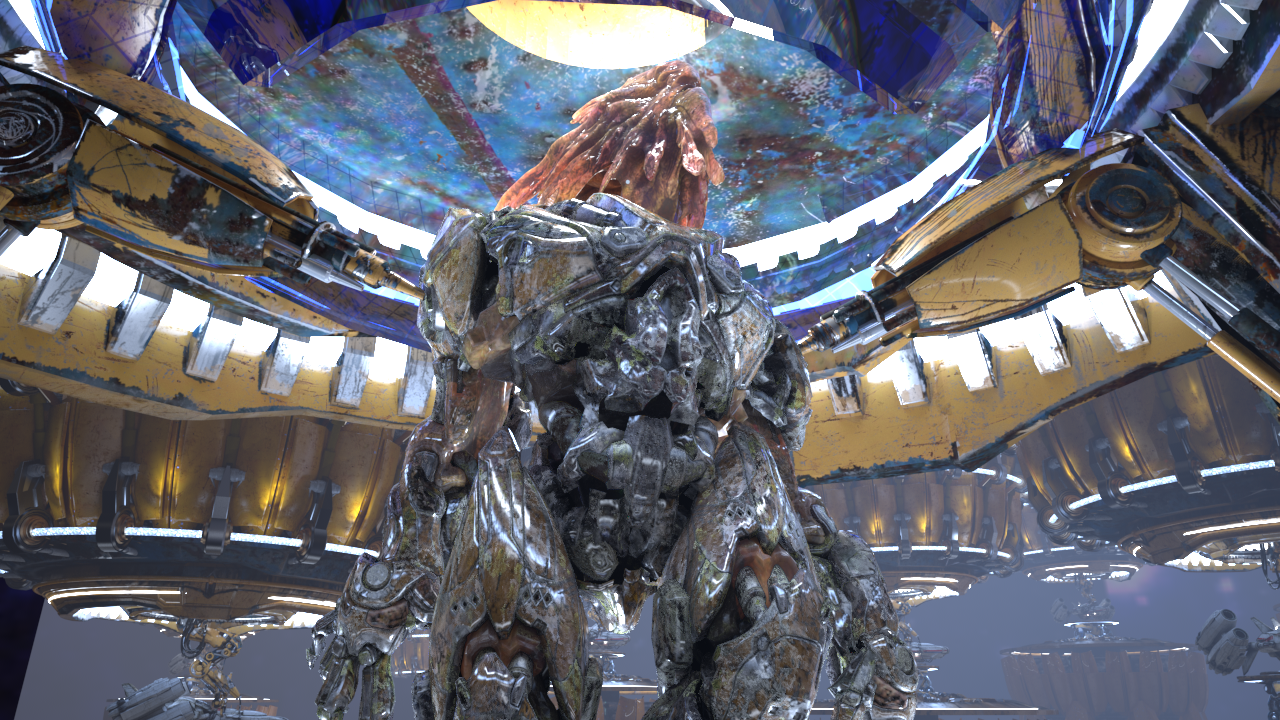
Beauty Composite with new Diffuse Render element
Common Uses - Ambient Occlusion Example Workflow
VRayDirt is useful for changing the appearance of a render in a compositing or image editing software. Here is how to add Ambient Occlusion using ExtraTex render element:
In the VFB, go to File, and depending on your preferred compositing technique, click on Save all image channels to separate files or Save all image channels to single file. You can then open the file(s) in an external compositing or image editing software.
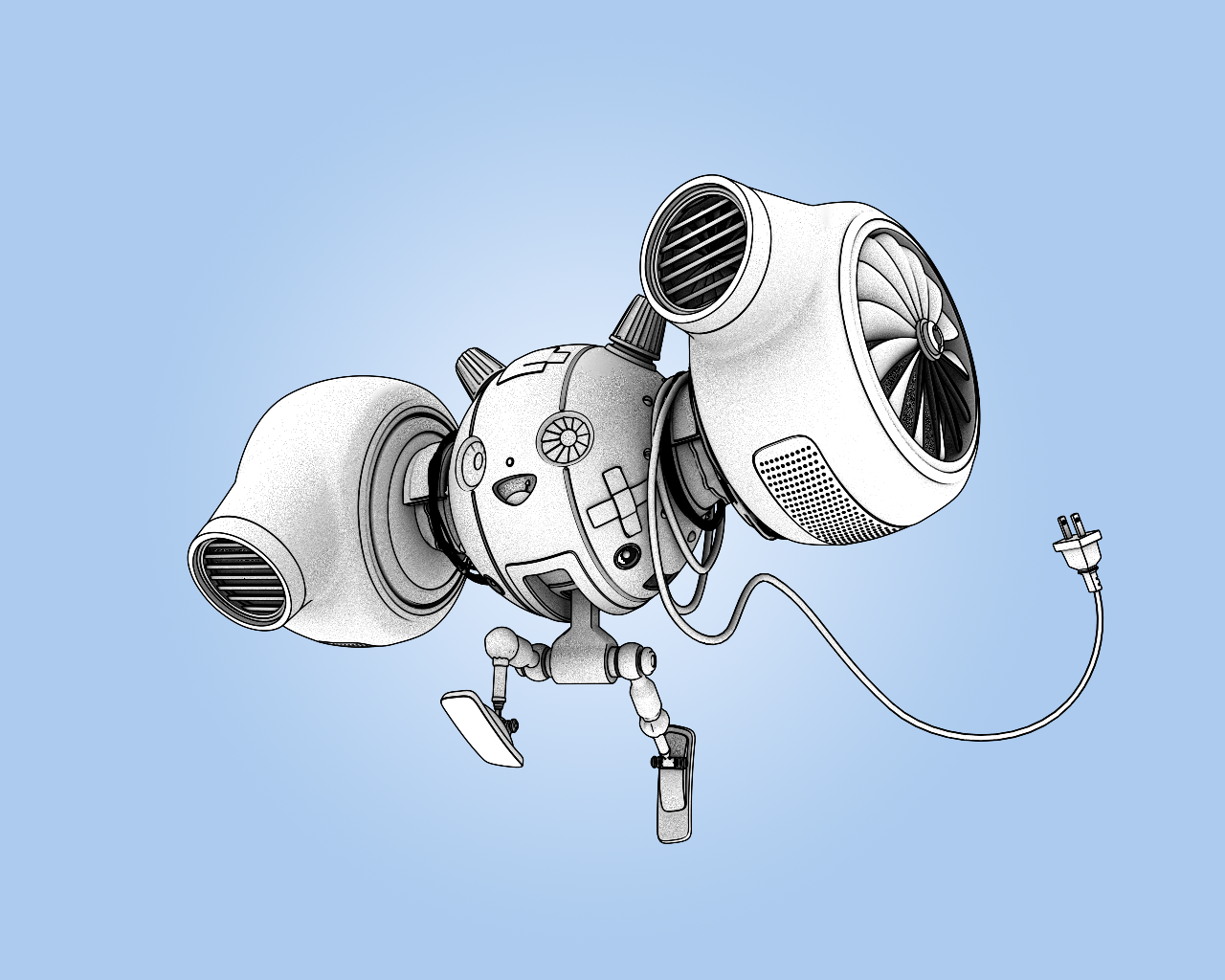


Original Beauty Composite

Beauty Composite with VRayDirt composited over in multiply mode
Notes
- Filtering and AA are only applied to extraTex when Type is set to Texture. When Type is set to Float texture or Int texture, for pixels where multiple objects are visible, the object that most contributes to that pixel has its ID stored. This is to prevent the mask from breaking around the edges of the objects.