V-Ray for Maya
Multi Matte ID
The Multi Matte ID Render Element isolates objects with specific Multi Matte IDs for compositing purposes.
Last updated 18 September 2025
The Multi Matte ID Render Element isolates objects with specific Multi Matte IDs for compositing purposes.
Overview
The Multi Matte ID Render Element provides a mask for individual objects and/or materials, based on the Multi Matte IDs that have been added as Extra V-Ray Attributes.
The Multi Matte ID Render Element contains no shading information at all, and only contains blocks of color that correspond to each Multi Matte ID . It uses the Multi Matte ID set when the Material ID attribute is added to a material.
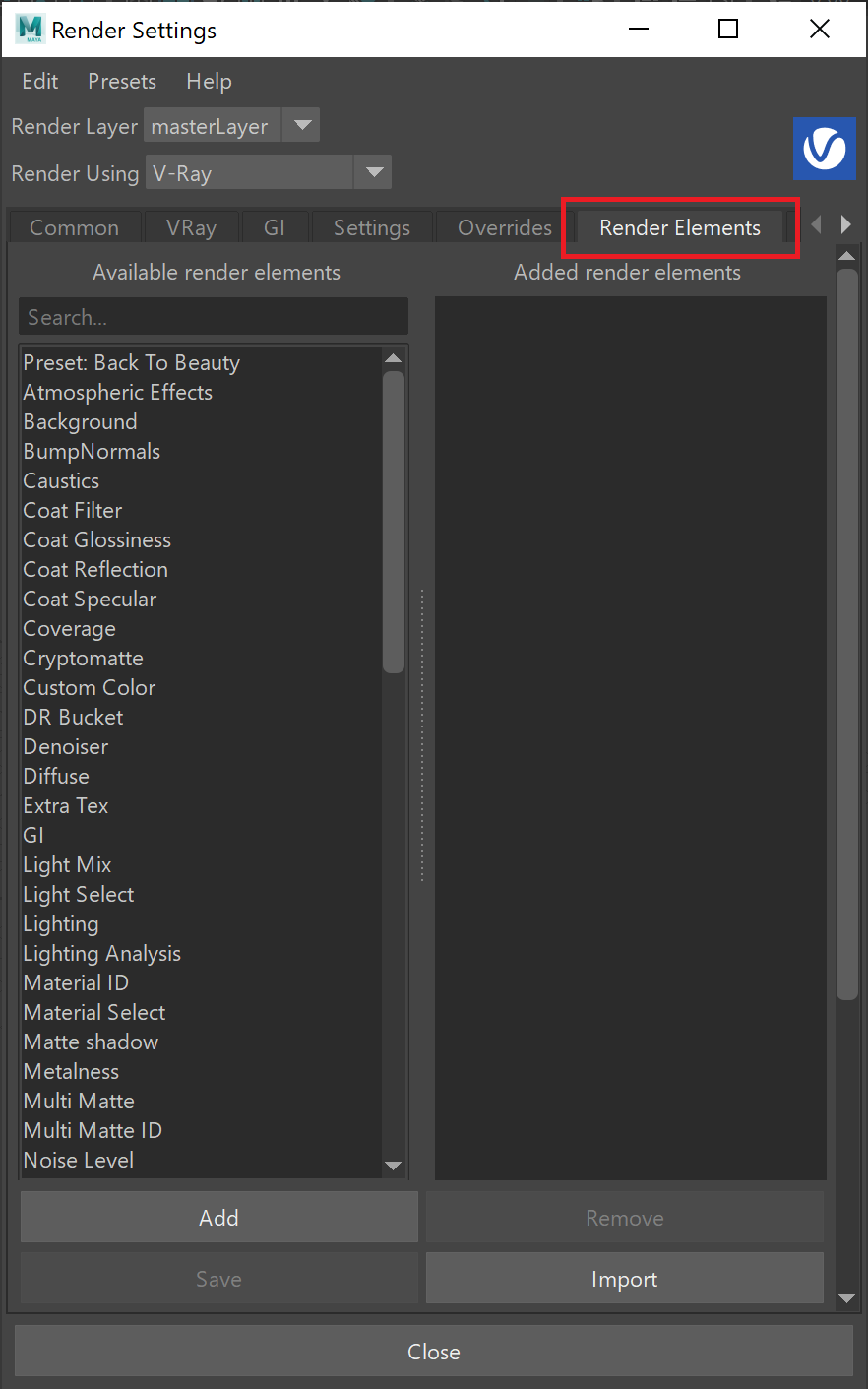
UI Path: ||Display Render Settings button|| > Render Elements tab > Multi Matte ID

Attributes
The parameters for this render element appear in the Attribute Editor under Extra V-Ray Attributes.
Enabled – When enabled, the render element appears in the V-Ray frame buffer.
Deep output – Specifies whether to include this render element in deep images.
Filename suffix – The text added to the end of the rendered file, when saved as a separate file (e.g. myrender.multimatteID.vrimg).

Multimatte ID Render Element Set up Procedure
Here's the workflow for setting up and using the Multi Matte ID Render Element:
- Select the material in the Hypershade that a Multi Matte ID Render Element is needed for.
- Add the Material ID attribute from Attributes > VRay > Material ID.
- Set the Multi Matte ID to the required value. Note: each number corresponds to a different color.
- Open the Render Settings and go to the Render Elements tab and from the Available render elements add a Multi Matte ID render element.


Common Uses
A typical usage of this render element, is to use the colors produced in the Multi Matte ID to produce a mask or alpha channel in post production that covers everything with that Multi Matte ID.

The Beauty Render Element

The Multi Matte ID Render Element

The Alpha Matte produced from the red channel of the Multi Matte ID render element

Reflection Render Element prior to grading using a matte created from the red channel of the Multi Matte ID Render Element

The Reflection Render Element using a matte created from the red channel of the Multi Matte ID Render Element to add contrast to the reflection on the suit and tint it blue

The resulting composite using the Multi Matte ID's
for Control changing material colors without re-rendering