V-Ray for Maya
Noise Level
This page provides information on the Noise Level Render Element.
Last updated 18 September 2025
This page provides information on the Noise Level Render Element.
Overview
The Noise Level Render Element shows the amount of noise in the render. It is the equivalent of the noiseLevel render element generated by the V-Ray Denoiser. The Noise Level RE is available as a separate render element for situations such as manual denoising or debugging of a scene.
In this render element, black areas indicate no noise, white pixels indicate a great deal of noise in that area, and grey pixels indicate a moderate level of noise.
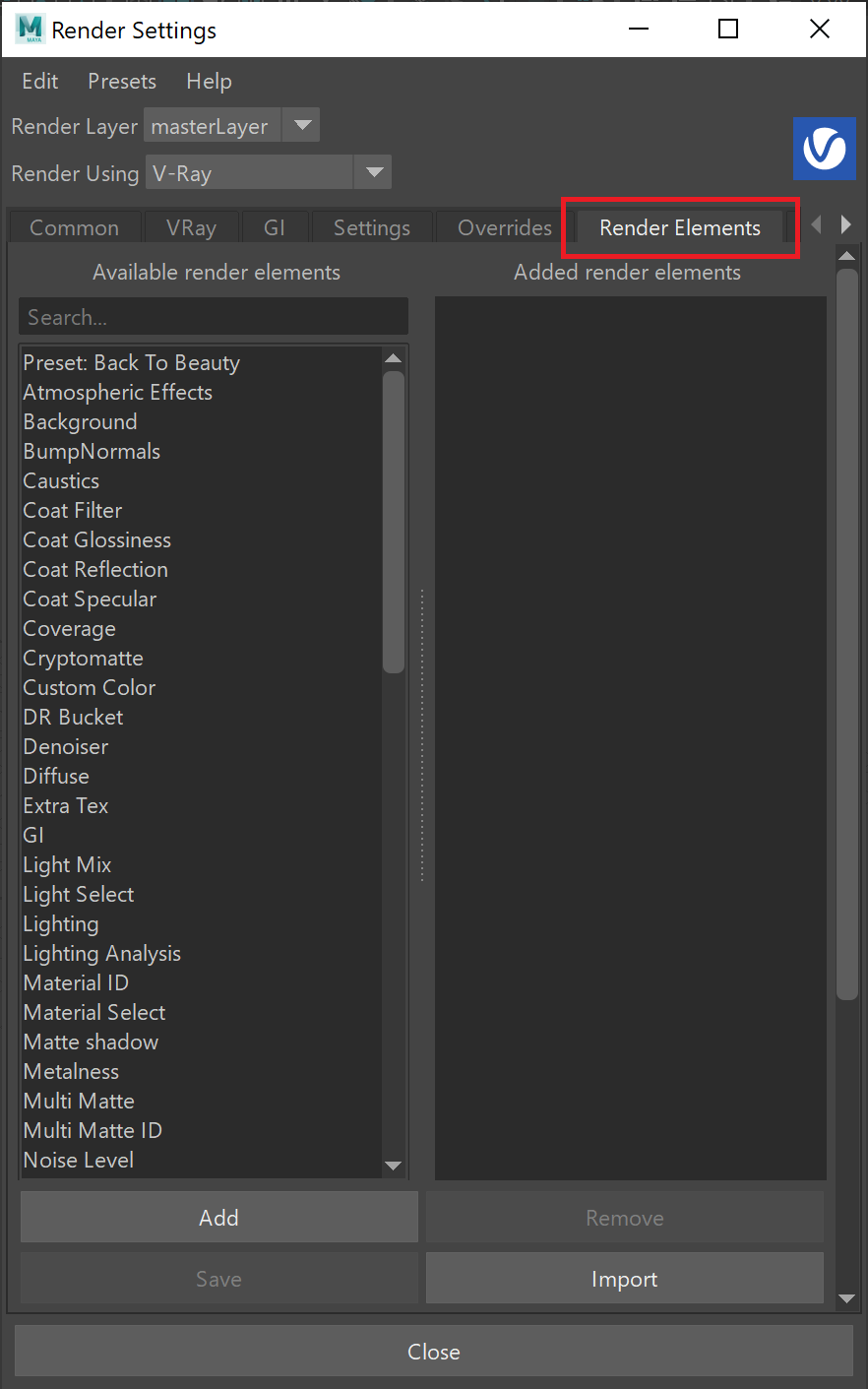
UI Path: ||Display Render Settings button|| > Render Elements tab > Noise Level

Attributes
The parameters for this render element appear in the Attribute Editor under Extra V-Ray Attributes.
Enabled – Enables the Noise Level Render Element.
Deep Output – When enabled, includes this render element in deep images.
Filename Suffix – The text added to the end of the rendered file, when saved as a separate file (e.g. myrender.caustics.vrimg).

Limitations
- The Noise Level render element does not compute the noise when the Sampler Type is set to Progressive and sampling is fixed without adaptivity i.e. the Min subdivs parameter has the same value as the Max Subdivs parameter in the V-Ray Settings.