V-Ray for Maya
OpenPBR Shading Model
This page provides information about the OpenPBR shading model in V-Ray Material in Maya.
Last updated 1 September 2026
This page provides information about the OpenPBR shading model in V-Ray Material in Maya.
Overview
OpenPBR is an open-source Physically-based Rendering shading model created by Adobe and Autodesk.
V-Ray implements it as a switchable model in the V-Ray Material. Currently, it is supported partially with V-Ray GPU.
Layer Structure
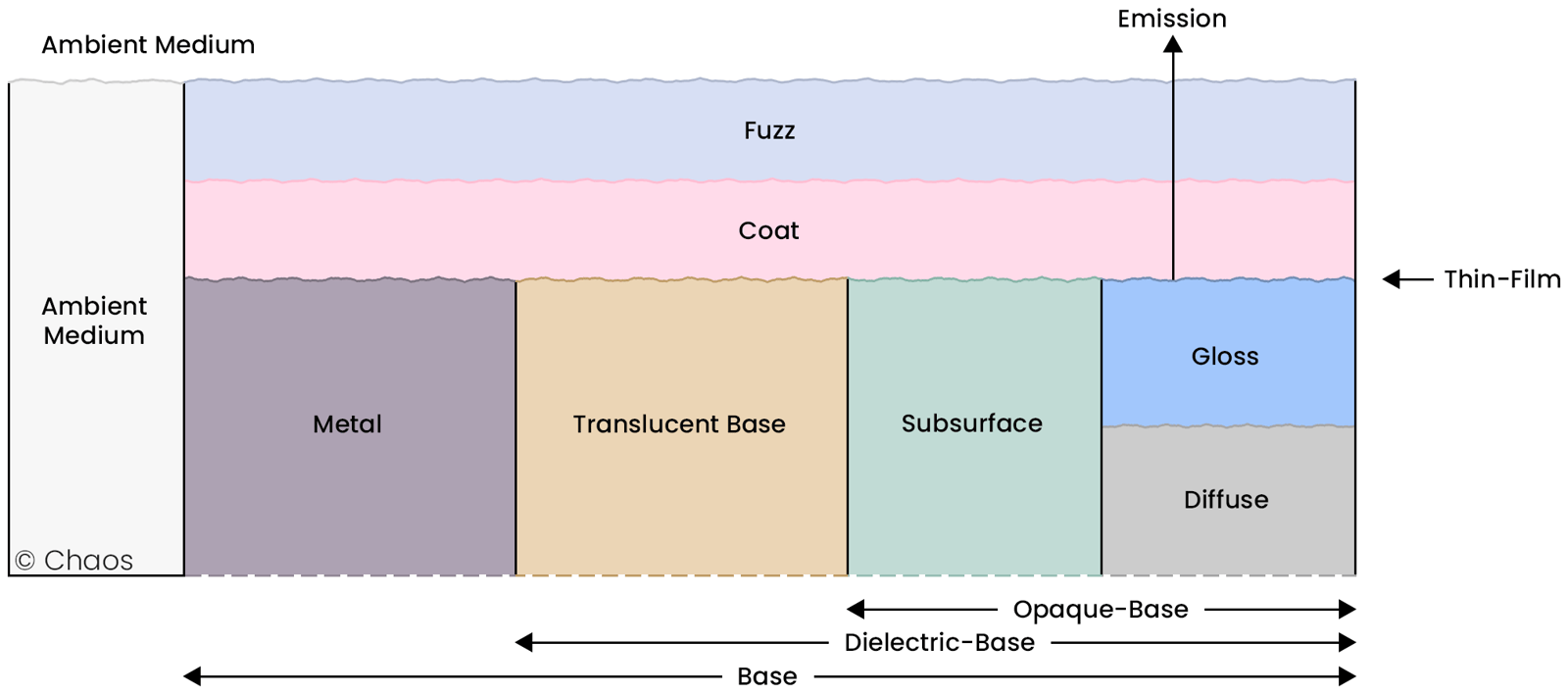
The main difference between the V-Ray material model and OpenPBR is the layers' structure. See the diagram for information on how OpenPBR's layers are calculated.
Fuzz Layer
OpenPBR's topmost layer is Fuzz, which is based on the "Practical Multiple-Scattering Sheen Using Linearly Transformed Cosines"; Tizian Zeltner et all; Siggraph 2022 paper. The Fuzz layer is calculated by itself, unlike in V-Ray Material, where Sheen is coupled with the Diffuse layer. The OpenPBR's Fuzz affects the Coat, Reflection, Refraction, and Diffuse layers, but is not affected by them. For a comparison between Sheen and Fuzz, see the example.
See the Fuzz Amount example.
See the Fuzz Color example.
See the Fuzz Roughness example.
Coat Layer
The Coat layer has an additional parameter, which controls anisotropy.
The Coat parameter simulates a clear, glossy top layer often found on materials like car paint or varnished wood. This layer reflects light, enhancing the visual depth of the material, and adds realism by mimicking physical coatings in the real world.
See the Coat Amount example.
Coat Darkening
Coat Darkening is a parameter that controls how the coat layer impacts the appearance of the underlying layers, dielectric or metallic. This effect emulates how a clear coat layer slightly darkens the underlying material due to light absorption and scattering. By adjusting this parameter, you can create slight color changes, adding depth and making renders look more realistic. See the example.
Roughness
OpenPBR uses the roughness model to simulate light interaction with surfaces.
Roughness determines how smooth or rough a material's surface appears by controlling the scattering of light reflections. A lower roughness value results in sharper, more mirror-like reflections, while higher roughness values produce blurred, diffuse reflections. This parameter is crucial for simulating various surface finishes, from polished metal to matte materials like rubber or chalk. See the example.
Emission
V-Ray Self-Illumination corresponds to OpenPBR Emission, and the emission layer is positioned before the coat layer.
The Emission setting allows materials to emit light independently, creating glowing effects. This feature is often used to simulate lights, screens, or any surfaces that need to radiate brightness in a scene. See the Emission and Coat example.
Thin Film Thickness
In VRayMtl, the thin-film thickness is measured in nanometers (nm), while in OpenPBR, the thickness is measured in micrometers (μm). For instance, a thickness of 0.5 μm in OpenPBR corresponds to 500 nm in VrayMtl. The conversion is handled internally.
Subsurface Scattering (SSS)
In OpenPBR, Subsurface Scattering (SSS) simulates light penetration and scattering beneath a material's surface, commonly seen in materials like skin, wax, or marble. It captures the effect of light entering the surface, scattering within, and exiting at a different location. OpenPBR defines SSS using parameters such as subsurface color and scale, which control the scattering intensity and depth. This ensures a physically accurate representation of translucent materials.
Metalness
Metalness determines whether a material behaves as a metal or a non-metal. Metallic materials (Metalness = 1) reflect light specularly, with the reflection color derived from the base color, and have no diffuse reflection. Non-metallic materials (Metalness = 0) combine diffuse and specular reflections, with the base color defining the diffuse component. This parameter helps achieve realistic material behavior by accurately simulating the optical properties of metals and non-metals.
Refraction
The refraction property of VRayMtl corresponds to the OpenPBR Transmission setting. The Refraction parameter controls the amount of light that passes through a surface, allowing it to simulate transparent or semi-transparent materials such as glass, water, or clear plastics. This parameter affects the visibility of background elements and other objects behind the material, resulting in realistic depth and light interaction.
By adjusting the Transmission setting, you can achieve a range of effects, from frosted glass to fully transparent surfaces.
Thin-Walled
The Thin-Walled setting determines if a material has thickness. When this option is enabled, objects are treated as having no inner volume, making it suitable for items like double-walled glass or thin sheets of plastic. Conversely, if the setting is disabled, the surface behaves like a solid material.
Open PBR Support
This table presents the OpenPBR features that are supported by V-Ray and V-Ray GPU.
Features in the V-Ray plugin name (data type) and Maya UI name columns labelled with
are not supported both by V-Ray and V-Ray GPU.
OpenPBR name (data type) | V-Ray plugin name (data type) | Maya UI name | V-Ray GPU support |
|---|
OpenPBR name (data type) | V-Ray plugin name (data type) | Maya UI name | V-Ray GPU support |
|---|---|---|---|
base_color (color3) | diffuse (acolor texture) | Diffuse Color | |
base_weight (float) | diffuse (acolor texture) | Amount | |
base_diffuse_roughness (float) | roughness (float texture) | Roughness Amount | |
base_metalness (float) | metalness (float texture) | Metalness | |
specular_color (color3) | reflect (acolor texture) | Reflection Color | |
specular_weight (float) | reflect (acolor texture) | Amount | |
specular_roughness (float) | reflect_glossiness (float texture) | Reflection Roughness | |
specular_roughness_anisotropy (float) | anisotropy (float)1 | Anisotropy1 | 1 |
specular_ior (float) | fresnel_ior (float texture) | Fresnel IOR | |
transmission_weight (float) | refract (acolor texture) | Amount | |
transmission_color (color3) | fresnel_ior (float texture) | Transmission Color | |
transmission_depth (float) | fog_depth (float) | Depth (cm) | |
transmission_scatter (color3) | |||
transmission_scatter_anisotropy (float) | |||
transmission_dispetion_scale (float) | dispersion_on (bool) | Dispersion | |
transmission_dispetion_abbe_number (float) | dispersion (float) | Dispersion Abbe | |
subsurface_weight (color3) | translucency_amount (float texture) | SSS Amount | |
subsurface_color (color3) | translucency_color (acolor texture) | SSS Color | |
subsurface_radius (float) | fog_depth(float) | Scatter Radius | |
subsurface_radius_scale (color3) | fog_color (color) | Scale (cm) | |
subsurface_scatter_anisotropy (float) | |||
coat_color (color3) | coat_color (acolor texture) | Coat Color | |
coat_weght (float) | coat_amount (float texture) | Amount | |
coat_roughness (float) | coat_glossiness (float texture) | Coat Roughness | |
coat_roughness_anisotropy (float) | coat_anisotropy (float)1 | Coat Anisotropy1 | 1 |
coat_ior (float) | coat_ior (float texture) | IOR | |
coat_darkening (float) | Coat_darkening (float) | Darkening | |
fuzz_color (color3) | sheen_color (acolor texture) | Fuzz Color | |
fuzz_weight (float) | sheen_amount (float texture) | Amount | |
fuzz_roughness (float) | sheen_glossiness (float texture) | Fuzz Roughness | |
emission_luminance (float) | self_illumination (acolor texture)2 | Emission2 | 2 |
emission_color (color3) | self_illumination (acolor texture) | Emission | |
thin_film_weight (float) | thin_film_on (bool) | Enable Thin Film | |
thin_film_thickness (float)3 | thin_film_thickness_min (float) / thin_film_thickness_max (float) | Min / Max Thickness (nm) | |
thin_film_ior (float) | thin_film_ior (float texture) | IOR | |
geometry_opacity (float) | opacity (float texture) | Opacity Map | |
geometry_thin_walled (boolean) | refract_thin_walled (bool) | Thin-walled | |
geomenty_normal (vector3) | bump_map (acolor texture) | Map | Partial4 |
geometry_tangent (vector3) | |||
geometry_coat_normal (vector3) | coat_bump_map (acolor texture) | Map | Partial4 |
geometry_coat_tangent (vector3) |
Examples
Fuzz Amount

Fuzz Amount = 0

Fuzz Amount = 0.5

Fuzz Amount = 1
Fuzz Color
The Fuzz layer is not affected by any other layer, so the colors render vibrantly. You can compare these results to the Coat Color example.
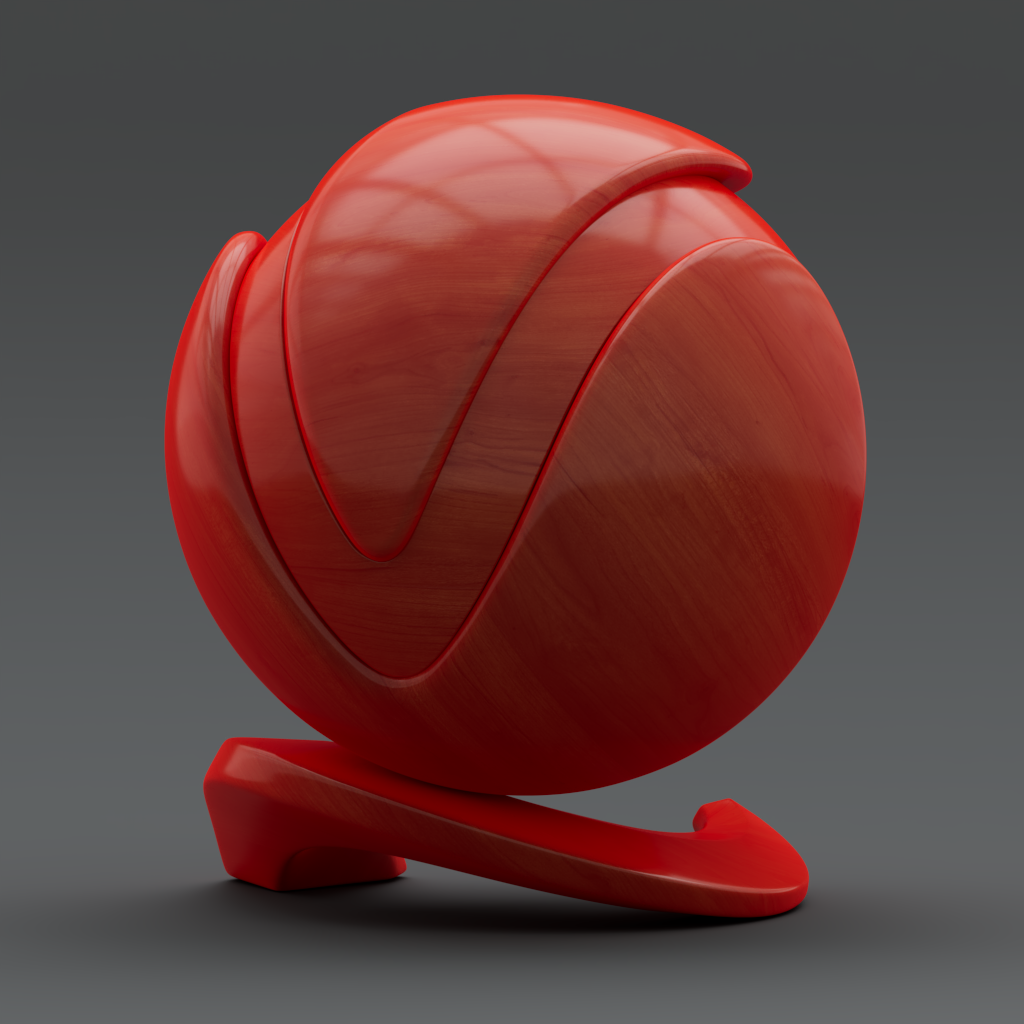
Fuzz Color = R: 255, G: 0, B: 0

Fuzz Color = R: 0, G: 255, B: 0

Fuzz Color = R: 0, G: 0, B:0255
Fuzz Roughness

Fuzz Roughness = 0

Fuzz Roughness = 0.5

Fuzz Roughness = 1
Coat Amount
In this example, the Coat Roughness is set to 0.15. That is why, as the Coat Amount increases, the object becomes glossier.

Coat Amount = 0

Coat Amount = 0.5

Coat Amount = 1
Coat Color
The Coat layer is affected by the Fuzz layer and that reflects in the color renders. You can compare these results to the Fuzz Color example.

Coat Color = R: 255, G: 0, B: 0

Coat Color = R: 0, G: 255, B: 0

Coat Color = R: 0, G: 0, B: 255
Coat Darkening
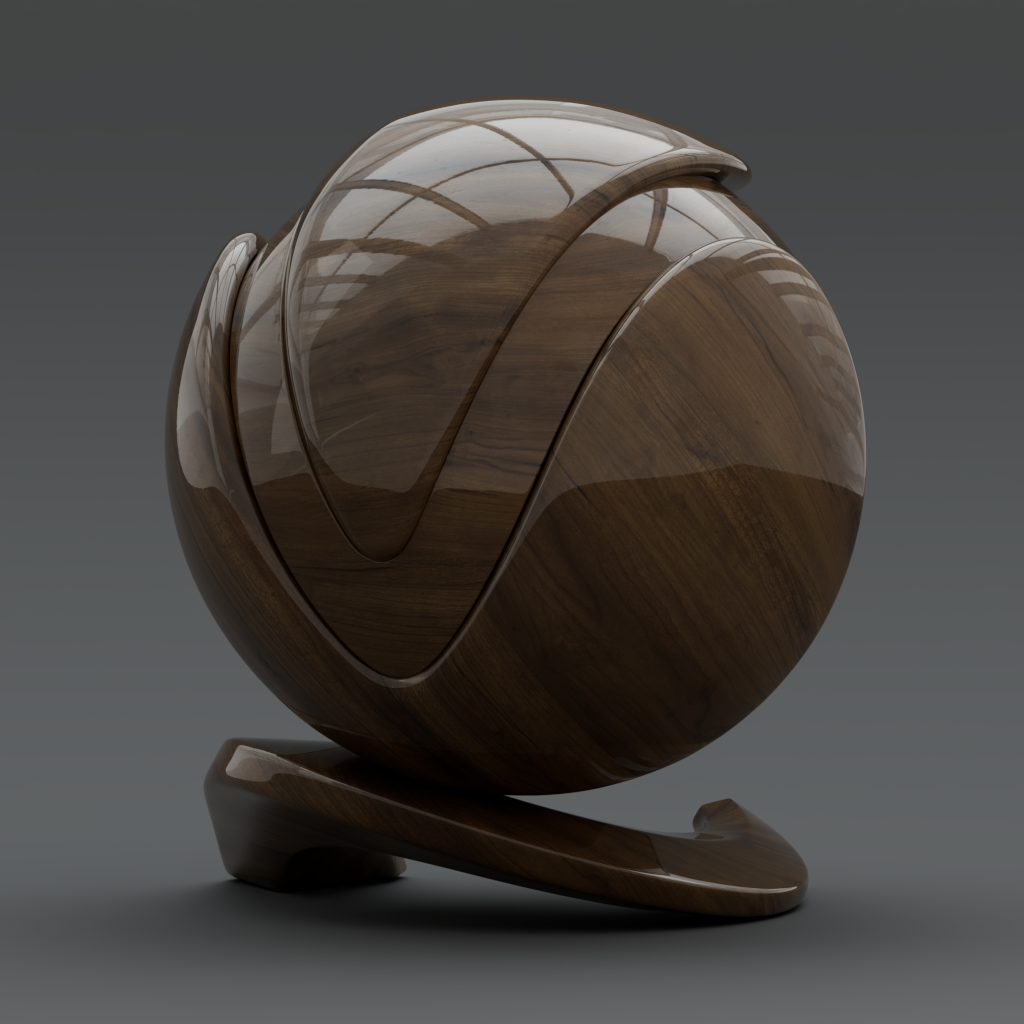
Coat Darkening = 0

Coat Darkening = 0.5

Coat Darkening = 1
Coat Roughness

Roughness = 0

Roughness = 0.5

Roughness = 1
Anisotropy

Anisotropy = -0.8

Anisotropy = 0.0
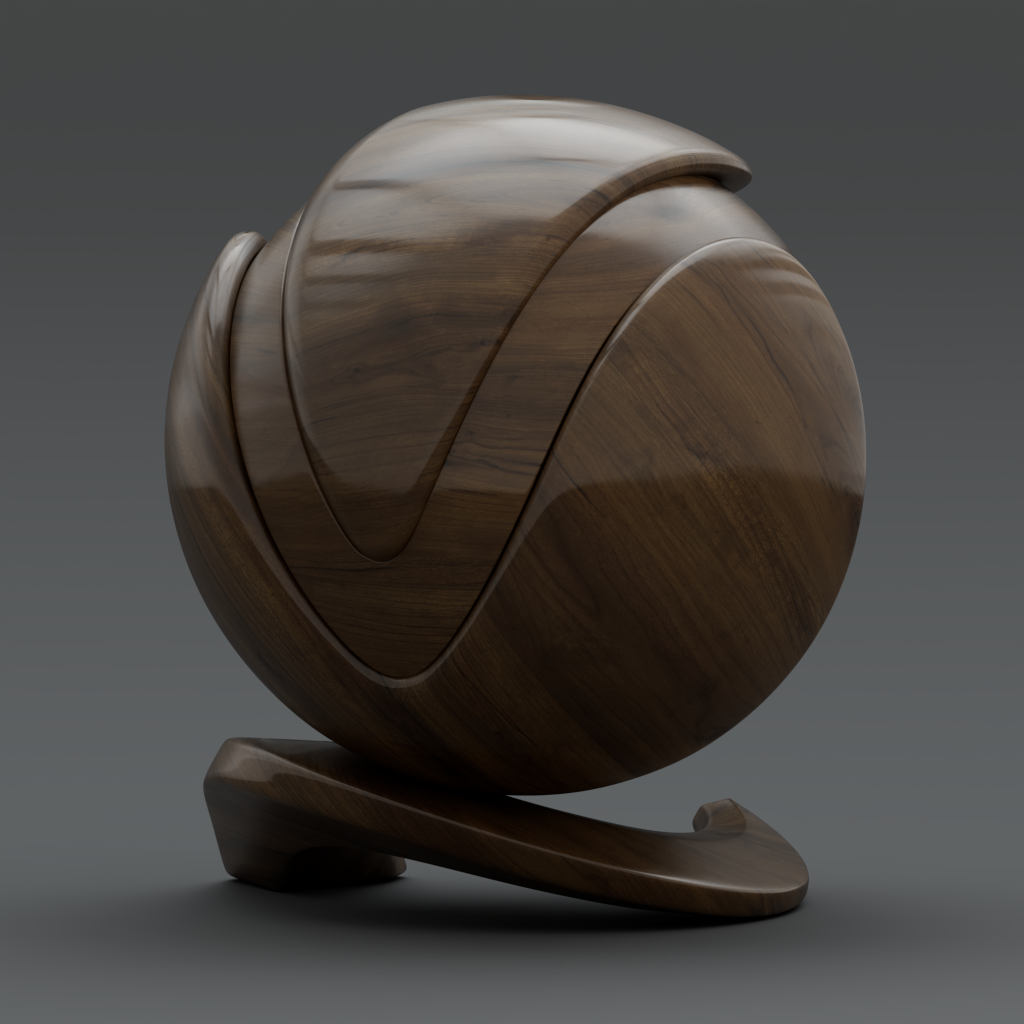
Anisotropy = 0.8
Anisotropy Rotation
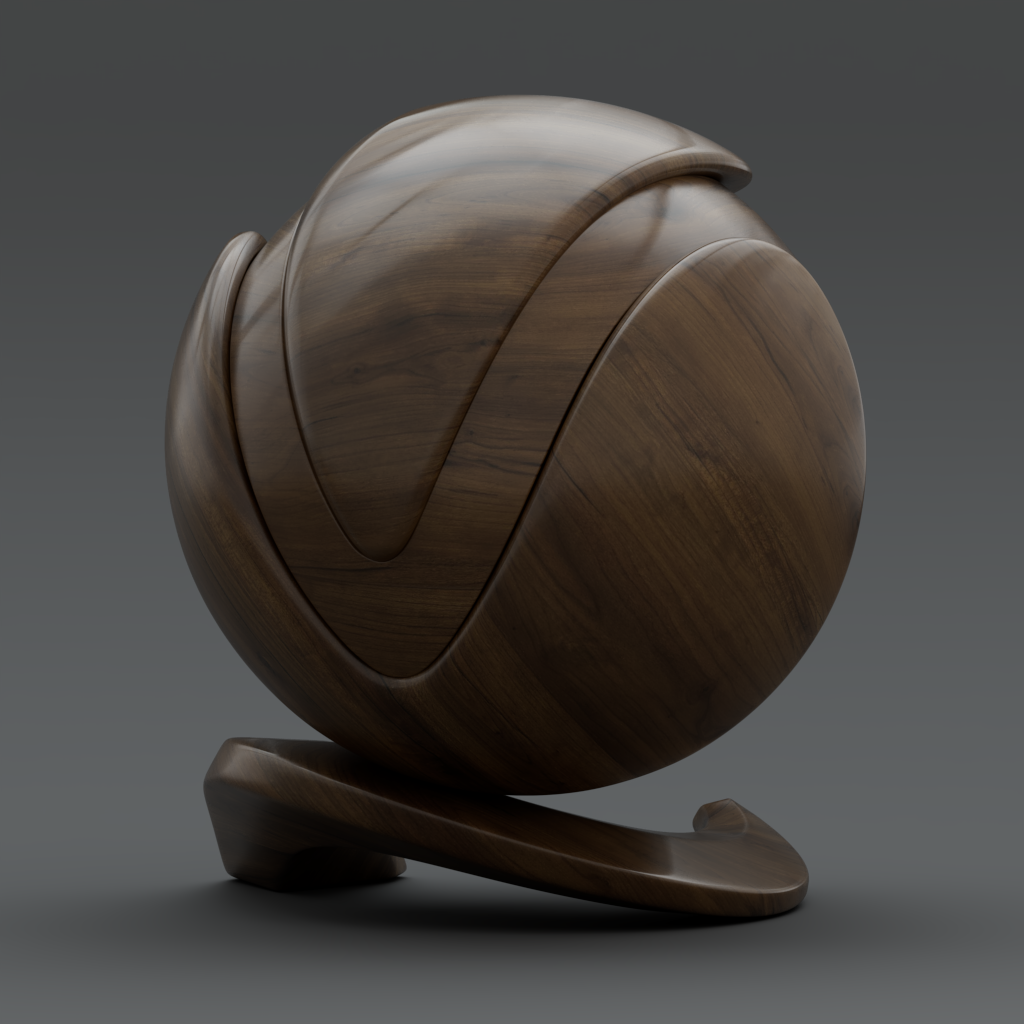
Anisotropy Rotation = -45°

Anisotropy Rotation = 0°
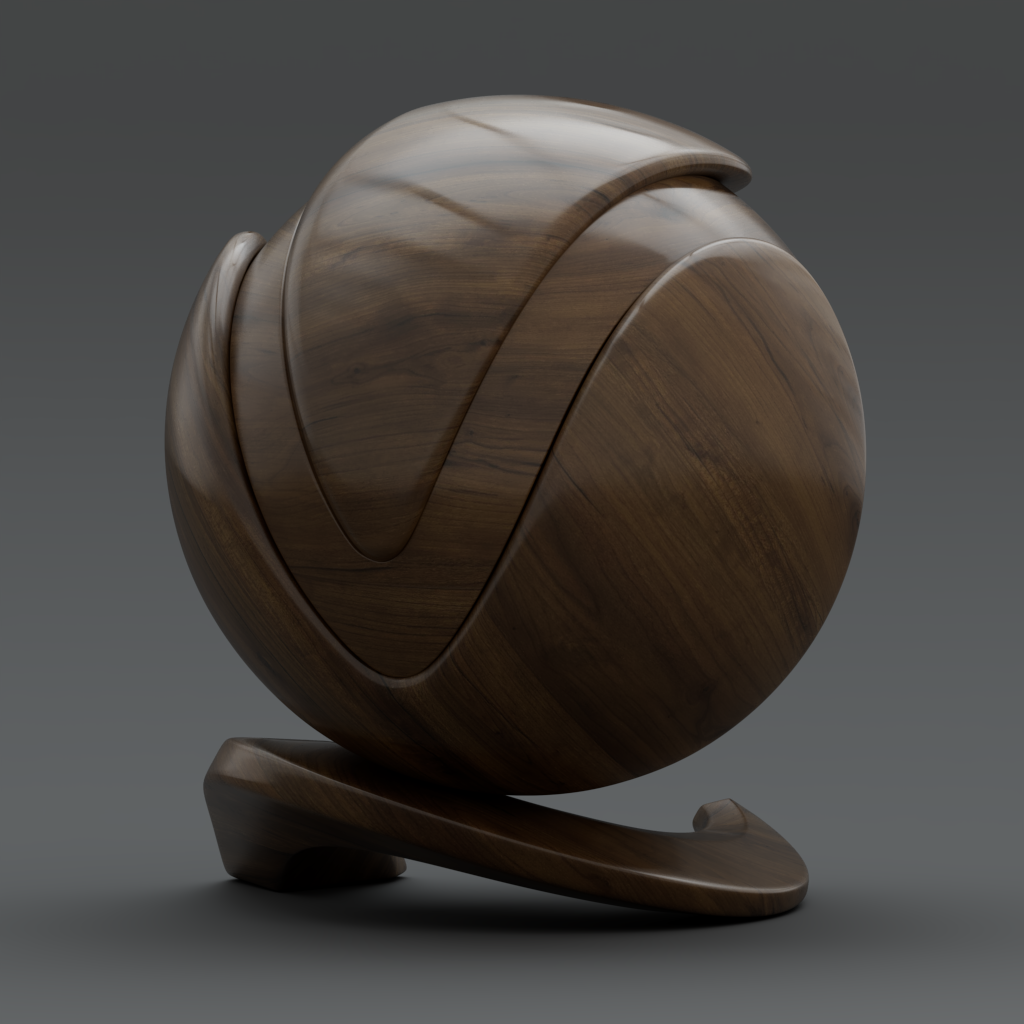
Anisotropy Rotation = 45°
Emission and Coat
This example illustrates how different Coat values affect the Emission effect. This simulates the materials setup of an object with both emission and reflection, such as a neon sign. In this example, the Emission Color is set to R: 030, G: 190, B: 255.

Coat Amount = 0

Coat Amount = 0.5

Coat Amount = 1
Sheen and Fuzz
This example compares the results from identical Roughness amounts and how they render with the different shading models - V-Ray and OpenPBR.
The Fuzz/Sheen color is set to R: 255, G: 255, B: 255.
V-Ray Model | Sheen Roughness = 0.8 | Sheen Roughness = 0.5 | Sheen Roughness = 0.2 |
V-Ray Model | Sheen Roughness = 0.8 | Sheen Roughness = 0.5 | Sheen Roughness = 0.2 |
OpenPBR Model | Fuzz Roughness = 0.8 | Fuzz Roughness = 0.5 | Fuzz Roughness = 0.2 |
PBR Presets
This example showcases how the V-Ray Presets look when converted to the PBR Shading Model.

Soap Bubble

Varnished Wood

Neon Light

Glass Frosted

Rubber

Plastic

Red Velvet
Notes
- Anisotropy tangent mapping is not supported.
- The emission_luminance parameter uses cd/m2 as a unit, while V-Ray’s Emission multiplier is unitless.
- In the VRayMtl, the thin-film thickness is measured in nanometers (nm), whereas in OpenPBR is measured in micrometers (μm). For instance, a thickness of 0.5 μm in OpenPBR corresponds to 500 nm in VRayMtl. The conversion is handled internally.
- Only normals in tangent- and world space are supported.