V-Ray for Maya
VRScans Zone Mask
This page provides information on the VRScans Zone Mask render element.
Last updated 5 December 2025
This page provides information on the VRScans Zone Mask render element.
Overview
VRScans Zone Mask is available for specific scanned materials only. If a vrscan material consist of two or more clearly defined sub-materials (e.g. some fabrics with pattern), it can have an underlying map called zone that can be used for compositing purposes later on. This render element shows the zone, that is a map of the sub-materials.
The rendered image is monochrome. The white color specifies the selected zone, whereas the black color specifies the other parts of the image.
UI Path: ||Display Render Settings button|| > Render Elements tab > VRScans Zone Mask


Extra VRay Attributes
The parameters for this render element appear in the Attribute Editor under the Extra VRay Attributes rollout.
Enabled – When enabled, the render element appears in the V-Ray Virtual Frame Buffer.
Filename suffix – The text added to the end of the rendered file, when saved as a separate file (e.g. myrender.background.vrimg).
Zone – Determines the zone that is pained white.

Example: VRscans Zone Mask
The renders below show how the Zone value defines which zone is to be painted in white:
Normal RGB render
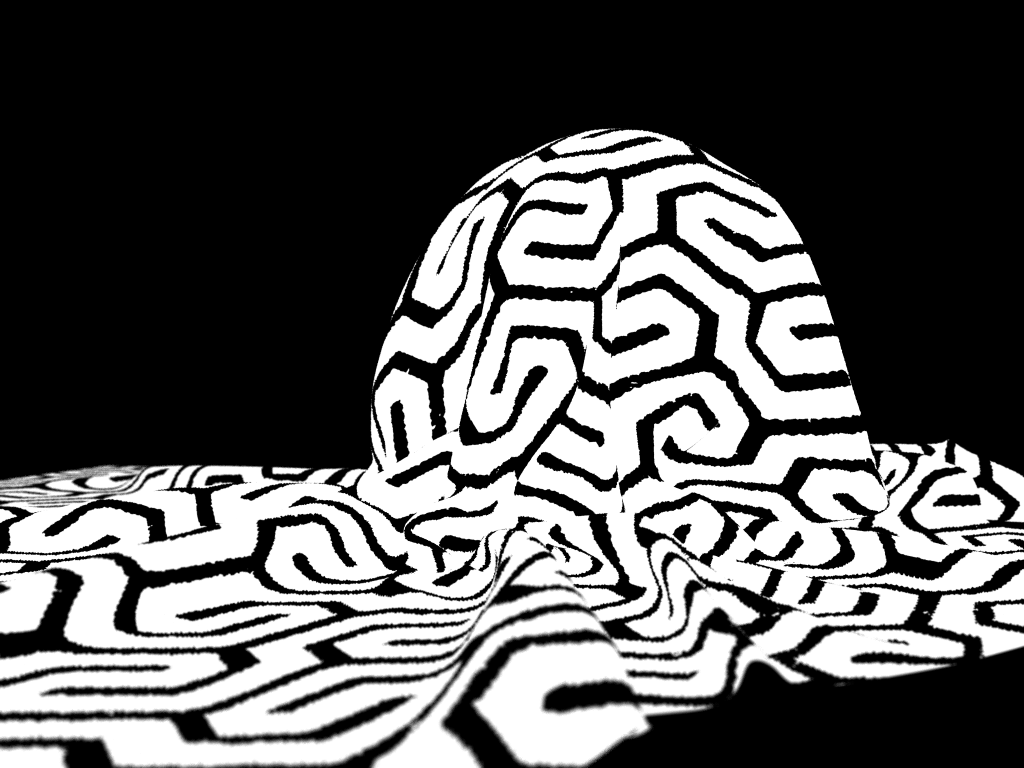
Zone = 0

Zone = 1