V-Ray for Rhino
Cosmos Enmesh Patterns
This page provides information about the Cosmos Enmesh Pattern usage in Rhino.
Last updated 1 September 2026
This page provides information about the Cosmos Enmesh Pattern usage in Rhino.
Enmesh Patterns
Starting with V-Ray 6, Update 1, Cosmos Enmesh patterns are supported in V-Ray for Rhino.
The Cosmos Enmesh pattern consists of two geometry assets - Enmesh and Proxy Mesh. The Proxy Mesh shows what the patterns look like in the viewport. The Enmesh asset is applied to an object and can be modified.
Cosmos Enmesh Patterns are automatically applied on import when a scene object is selected. If other Geometries (Displacement, Fur, another Enmesh) have been previously applied to an object, a new Enmesh overrides them.
Drag and drop a Cosmos Enmesh directly in the scene from the Asset Editor or from the Cosmos Browser.
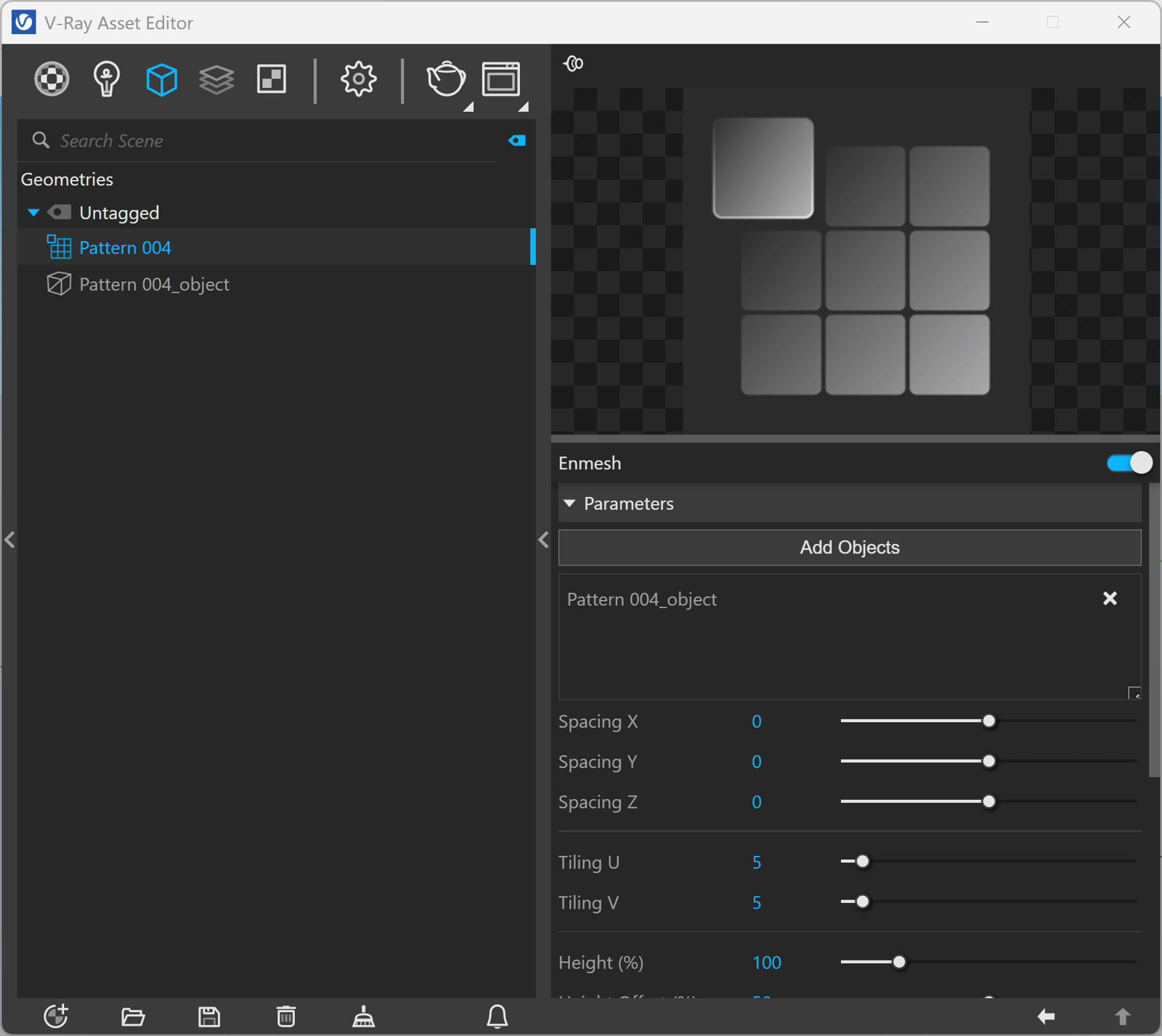
See more information on how the new Enmesh assets work.
www.youtube.com