Use the Chaos Cosmos AI Assets Generator to create models and materials.
Access the AI Assets Generator
Open the Chaos Cosmos Browser / Cosmos Asset Library in your host platform to access the AI Assets Generator. Make sure you are signed in to your account and have the latest version of Cosmos installed. On the Cosmos home screen, open the AI Assets Generator. Choose between creating 3D Models and Materials.
3D Models
Materials
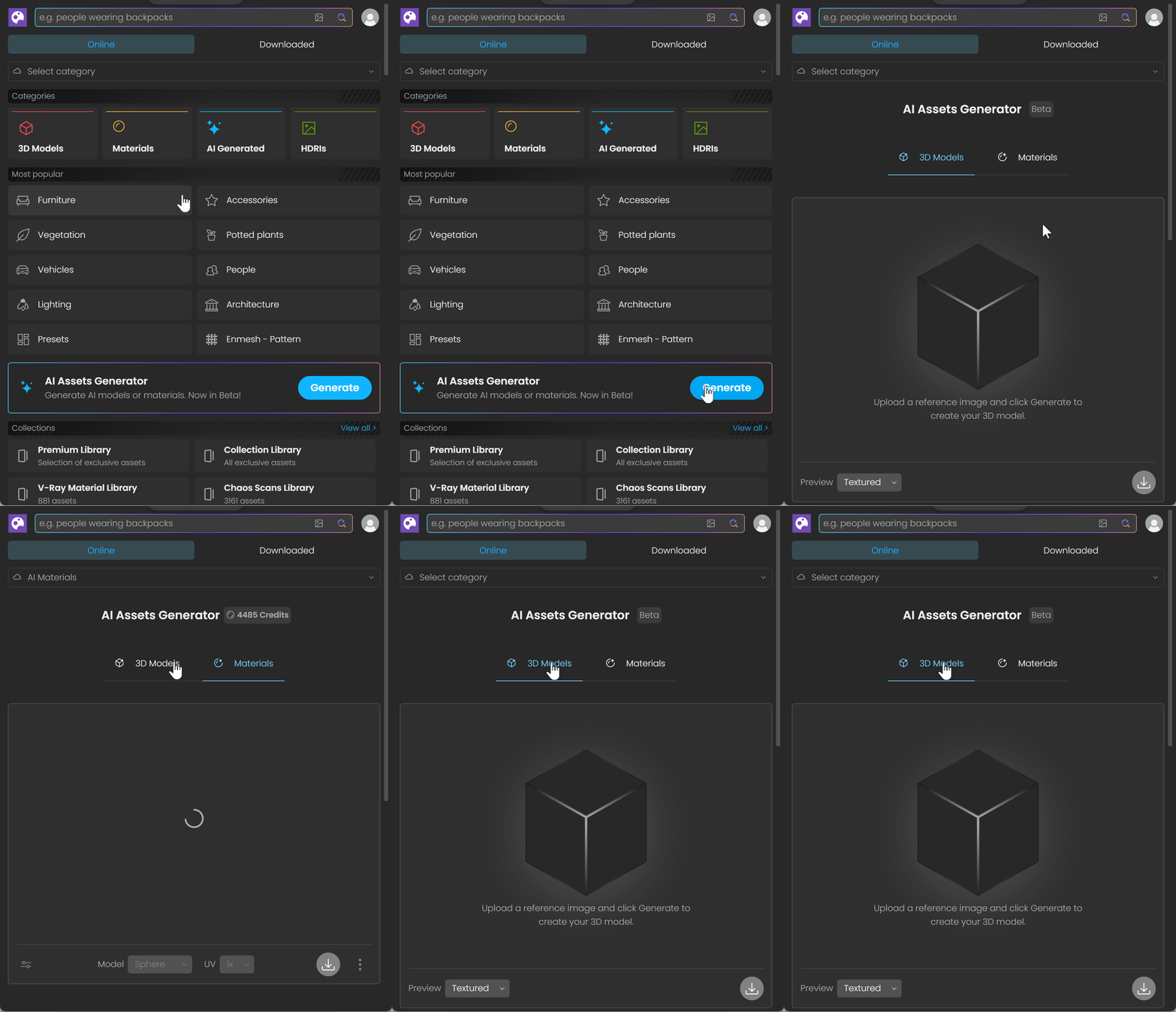
Access the AI Assets Generator.
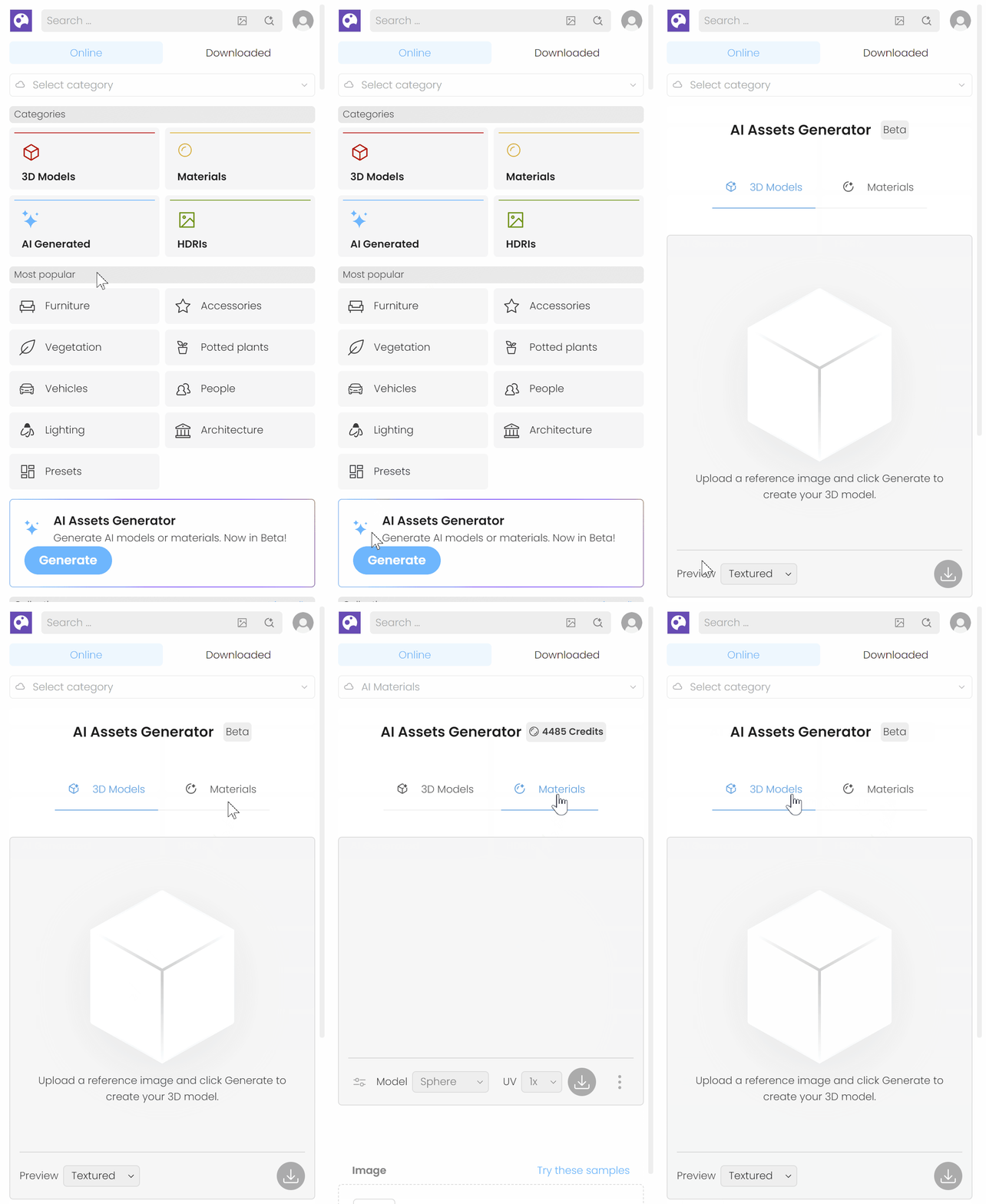
Access the AI Assets Generator in Envision.
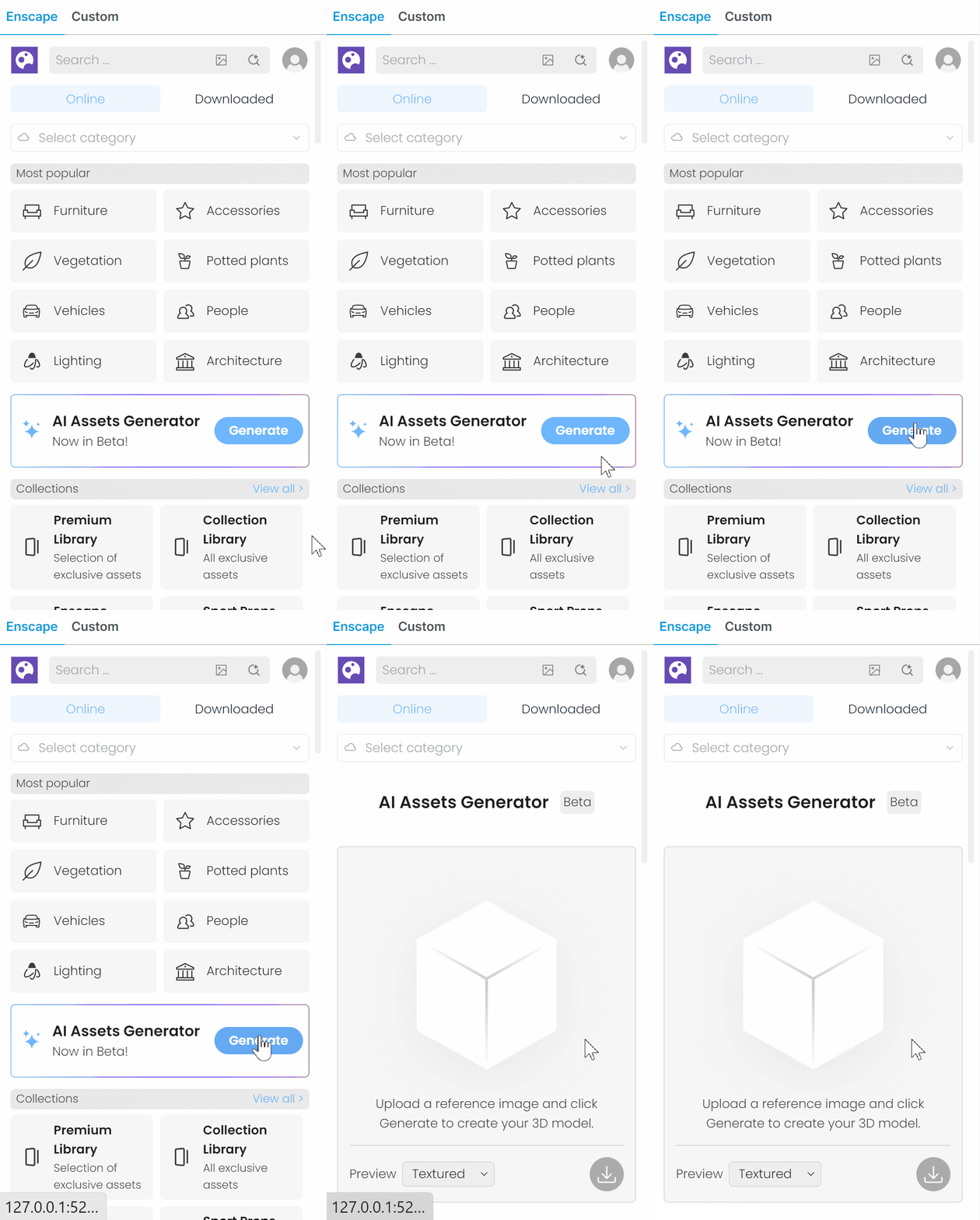
Access the AI Assets Generator in Enscape.