V-Ray for SketchUp
Cosmos HDRIs
This page gives information on how to use the Chaos Cosmos Browser HDRI library in SketchUp.
Last updated 1 September 2026
This page gives information on how to use the Chaos Cosmos Browser HDRI library in SketchUp.
HDRIs
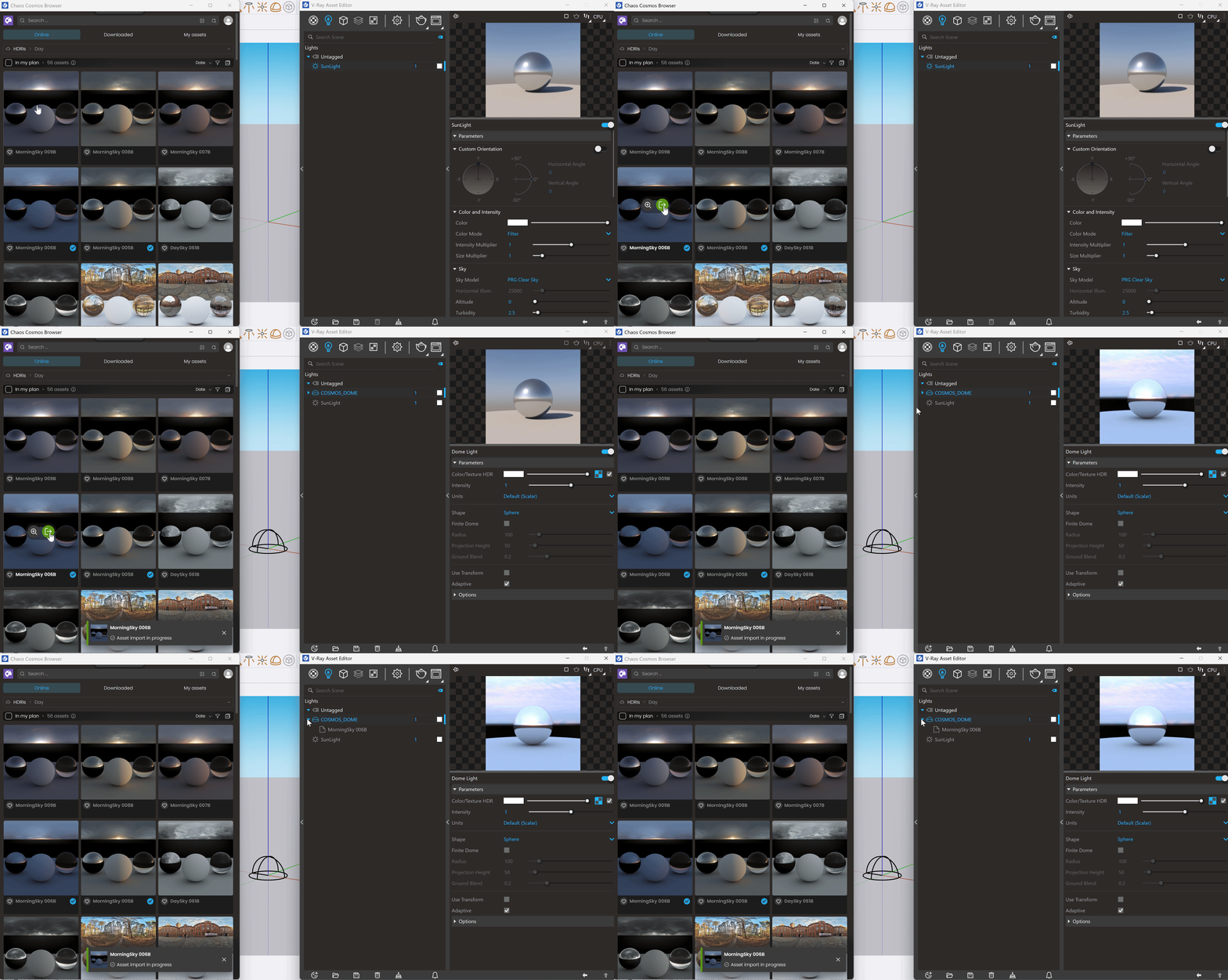
With V-Ray 7.30.00 Cosmos HDRIs are imported in the scene together with a Cosmos Dome light or replace the texture of an existing one.
For more information on its parameters, refer to the Bitmap page.
To preview the HDRI, assign it to a Dome light or directly to the scene environment. For more information, refer to the Dome Light page.
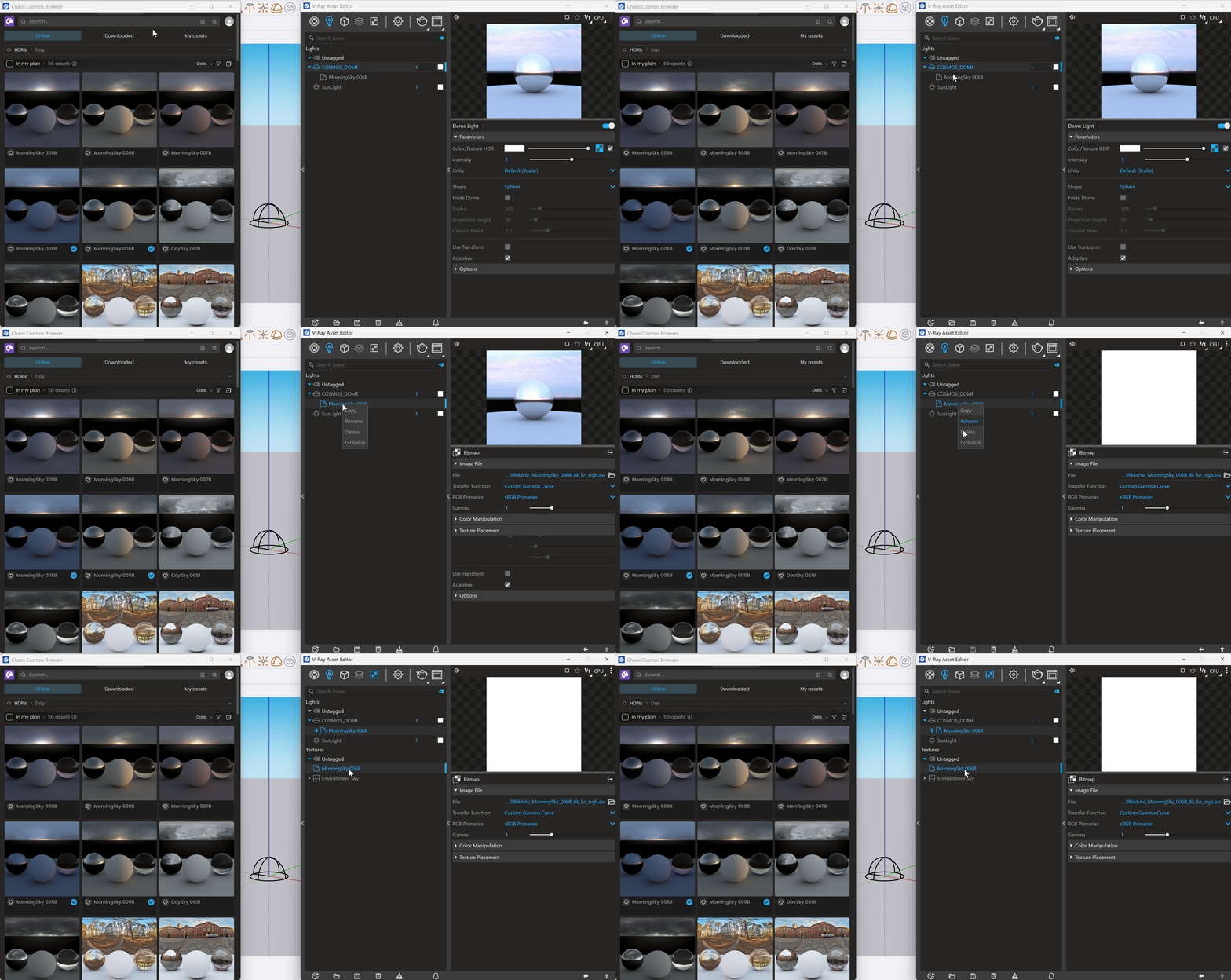
Right-click on the texture to open the context menu.
Copy – Copies the texture.
Rename – Renames the texture.
Delete – Deletes the texture.
Globalize – Converts the texture into a global instance, making it easy to reuse across multiple materials in the scene.
Importing a different Cosmos HDRI replaces the already existing one.