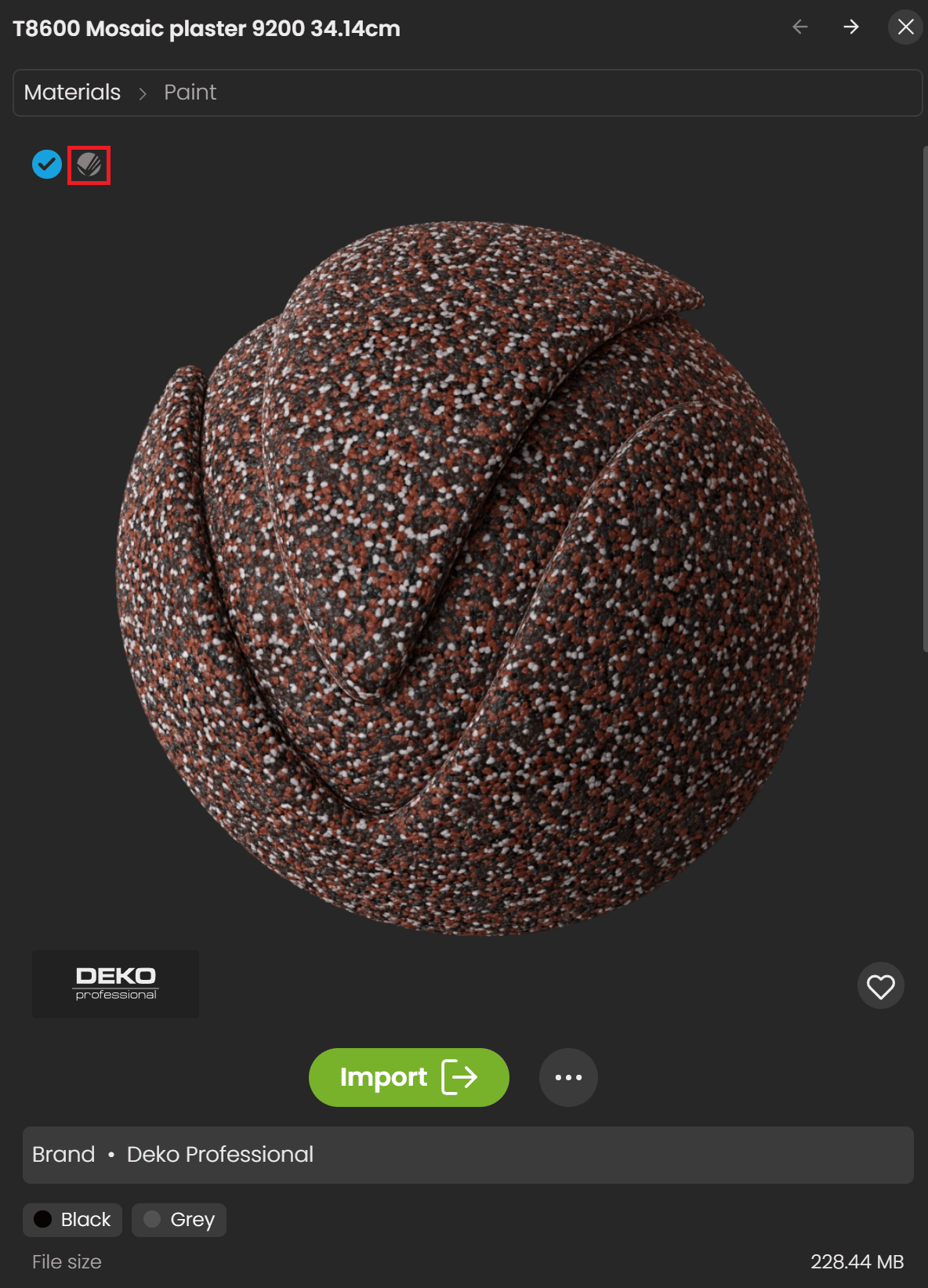
Use the Chaos Cosmos Browser material library to add materials in SketchUp.
Materials
Select Import to add Cosmos Browser materials to the V-Ray Asset Editor Materials list.
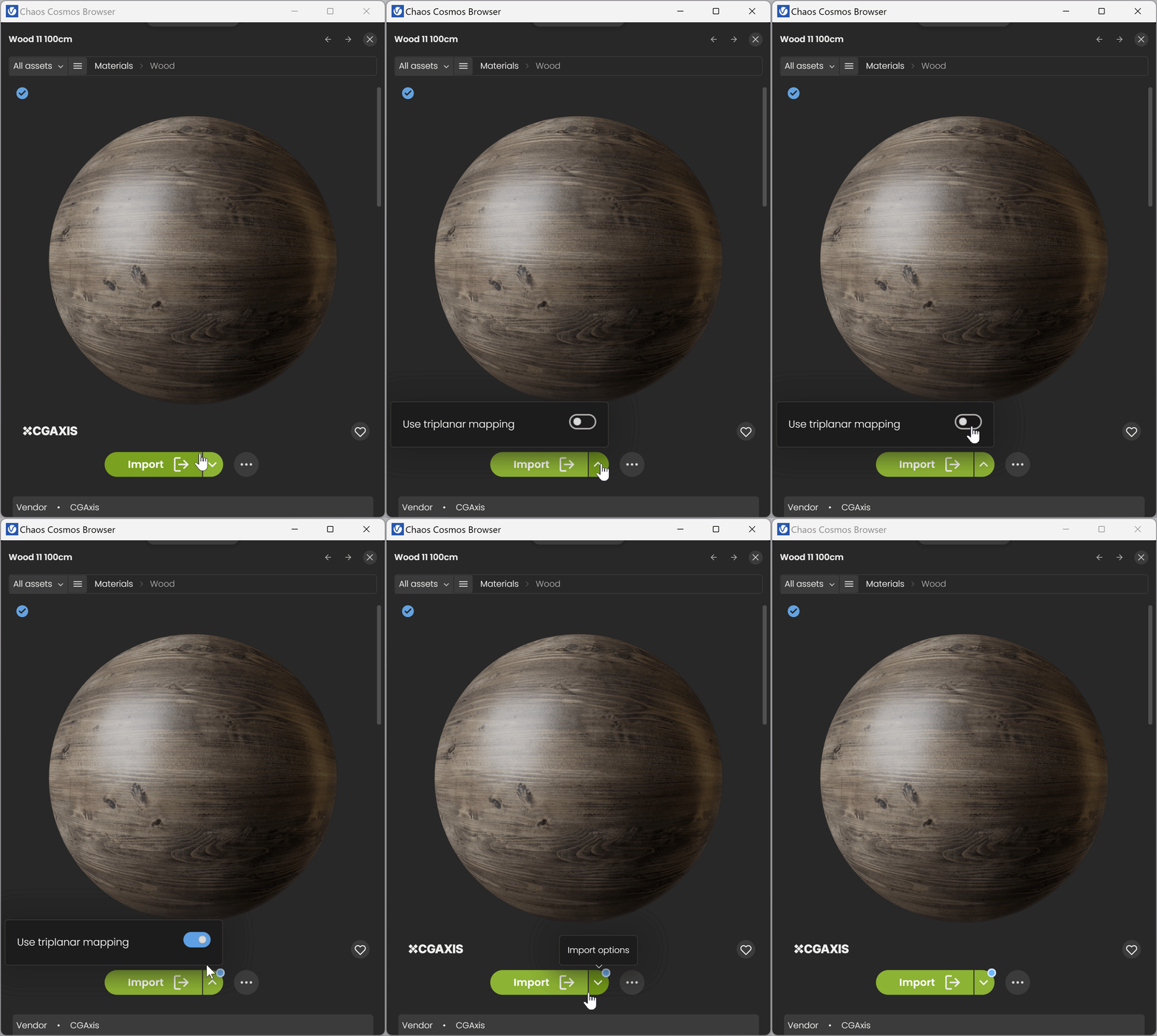
Select Import Options to enable triplanar mapping for the selected material. This scales materials to their actual size based on the scene units.

Decals
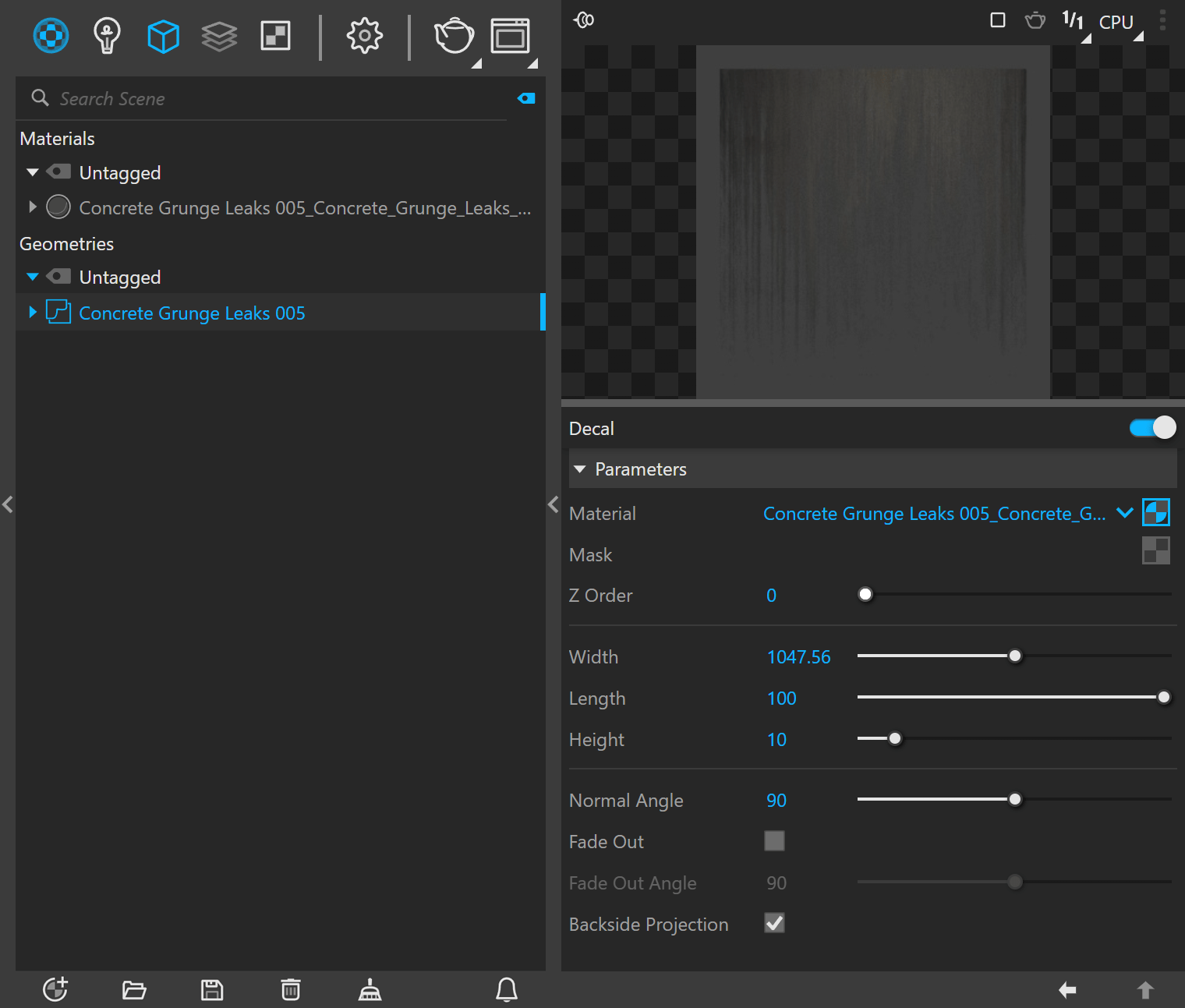
You can use Cosmos decal assets in SketchUp from V-Ray 6.
A Cosmos Decal material asset combines a geometry Decal asset with the material it projects. Most Cosmos Decal assets include an opacity mask that controls which parts of the material appear in the projection. You can add another opacity texture to the Decal mask's slot to adjust the projection manually.
Watch the video to learn how to apply materials.
YouTube video.
Scans materials
Chaos Scans materials are available in the Chaos Cosmos Browser and have the Scans logo. Download and import them in the same way as standard Cosmos Materials.