Skip to content
07-848 2005

V-Ray for SketchUp, Chaos Cosmos Browser

Cosmos Enmesh patterns

Use Cosmos Enmesh patterns in V-Ray for SketchUp.

Use Cosmos Enmesh patterns in V-Ray for SketchUp.

Enmesh patterns

V-Ray for SketchUp supports Cosmos Enmesh patterns starting with V-Ray 6, Update 1.

A Cosmos Enmesh pattern has two geometry assets: Enmesh and Proxy Mesh. Proxy Mesh shows how the pattern looks in the viewport. You can apply the Enmesh asset to an object and modify it.

Cosmos Enmesh patterns apply automatically when you import them with a scene object selected, provided the object has no geometry asset applied.
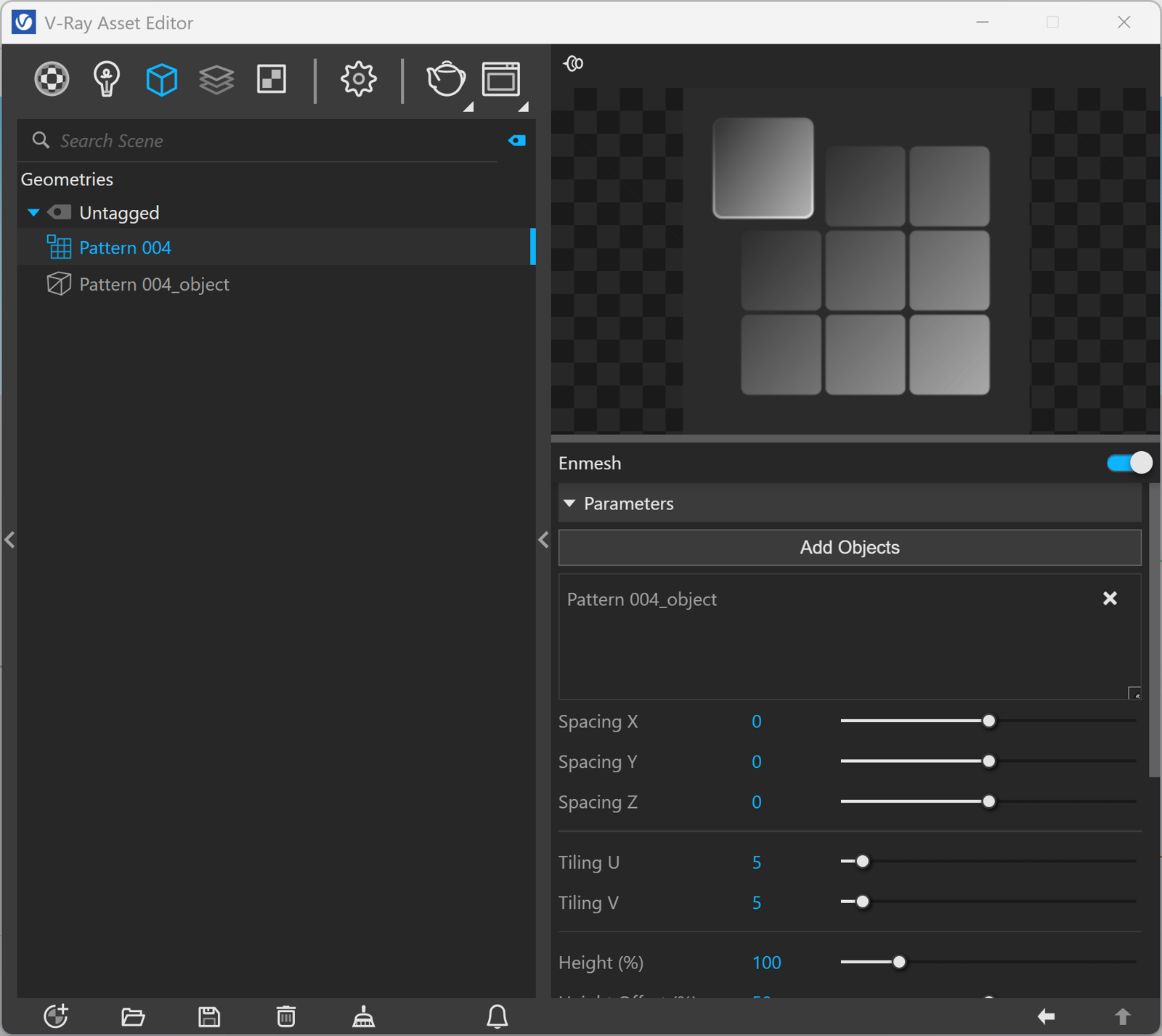
V-Ray Asset Editor showing Enmesh parameters for Pattern 004, with Tiling U and Tiling V both set to 5.

Learn how Enmesh assets work.

Watch the video on YouTube.

Procadsys customer support

Still need help?

Licences, renewals and billing

Our New Zealand team looks after your V-Ray licences, renewals and invoices.

Monday to Friday, 9:00 am to 4:30 pm NZ time, excluding New Zealand public holidays.

Technical problems

Installation errors, crashes and other technical problems with V-Ray are handled by Chaos support.