Skip to content
07-848 2005

V-Ray for SketchUp, textures

Color

Use the V-Ray Color Texture to assign a flat colour as a texture.

On this page
  1. Overview
  2. UI paths
  3. Color

Use the V-Ray Color Texture to assign a flat colour as a texture.

Overview

The Color texture lets you assign a flat colour as a texture.

Replace With New Texture icon.
Colour texture preview showing a green sphere with a curved white band on a green and white base.

UI paths

||V-Ray Asset Editor|| > Textures (right-click) > Color

||V-Ray Asset Editor|| > Create Asset (left-click) > Textures > Color

Color

Colour specifies the colour to use as a texture.
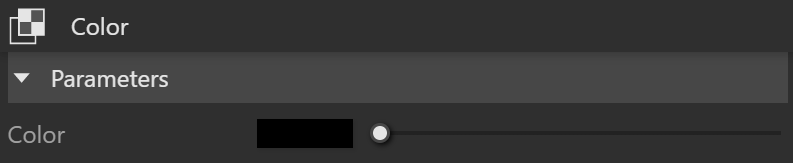
Color panel with Parameters expanded, showing the Color setting with a black swatch and slider.
Adapted from Chaos documentation: Color. © 2026 Chaos Software EOOD

Procadsys customer support

Still need help?

Licences, renewals and billing

Our New Zealand team looks after your V-Ray licences, renewals and invoices.

Monday to Friday, 9:00 am to 4:30 pm NZ time, excluding New Zealand public holidays.

Technical problems

Installation errors, crashes and other technical problems with V-Ray are handled by Chaos support.