Use the Extra Texture Render Element in V-Ray for SketchUp to render your scene with one texture applied to all objects.
Overview
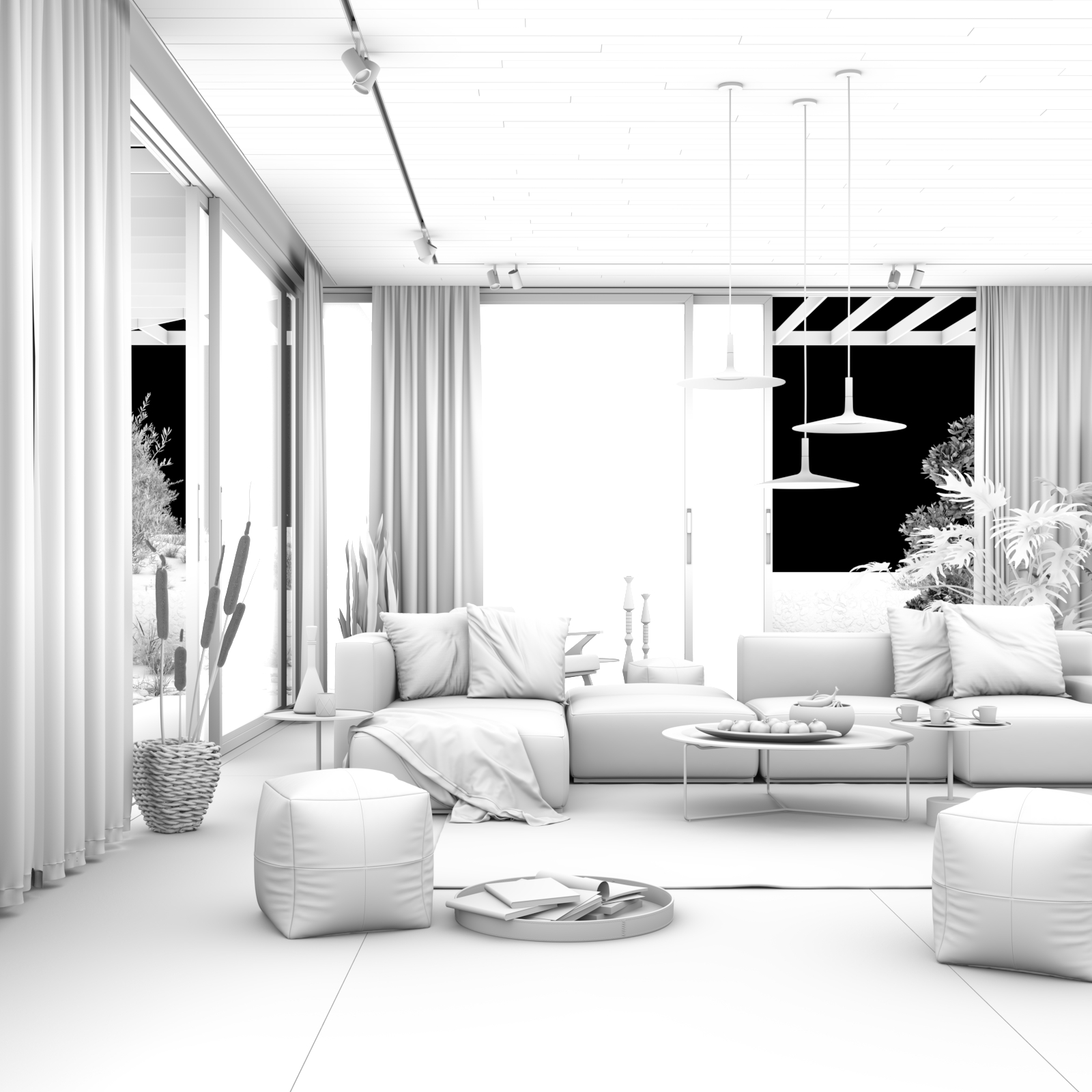
The Extra Texture Render Element applies one texture to all objects when rendering the scene. You can use a bitmap or a procedural texture, such as Dirt or Curvature.
Use Dirt as the Extra Texture to create an ambient occlusion element. You can then control ambient occlusion separately during compositing.
You can get a similar result by applying the same texture to all objects and rendering the scene as usual. However, you then need to restore the original materials and manage separate scene versions. The Extra Texture Render Element renders the scene with one texture without changing the original materials.
UI paths
||V-Ray Asset Editor|| > Render Elements (right-click) > Extra Texture
||V-Ray Asset Editor|| > Create Asset (left-click) > Render Elements > Extra Texture
Parameters
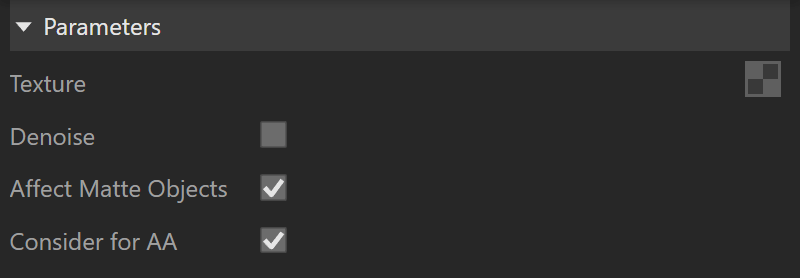
Texture specifies the texture applied to the scene.
Denoise controls whether this render element uses denoising.
Affect Matte Objects controls whether matte objects appear in the render element. A matte object has a Wrapper Material assigned with the Matte option enabled.
Consider for AA enables anti-aliasing where possible.
Compositing
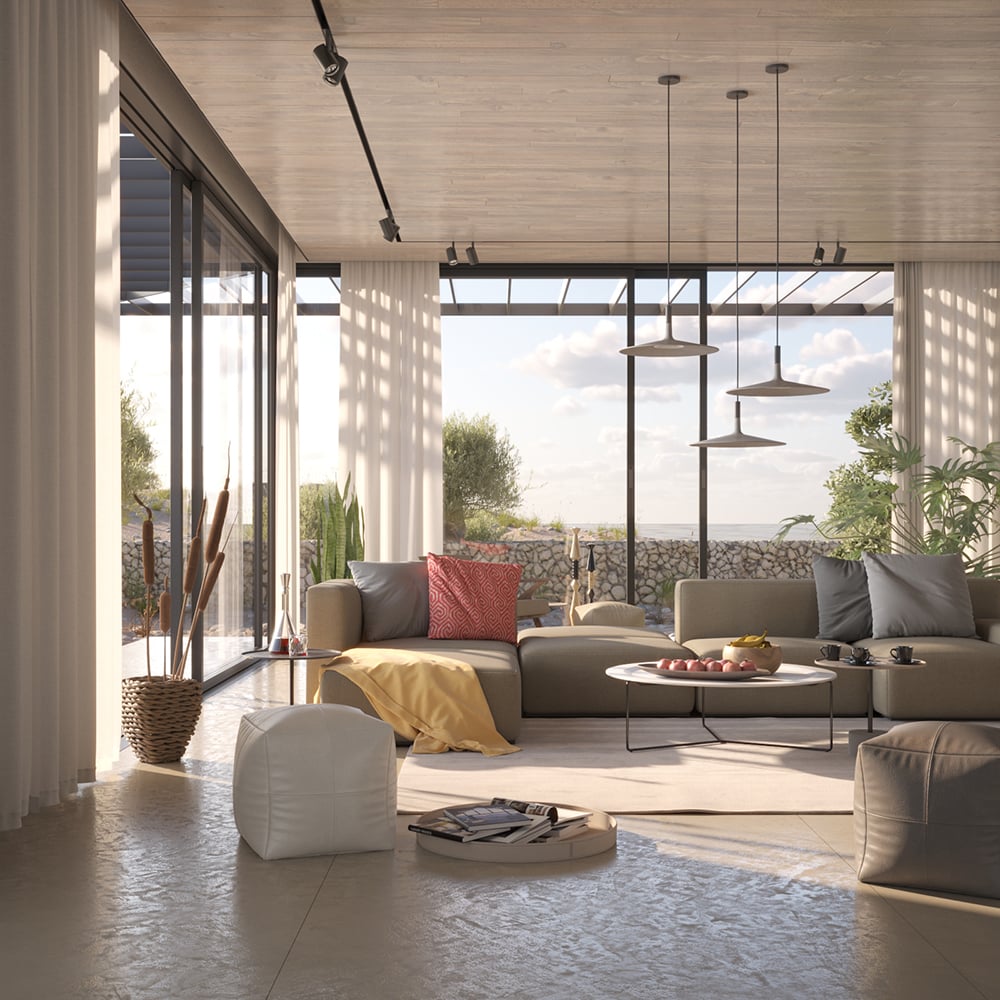
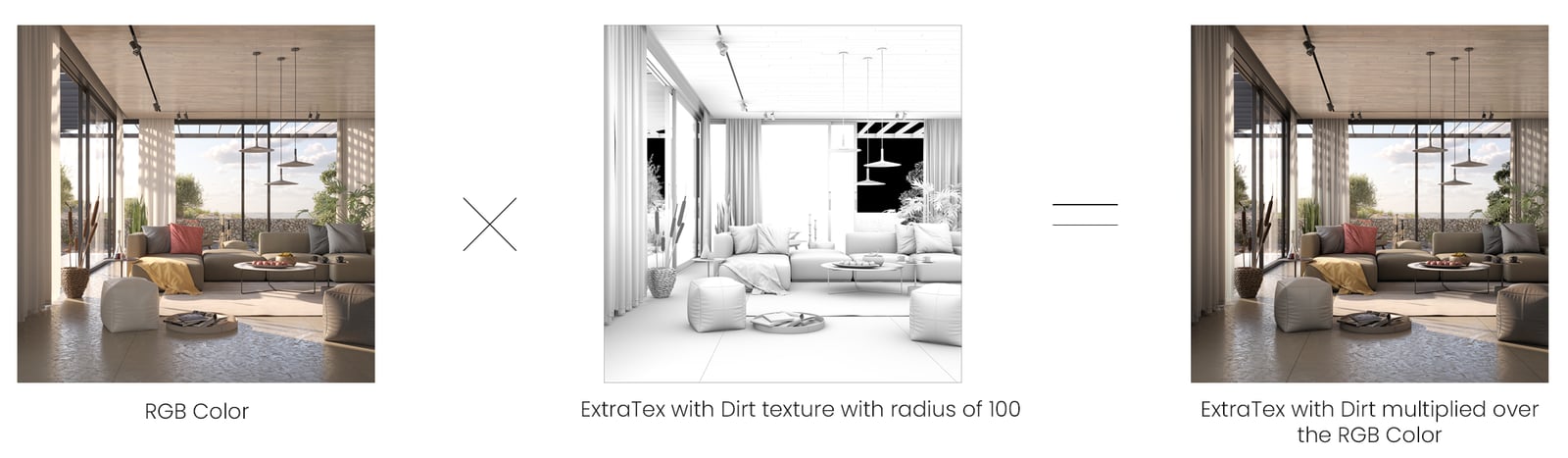
Use the Extra Texture Render Element to change a render's appearance in compositing or image editing software. The example formula uses a Dirt texture with Radius set to 100cm and Subdivs set to 6. The Extra Texture is blended using Multiply mode.
Footnote
- The Extra Texture UV size is fixed at 1 by 1 inch because it uses the default SketchUp texture size. Adjust the slotted texture's placement parameters to control the render element's appearance.