Use the V-Ray Marble texture to create procedural marble with base and vein colours.
Overview
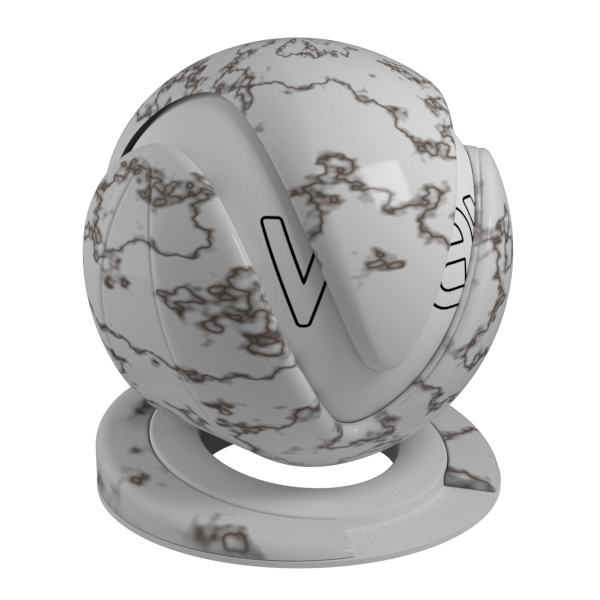
The Marble texture map generates procedural marble using two colours. You can assign a texture map to each colour.

UI paths
||V-Ray Asset Editor|| > Textures (right-click) > Marble
||V-Ray Asset Editor|| > Create Asset (left-click) > Textures > Marble
Parameters
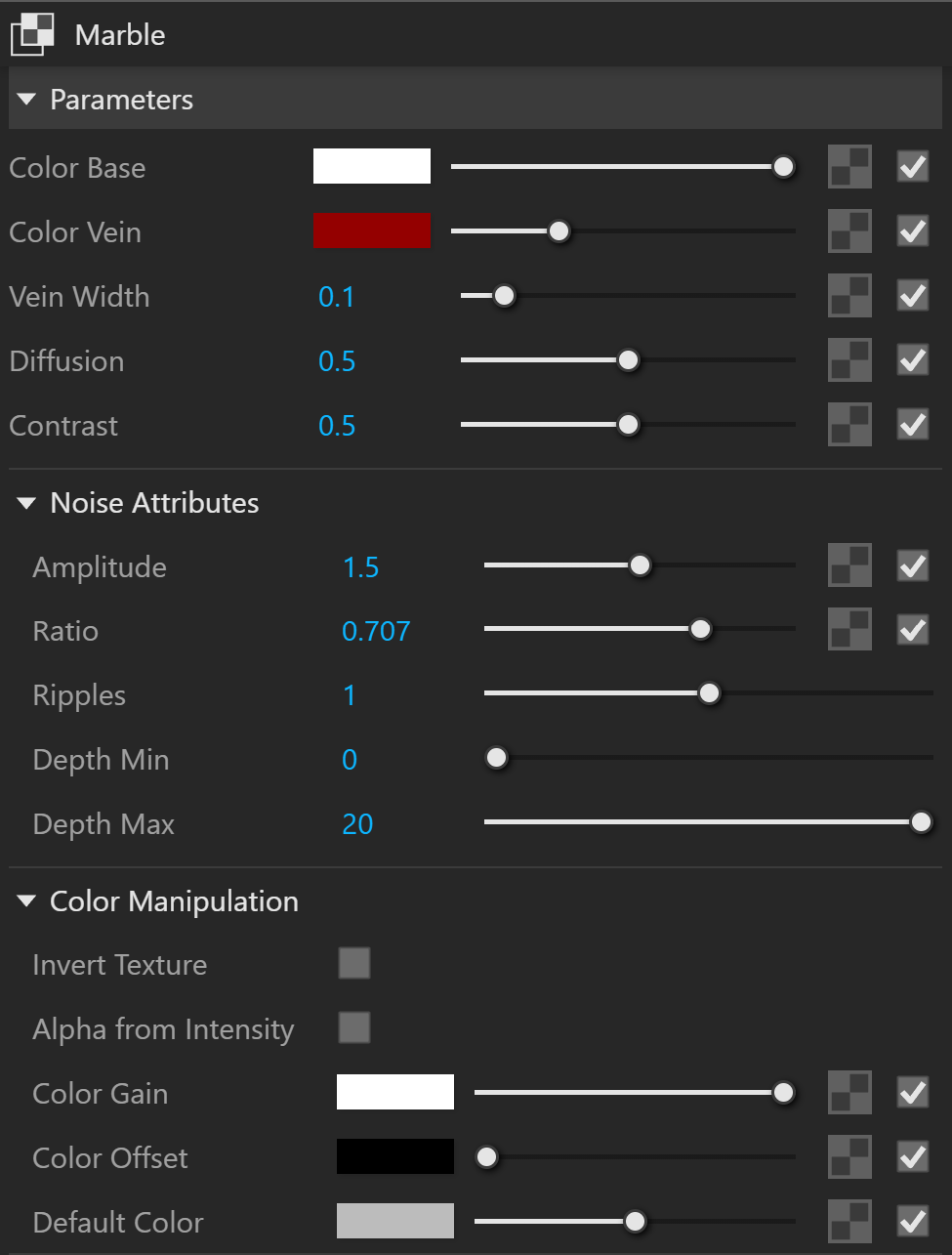
Color Base sets the marble's main colour. You can assign a texture map to each parameter's channel in this section if its checkbox is enabled.
Color Vein sets the colour of the marble's veins.
Vein Width sets the thickness of the marble's veins.
Diffusion sets how much blur is applied to the veins.
Contrast adjusts the contrast.
Noise attributes
Amplitude sets how much the marble's veins distort. A value of 0 makes the veins straight.
Ratio sets the fractal noise frequency, from low to high.
Ripples sets the scale of the fundamental frequency of the fractal noise used in the texture.
Depth Min sets the minimum fractal noise level.
Depth Max sets the maximum fractal noise level.
Color Manipulation
Invert Texture inverts the texture's RGB values.
Alpha from Intensity uses the texture's RGB intensity or luminance as the alpha channel.
Color Gain adjusts the texture's colour by multiplying its RGB values by the RGB values you specify here. A selected texture overrides the colour while the texture checkbox is enabled.
Color Offset adjusts the texture's colour by adding the RGB values you specify here to the texture's RGB values. A selected texture overrides the colour while the texture checkbox is enabled.
Default Color sets the colour for polygons without valid UVs. If the map is not tiled, this colour also appears outside the texture square. A selected texture overrides the colour while the texture checkbox is enabled.
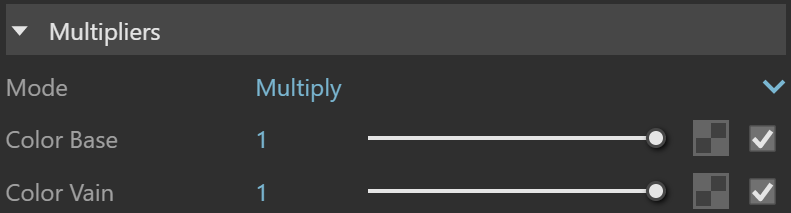
Multipliers
Mode sets the colour multiplication mode.
Multiply multiplies each top-layer pixel's RGB values by the corresponding bottom-layer pixel's RGB values. This produces a darker image. The blending colour is black.
Blend Amount uses each pixel from the top layer if present. Otherwise, it uses the bottom layer. The blending colour is the colour specified in the colour slot.
Color Base blends between a colour and a texture if you specify a texture.
Color Vein blends between a colour and a texture if you specify a texture.
Texture placement
Type sets how the texture is positioned on the geometry.
2D (UV Channel) uses the object's UV coordinates.
3D (Object Space) positions the texture using the object's local coordinates, independently of its UVs.
3D (World Space) positions the texture using world coordinates, independently of the object's UVs.
Environment applies when the map is connected to an Environment slot or a Dome light.
Texture Remapping uses UVW values from a colour texture or separate greyscale textures.
Mapping Source uses an external UV placement source.
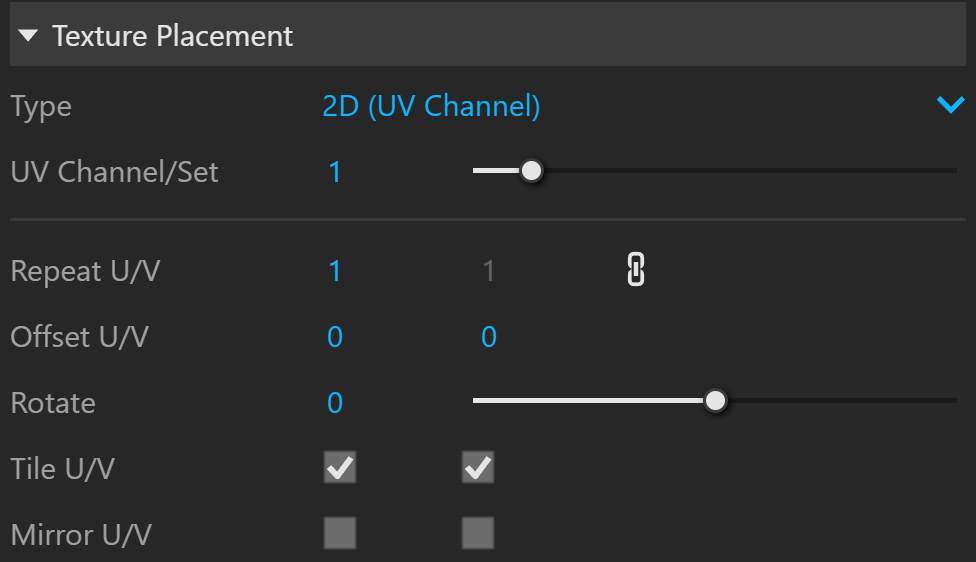
2D (UV Channel)
UV Channel/Set sets the index of the mapping channel data to use. A value of 1 uses the first available channel.
Repeat U/V sets how many times the texture repeats within the 0 to 1 UV square.
Lock U/V Repeat locks the U/V Repeat.
Offset U/V sets the texture's offset in the U and V directions.
Rotate rotates the texture in degrees.
Tile U/V tiles the texture in the U and V directions. If disabled, the Default texture colour appears outside the 0 to 1 UV square. Find the Default colour under Parameters > Color Manipulation.
Mirror U/V mirrors the texture separately in the U and V directions. It divides the texture in half and flips one side vertically or horizontally. Use it to avoid seams when repeating textures that do not tile.
2D (UV Channel) parameters
3D (Object Space)
Repeat X/Y/Z sets how many times the texture repeats along the X/Y/Z axes.
Lock U/V Repeat locks the X/Y/Z repeat.
Offset X/Y/Z sets the texture's offset in the X/Y/Z directions.
Rotate X/Y/Z rotates the texture around the X/Y/Z axes.
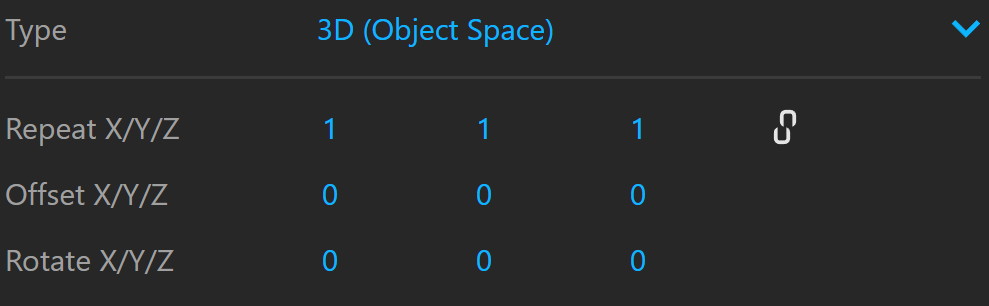
3D (Object Space) parameters
3D (World Space)
Repeat X/Y/Z sets how many times the texture repeats along the X/Y/Z axes.
Lock U/V Repeat locks the X/Y/Z repeat.
Offset X/Y/Z sets the texture's offset in the X/Y/Z directions.
Rotate X/Y/Z rotates the texture around the X/Y/Z axes.
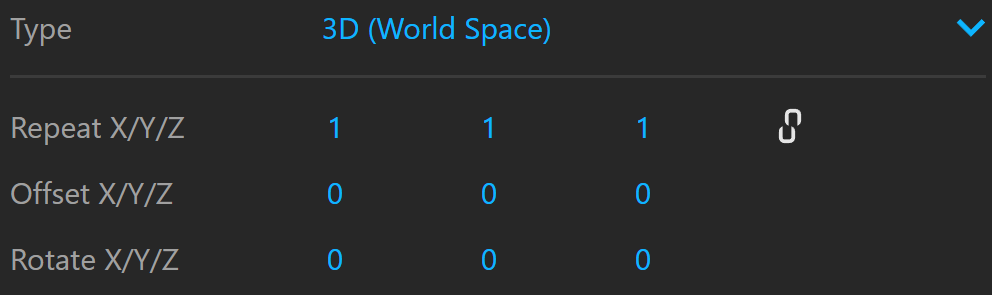
3D (World Space) parameters
Environment
Mapping sets the texture's type and shape.
Angular
Cubic
Spherical
Spherical Inverted
Mirror Ball
Screen
Rotate H rotates the environment sphere horizontally.
Flip H flips the environment sphere horizontally.
Rotate V rotates the environment sphere vertically.
Flip V flips the environment sphere vertically. It is active only in Spherical Mapping.
Ground enables ground projection of the texture.
Position X/Y/Z offsets the ground projection along the X/Y/Z axes.
Radius sets the projection radius. Use it to adjust the projection's scale.
For 2d Transformation, see the 2D (UV channel) parameters.
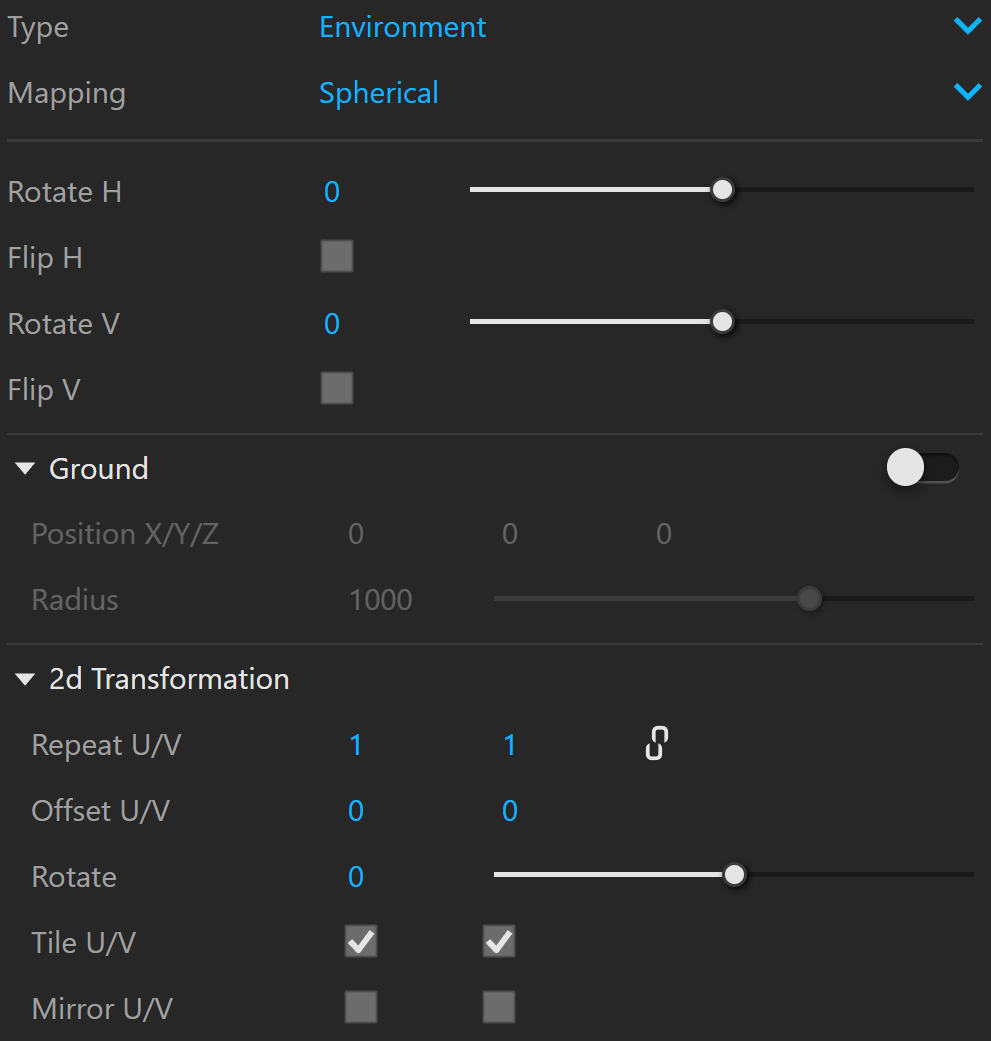
Environment parameters
Texture Remapping
Mode sets whether a single texture or multiple textures remap the U and V texture coordinates.
UV uses the input texture's Red channel to set the U sampling coordinate. It uses the Green channel to set the V coordinate.
U uses this texture's value to set the U sampling coordinate.
V uses this texture's value to set the V sampling coordinate.
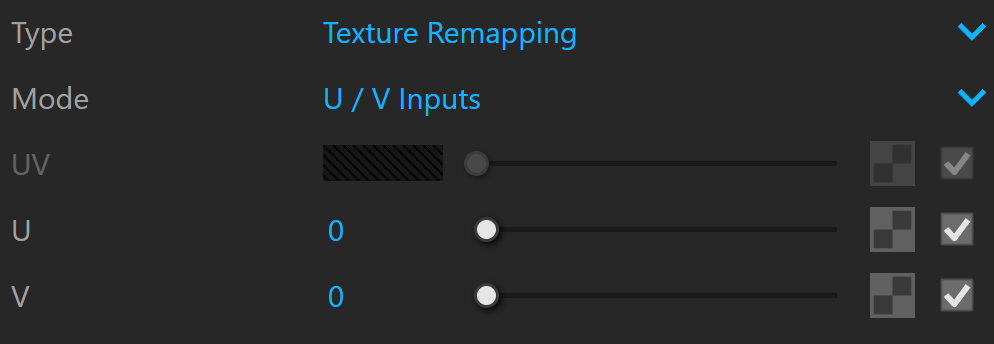
Texture Remapping parameters
Mapping Source
UV Placement Source sets the external UV placement source for the texture.

Mapping placement parameters