Use the Material ID Number render element in V-Ray for SketchUp to create colour masks for materials when compositing.
Overview
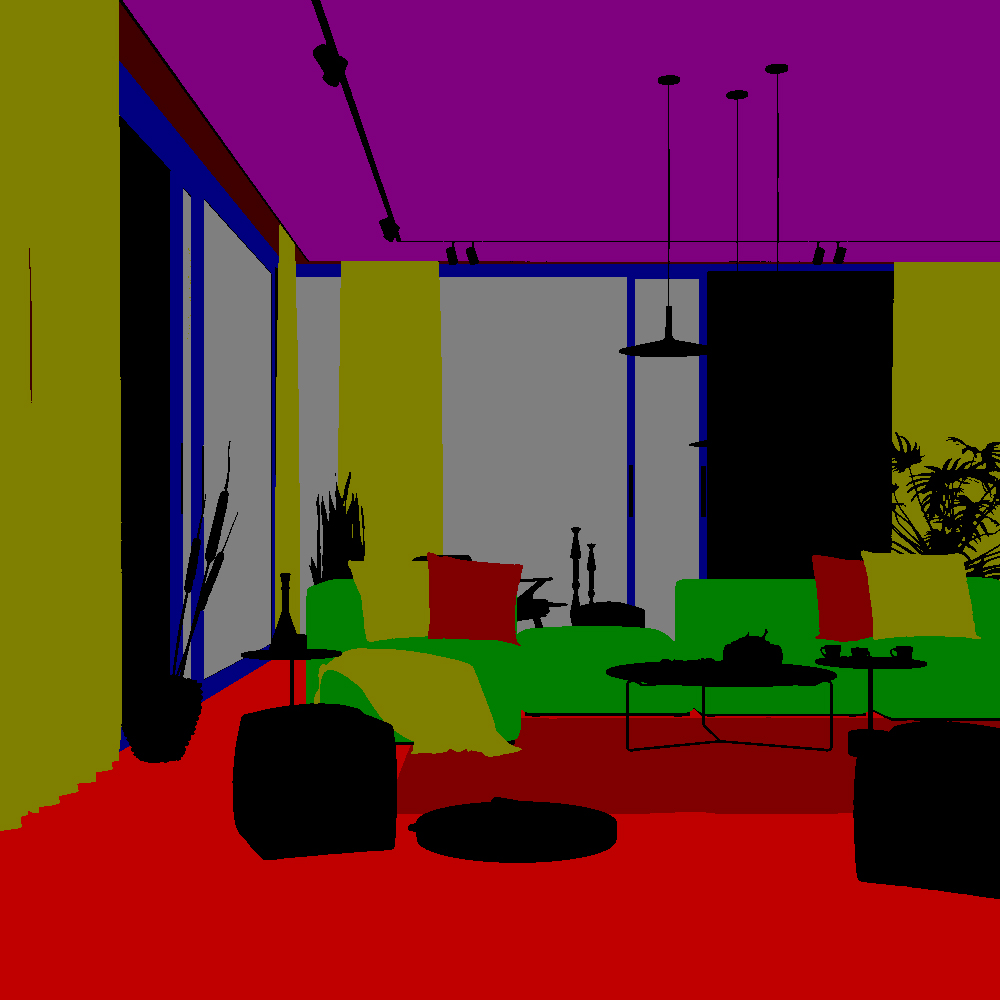
The Material ID Number render element masks scene objects using their shader's Material ID Number value. It assigns colours automatically to integer values. The channel does not use anti-aliasing.
The Material ID Number channel supports opacity colour and textures with values of 1 and 0.
Use this render channel as a colour mask for different materials in your scene when compositing.

UI paths
||V-Ray Asset Editor|| > Render Elements (right-click) > Material ID Number
||V-Ray Asset Editor|| > Create Asset (left-click) > Render Elements > Material ID Number
How to set Material ID Number
Use the Add Attribute button to add the Material ID attribute. The new rollout contains ID Number and ID Color. You can then add the Material ID Number render element.