Use the Raw Light render element in V-Ray for SketchUp to adjust direct lighting in post-production.
Overview
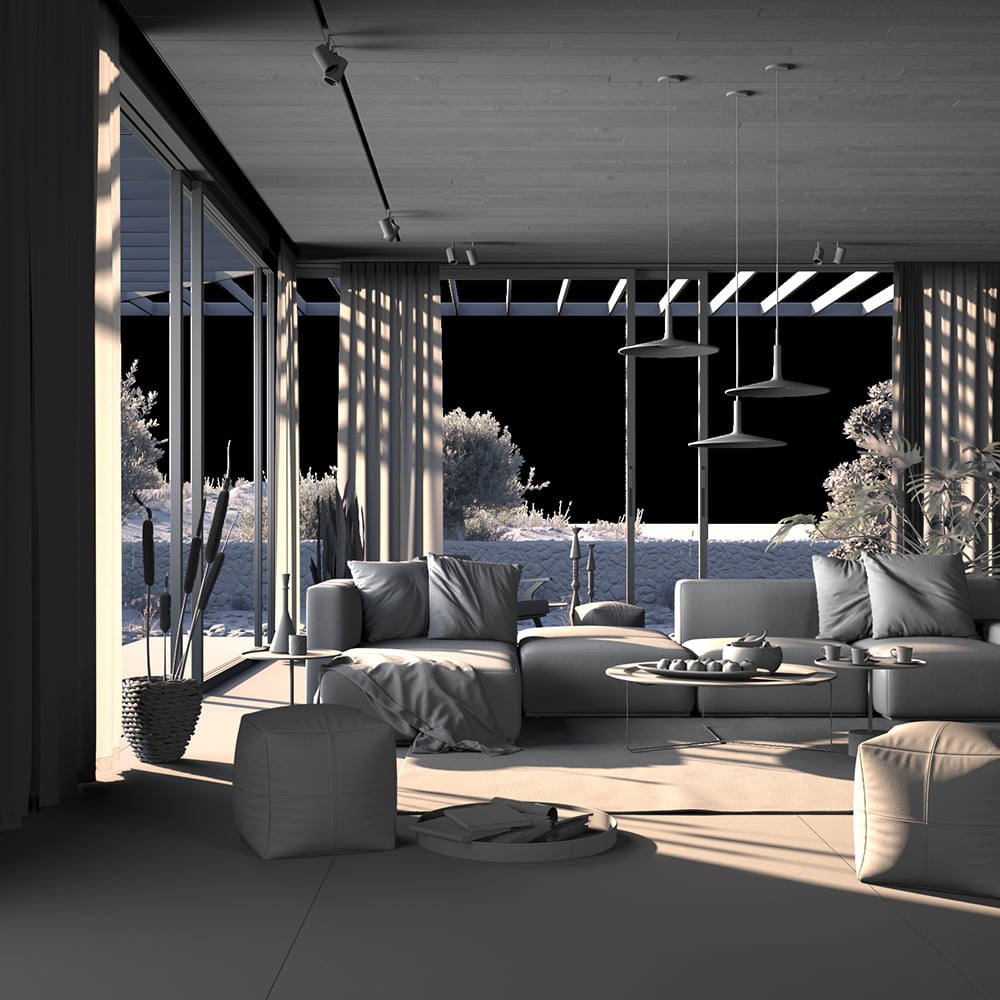
Raw Light stores only direct lighting information, without the diffuse component.
UI paths
||V-Ray Asset Editor|| > Render Elements (right-click) > Raw Light
||V-Ray Asset Editor|| > Create Asset (left-click) > Render Elements > Raw Light
Parameters
Denoise controls whether this render element is denoised.

Common uses
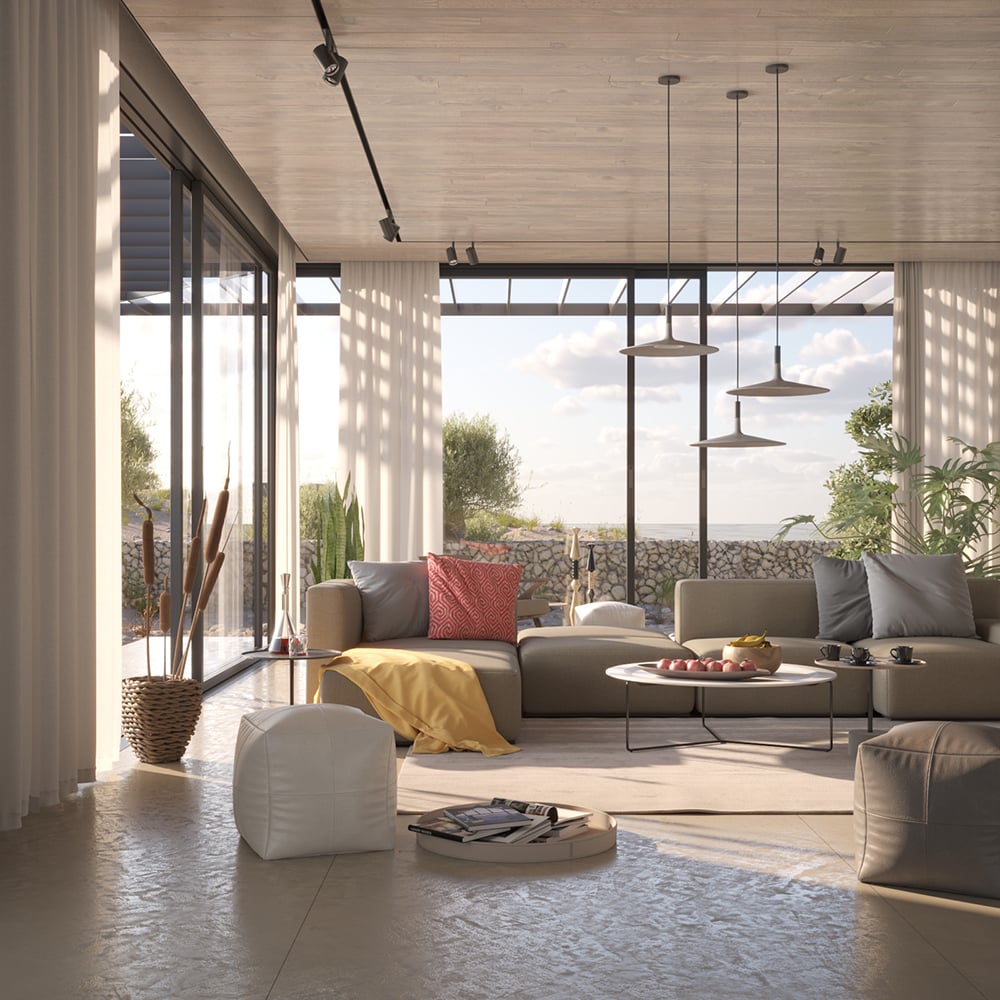
Use the Raw Light render element to change direct lighting in compositing or image editing software. This example shows the image before and after post-production.


Compositing
Raw Light x Diffuse = Lighting
