Skip to content
07-848 2005

V-Ray for SketchUp, Render Elements

Refraction Filter

Use the Refraction Filter render element in V-Ray for SketchUp to adjust the appearance of refractive elements after rendering.

On this page
  1. Overview
  2. UI paths
  3. Parameters
  4. Common uses
  5. Compositing

Use the Refraction Filter render element in V-Ray for SketchUp to adjust the appearance of refractive elements after rendering.

Overview

This render element stores refraction colour information based on a material's refraction colour property.
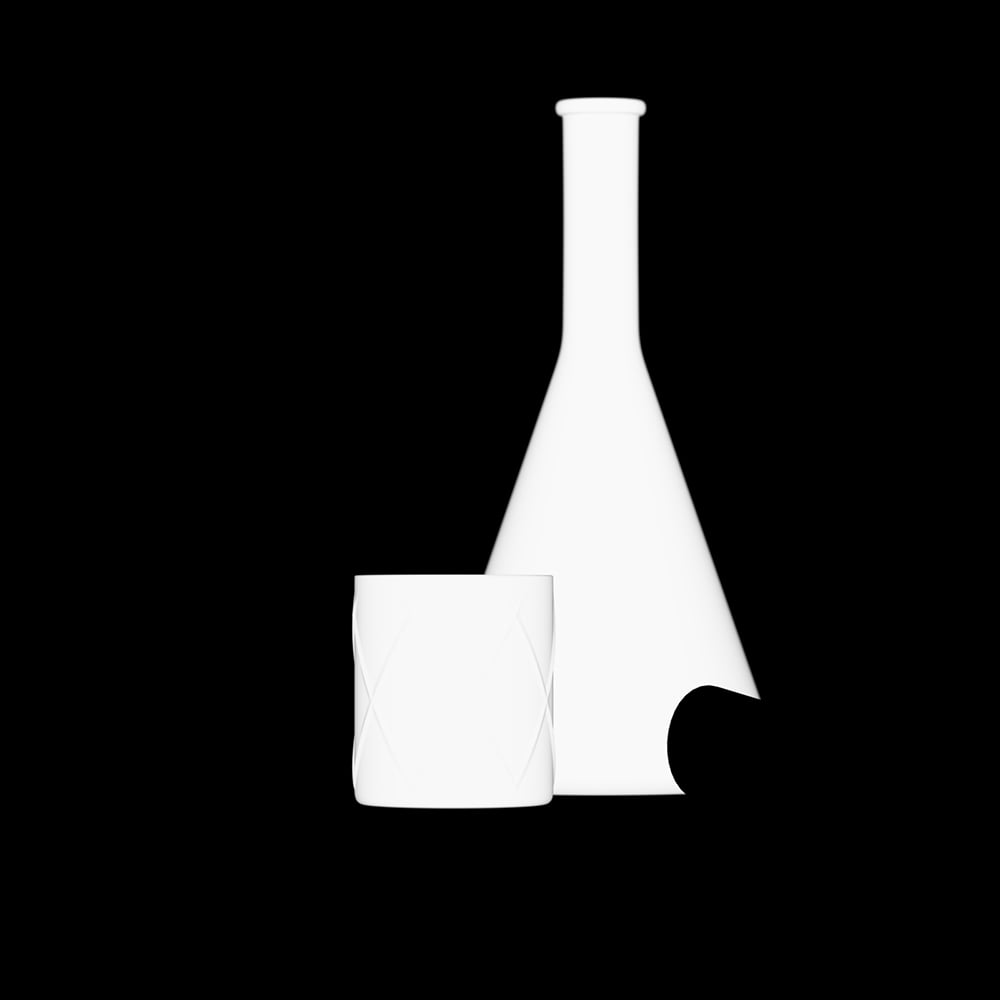
Refraction Filter render element showing a white decanter and tumbler against a black background.
Rendered scene showing a clear decanter with amber liquid, a cut-glass tumbler and a metal stopper on a tray.

UI paths

||V-Ray Asset Editor|| > Render Elements (right-click) > Refraction Filer
||V-Ray Asset Editor|| > Create Asset (left-click) > Render Elements > Refraction Filer

Parameters

Denoise controls whether this render element is denoised.

Parameters panel with the Denoise checkbox unticked.

Common uses

Use the Refraction Filter render element to change the appearance of refractive elements after rendering in a compositing or image editing application. The example uses Refraction Filter to brighten and tint the refractions. Compare the render before and after compositing.


Rendered scene with dark grey refractions in the decanter behind the clear tumbler.
Rendered scene with warm brown refractions in the decanter and through the clear tumbler.

Compositing

Raw Refraction x Refraction Filter = Refraction

Compositing diagram showing Raw Refraction multiplied by Refraction Filter to produce Refraction.

Procadsys customer support

Still need help?

Licences, renewals and billing

Our New Zealand team looks after your V-Ray licences, renewals and invoices.

Monday to Friday, 9:00 am to 4:30 pm NZ time, excluding New Zealand public holidays.

Technical problems

Installation errors, crashes and other technical problems with V-Ray are handled by Chaos support.