Use the Spline Color Correction texture in V-Ray for SketchUp to remap texture colours with RGB or HSV curves.
Overview
Spline Color Correction is one of three available Color Correction textures, alongside Color Correction and Bezier Color Correction. The Spline Curve texture remaps another texture's colour values using RGB or HSV curve controls.
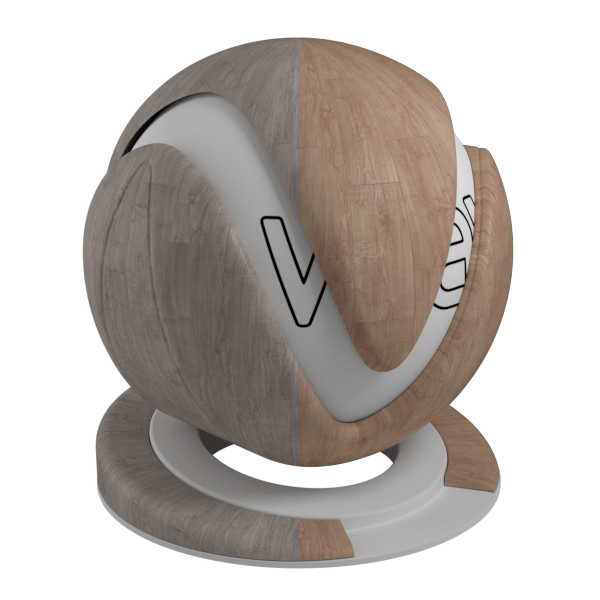
UI paths
||V-Ray Asset Editor|| > Textures (right-click) > Spline Curve
||V-Ray Asset Editor|| > Create Asset (left-click) > Textures > Spline Curve
Parameters
Input sets the colour or texture to correct with the curve. A selected texture overrides the colour while the texture checkbox is enabled.
Mode sets the curves used to remap colours. Choose HSV or RGB mode.
HSV uses Hue, Saturation and Value curves for remapping.
RGB uses Red, Green and Blue curves to remap the separate image channels.
Interpolation sets the interpolation type for the selected curve control point. It affects only the curve section between the selected point and the next one.
None disables the transition.
Linear interpolates values linearly in RGB colour space.
Smooth interpolates values using automatically generated horizontal tangents.
Spline interpolates values using automatically generated and rotated tangents.
Position sets the position of the selected curve control point.
Value sets the value of the selected curve control point. You can enter values greater than 1. These values do not change the curve widget's appearance, but they affect the rendered result and the texture Preview swatch.
Click to see the menu options
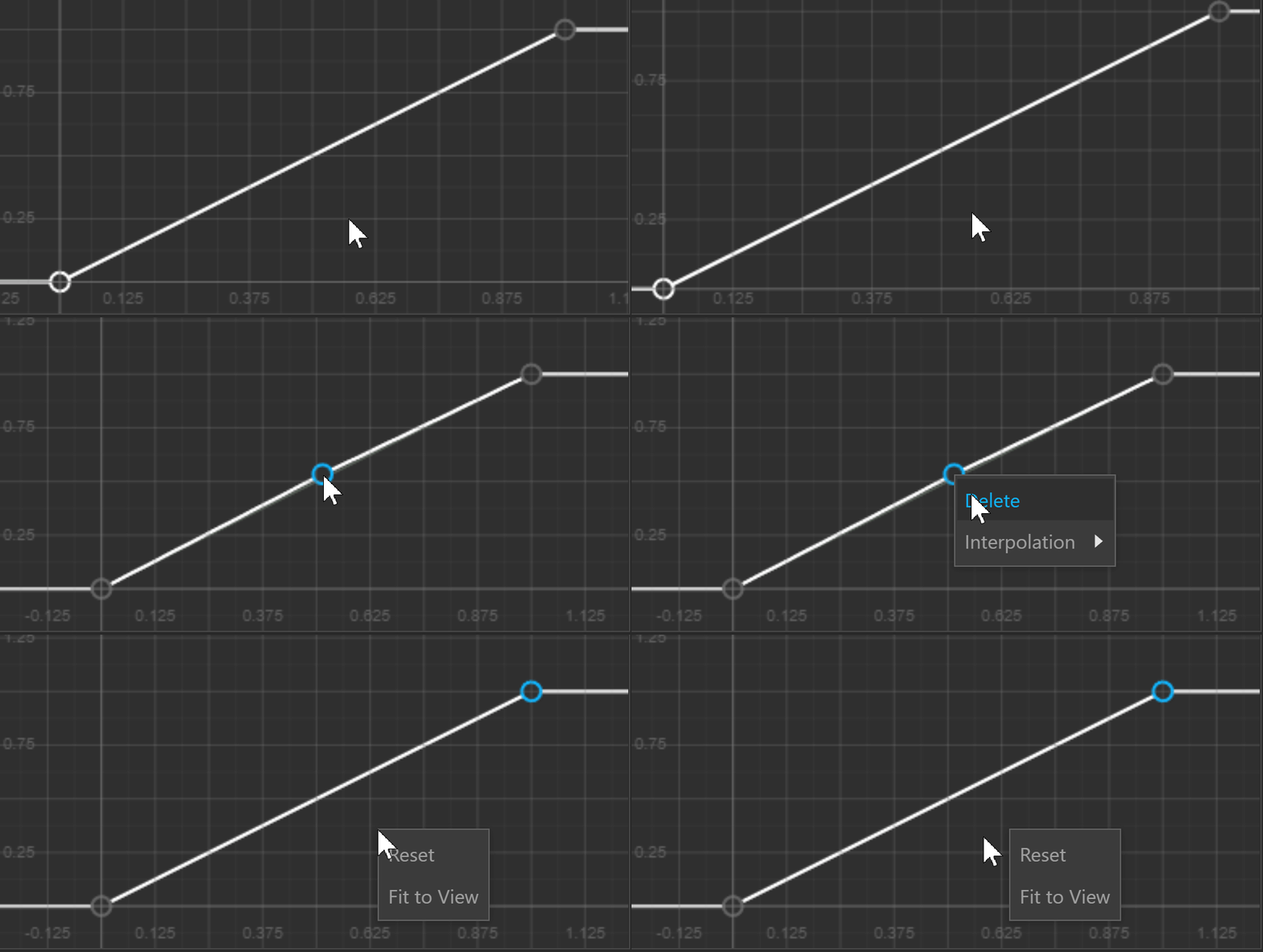

Curve ranges
Input Min / Max sets the minimum and maximum colour values of the input.
Output Min / Max sets the minimum and maximum colour values of the result.
