Use the Leather procedural texture to create a leather finish in KeyShot.
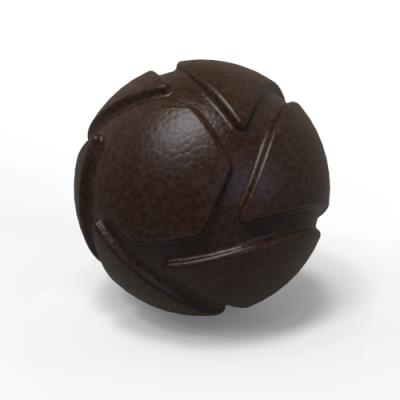
This example uses the Leather texture as both a diffuse and Opacity map.
Scale
Sets the scale of the leather grain. Add a synced procedural leather bump to make the leather look more realistic.
Color 1
Sets the colour of the leather's high points (bumps). Keep this colour lighter than colour 2, but as close to colour 2 as possible for realistic leather.
Color 2
Sets the colour of the leather's low points. Keep this colour darker than colour 1, but as close to colour 1 as possible for realistic leather.