Use the Noise (Fractal) procedural texture to simulate ripples and bumps in your KeyShot material.
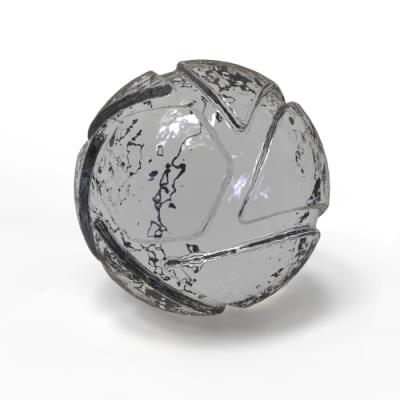
This example uses the Noise texture as a bump map on a glass material.
Colors 1 and 2
Use these two settings to change the noise texture's light and dark colours.
Scale
Adjusts the scale of the fractal noise.
Levels
Adds detail to the fractal noise.
Fall-off
Adjusts the colour balance. Low values emphasise colour 2, and high values emphasise colour 1.