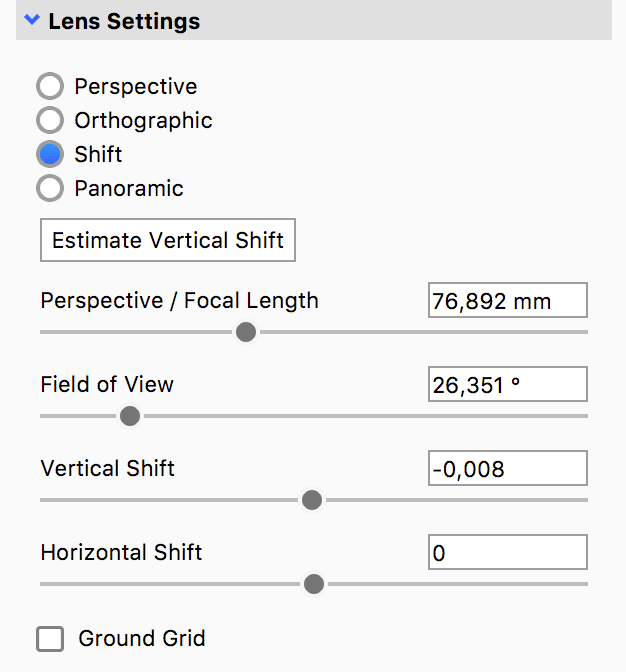
Use a Shift lens to create two-point perspective views. It shifts the viewing plane to remove vertical distortion while keeping the camera in place. Common in architectural photography, it also removes the third (vertical) vanishing point in product photography.
Estimate Vertical Shift
To use the Shift lens, select Estimate Vertical shift. This points your camera forward and calculates the Vertical Shift value needed for a 2 point perspective view.
Perspective/Focal Length and Field of View
Use Perspective/Focal Length and Field of View to control distortion (convergence) in the Real-time View. Enter real-world values to match camera lens focal lengths.
Vertical Shift and Horizontal Shift
These controls move the camera's viewing plane vertically and horizontally. You can enter values beyond the slider limits, including negative values, to control what you see in the Real-Time View.
Whenever you move the camera, select Estimate Vertical Shift to recalculate the shift values. This sets the correct values for the camera's current position and orientation.
Ground Grid
Ground Grid overlays a 1:1 grid on the KeyShot Studio ground plane. The Environment size controls the grid density. Use the grid to match perspective and camera angles. It does not appear in rendered output.