KeyShot Studio
Texture Library
Access the KeyShot Studio Textures Library by clicking the Library button on the main toolbar, selecting Window > Library from the main menu or by hitting the ‘M-key’.
Last updated 3 August 2026
Access the KeyShot Studio Textures Library by clicking the Library button on the main toolbar, selecting Window > Library from the main menu or by hitting the ‘M-key’.
The textures located here provide a range of textures to use for bump maps, color maps, gradients, labels and more. These textures provide a fast way to start applying textures to your materials for added realism.
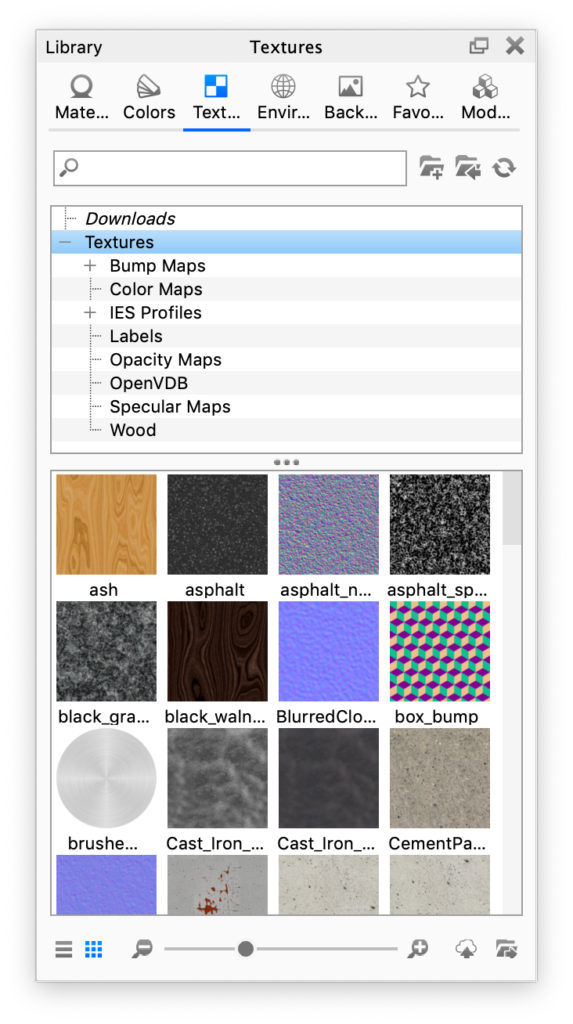
Search Add Texture folder Import Refresh More textures are available on KeyShot Cloud. |
 import them.