3rd Party Sign-In Options
All Trimble products that use Trimble ID offer the option to create an account and login using your Google, Apple, or Microsoft accounts. We call this 3rd party sign-in.
Last updated 17 July 2026
All Trimble products that use Trimble ID offer the option to create an account and login using your Google, Apple, or Microsoft accounts. We call this 3rd party sign-in.
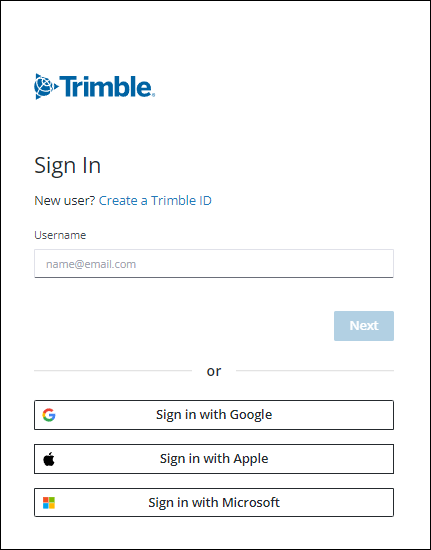
Selecting one of these options allows you to use that 3rd party account as your Trimble ID to access all supported versions of SketchUp, 3D Warehouse, Extension Warehouse, or any other Trimble product or service. Since your login information is managed by the 3rd party, you will not be able to use some features on the Trimble Identity profile page including;
- Changing your password
- Updating your email address
- Multi-factor authentication
Creating a Trimble ID
To create a Trimble ID using a 3rd party option, click which method you want to use when logging in. Each 3rd party option opens their own login page, prompting you to sign in using credentials specific to that account.

Still need help?
Technical support from our New Zealand team is available to customers with a current Procadsys SketchUp Plus subscription: Pro Plus, Pro Scan Plus, Pro Civil Contractor Plus, Advanced Workflows Plus or Studio Plus. Self-help articles are public.
Contact SketchUp support