Use the Analysis Hub dashboard to view and manage your analyses, create an analysis or start again with a new model snapshot.
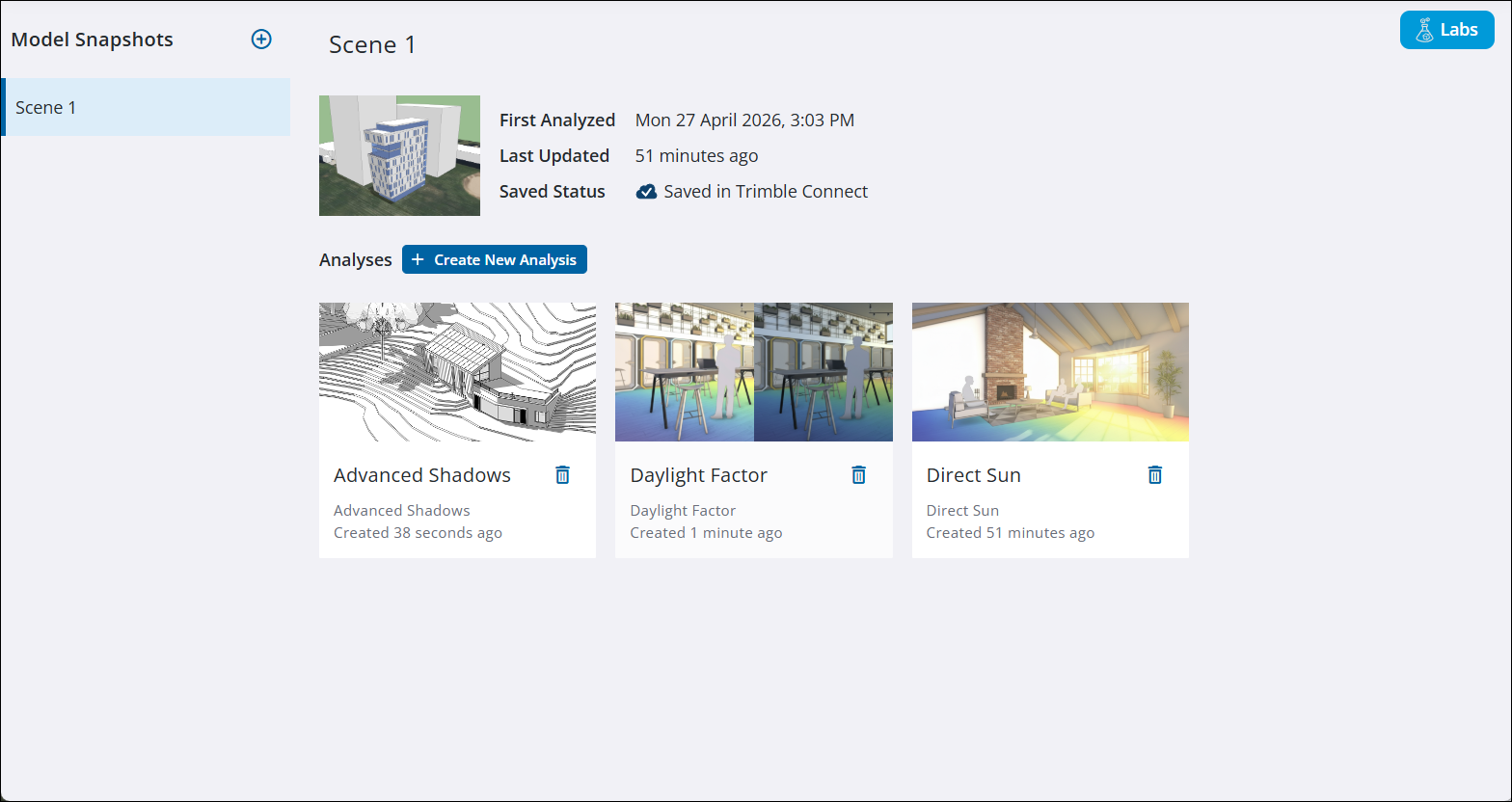
The top of the window shows the scene used for your model snapshot, when it was first analysed, its last update and its status.
You can use the dashboard to:
- Creating a New Analysis. Click Create New Analysis to select a new type of analysis.
- Deleting an Analysis . Each analysis appears as a tile on the dashboard. Click the Delete Analysis icon to remove that analysis file.
- Creating a New Model Snapshot. Click the Add Model Snapshot icon to create a new snapshot from a different scene.
- Review Current Model Snapshots . Each scene used as a snapshot appears on the right side of the dashboard. Click a scene name to review each analysis for that scene.