Model Info contains sections with details about your model. Open it from the menu bar by selecting Window > Model Info. To open the Geo-location section directly, click the Geo-Location icon ( ) in the lower left of the modelling window. This section shows the data added to your model through Add Location.
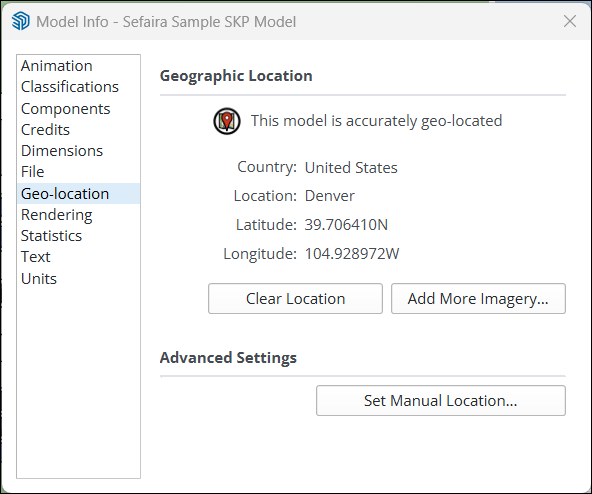
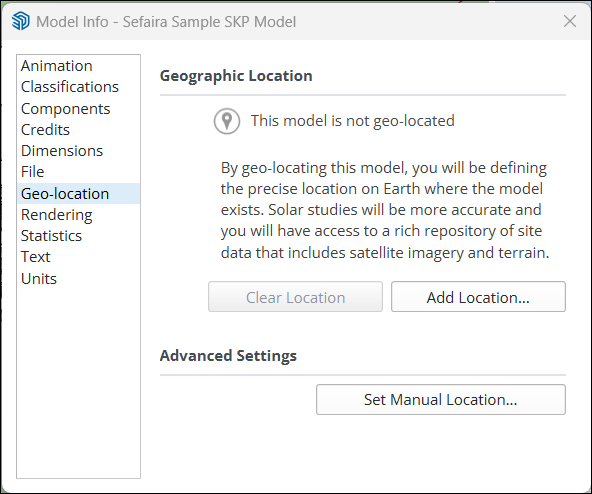
If your model is not yet geolocated, click Add Location to add geolocation data and site context.
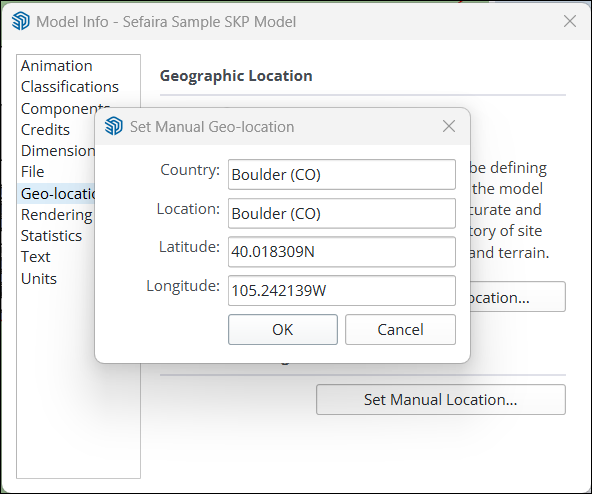
If you already have location data for your model, click Set Manual Location. Enter the data in the window that opens.
To remove geolocation data from your model, click Clear Location. This removes all location data, including any imagery added for site context.