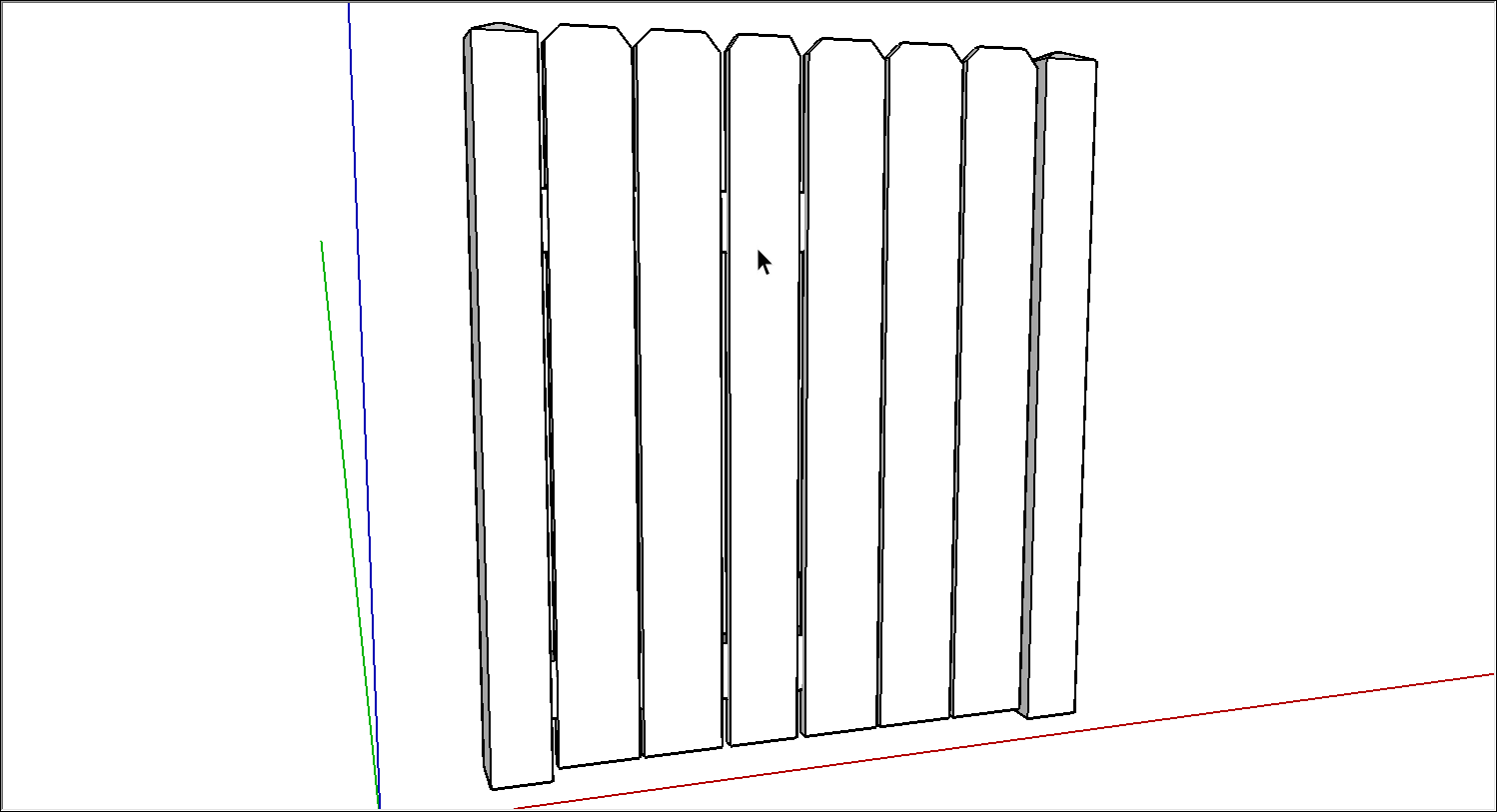
Edit one component instance without changing the others. For example, create two or more picket styles to compare options. Follow these steps:
- Select the component instance you want to edit.
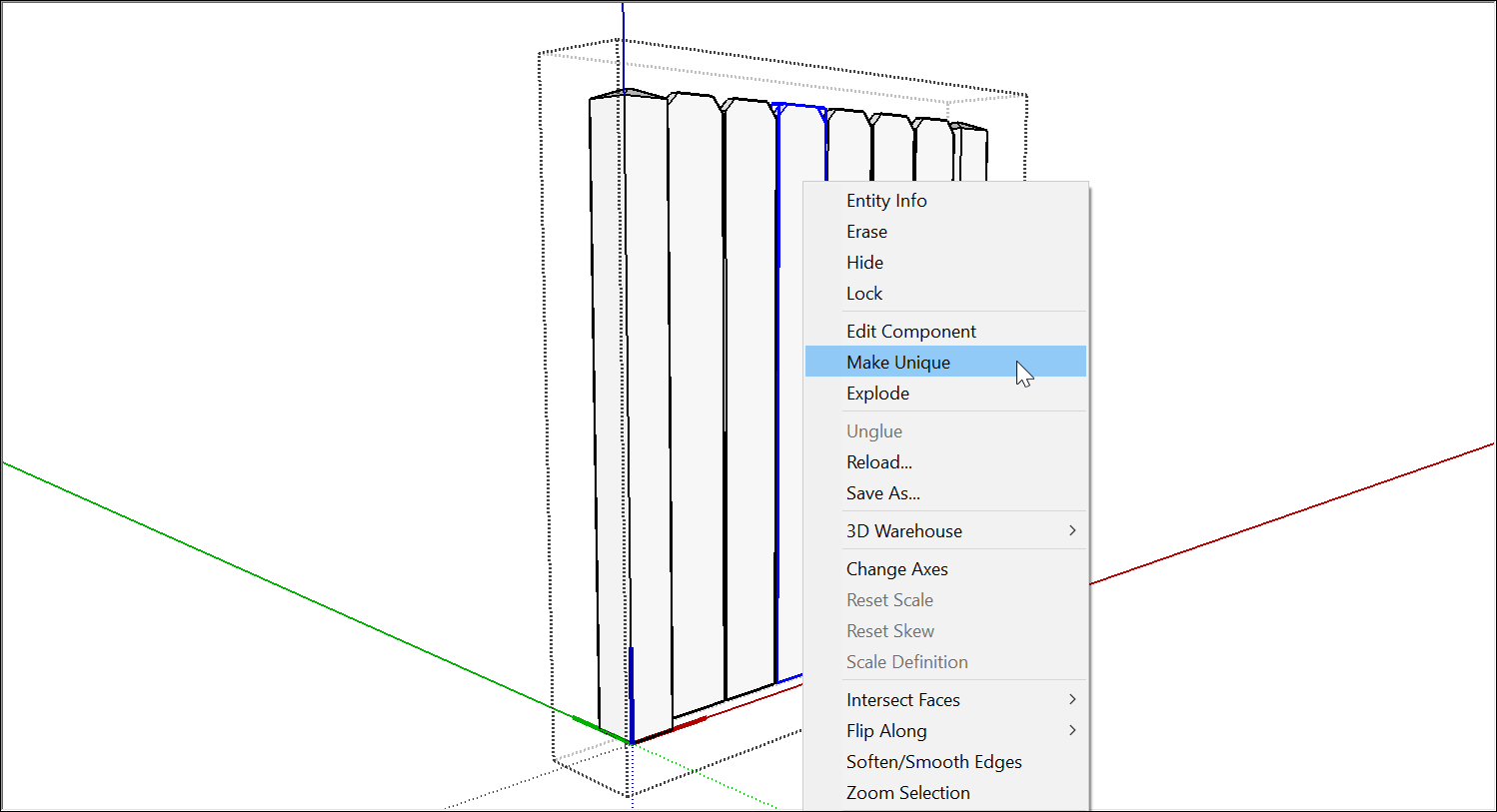
- Context-click the selected instance and choose Make Unique, as shown in the figure. If the Entity Info panel is open, SketchUp adds #1 or a similar suffix to the Definition. This creates a new component based on the original.
- Open the unique component's context by double-clicking the component. Alternatively, select it, context-click the selection and choose Edit Component.
- Use the SketchUp drawing tools to edit the component. In this example, you select the edges on each side of the picket and move them inward 5/16 inch. This makes the picket slightly narrower.
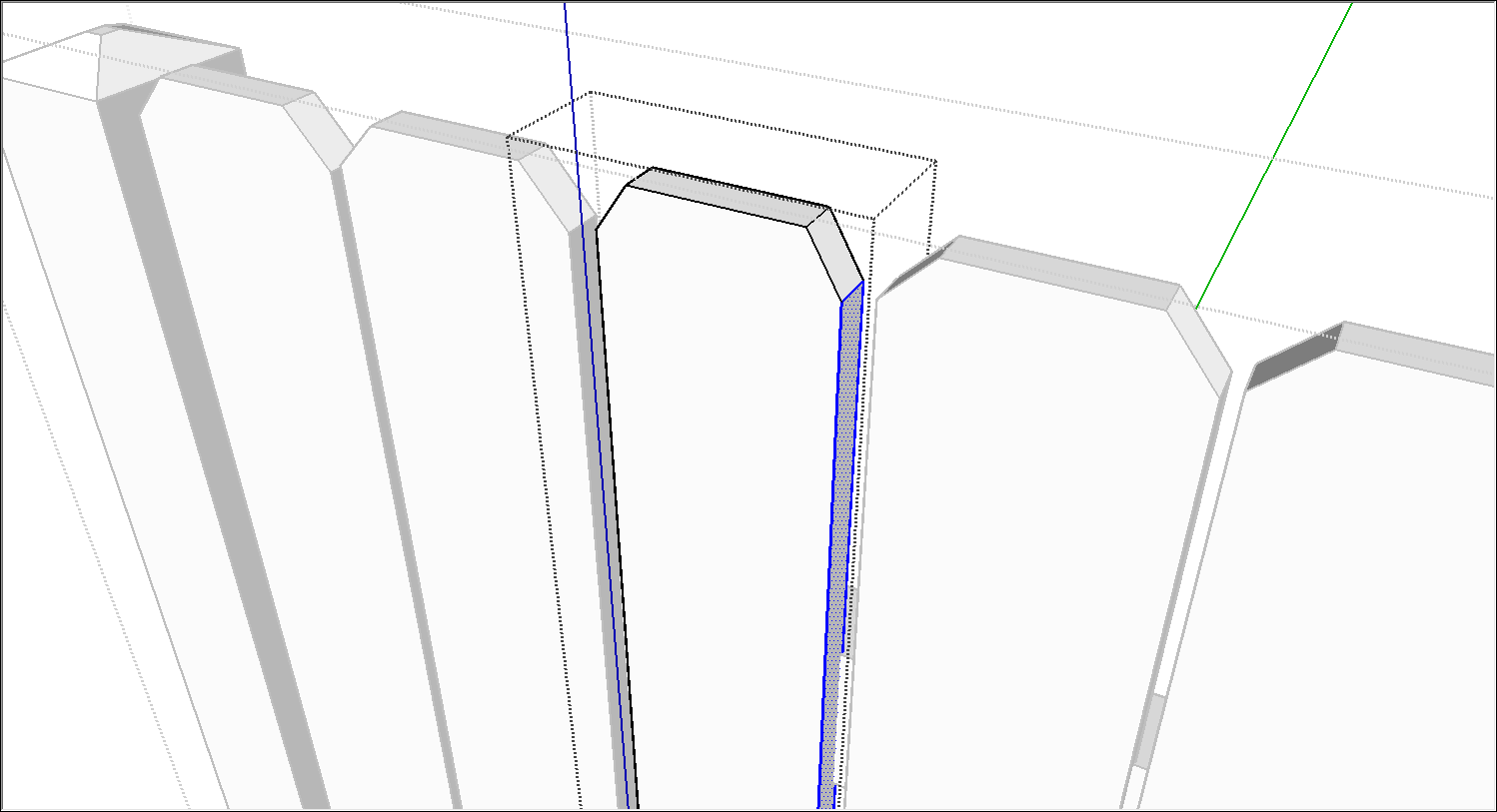
- Click outside the component context when you finish editing. The figure shows one picket slightly narrower than the others.