Geolocation in SketchUp
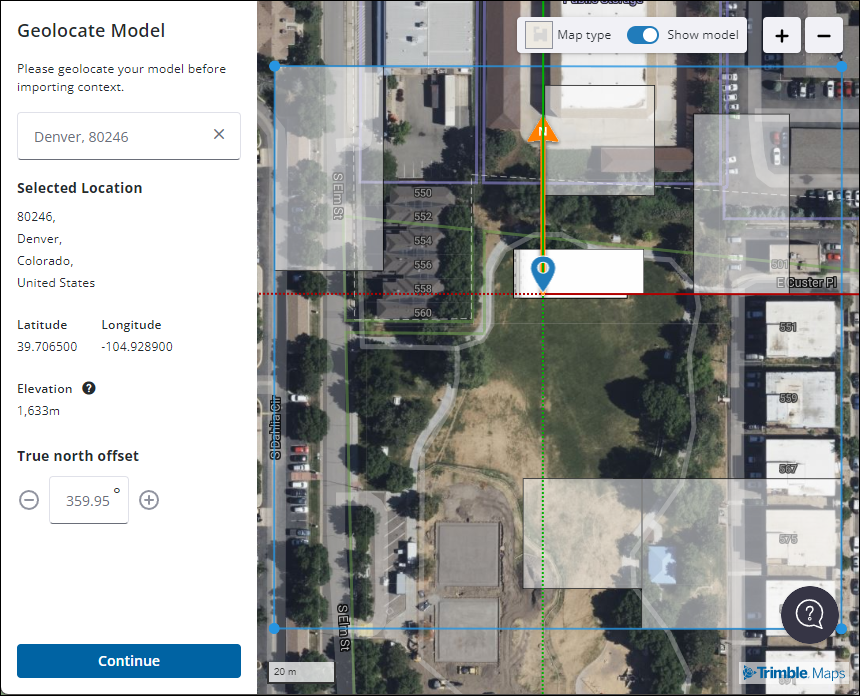
Getting Started with GeolocationSketchUp’s Add Location feature helps you to capture geolocation data and apply it to your model. You can also import content into your model that’s already been geolocated. To get started take a look at these articles:
Last updated 17 July 2026
Getting Started with Geolocation
SketchUp’s Add Location feature helps you to capture geolocation data and apply it to your model. You can also import content into your model that’s already been geolocated. To get started take a look at these articles:
- Geolocating with Add Location
- How to Use Add Location (web)
- How to Use Add Location (iPad)
- Geolocation in Model Info
- Importing Geolocated Content
Still need help?
Technical support from our New Zealand team is available to customers with a current Procadsys SketchUp Plus subscription: Pro Plus, Pro Scan Plus, Pro Civil Contractor Plus, Advanced Workflows Plus or Studio Plus. Self-help articles are public.
Contact SketchUp support