The Markup tool ( ) in SketchUp for iPad uses the iPad's native Markup tools. Activate it to open the iPad Markup toolbar at the bottom of the screen.
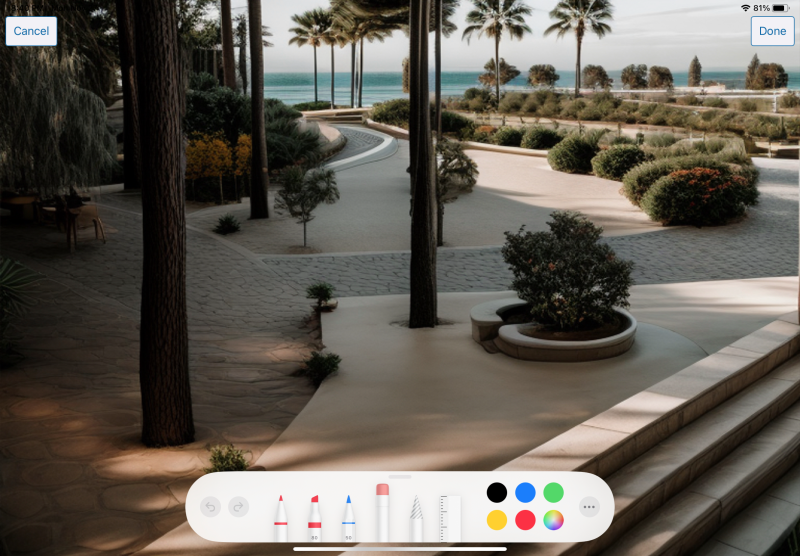
Use the Markup tool to draw or annotate your model. For help with the available options, read the iPad Markup guide.
With the Markup tool active, you can draw on your model to leave a note for a collaborator, try a contour on a surface or suggest a change. When you finish, tap Done at the top of the screen to save your annotated model as a Scene.