Enscape Envision
Camera Tab
This page provides information about the Camera tab in Enscape Envision.
Last updated 27 May 2026
This page provides information about the Camera tab in Enscape Envision.
Overview
The Camera tab allows you to create new camera shots and lists all available cameras in the project. When a .vrscene file is imported, the cameras it contains are also listed here. You can switch between different cameras either from the Camera tab or through the current view quick settings.
When a camera shot is selected, the camera parameters are displayed in the Details tab in the right-hand side panel.

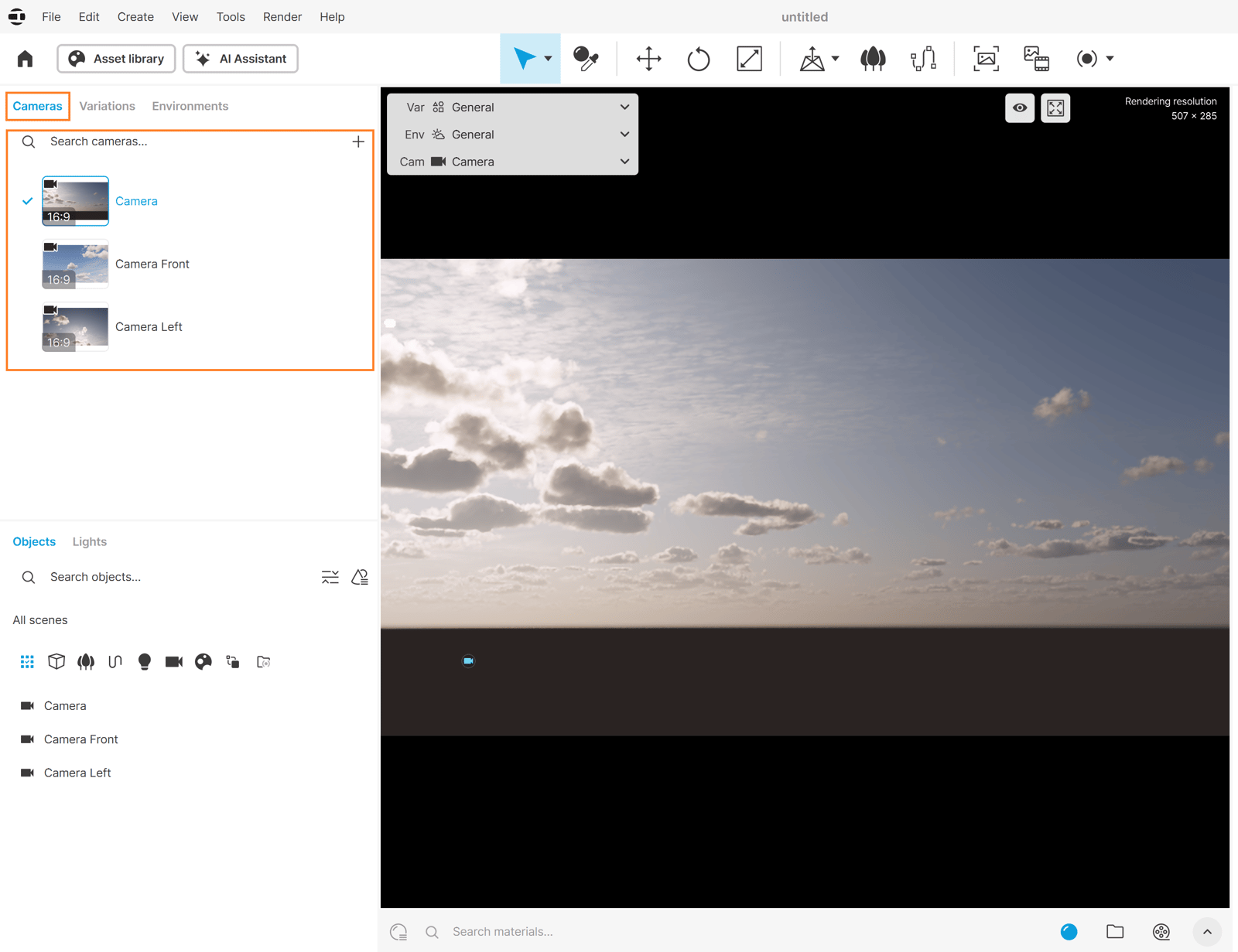
Actions with Listed Cameras
You can perform the following actions in the Camera tab:


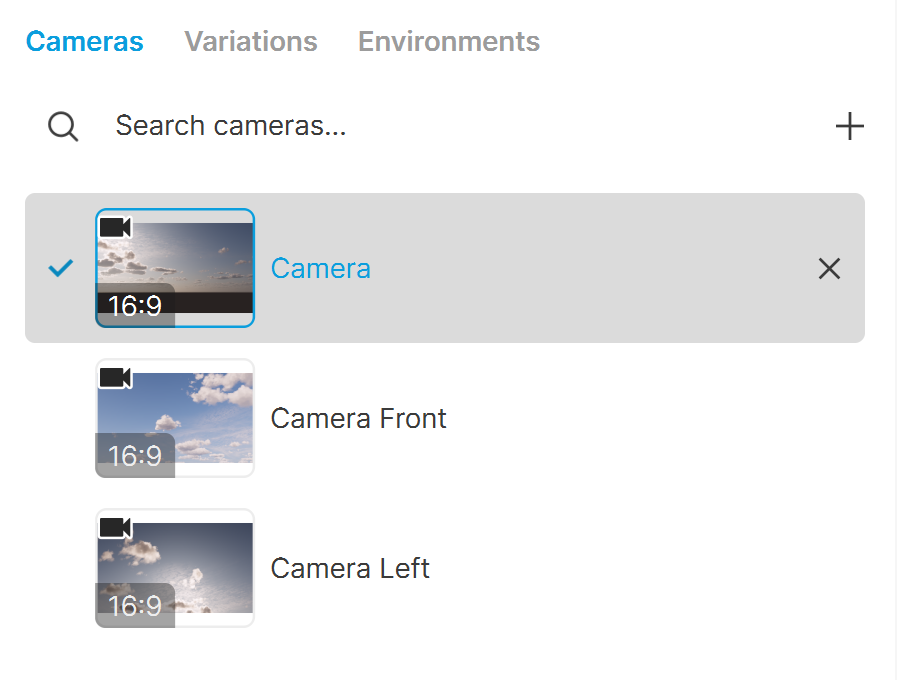
Search cameras () – Filter the cameras and show only those that match the search. Click thebutton on the right to clear the search.

Create a new camera from the current view () – The current camera view is saved in a new camera slot and can be selected any time from the camera dropdown of the current view quick settings.

Remove () – Remove the selected camera from the camera list.
Additional camera actions such as copy-pasting settings between cameras, locking a camera, etc. are available within the Camera Details tab.
See also: