Enscape Envision
Tools Menu
This page provides information about the Tools menu in Enscape Envision.
Last updated 27 May 2026
This page provides information about the Tools menu in Enscape Envision.
Menu Options
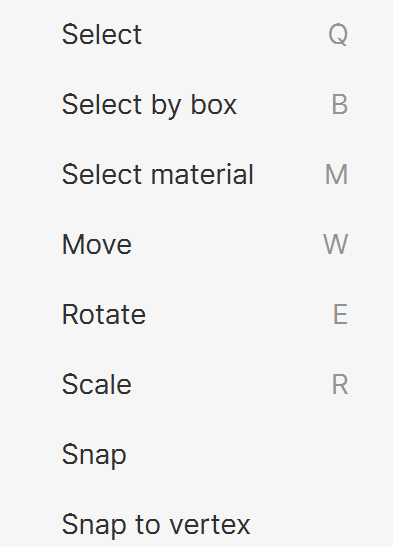
Select – Selects one or more items in the viewport. Press Ctrl to add more items to the selection. Press Shift to remove items from the selection. Shortcut: Q
Select by box – Selects multiple items from the viewport by drawing a 3D box. All items within the box boundaries become selected. Shortcut: B
Select material – Allows picking a material from the viewport to view and edit its properties. Shortcut: M
Move – Moves the selected item or items. Shortcut: W
Rotate – Rotates the selected item or items. Shortcut: E
Scale – Resizes the selected item or items. Shortcut: R
The following options are available only in Advanced mode:
Snap – Aligns the selected item or items to a selected surface.
Snap to vertex – Aligns the object's pivot point to the mesh vertex that is closest to the mouse cursor.

Easy Mode
Advanced Mode