Enscape Envision
Water Material
This page provides information about the Water material in Enscape Envision.
Last updated 27 May 2026
This page provides information about the Water material in Enscape Envision.
Overview
The Water material creates realistic water surfaces. It includes presets for simulating different surface water types, such as pools, lakes, and seas (see the Water Presets example below). The material also provides depth presets – Clear, Turquoise, Deep Blue, and Murky – to control water appearance at varying depths.
The Water material properties are available in the Material Editor when the Material configuration is set to Water. The properties have two modes - Easy and Advanced.

Water Presets
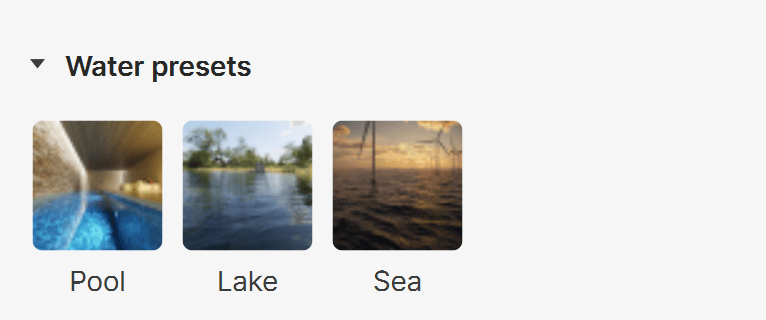
The Water presets rollout contains ready-to-use water surface presets for common environments, including pools, lakes, and seas.
Pool – Clear, lightly tinted pool water with smooth surface movement.
Lake – Slightly murky lake water with subtle green-blue tones and soft waves.
Sea – Deep blue sea water with dynamic waves and subtle foam breakup.
Water Properties
Material base
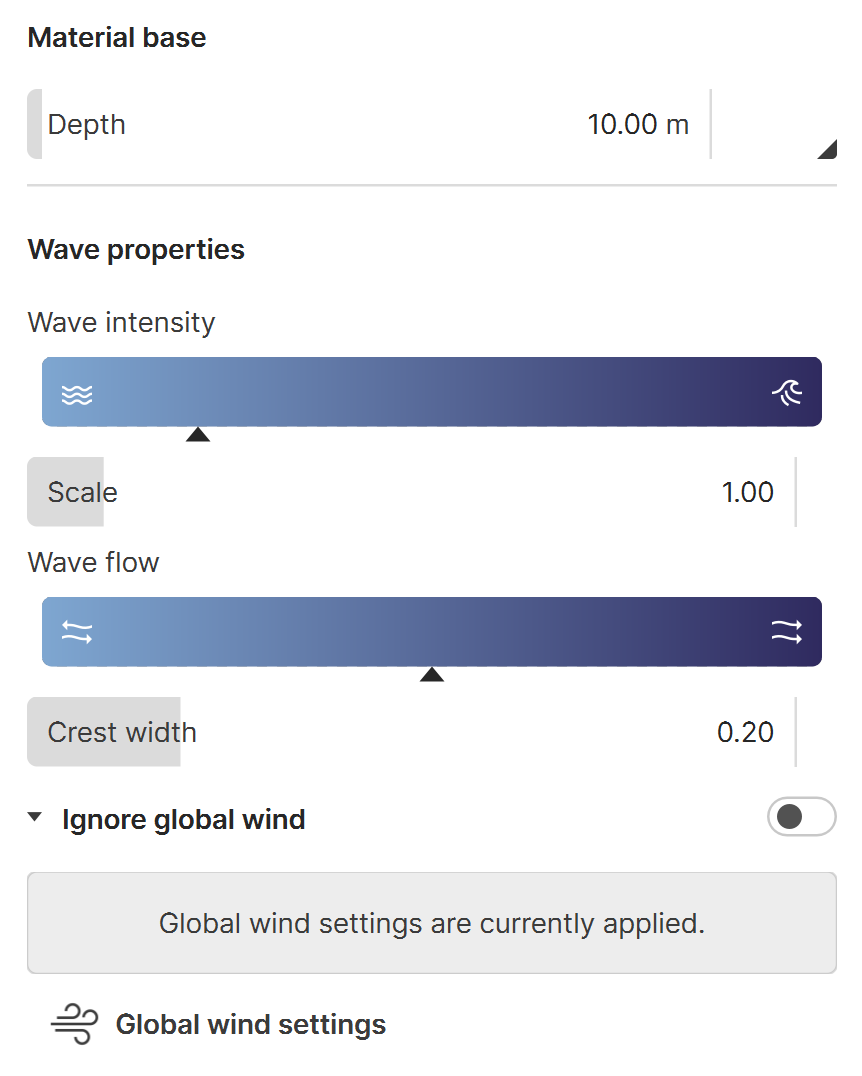
Depth – A multiplier for the depth of the water.
Depth Presets – Available presets are: Clear, Turquoise, Deep blue, Murky. See the Depth Presets example below.
Wave properties
Wave intensity – Controls the speed in meters per second along with wave size of the water waves. Low values produce a calm water surface. High values produce bigger, slower waves, as if in a storm.
Scale – A multiplier for the wave size.
Wave flow – Controls the movement direction of the waves.
Crest width – A multiplier for the width of the wave crests.
Ignore global wind – When enabled, the Water material ignores the global wind settings and uses individual wind adjustments instead. See the Wind example below.
Wind direction – Specifies whether the waves follow a predominant direction defined by the Wave flow parameter or if they are more dispersed and deviate from that direction.
Wind intensity – Controls how strong the wind is.
Global wind settings – Controls the global wind settings when Ignore global wind is disabled.
Wind properties – When enabled, the water surface swings with the wind.
Direction – Sets the direction from which the wind is blowing. A North wind blows from North (0°) to South (180°) and pushes animated vegetation, clouds and water waves to the South.
Intensity – Adjusts how strong the wind appears in the project. When set to 0, the water surface appears static.

Material Properties
Reflections
Amount – Controls the amount of reflection and the reflection color of the water surface.
Glossiness – Controls the sharpness of reflections. A value of 1.0 means perfect mirror-like reflection; lower values produce blurry or glossy reflections.
Transparency
Amount – Controls the transparency of the material. A value of 0.0 means that the material is fully opaque. A value of 100.0 means that the material is fully transparent.
Frost – Controls the roughness of the material's refraction. Higher values produce a frosted water look.
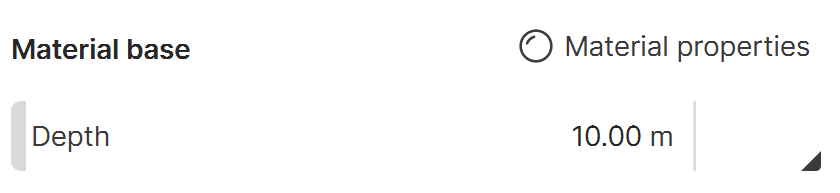
Material properties button in Advanced mode.

Material properties in Advanced mode.
Precision Adjustments
Level of detail – Controls how detailed the waves appear. Lower values produce smoother waves, while higher values create more pronounced ripples. See the Level of Detail example below.
Crest sharpness – Controls how sharp the tip of the wave crests are.

Examples
The following examples demonstrate the effect that individual Water parameters and Water presets have on the scene. Click on any image to view it at a higher resolution.
Example: Water Presets
The following images show the available water presets: Pool, Lake, and Sea.

Pool Preset

Lake Preset
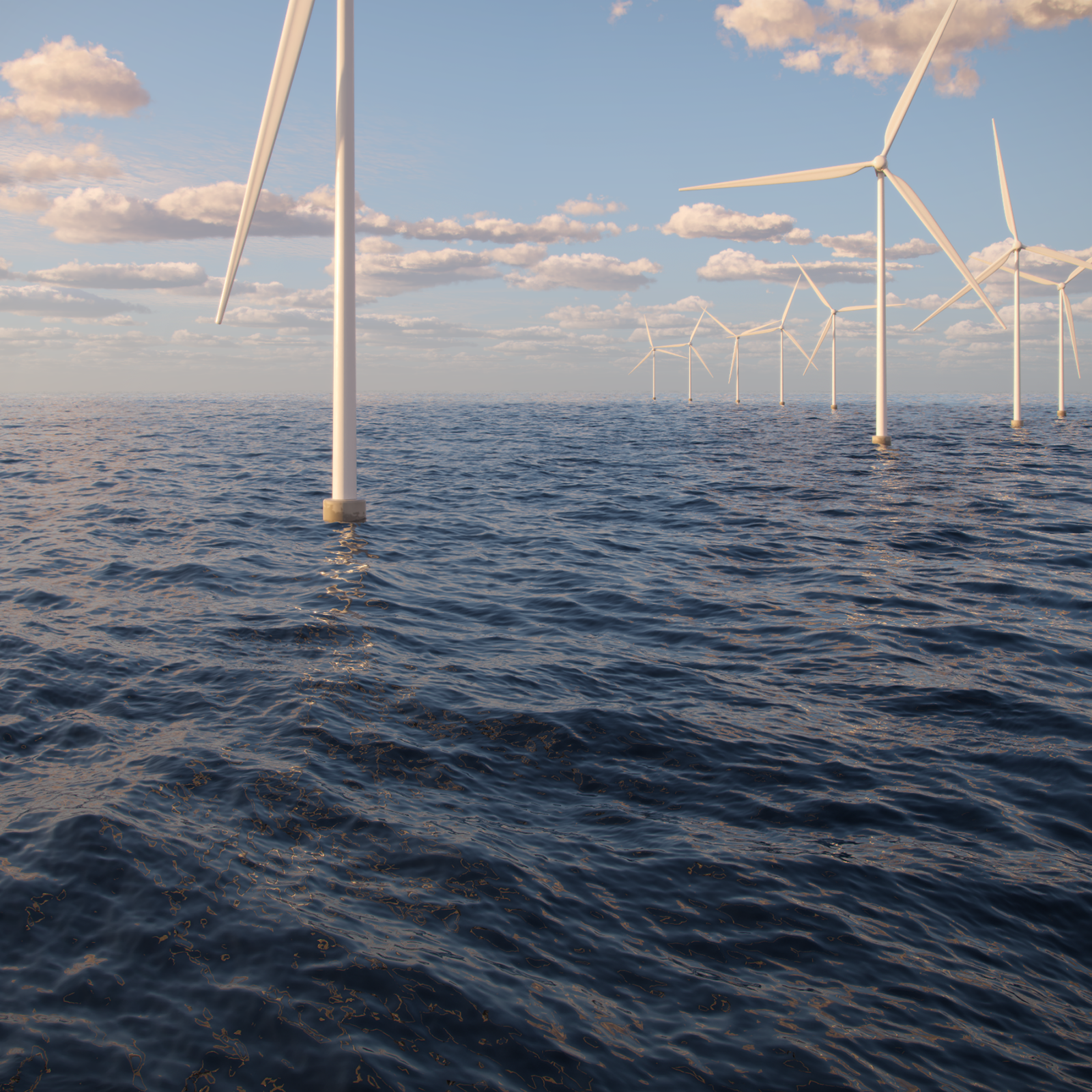
Sea Preset
Example: Depth Presets
This example shows the available depth presets: Clear, Turquoise, Deep blue, and Murky.

Clear Preset
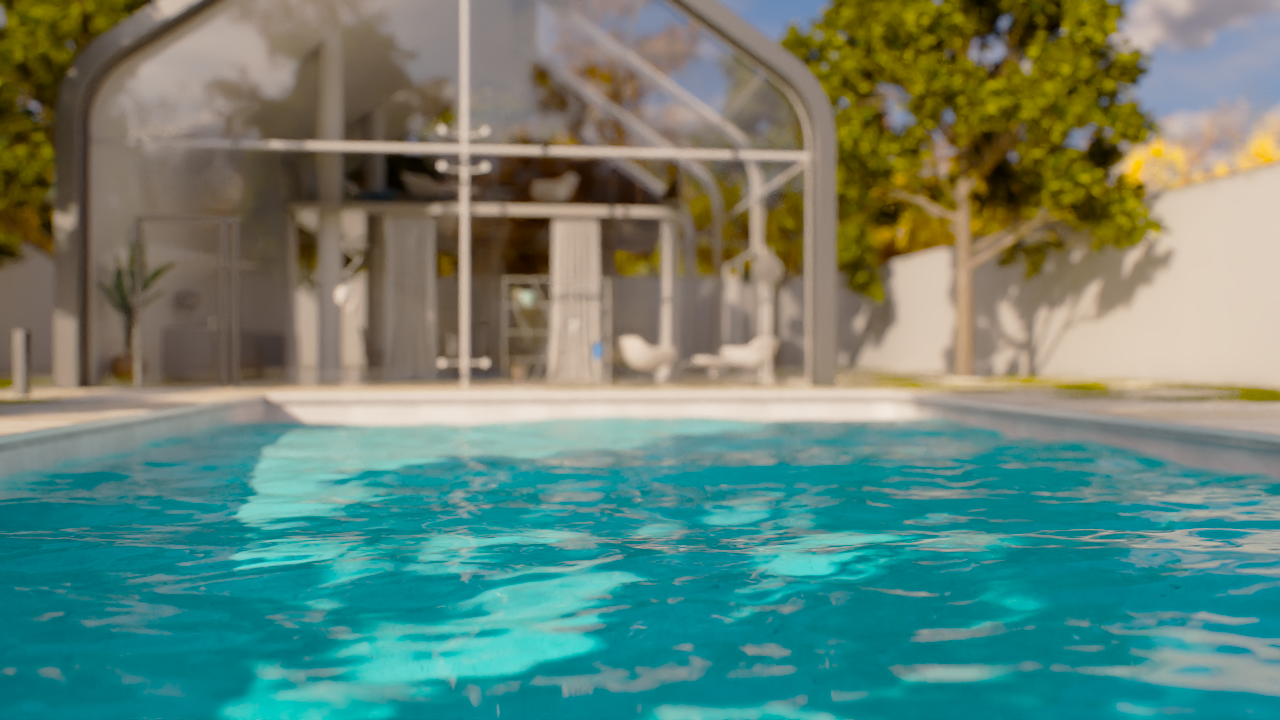
Turquoise Preset
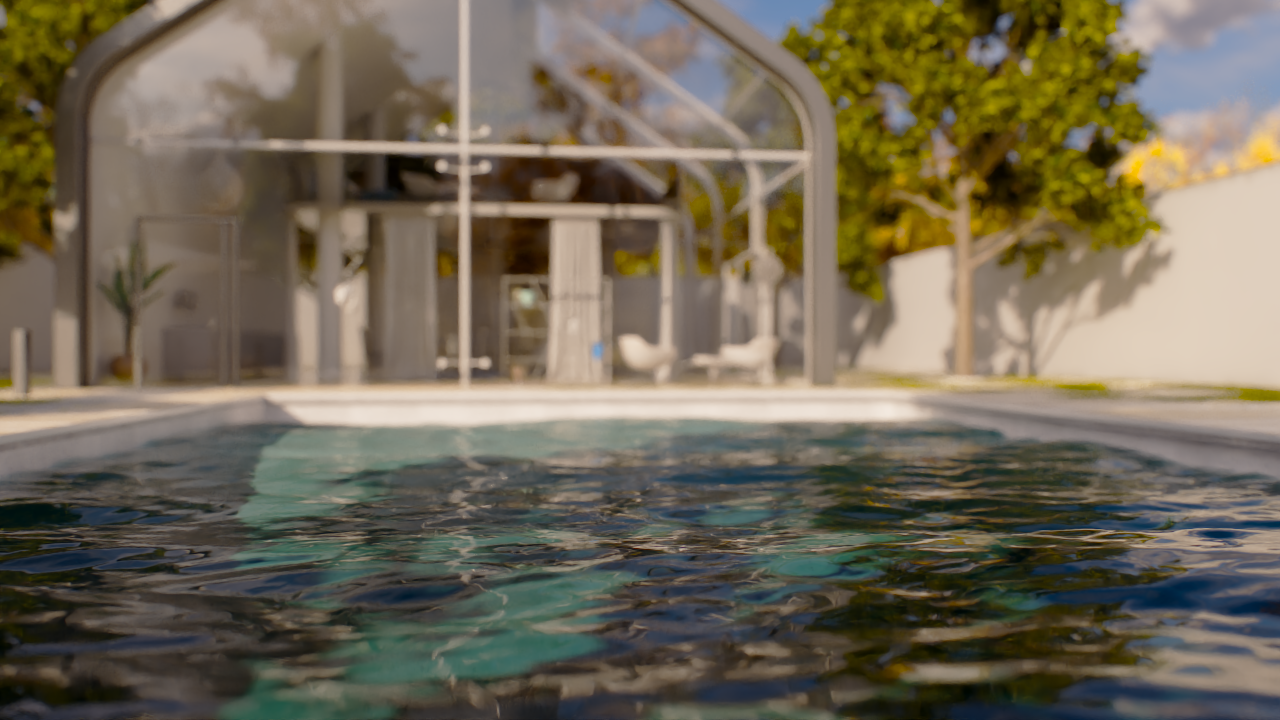
Deep Blue Preset

Murky Preset
Example: Level of Detail
This example shows the effect of the Level of Detail parameter.

Level of Detail = 3
The water surface appears smoother.

Level of Detail = 5
The water surface has subtle, gentle ripples.

Level of detail = 10
There are plenty of ripples on the water surface.
Example: Wind
This example shows how the water surface becomes animated in the viewport when the Ignore global wind toggle is enabled.
youtu.be
See also: