Enscape
Chaos AI Enhancer
This page provides information about the Chaos AI Enhancer.
Last updated 27 May 2026
This page provides information about the Chaos AI Enhancer.
Overview
The Chaos AI Enhancer allows you to elevate the quality of your visualizations, specifically Enscape people and vegetation assets. The AI Enhancer tool is accessed from the Enscape Viewport User Interface (UI) toolbar.
To access the AI Enhancer, you must be logged in to your Chaos account with a non-trial license.

AI Enhancer button in Enscape
Using the AI Enhancer
To start using the AI Enhancer, go to a named view or navigate inside your Enscape viewport to set up a view you want to export. The AI Enhancer works similarly to the Screenshot button. However, the screenshot is exported to your Chaos Cloud account for enhancement. Click the AI Enhancer button. A status window confirms that the screenshot is rendering.

Rendering Image
Once the image renders, the Chaos Cloud window opens and prompts you to add the name and location of the image in your Cloud account. You can either choose an existing project folder location, or create a new folder.

Chaos Cloud Window
Click Upload and enhance to view the status bar for your upload. When the image is successfully uploaded, a notification appears in the window along with a View in Cloud button. Clicking this button opens the exported screenshot in your Chaos Cloud account.
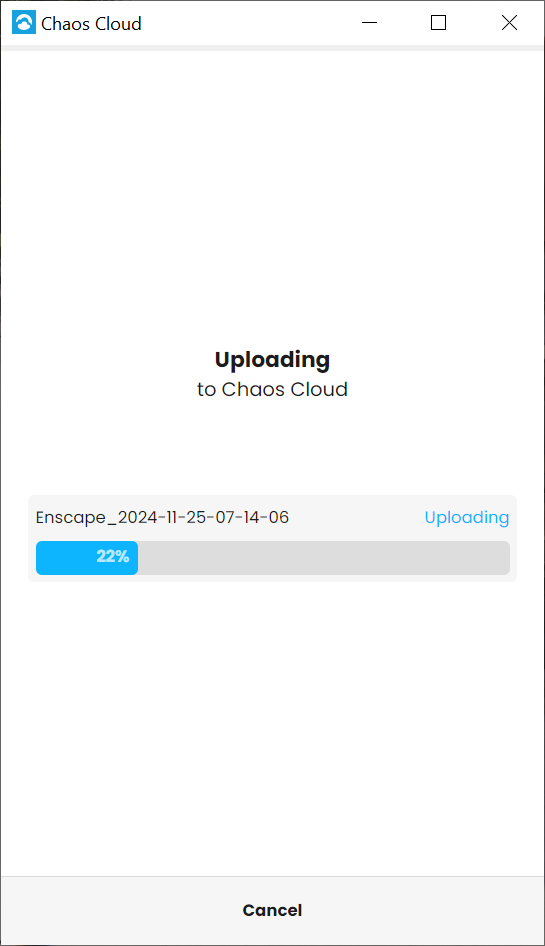
Upload Status Bar
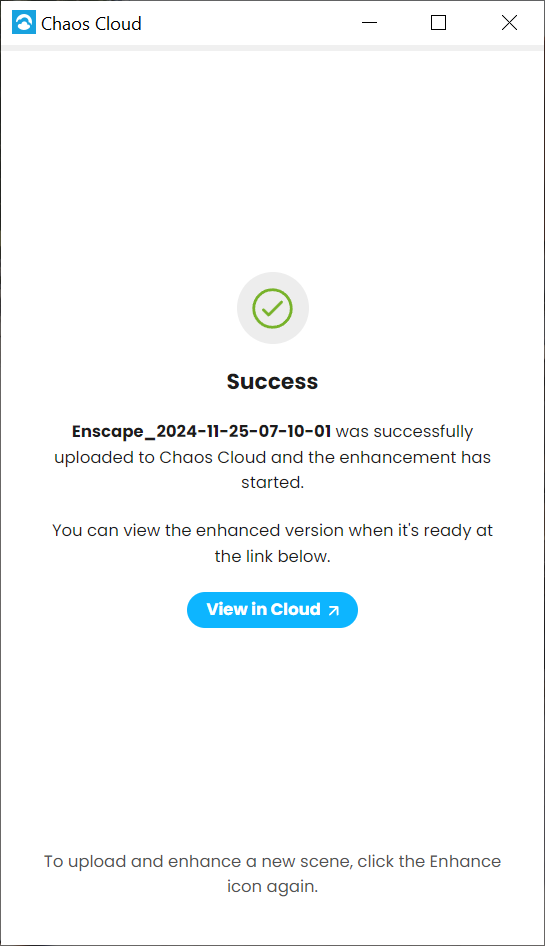
View in Cloud Button
By opening the exported screenshot in your Cloud Account, you can view the Enhancing… status at the bottom.

Enhancing your image
Once your image is enhanced, the enhanced version opens automatically, and a notification appears confirming that your image was enhanced successfully.

Image enhanced successfully
Use the Compare versions feature in Chaos Cloud to compare the original and the enhanced version of the image, as shown below.
You can keep on uploading additional renders through the AI Enhancer button in Enscape. This doesn’t stop you from using Enscape. The enhancement takes place directly in your Chaos Cloud account.
To learn more about the AI Enhancer, check out the video tutorial.
4-2-1-ai-9
mp4
2 MB