Veras
Gallery tab
This page provides information about the Gallery Tab in Veras.
Last updated 1 September 2026
This page provides information about the Gallery Tab in Veras.
Overview
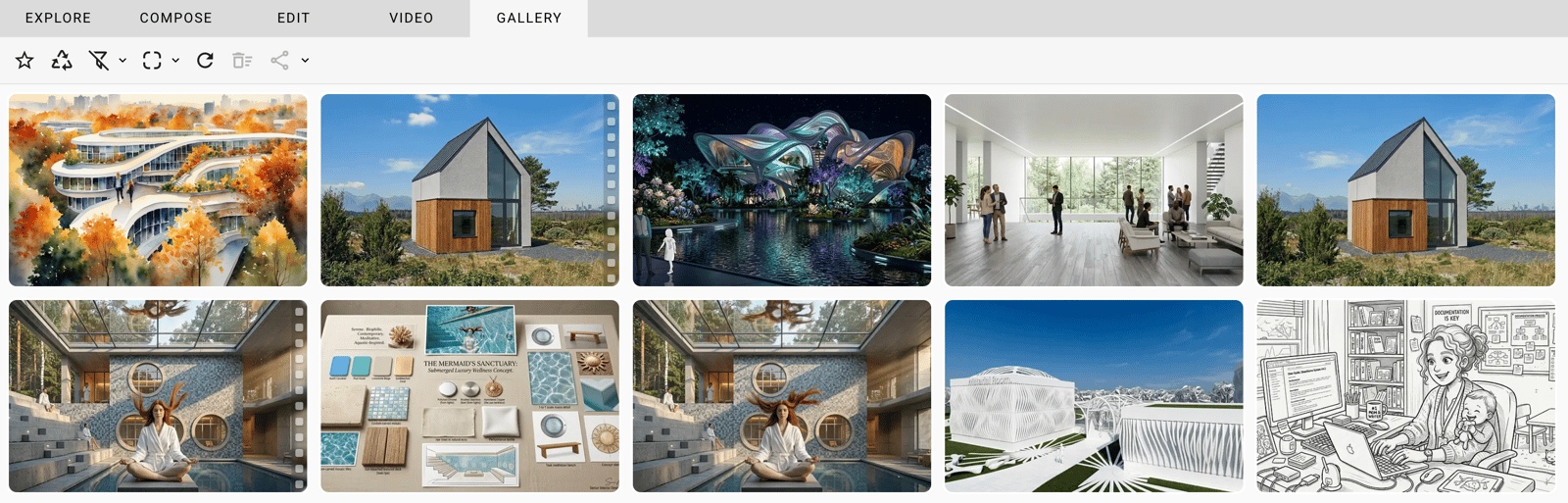
The Gallery Tab displays images/videos generated from the source image and prompt. It provides a visual history of results, allowing quick access to different variations and settings. Each image reflects the applied Prompt, Seed, and Render Engine configuration, making it easier to review outcomes and track changes.
Thumbnail actions
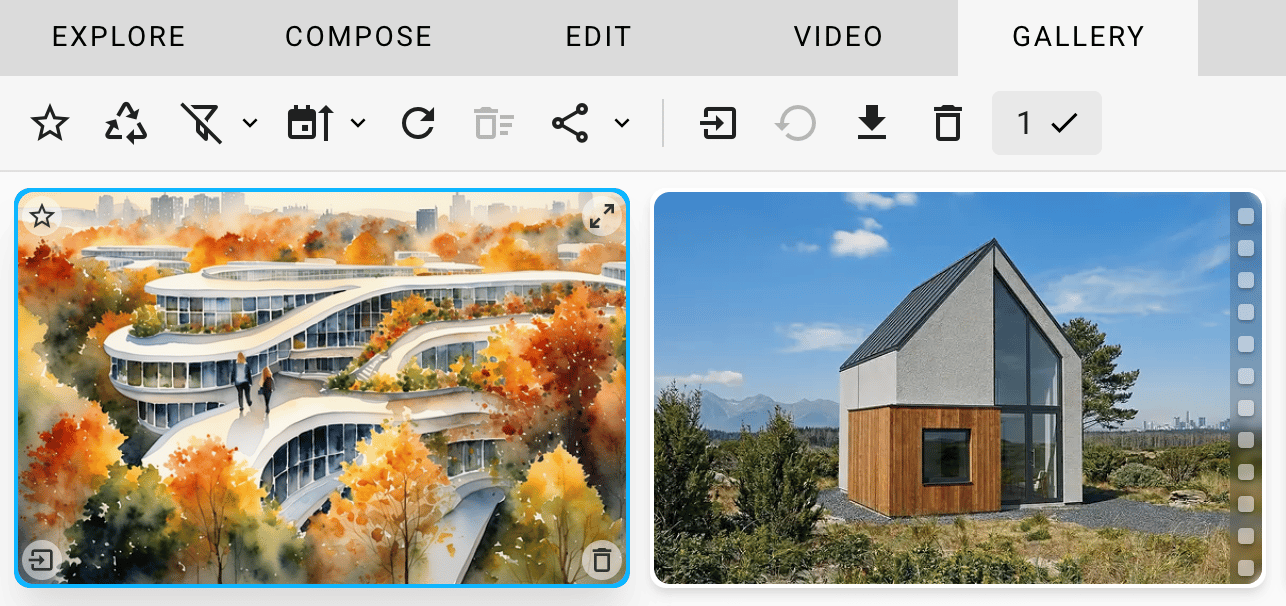
Four small icons located at the corners of the Image/Video provide the following quick options:
- Add to Favorites - Moves the selection to Favorites or backward.
- Expand - Opens the chosen Image/Video to the whole Veras window
- Add to Workspace - Transfers the selection to the Workspace to continue working on it.
- Delete Render - Moves the selection to the Trash.
Screen Recording 2026-05-26 at 3.47.20 PM
mov
5 MB
Options
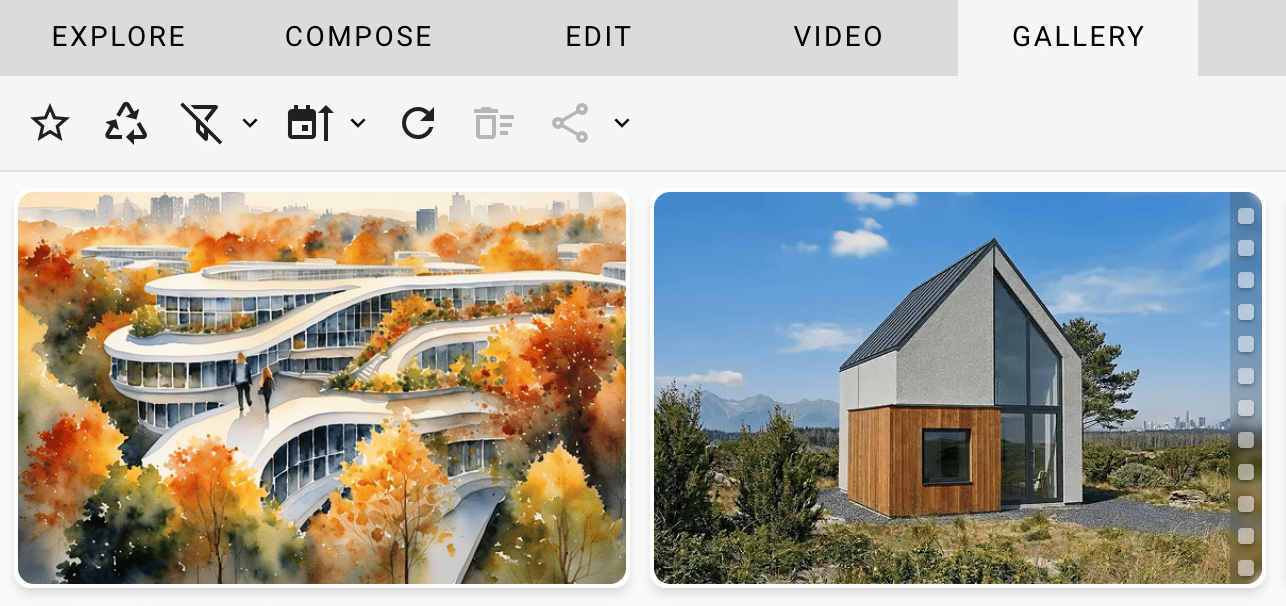
With no Image/Video selected
Icon | Action |
|---|
Icon | Action |
|---|---|
Favorites - Controls showing Favorites only or All Gallery items. | |
Show Trash - Controls showing Trash items or All Gallery items. See more here. | |
Filter - Controls filtering the Gallery items by:
| |
Group - Controls reordering the Gallery items by:
| |
Refresh - Check for newer renders. | |
With no Image/Video selected, only the drop-down is working.
|
Extra icons when Images/Videos are selected
Icon | Action |
|---|
Icon | Action |
|---|---|
Share - Click directly to share the selected item(s) or use the dropdown to:
| |
Add to Workspace - Transfers the selection to the Workspace to continue working on it. | |
Download Render - Saves the selection locally on your device. | |
Delete - Moves the selection to the Trash. | |
Deselect - Shows the count of selected items. Click to deselect them all. |
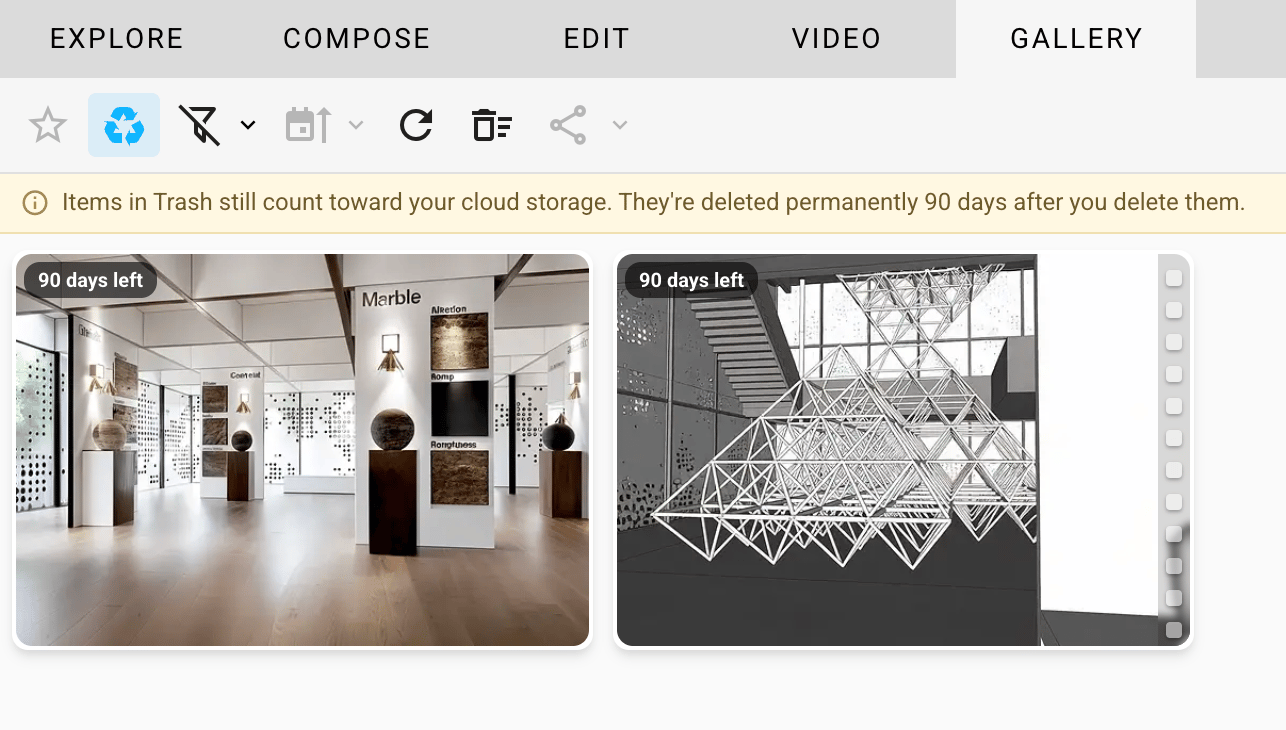
Trash options
Icon | Action |
|---|
Icon | Action |
|---|---|
Filter - Controls filtering the Gallery items by:
| |
Refresh - Check for new items in Trash. | |
Empty Trash - Permanently delete everything in Trash. |