V-Ray for 3ds Max
Areas Rollout
The Areas rollout is part of the Chaos Scatter parameters.
Last updated 21 May 2026
The Areas rollout is part of the Chaos Scatter parameters.
Parameters
Spline includes – Scatters the models only inside the splines included in this list. The splines cannot be the same as the Distribute-on target objects. See the Include/Exclude example below.
Spline excludes – Scatters the models everywhere on the Distribute-on target objects, except in the areas where the splines from the list are located. The splines cannot be the same as the Distribute-on target objects. This option is useful, for instance, for removing instances of grass/trees from areas where a house needs to be located.
Near/Far – This option is only active when a spline from either list is selected. Determines the falloff distance from the selected spline to the selected axis plane (Projection). If the selected spline is from the Spline includes list, instances within the falloff distance are included. If the selected spline is from the Spline excludes list, instances within the falloff distance are excluded. For more information, see the Spline include Animation example and the Near/Far example below.
Scale – Scale factor further affects the instances between the near and far falloff. See the Scale example below.
Density – The density factor further affects the instances between the near and far falloff. See the Density example below.
Projection – Specifies the axis on which to project the include/exclude spline onto the specified distribute-on target. For more information, see the Projection example below.

Example: Include/Exclude
This example shows how the models are only scattered inside the spline included in this list.

No Spline includes; Spline excludes = Circle

Spline includes = Circle

Spline excludes = Circle
Example: Projection
This example shows how the include/exclude spline is projected on different axis.

Projection = Z; Spline includes = Circle

Projection = Y; Spline includes = Circle
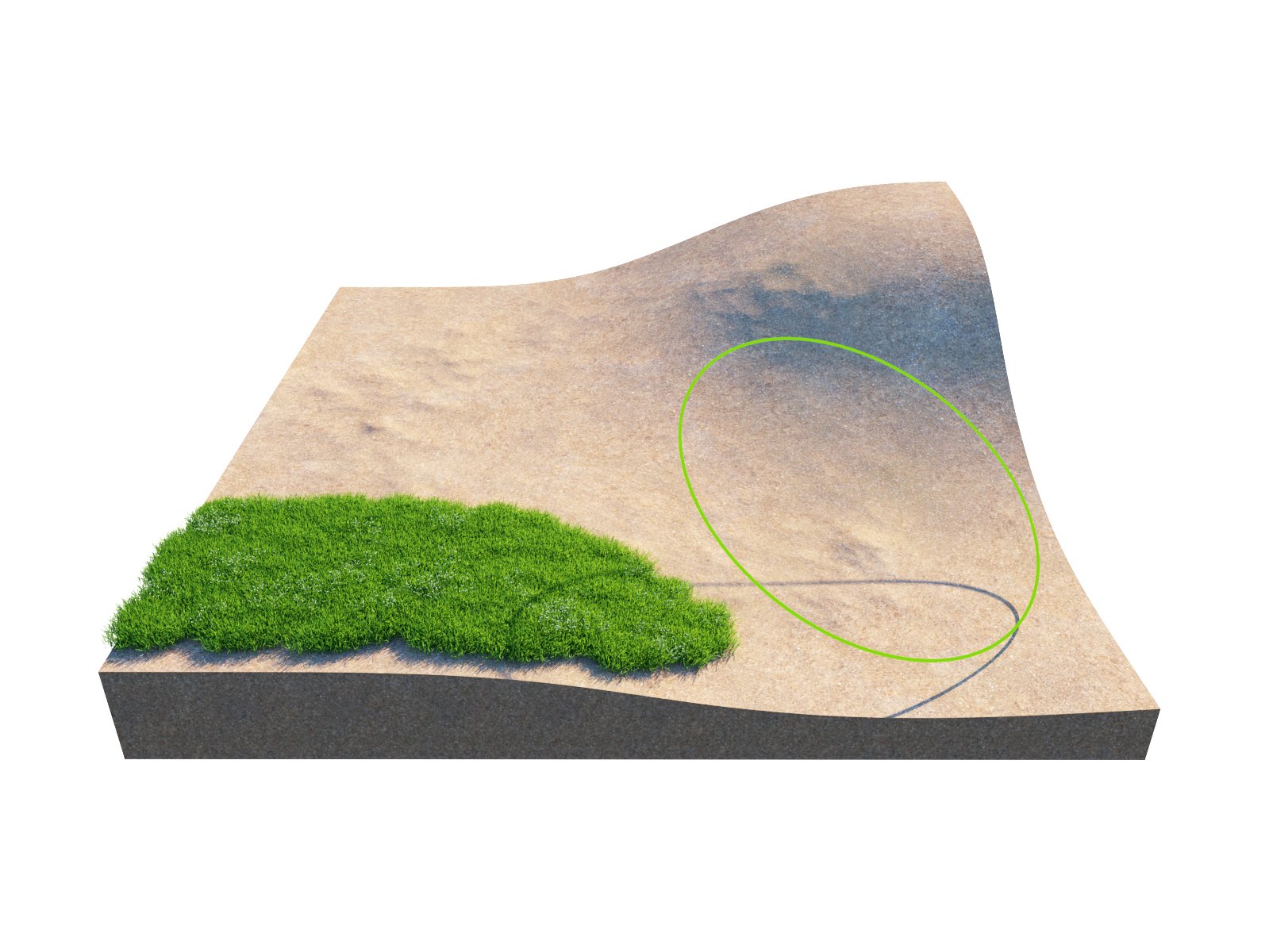
Projection = X; Spline includes = Circle
Example: Near/Far
This example shows what falloff ranges look like.
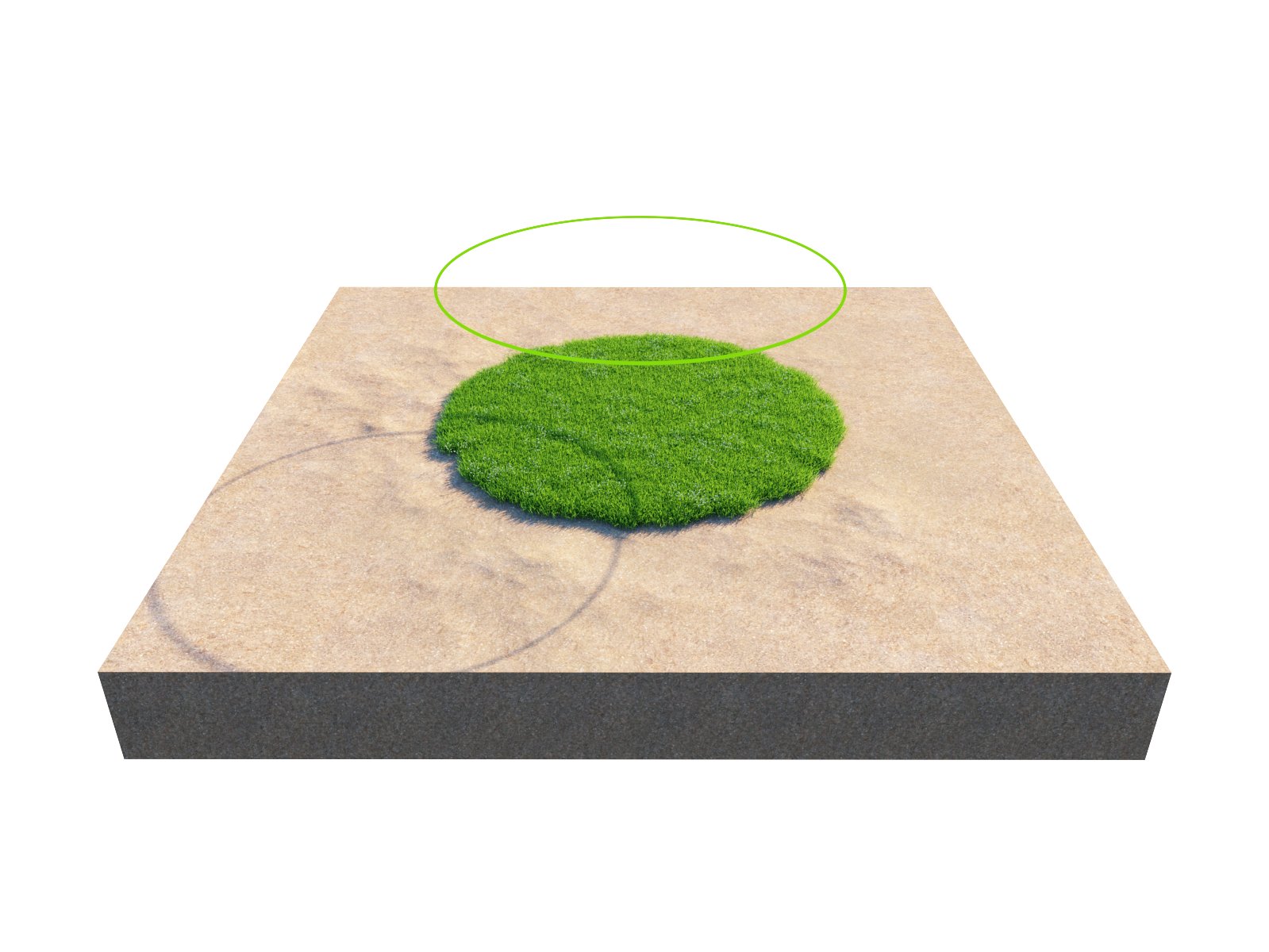
Spline includes = Near 0 - Far 0

Spline includes = Near 0 - Far 50

Spline includes = Near 0 - Far 100

Spline includes = Near 100 - Far 100
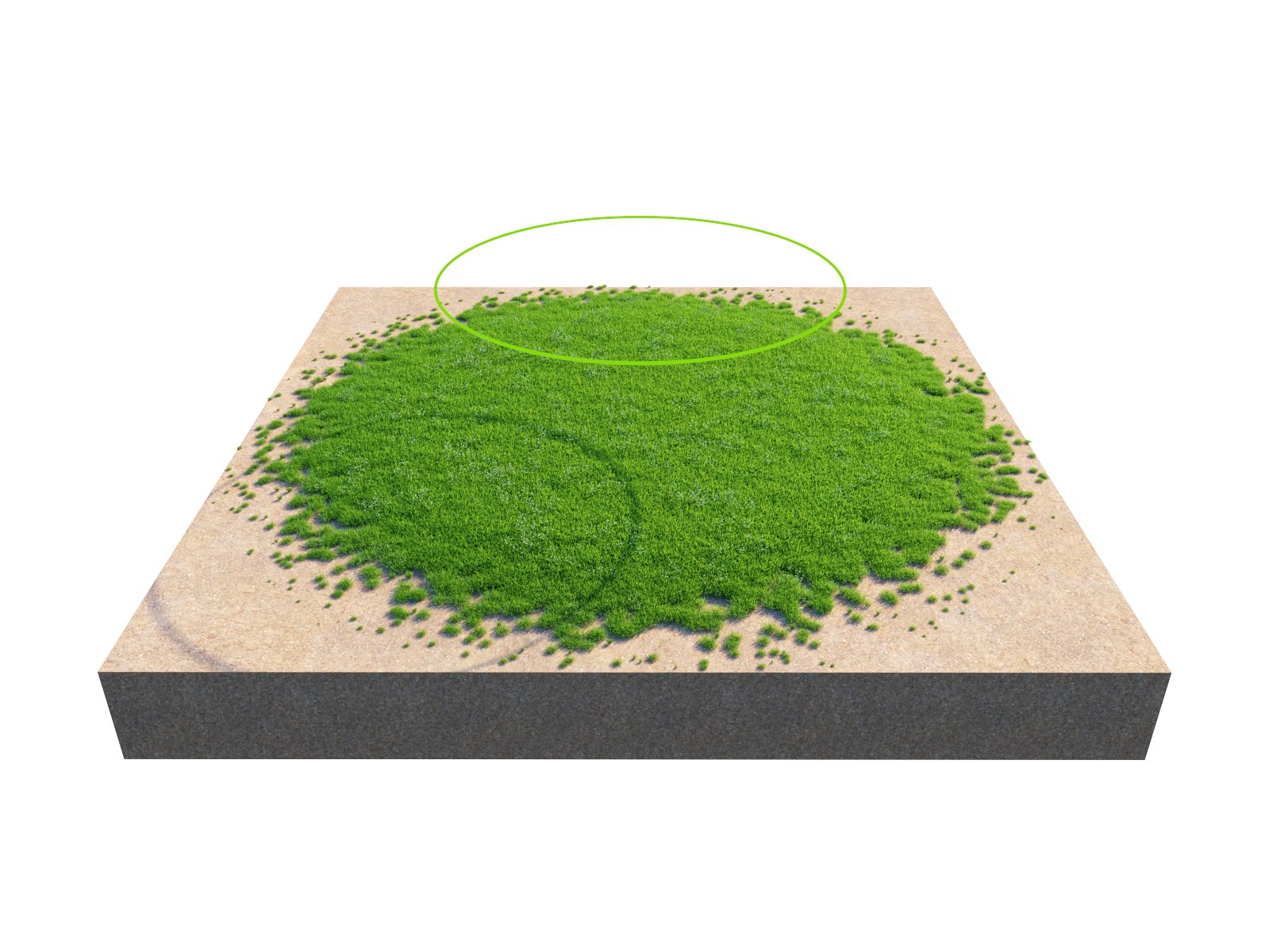
Spline includes = Near 50 - Far 200
Example: Scale
This example shows how the Scale factor affects instances between the Near and Far distances.

Spline excludes = Near 25 - Far 100; Scale = 1

Spline excludes = Near 25 - Far 100; Scale = 0.5
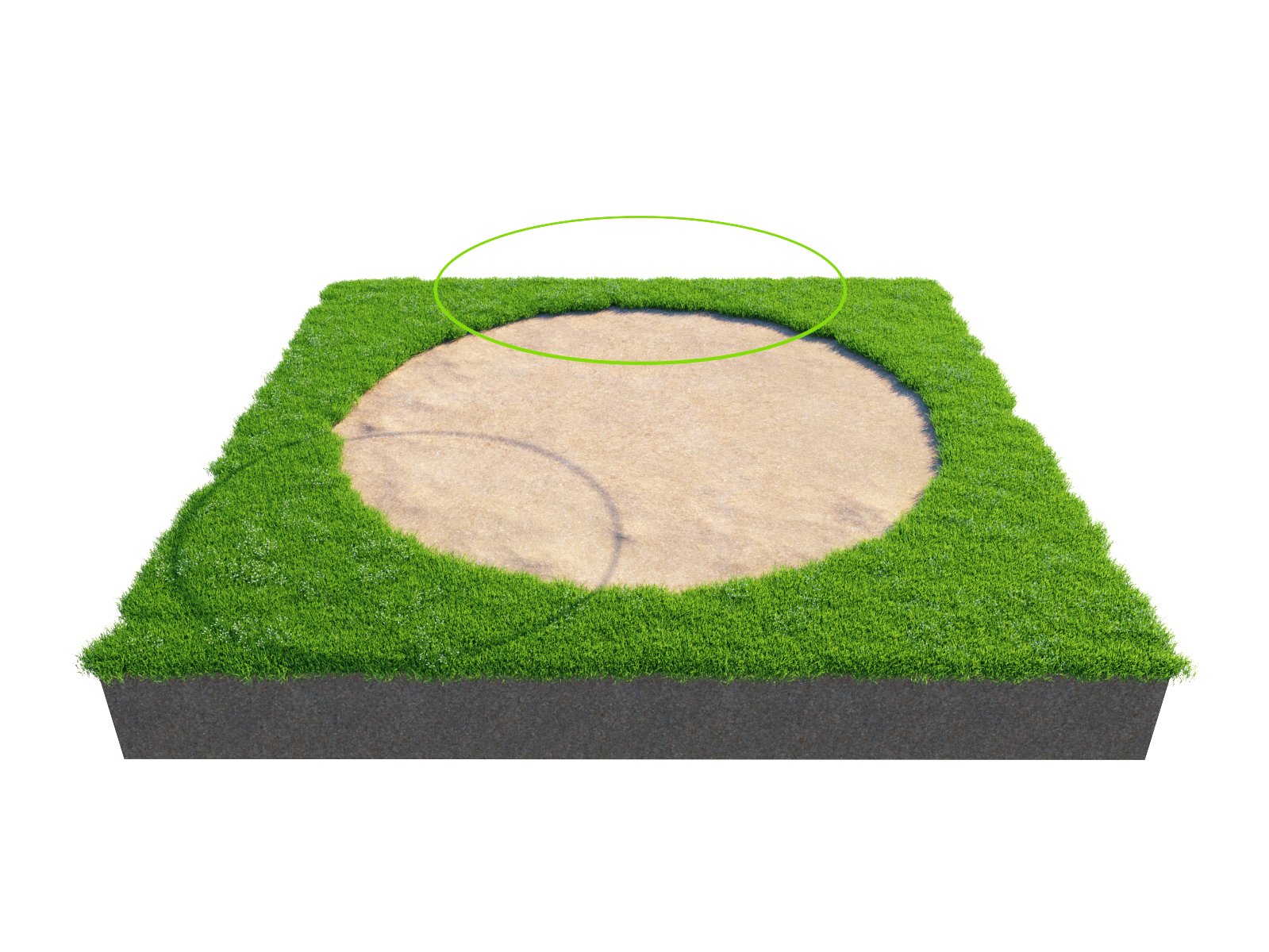
Spline excludes = Near 25 - Far 100; Scale = 0
Example: Density
This example shows how the density factor further affects the instances between the near and far falloff.

Spline excludes = Near 25 - Far200; Density = 1

Spline excludes = Near 25 - Far200; Density = 0.25

Spline excludes = Near 25 - Far200; Density = 0
Spline include Animation Example
Chaos Scatter parameters can be animated. In this example, the Spline includes list is animated. Using the Near and Far parameters, you can create effects like growing a forest.
Projection Example
If you want to scatter objects on the ground, use the Z axis (projection from the top onto the ground). If you want to scatter the objects on a wall, use the X or Y projection (from left/right or front/back).

Max2024_VRay6.2_Scatter_ProjectionExample