V-Ray for 3ds Max
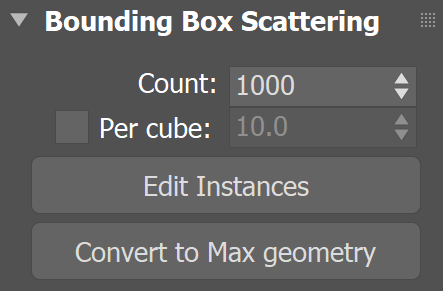
Bounding Box Scattering Rollout
The Bounding Box Scattering rollout is part of the Chaos Scatter parameters.
Last updated 21 May 2026
The Bounding Box Scattering rollout is part of the Chaos Scatter parameters.
Parameters
This submenu is only available when the scattering mode is set to 3D - In bounding box.
Count – Determines the exact number of instances to scatter. If the Per cube option is enabled, the scattering is defined by the density (Per cube). See the Count example.
Per cube – When enabled, the Count amount is multiplied by the specified edge length (value next to Per cube). See the Per cube example.
Edit Instances – Switches to 'Instances' sub-object mode. This allows individual instances to be manipulated. Only the instances visible in the viewport can be edited. This option is only useful for small numbers of instances, otherwise it might cause a crash. If you select 100 or more instances, Chaos Scatter displays a warning. To switch out of this option, click Edit Instances one more time. The edited instances are ignored by the Avoid collisions option, the Include/Exclude splines option, Slope limitation and by Camera clipping.
Convert to Max geometry – When enabled, converts the Chaos Scatter instances into 3ds Max instances. This option is only useful for small numbers of instances, otherwise it might cause a crash.
Example: Bounding Box Instances Count
This example shows the bounding box instanced model objects distribution for the Count and Per cube parameters. The bounding box is 500x500x100cm.
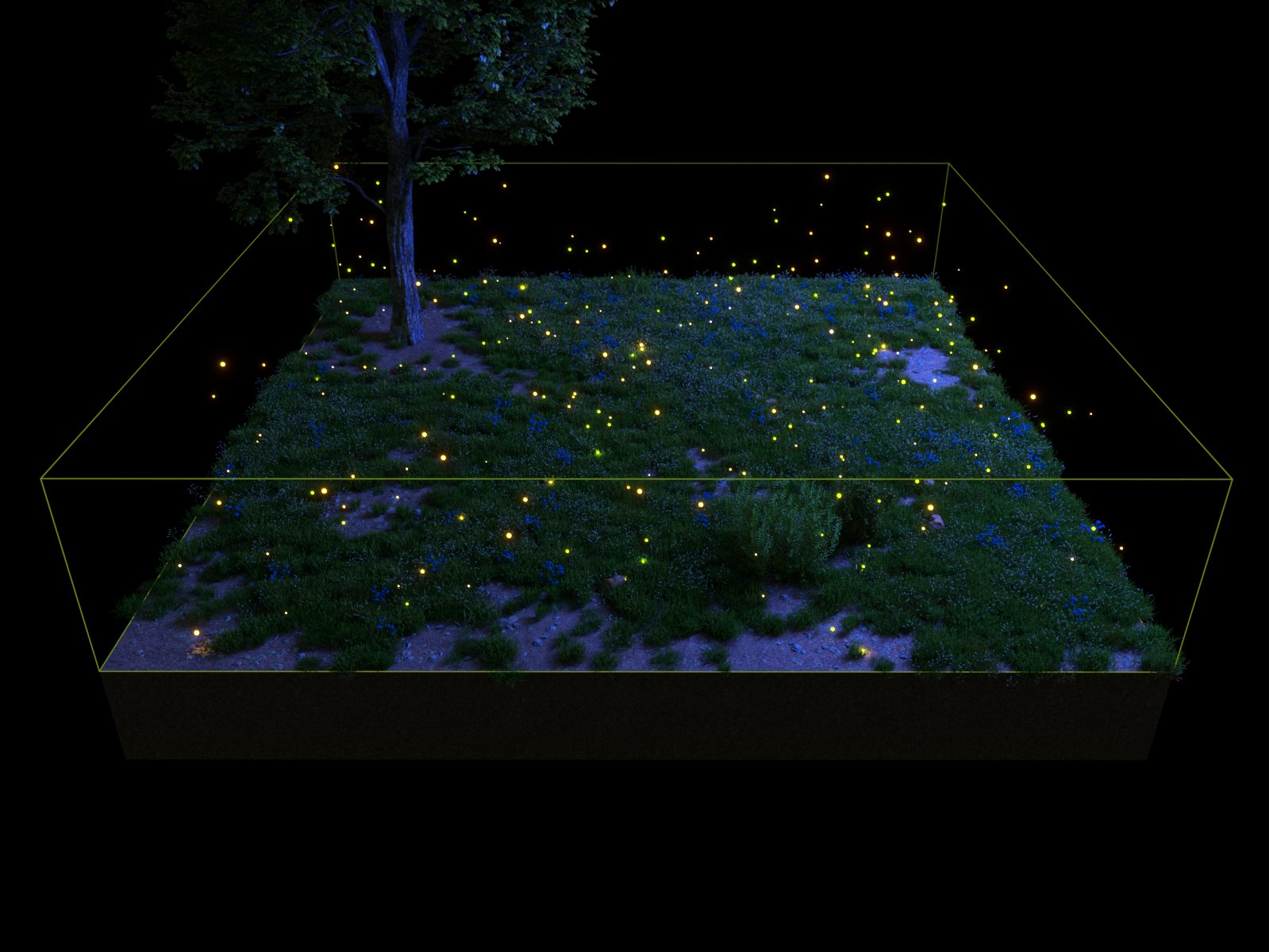
Count = 250
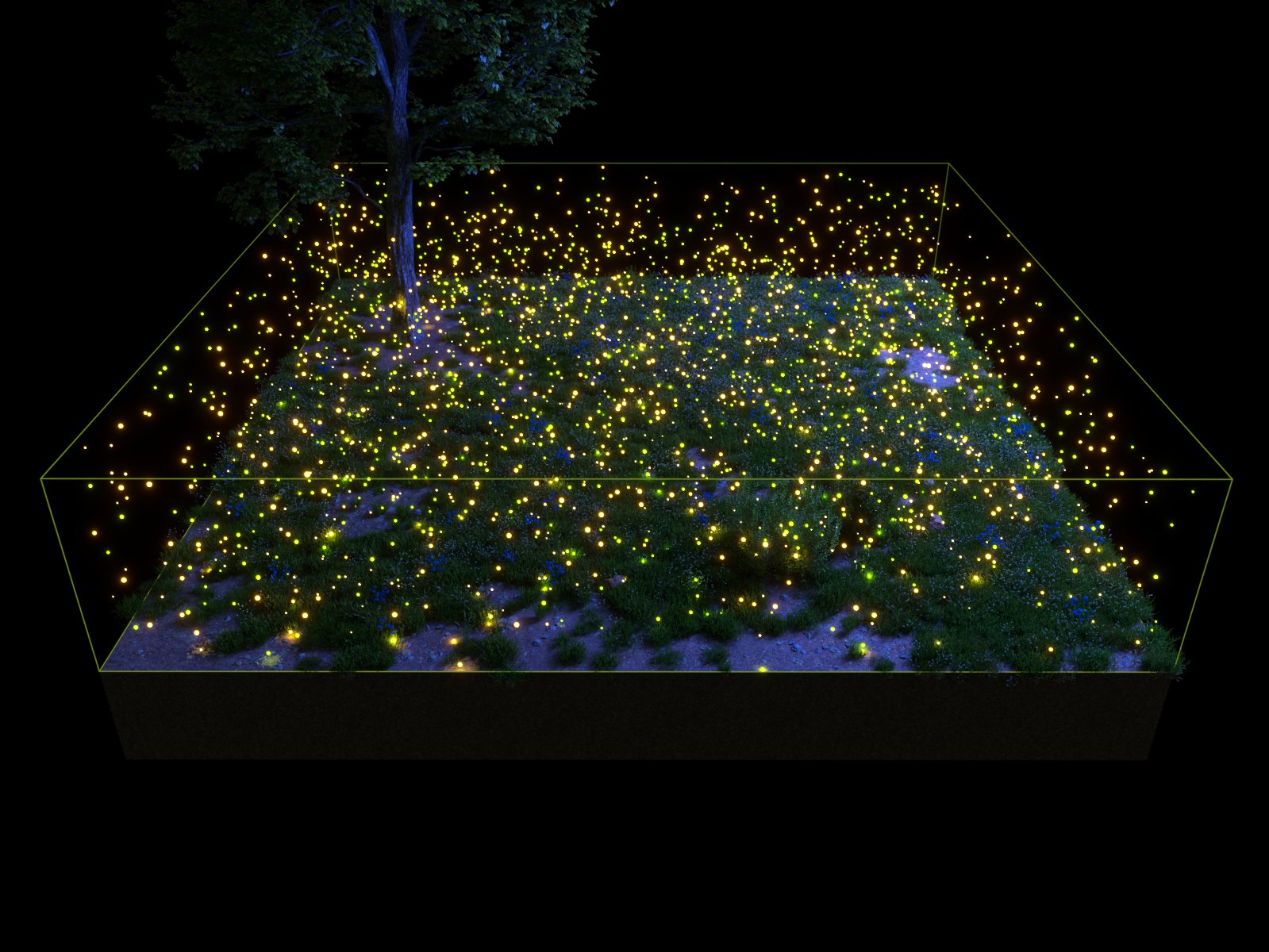
Count = 2500

Count = 1; Per cube = 100

Count = 1; Per cube = 25
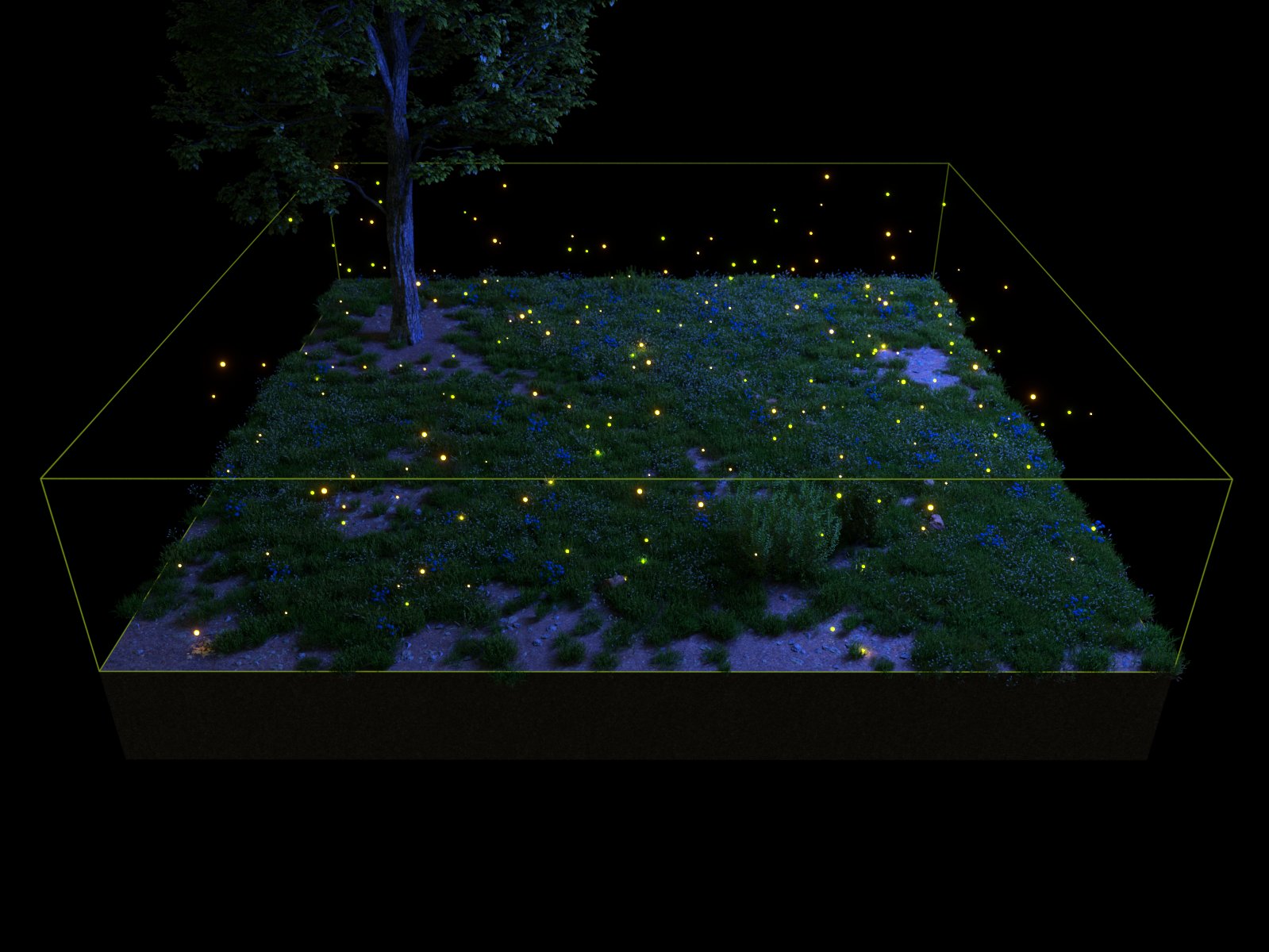
Count = 1000; Per cube = 500

Count = 1000; Per cube = 100