V-Ray for 3ds Max
Chaos Scatter Color Textures
The Chaos Scatter Surface Color texture is used with Chaos Scatter, to color the created instances according to the surface diffuse of the underlying Distribute-on target object. For instance, if the underlying object has a checkered map applied to its diffuse slot, applying a Scatter Surface Color texture will make...
Last updated 1 September 2026
Scatter Surface Color Texture Overview
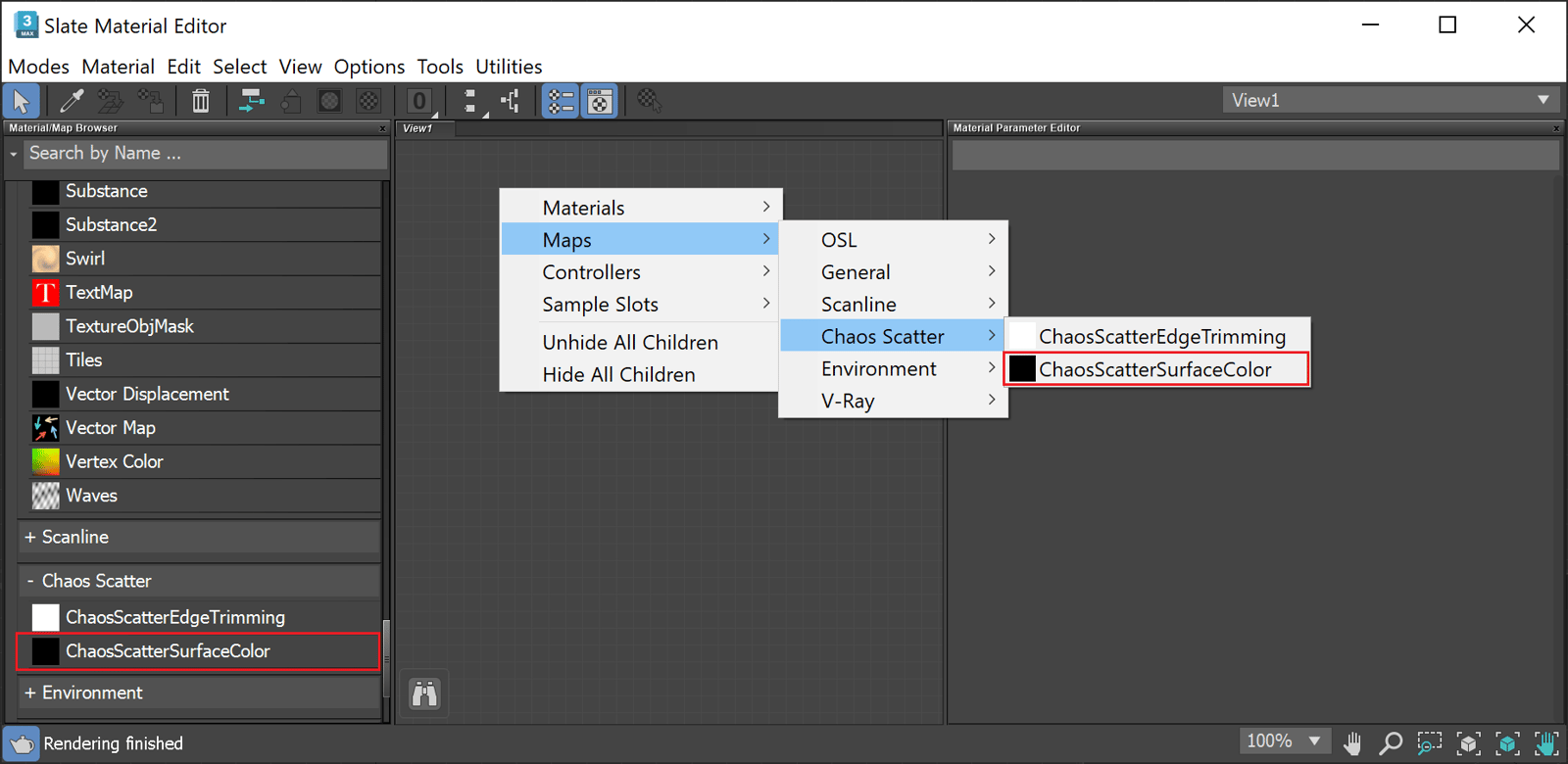
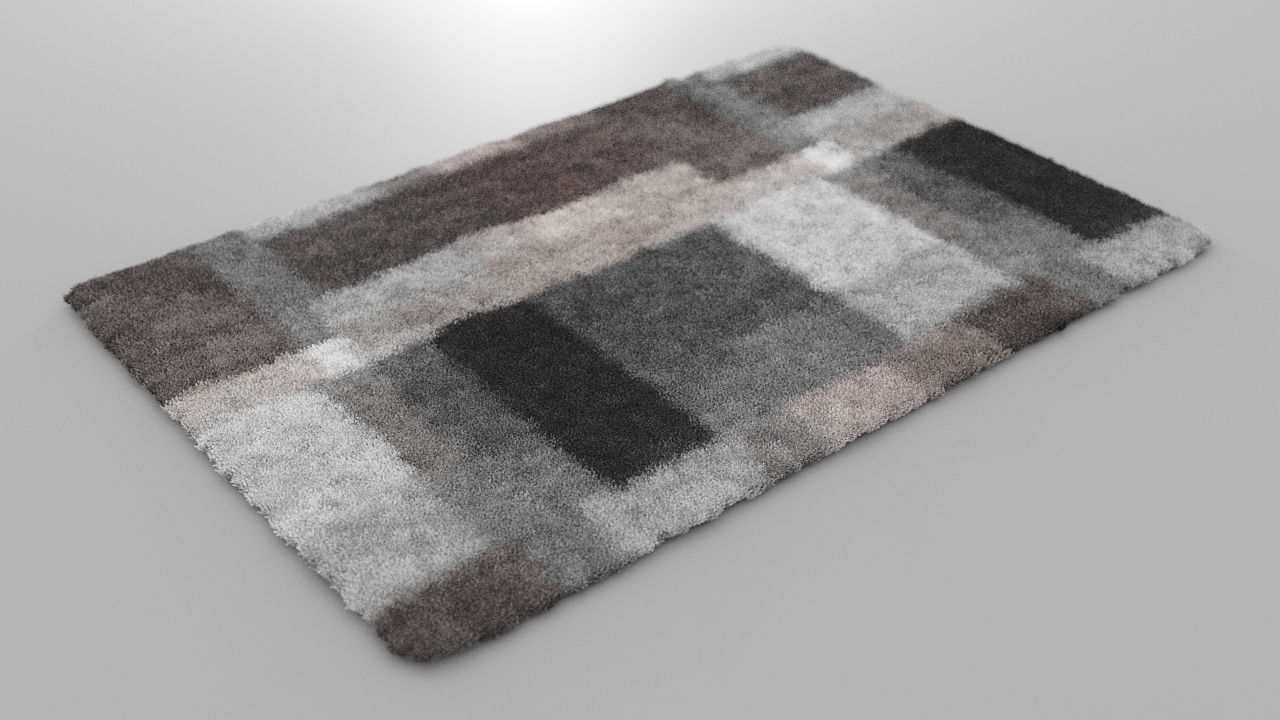
The Chaos Scatter Surface Color texture is used with Chaos Scatter, to color the created instances according to the surface diffuse of the underlying Distribute-on target object. For instance, if the underlying object has a checkered map applied to its diffuse slot, applying a Scatter Surface Color texture will make the instances checker-colored as well. This can be useful, for instance, for creating patterned furry carpets. The Scatter Surface Color comes with V-Ray 6.
UI Path
Parameters
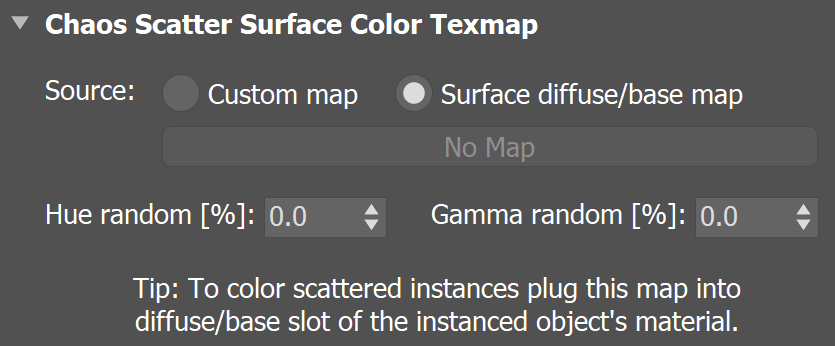
Source – Determines whether Chaos Scatter Surface Color uses a custom map, which you can pick from the button below. By default, the surface diffuse of the Distribute-on target object is used.
Hue random [%] – Controls hue randomization of the resulting hue. Specifies percentage, where 0% disables randomization and 100% applies maximum randomization.
Gamma random [%] – Controls the randomization of the midtones (gamma) of the result. Specifies percentage, where 0% disables randomization and 100% applies maximal reasonable randomization.
Chaos Scatter Surface Color texture example
This example shows how instances are colored according to the underlying object's texture. Chaos Scatter Surface Color texture is applied to the original model of the instances.
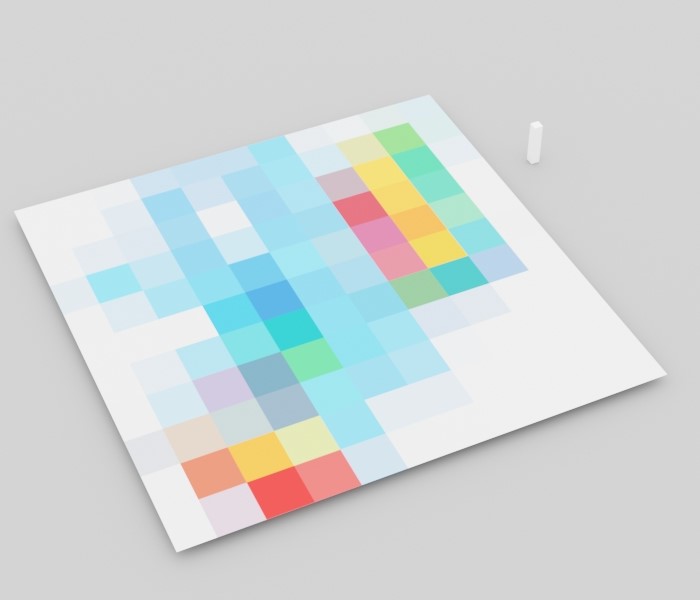
Before
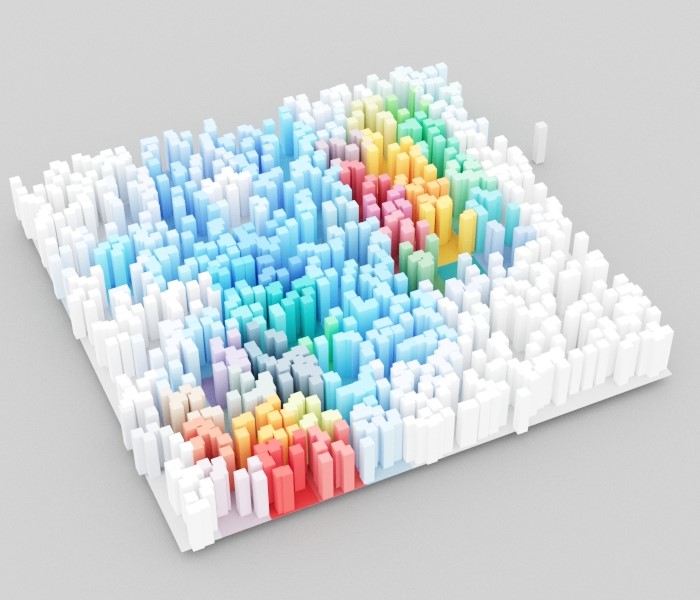
After