V-Ray for 3ds Max
Tutorials
These tutorials show the basics of working with V-Ray and are suitable for the following learning levels: Beginnerintermediate
Last updated 22 May 2026
Rendering Tutorials
These tutorials show the basics of working with V-Ray and are suitable for the following learning levels: Beginnerintermediate

Universal V-Ray Settings
Basic render settings for still images.
View

Interior Render Settings
Render an interior scene.
View

Texture Baking
Basic texture baking with V-Ray.
View

Render Mask
Render specific objects with Render Mask.
View

Very Large Images
Render very large images with V-Ray.
View
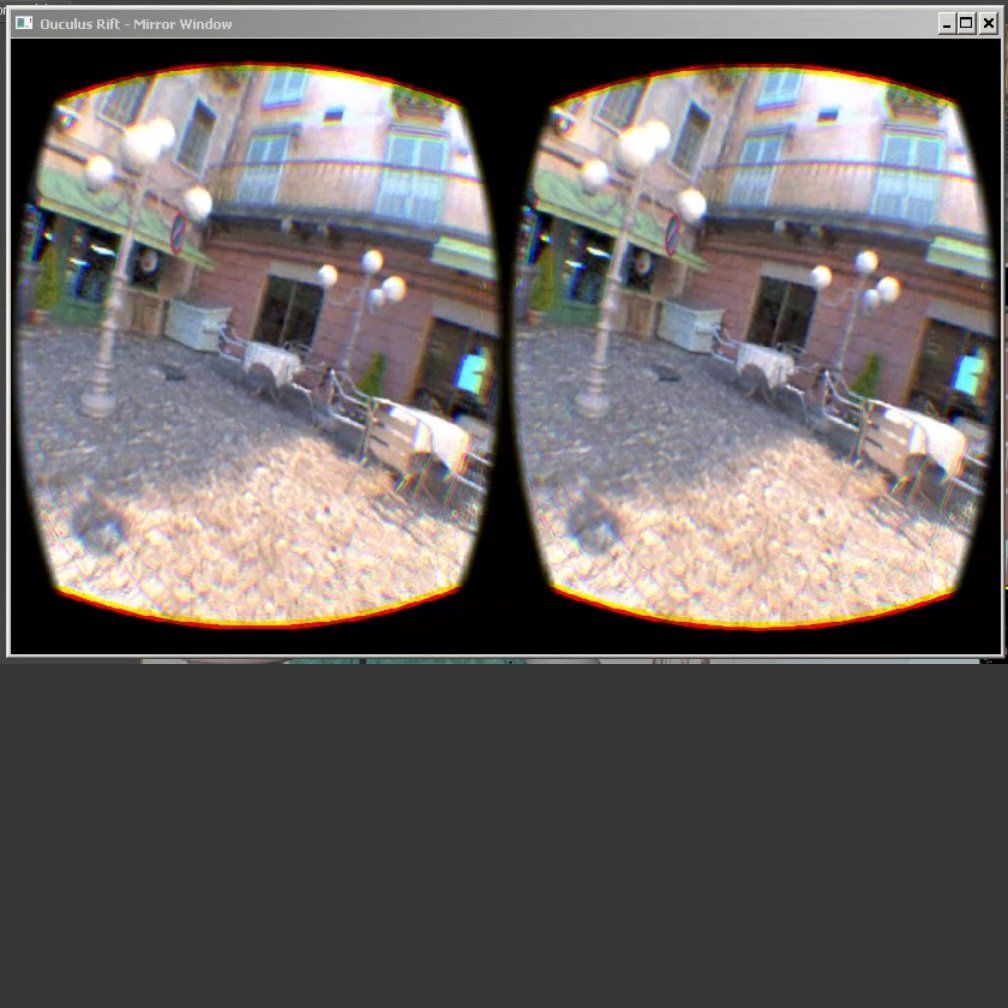
Render through VR Headsets
Render with V-Ray GPU directly to VR Headsets.
View
Resumable Rendering
Continue a render with Resumable Rendering.
View

Custom Attributes
Use custom attributes to link materials and vrmesh assets to VRayProxy instances.
View
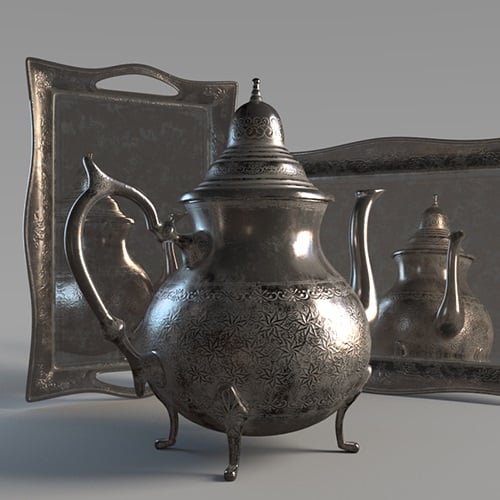
Environment Priorities
Set different environment priorities to environment maps.
View

God Rays
Create 'God Rays' effect with VRayEnvironmentFog.
View

V-Ray Shadow Catcher
Create a shadow/matte catcher.
View

Rendering Refractive Surfaces
Render refractive surfaces in contact.
View

UVW Mapping and EnmeshMod
UVW Mapping and VRayEnmeshMod with Randomization Textures
View
Shading Tutorials
The Shading tutorials show how to create some commonly used materials and textures. These tutorials are suitable for the following learning levels: beginnerintermediate

Glass
Make glass material with V-Ray.
View

Water
Make a water material with VRayMtl.
View

Paper
Make paper material with VRay2SidedMtl.
View

Hardwood Floor
Make a hardwood floor with VRayMtl.
View

Translucent Fabric
Make translucent fabric with VRay2SidedMtl.
View
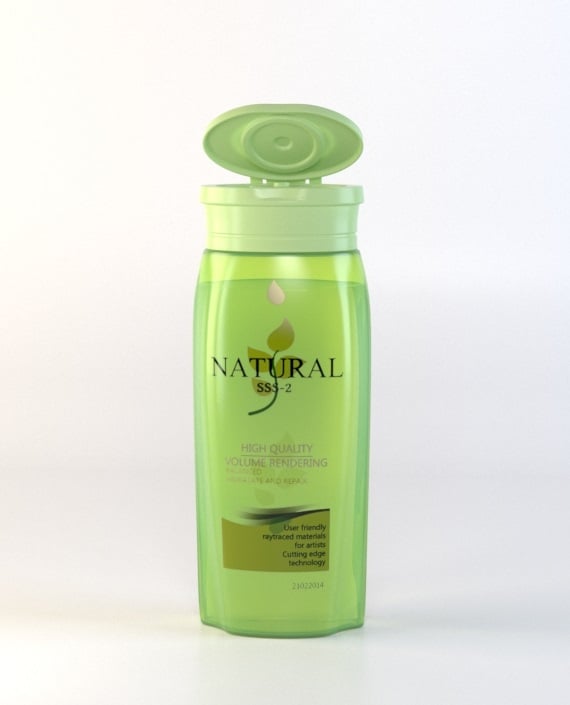
Translucent Plastic
Make translucent plastic material with VRayFastSSS2.
View

Snow
Make snow with VRayStochasticFlakesMtl.
View

Car Paint with VRayStochasticFlakesMtl
View
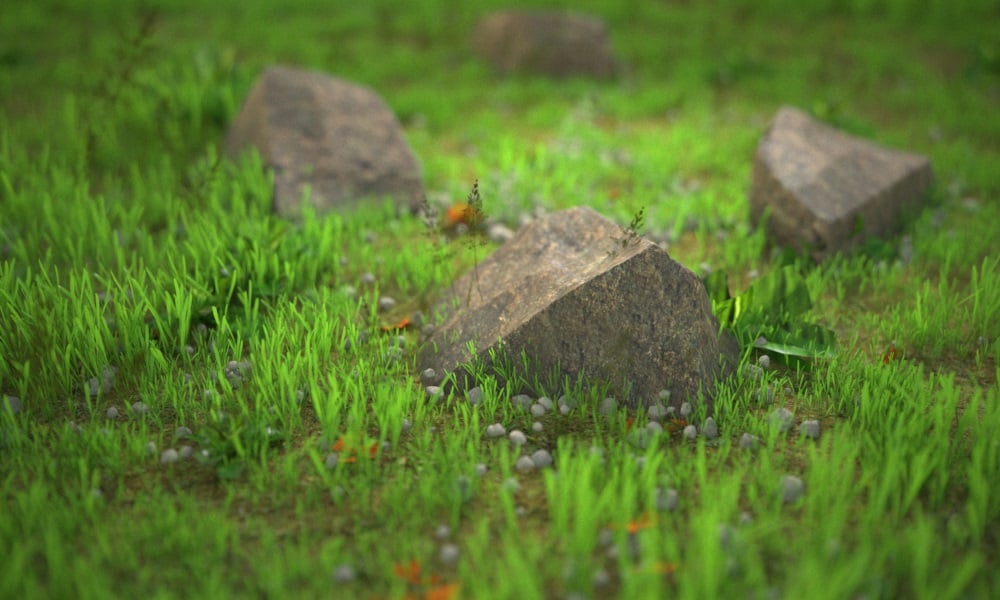
Rocks
Make rock objects with VRayTriplanarTex texture.
View

Gemstone Figurine
Make gemstone figurine with VRayMtl’s translucency.
View

Leaves
Two workflows for creating leaves.
View

Part I: VRayDecal
Apply V-Ray Displacement on VRayDecal.
View
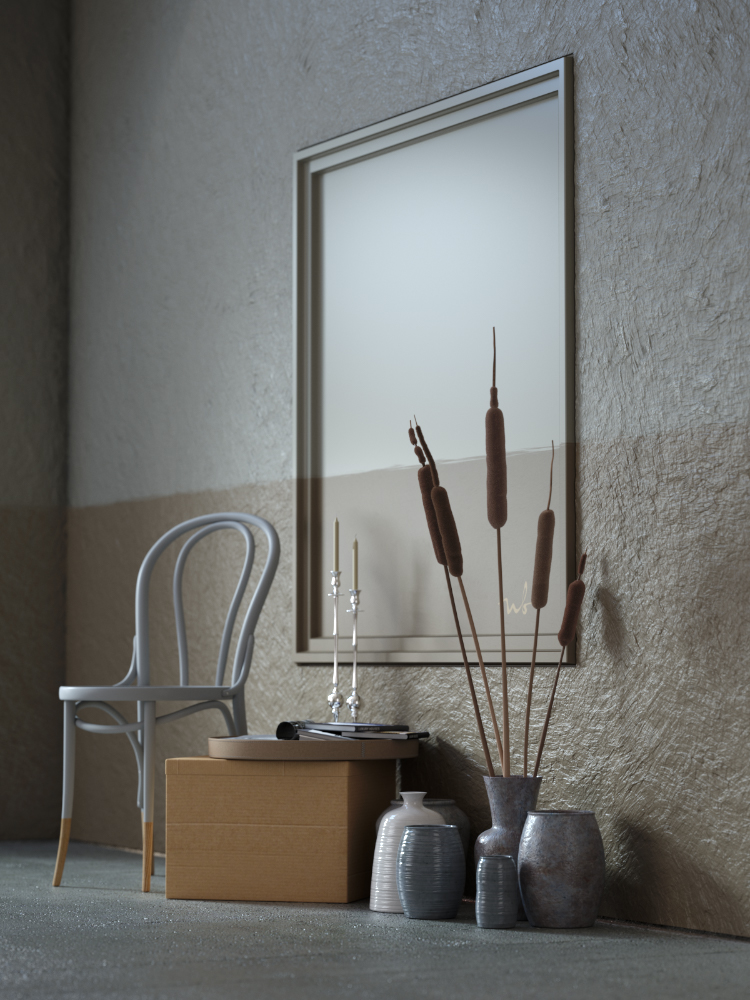
Part II: Multiple Decals
Apply multiple VRayDecals with VRayDisplacement.
View

Simple Fire
Create a simple fire material with VRayLightMtl.
View

Realistic Fire
Create realistic fire with VRayVolumeGrid.
View

Iridescent Materials
Create iridescent materials with Thin Film.
View

Snow with VRayDecal
Make snow with VRayDecal
View
3rd Party Integrations
The following tutorials show V-Ray workflows with various 3rd party integrations. They are suitable for the following learning levels: intermediateadvanced
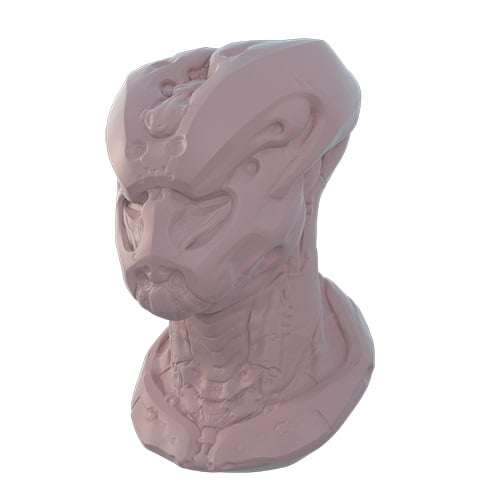
Mudbox Vector Displacement
Use a Mudbox texture for displacement in V-Ray.
View
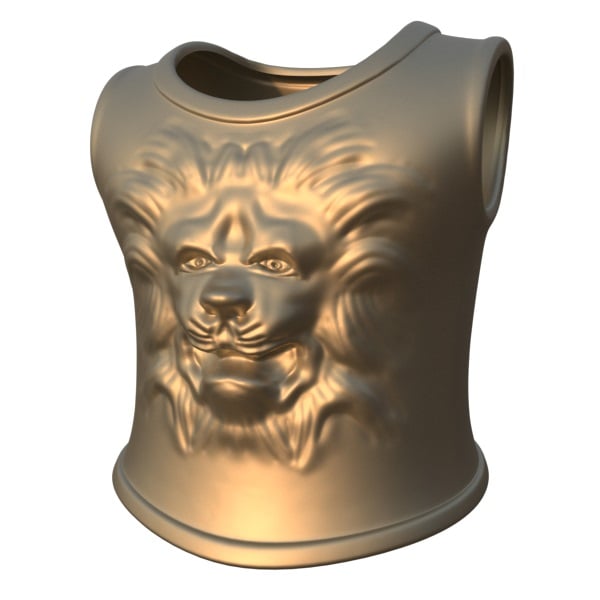
ZBrush Displacement
Render a ZBrush displacement map with V-Ray.
View

PTex Textures from Mudbox
Use V-Ray Ptex Map to render Mudbox PTex textures.
View

Vector Displacement with Object-Space PTex
Render vector displacement using PTex Textures.
View
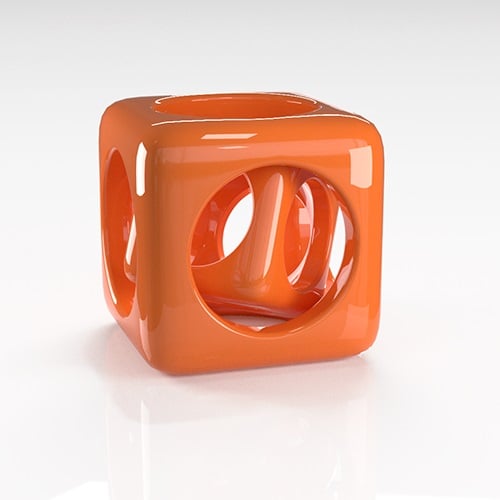
MDL Textures
Using the V-Ray MDL Material to render Substance Designer MDL outputs.
View

Alembic Workflow
Houdini to 3ds Max Alembic Workflow
View

Open VDB workflow
Houdini to 3ds Max Open VDB workflow
View
Chaos Academy
The Chaos Academy learning platform is designed to empower you with the knowledge and skills to master V-Ray for 3ds Max, as well as other Chaos products.

Chaos Academy
Redirects you to Chaos Academy classes.
View