V-Ray for Maya
VRayMeshMtl
This page provides some details on the settings available for the Mesh Material used for proxy objects in V-Ray.
Last updated 9 December 2025
This page provides some details on the settings available for the Mesh Material used for proxy objects in V-Ray.
Overview
The VRayMeshMtl material is a utility material provided with the V-Ray renderer. It is used to connect shader(s) to a V-Ray proxy.

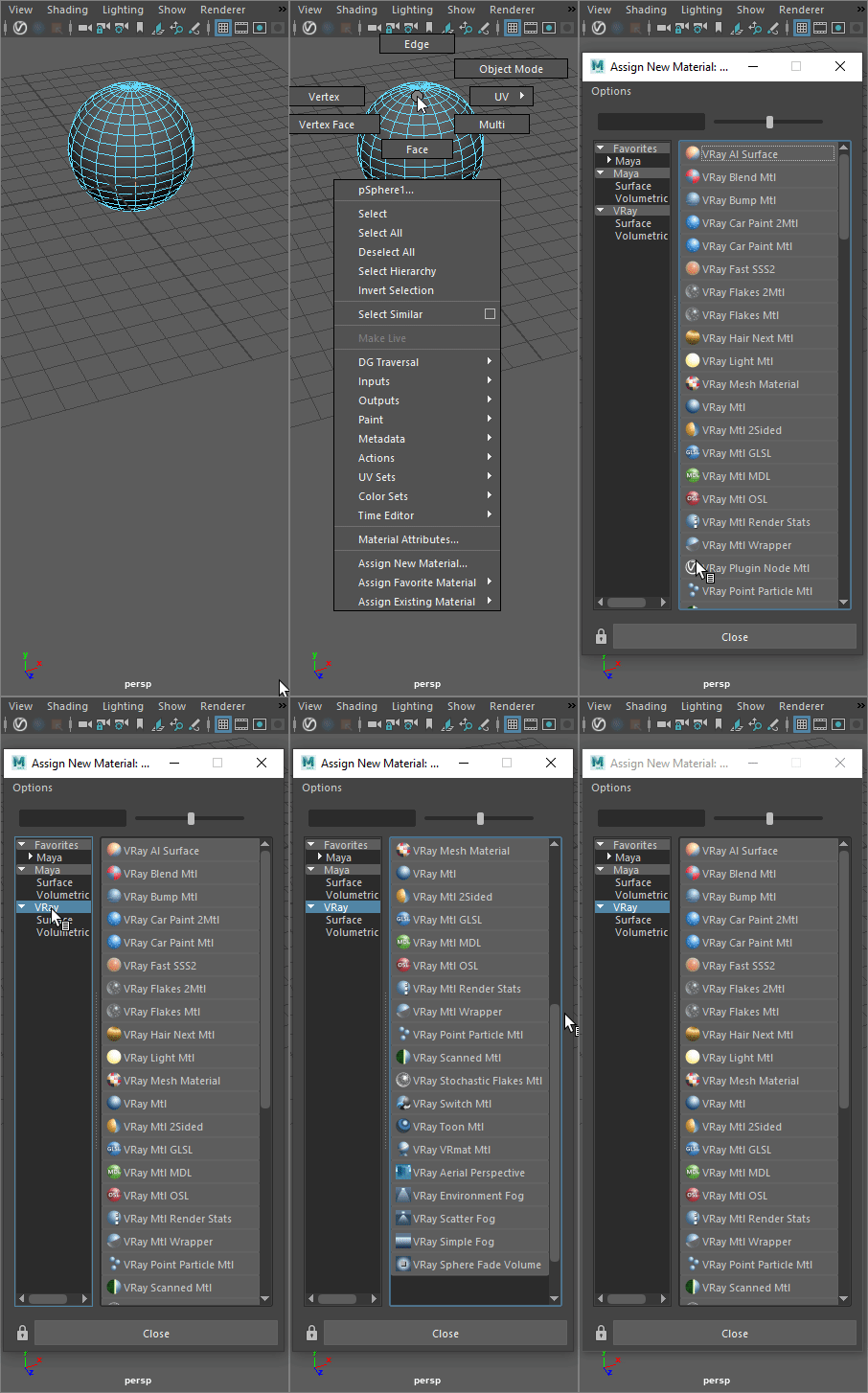
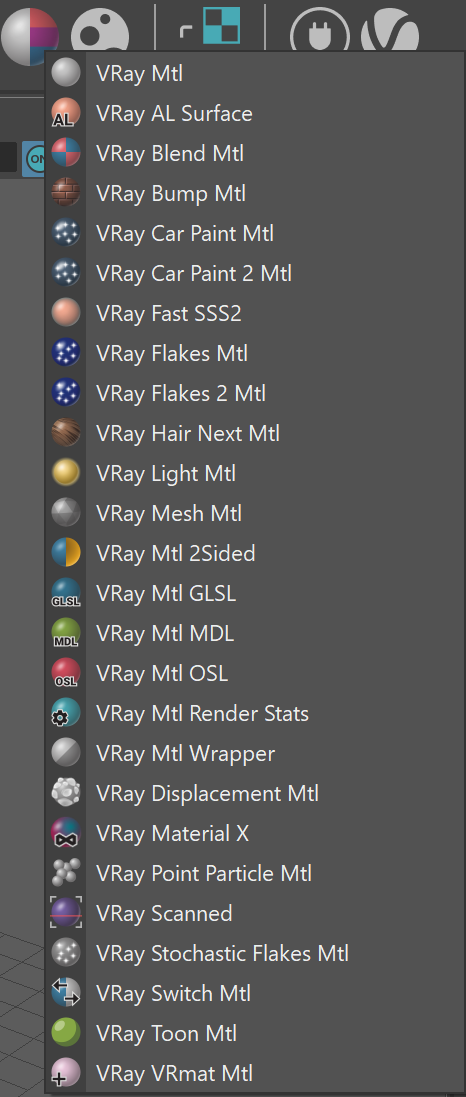
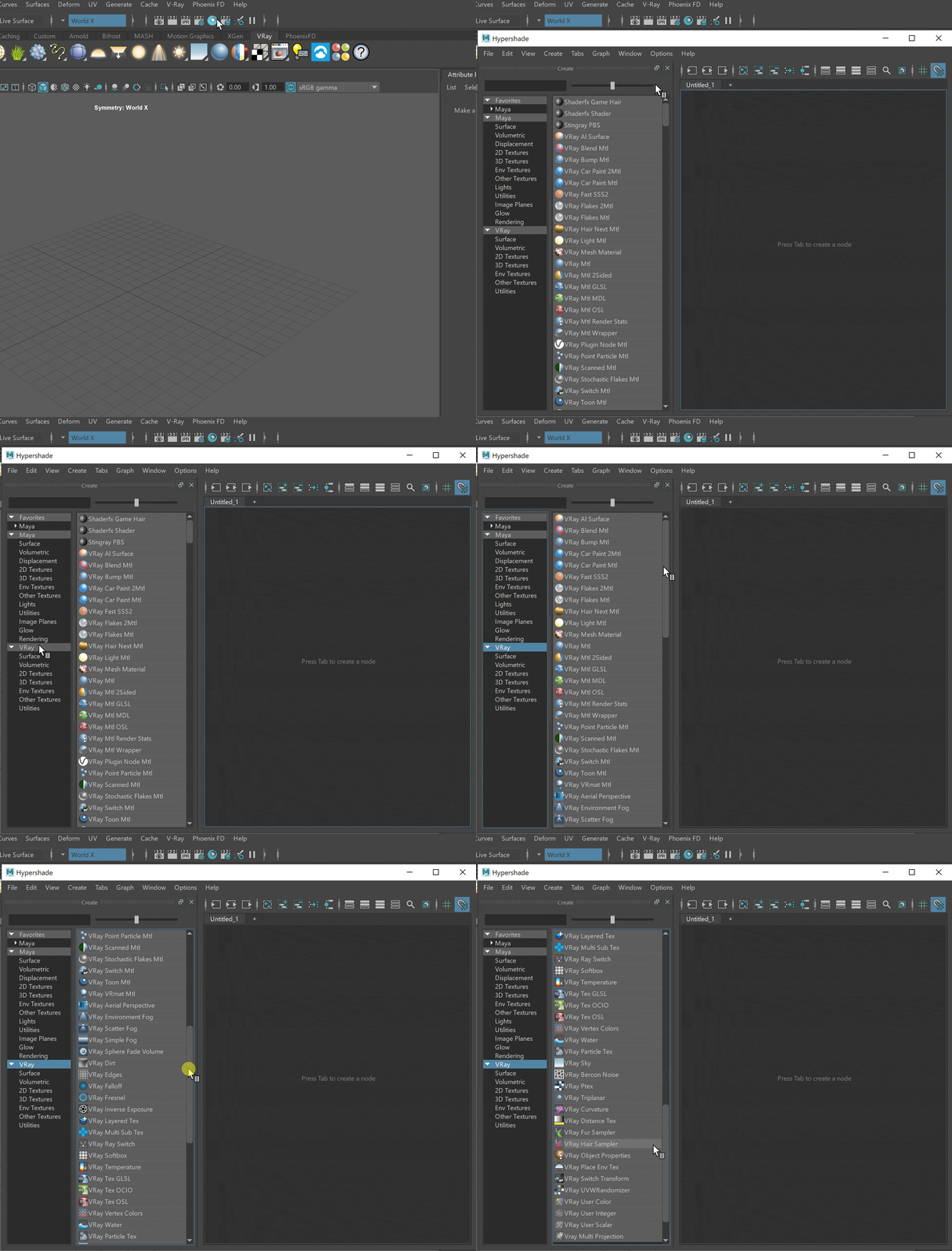
UI Path: ||Right-click on the geometry|| > Assign New Material...
Shaders
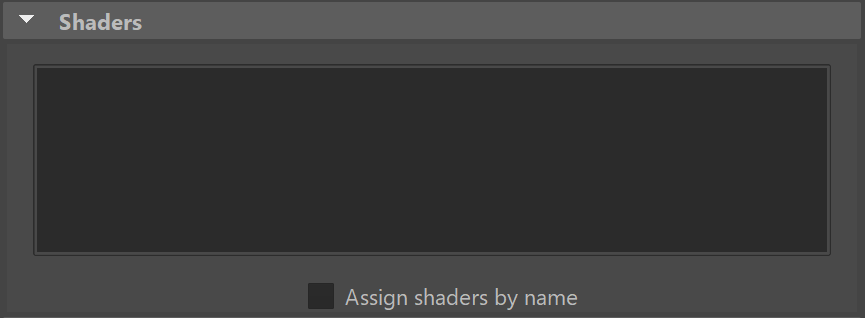
This group holds all the different shaders that are attached to the V-Ray Proxy.
Assign shaders by name – When enabled, shaders will be assigned according to their names rather than Object ID's. The option to assign by name is helpful if the .vrmesh/Alembic file is updated on disk with a new revision that sometimes has the objects reordered.
Viewport Color
Viewport color – Allows the user to specify the color which will be used to display the V-Ray Proxy in the Viewport.

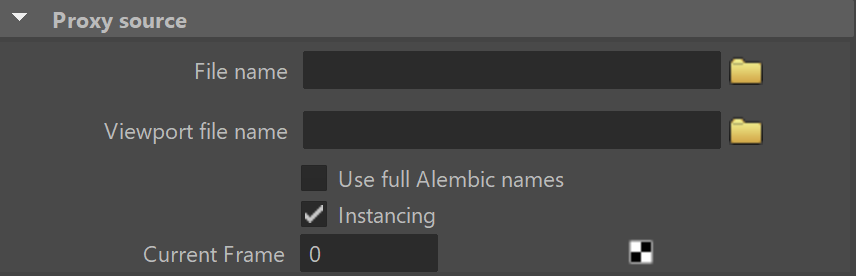
Proxy Source
File name – Specifies the .vrmesh file for the V-Ray Proxy.
Viewport file name – Specifies a .vrmesh file that will be used for viewport preview in place of the actual V-Ray Proxy.
Use full Alembic names – When enabled, the full path to each geometry set in the Alembic file is displayed in the Shaders list.
Instancing – Enables or disables instancing of Alembic duplicated objects.
Current Frame – The set frame in the time slider.