V-Ray for Maya
VRayMtl
This page introduces you to the VRayMtl, which is the major building block for most shading networks in V-Ray.
Last updated 13 May 2026
This page introduces you to the VRayMtl, which is the major building block for most shading networks in V-Ray.
Overview
The VRayMtl is a very versatile material that allows for better physically correct illumination (energy distribution) in the scene, faster rendering, and more convenient reflection and refraction parameters. This material can be easily set up to simulate a huge variety of surfaces from plastics to metals to glass and more by adjusting a handful of parameters.
Furthermore, with the VRayMtl you can apply different texture maps, control the reflections and refractions, add bump and displacement maps, force direct GI calculations, and choose the BRDF for how light interacts with the surface material.
Read more about the Basic Parameters that control properties like the diffuse and opacity colors, or the articles on Reflection, Coat Layer, Refraction, Sheen Layer, Bump and Normal Mapping and the Options of VRayMtl.
For advanced information on the V-Ray Material structure, see the V-Ray Material Structure page.
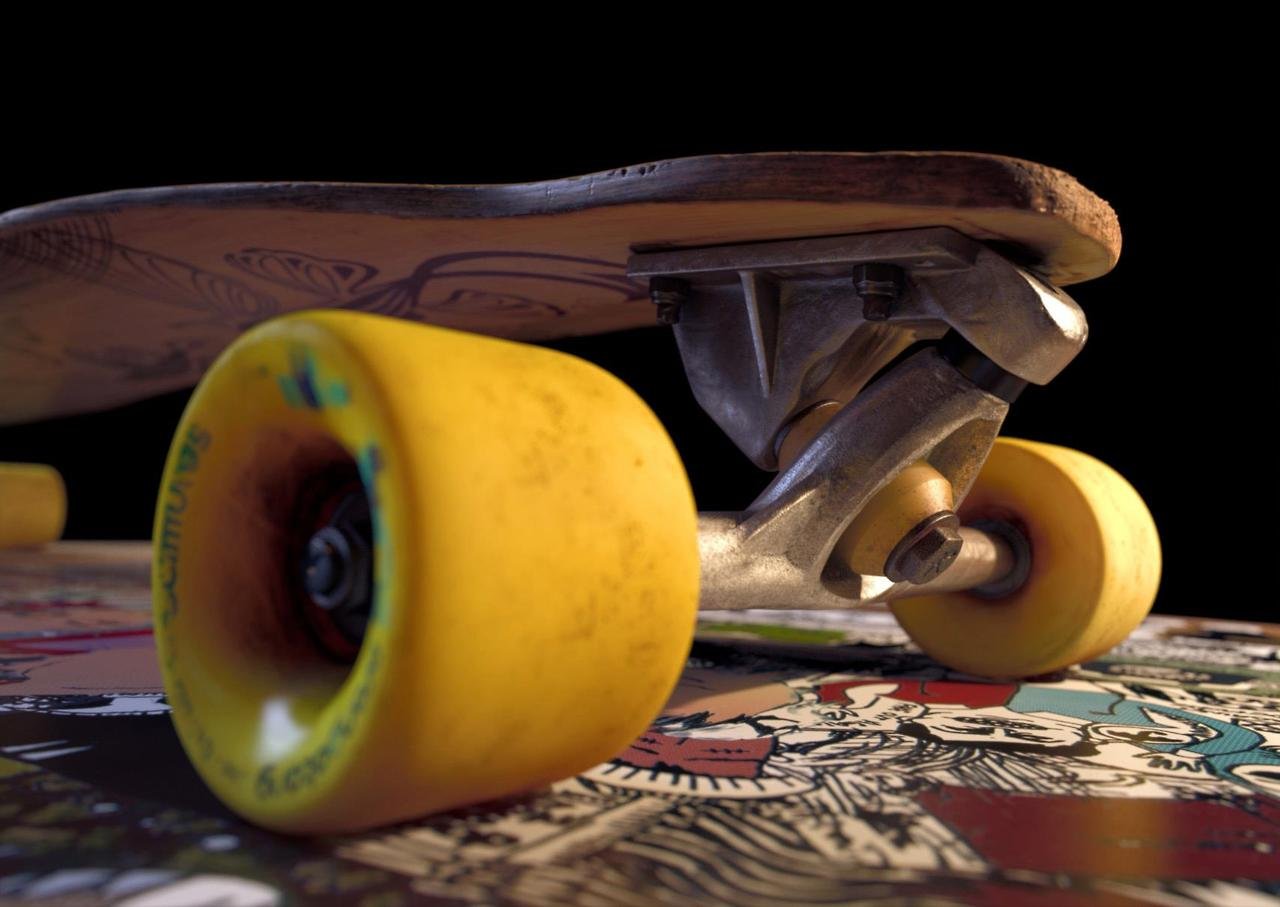
Image courtesy of Mathew Monro
UI Path: ||Right-click on the geometry|| > Assign New Material


Presets
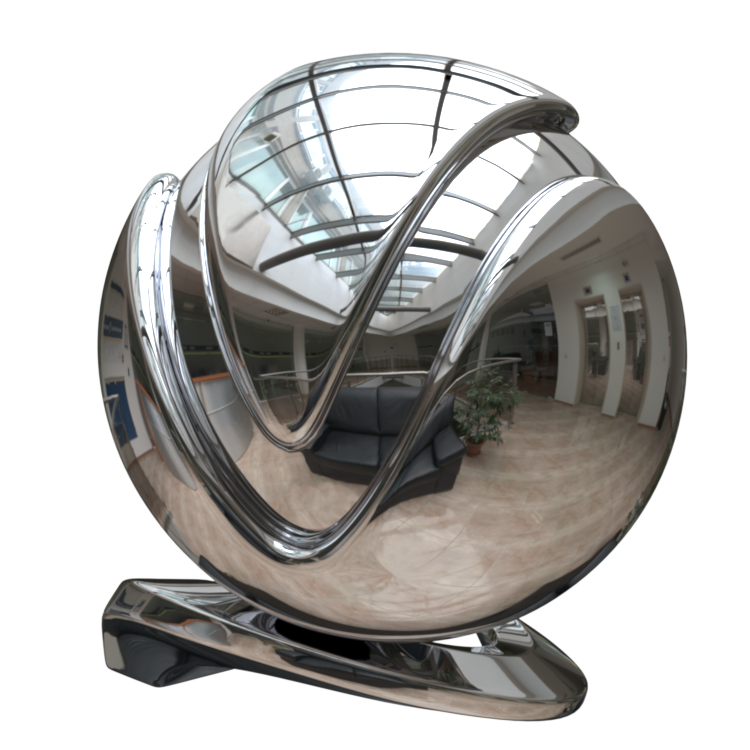
Presets – Available in the Maya Node Preset menu, the VRayMtl presets offer values for commonly used materials. See the VRayMtl Presets example below for more information.
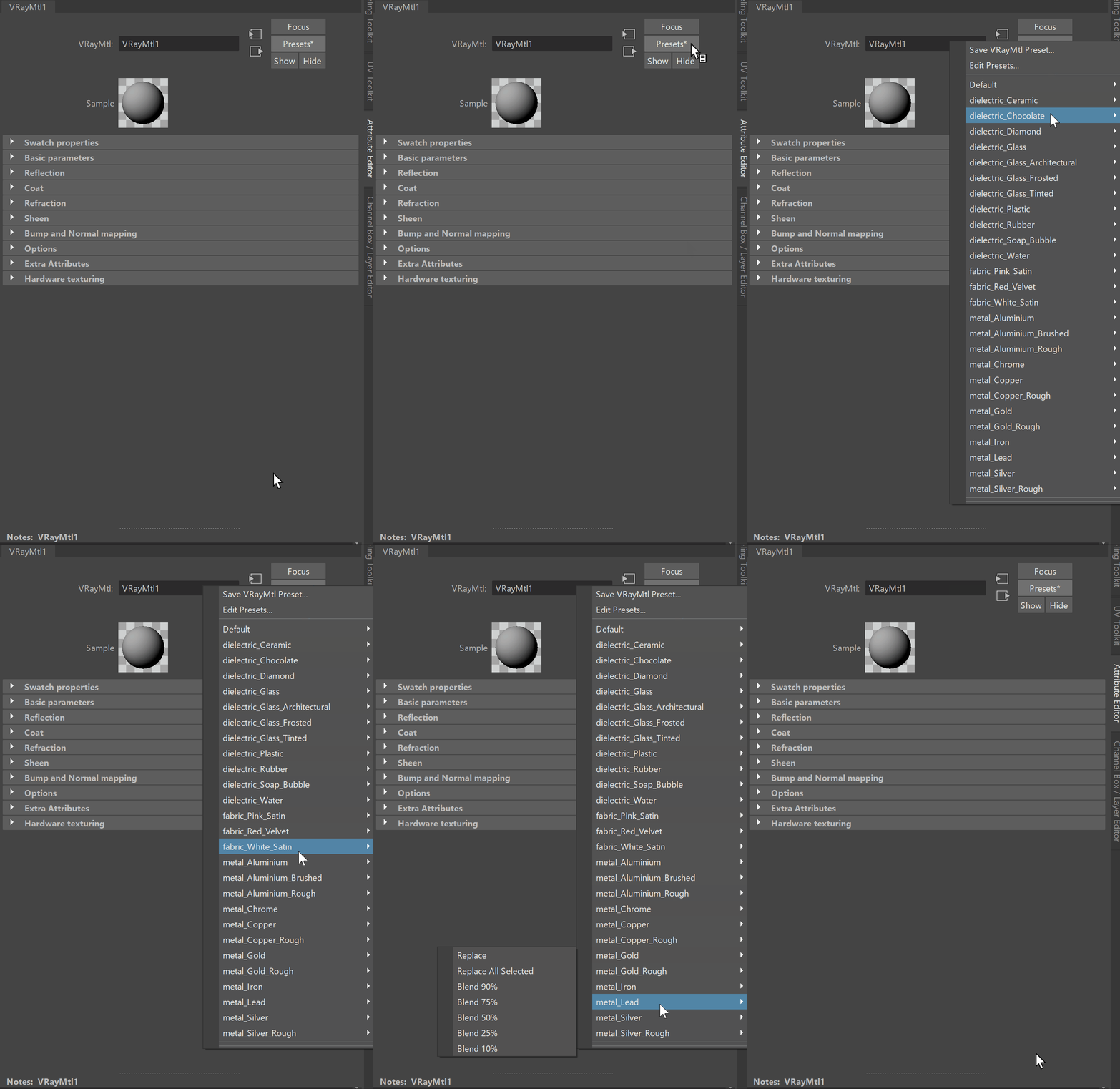
Example: VRayMtl Presets

Default

Ceramic

Chocolate
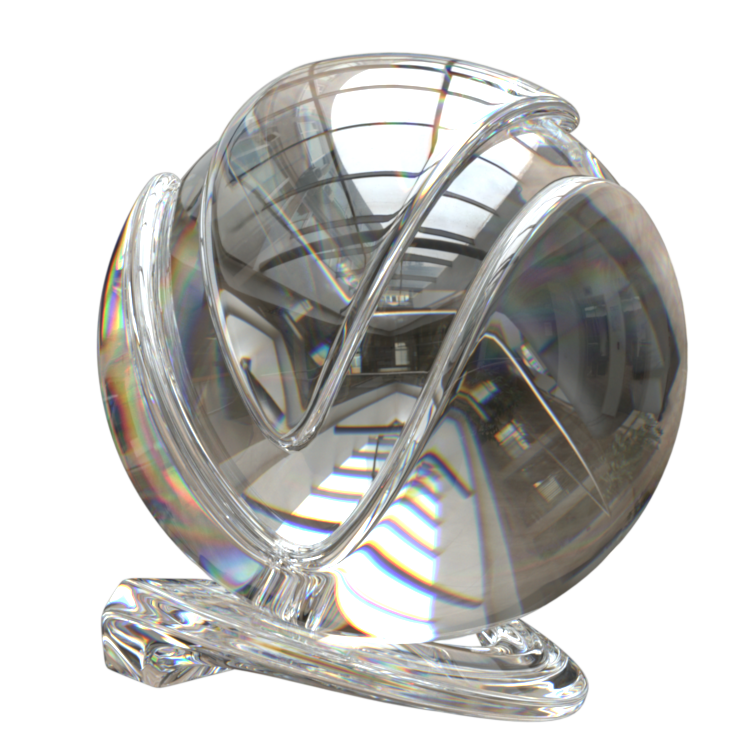
Diamond

Glass
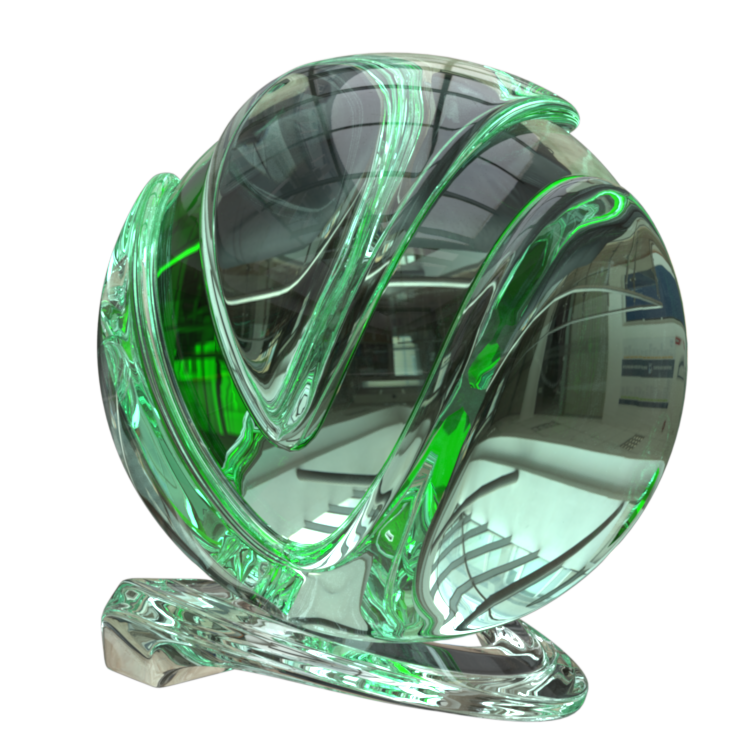
Glass (Architectural)

Glass (Frosted)

Glass (Tinted)
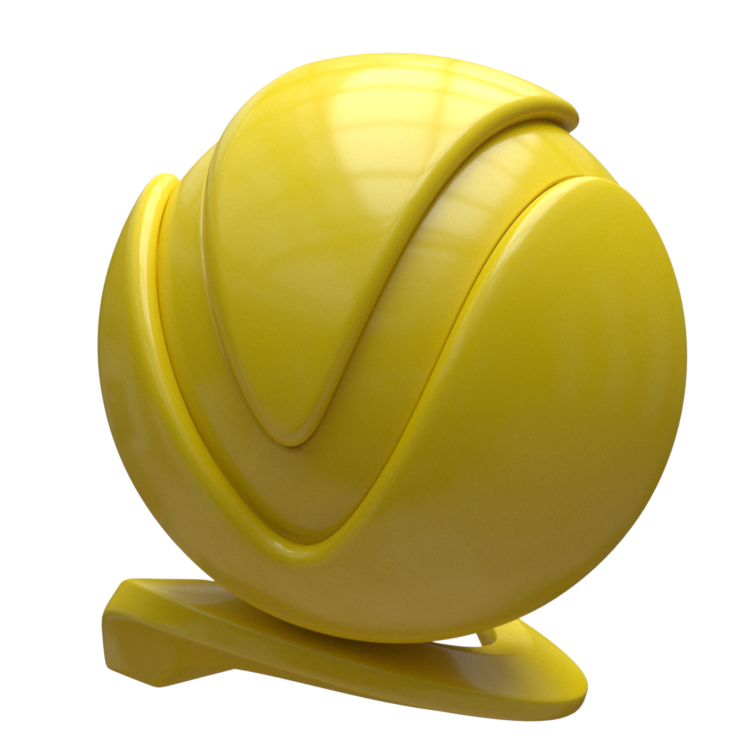
Plastic

Rubber

Soap Bubble
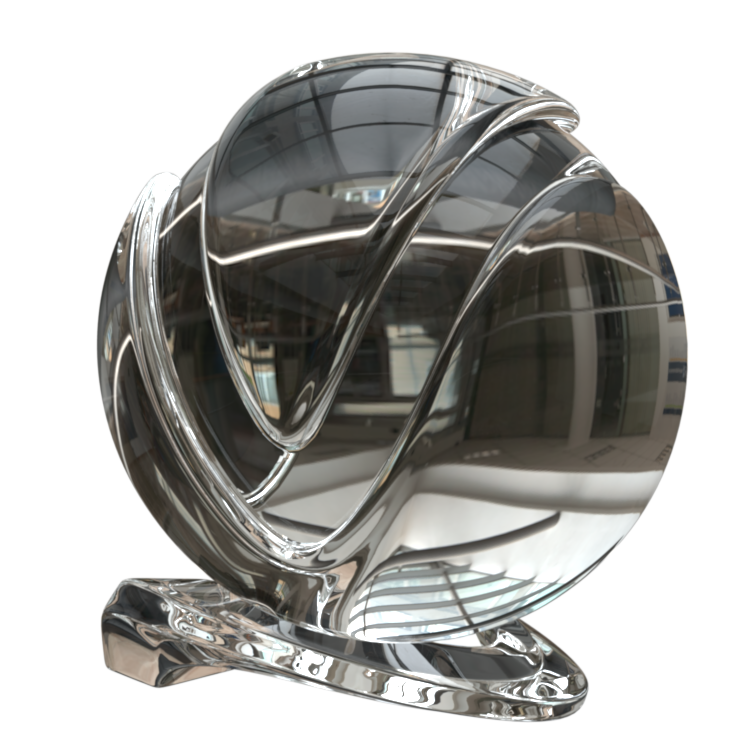
Water

Pink Satin

Red Velvet

White Satin

Aluminium

Aluminium (Brushed)

Aluminium (Rough)
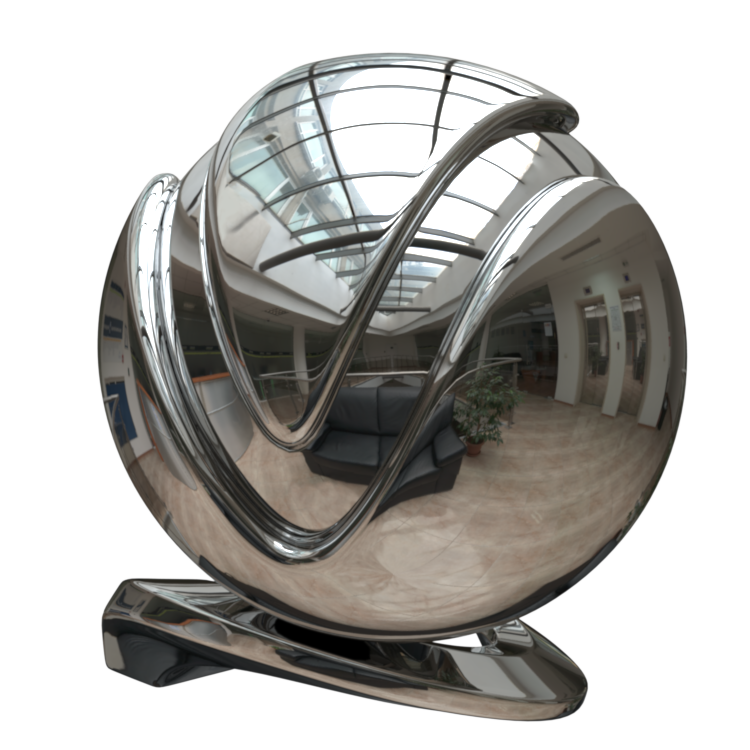
Chrome
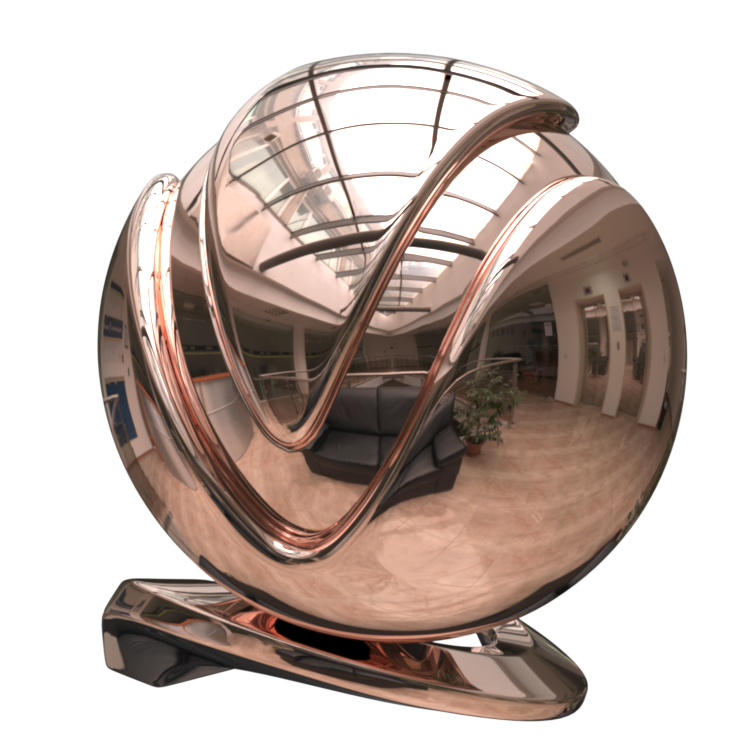
Copper

Copper (Rough)

Gold

Gold (Rough)

Iron
Lead

Silver

Silver (Rough)
Each V-Ray Material rollout has its own dedicated page listed below: