V-Ray for Maya
VRayMtl2Sided
This page provides some details on the settings available for the Translucent Two-Sided Material in V-Ray.
Last updated 9 December 2025
This page provides some details on the settings available for the Translucent Two-Sided Material in V-Ray.
Overview
The VRayMtl2Sided material is a utility material provided with the V-Ray renderer. The material allows light to pass through on the backside of objects.
Use this material to simulate thin, translucent surfaces, such as paper, cloth curtains, or tree leaves.
See also the How to Make Translucent Fabric tutorial.

Image courtesy of Leticia Reinaldo Gillett
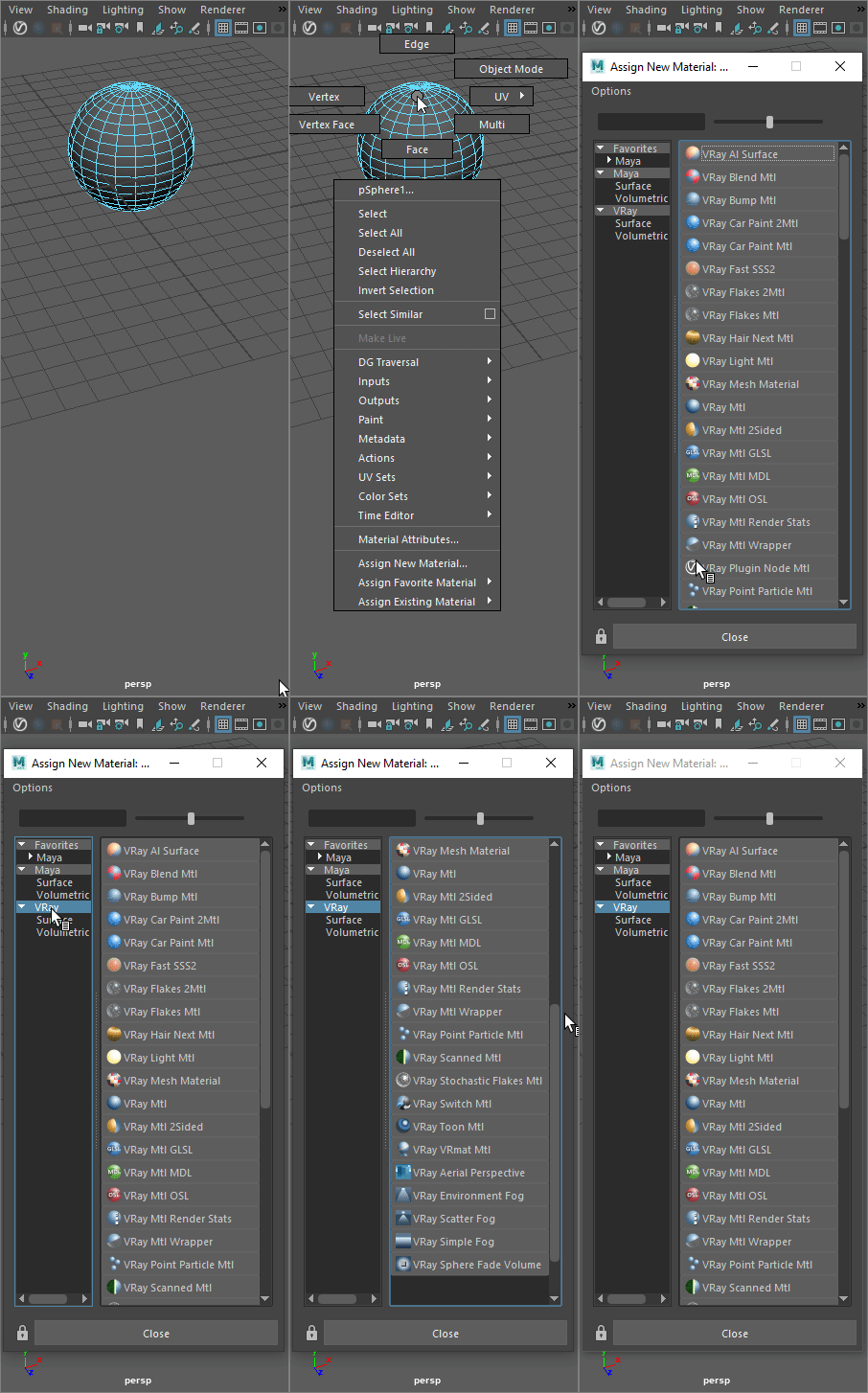
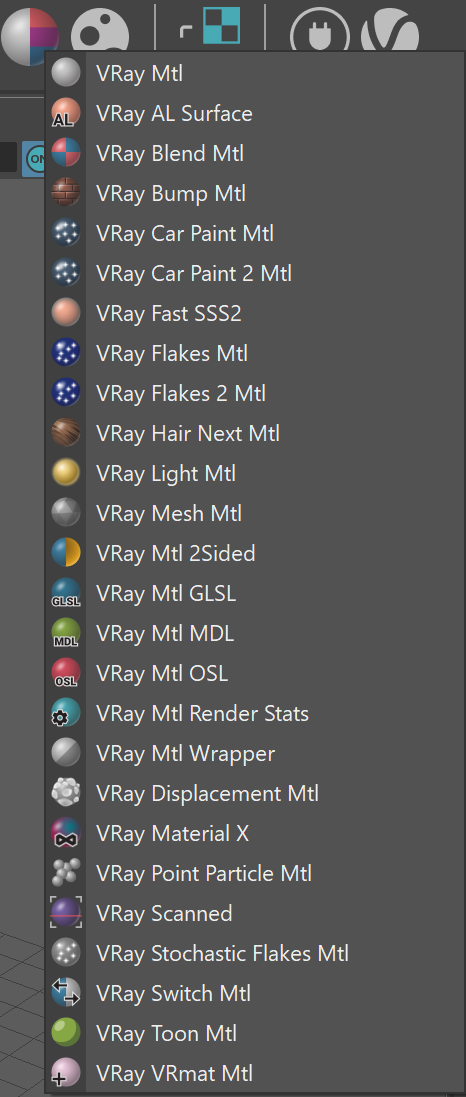
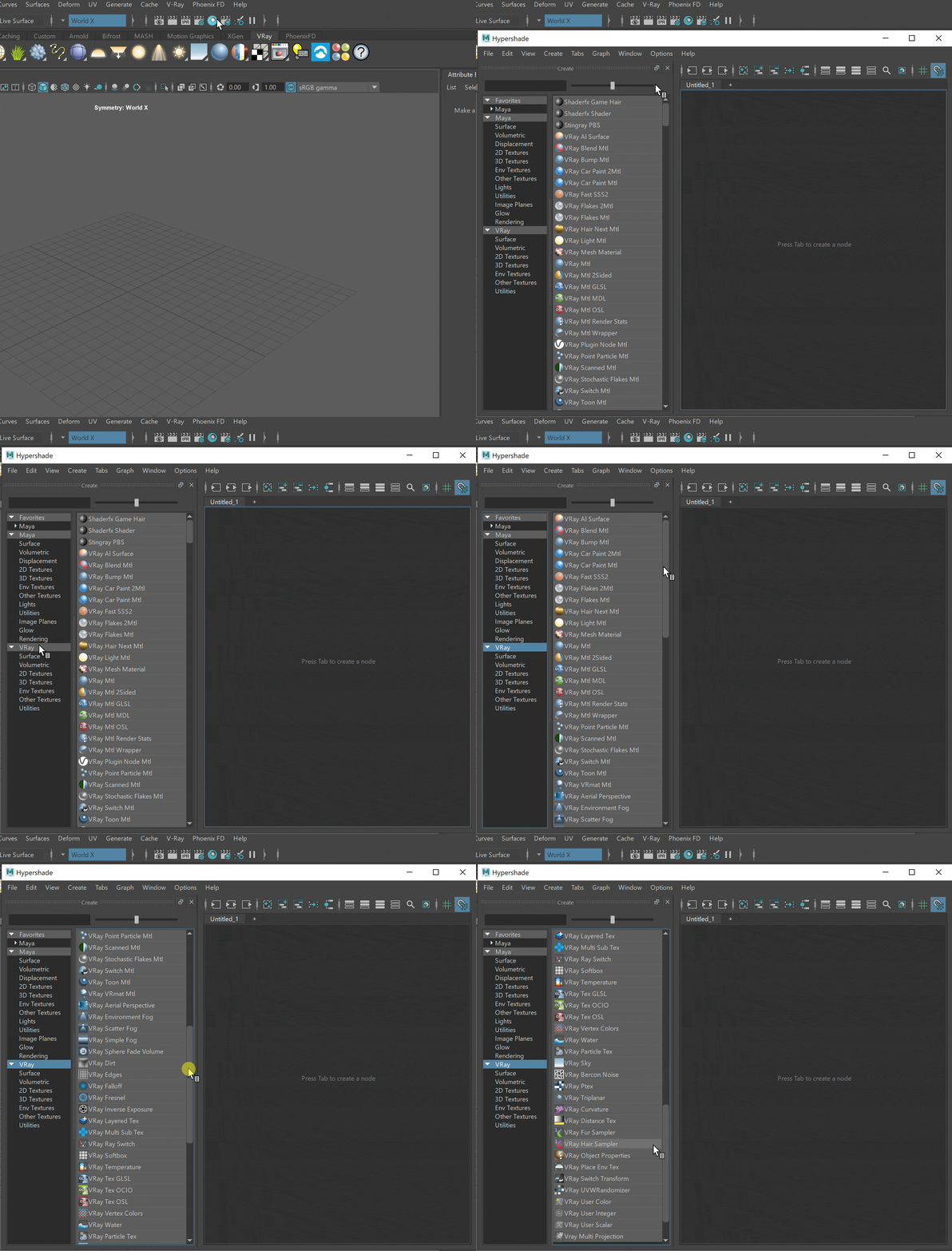
UI Path: ||Right-click on the geometry|| > Assign New Material...
Parameters
Front material – The material which is going to be used for front-side faces as defined by the object normals.
Back material – The material V-Ray will use for the back side faces as defined by their normals.
Translucency tex – Determines which side (front or back) relative to the camera is more visible in the rendering process. By default, this value is 0.5, which means that both the side facing the camera and the one facing away from it will be visible to the same degree. When this parameter is closer to 0.0, more of the material facing the camera is going to be seen. When it is closer to 1.0, more of the back material is seen.
Multiply by front diffuse – When enabled, the translucency is multiplied by the diffuse of the front material. This option is not available when the renderer is set to CUDA.
Force single-sided sub-materials – When enabled (the default), the sub-materials will render as one-sided materials. Turning this option off is not recommended.

Example: Translucency Value (Front vs. Back Material)
In this example, the leaves have both front and back materials connected to the VRayMtl2Sided Material. Notice how the leaves change when the Translucency value (shown in RGB) is changed. The last render uses a Translucency grayscale map.

Translucency (0, 0, 0)

Translucency (128, 128, 128)

Translucency (255, 255, 255)

Translucency map
In this example, the lampshade uses a VRayMtl2Sided material with only a Front material connected (VRayMtl). A V-Ray sphere light is used to illuminate the inside. Translucency is shown here with grayscale values (RGB).

Translucency (0, 0, 0)
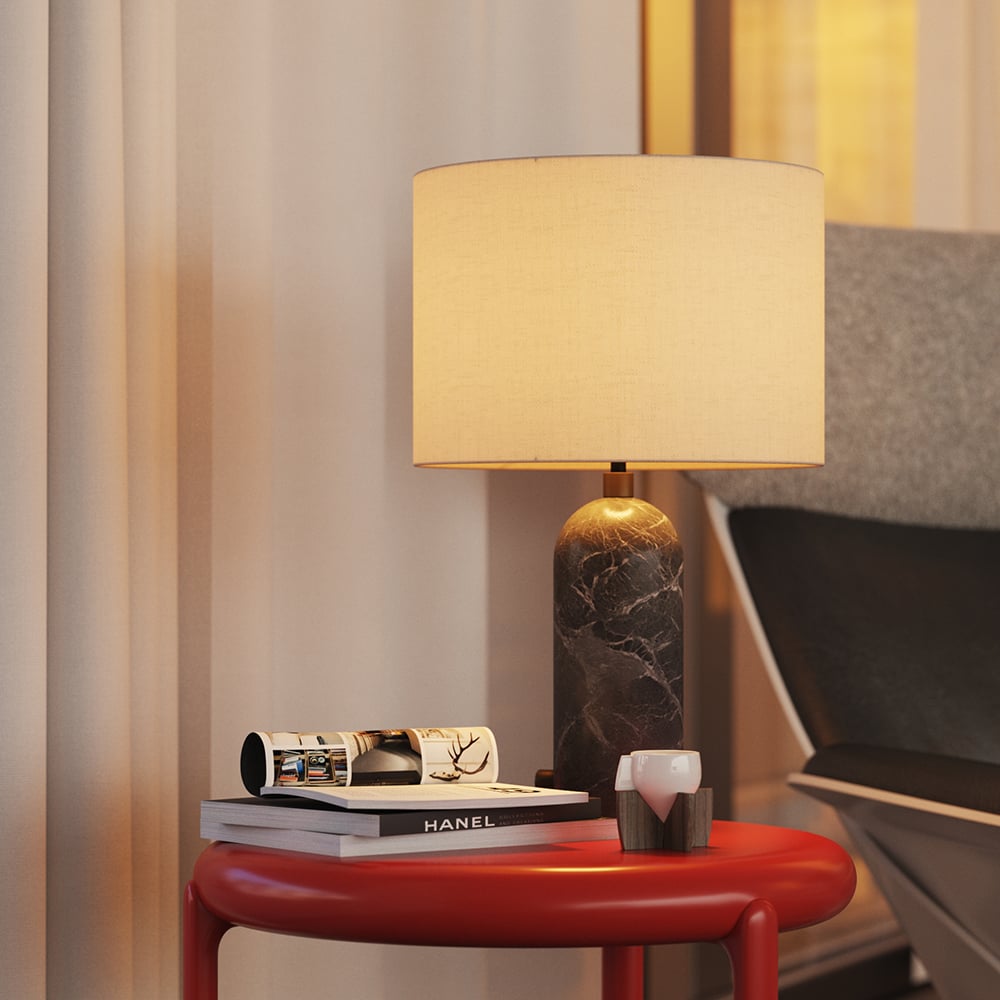
Translucency (64, 64, 64)

Translucency (128, 128, 128)

Translucency (192, 192, 192)
Example: Common Usage

VRayMtl2Sided material is commonly used for leaves. Notice how the light illuminates the shrub from behind.

The curtain uses VRayMtl2Sided material to allow some outdoor light on the inside of this interior.
Notes
- This material will yield the best results when assigned to single-sided objects (non-shelled) such as planes, extruded splines, etc. Otherwise, it can lead to extremely longer render times.