V-Ray for Maya
VRayMtlMDL
This page provides information on the MDL Material.
Last updated 9 December 2025
This page provides information on the MDL Material.
Overview
The VRayMDLMtl material loads NVIDIA Material Definition Language files (.mdl) and renders them directly with V-Ray.
V-Ray supports NVIDIA Material Definition Language, version 1.7.2.
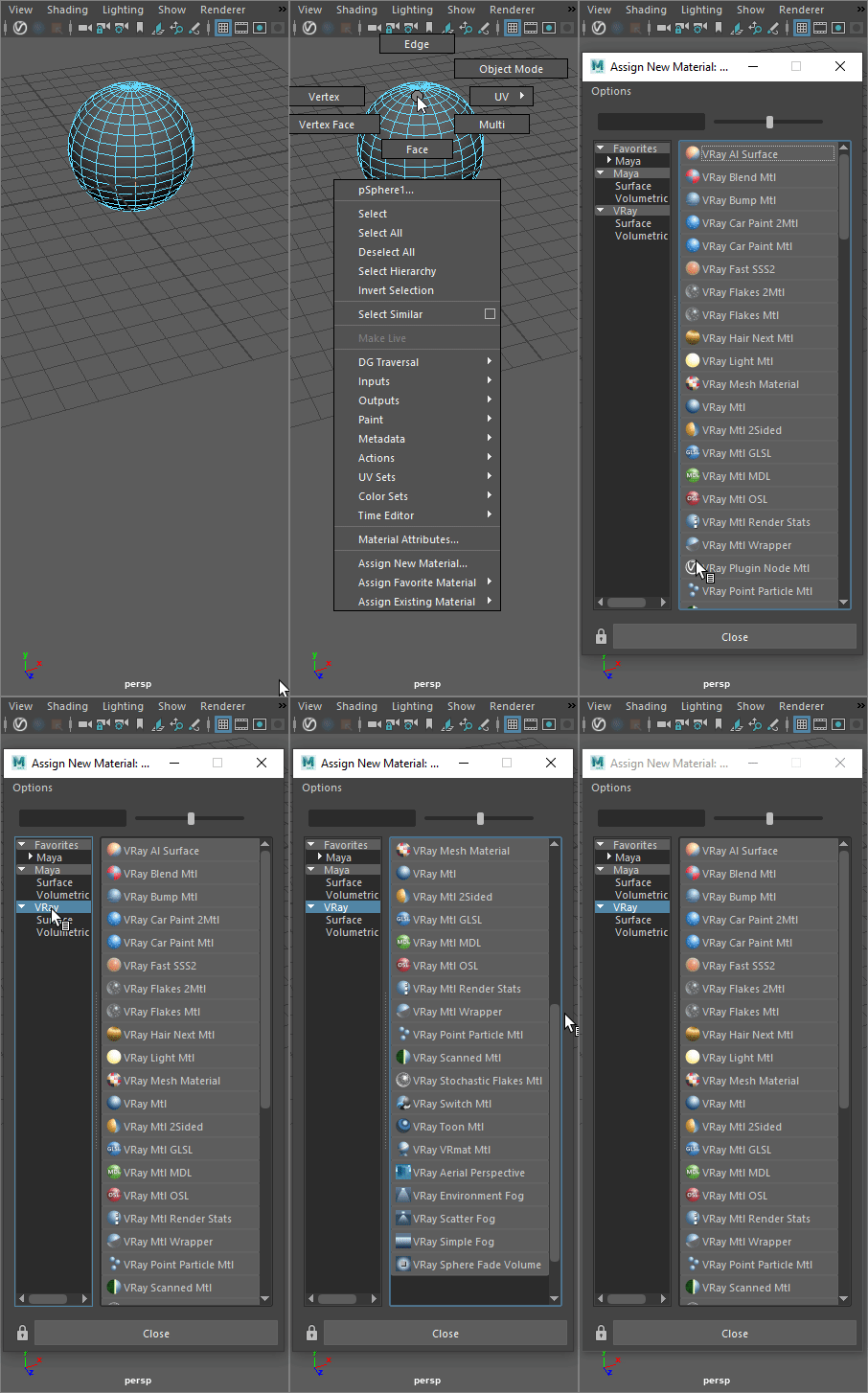
UI Path: ||Right-click on the geometry|| > Assign New Material...


Installed Material Library
The following MDL material files are included when installing V-Ray for Maya. They are located in Local Disk (C:) > Program Files > Chaos > V-Ray > Maya 20xx for x64 > vray > mdl.

Aluminum Anodized

Architectural

Asphalt
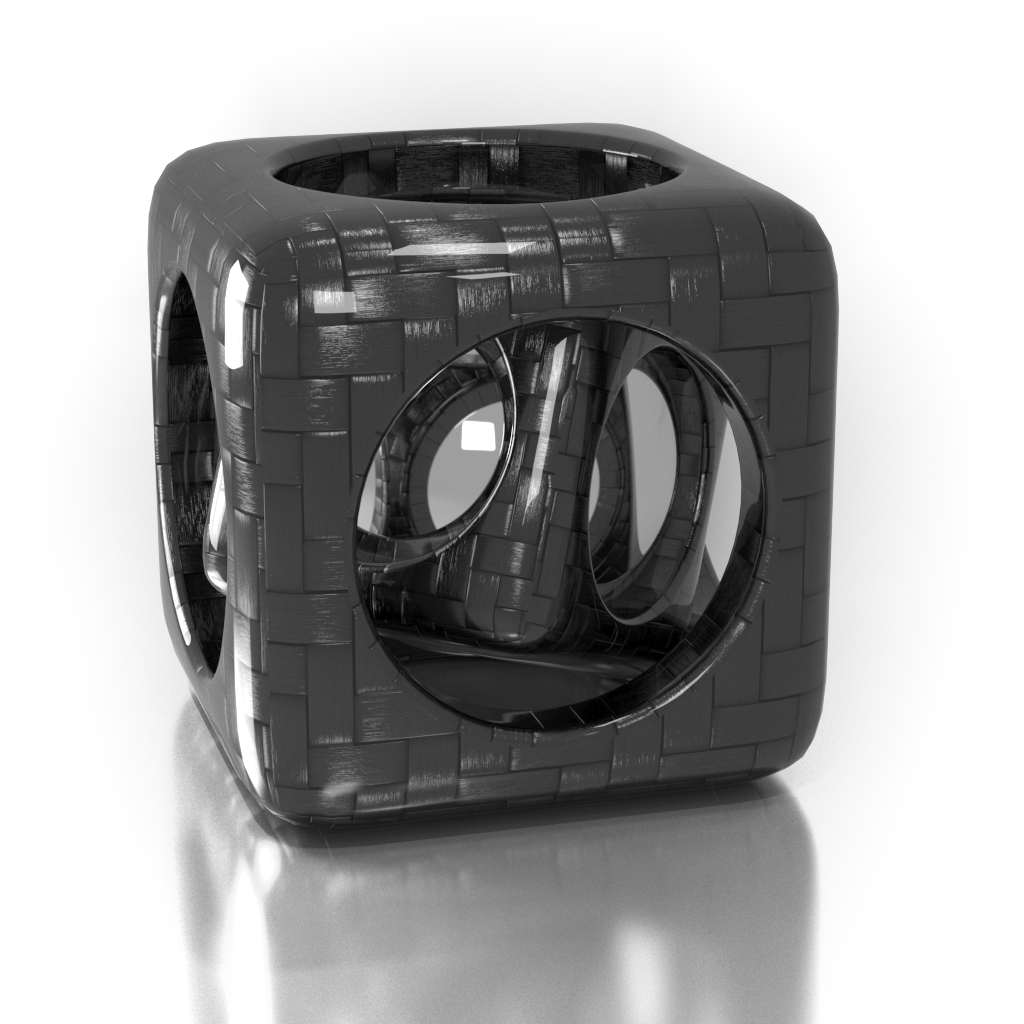
Carbon composite
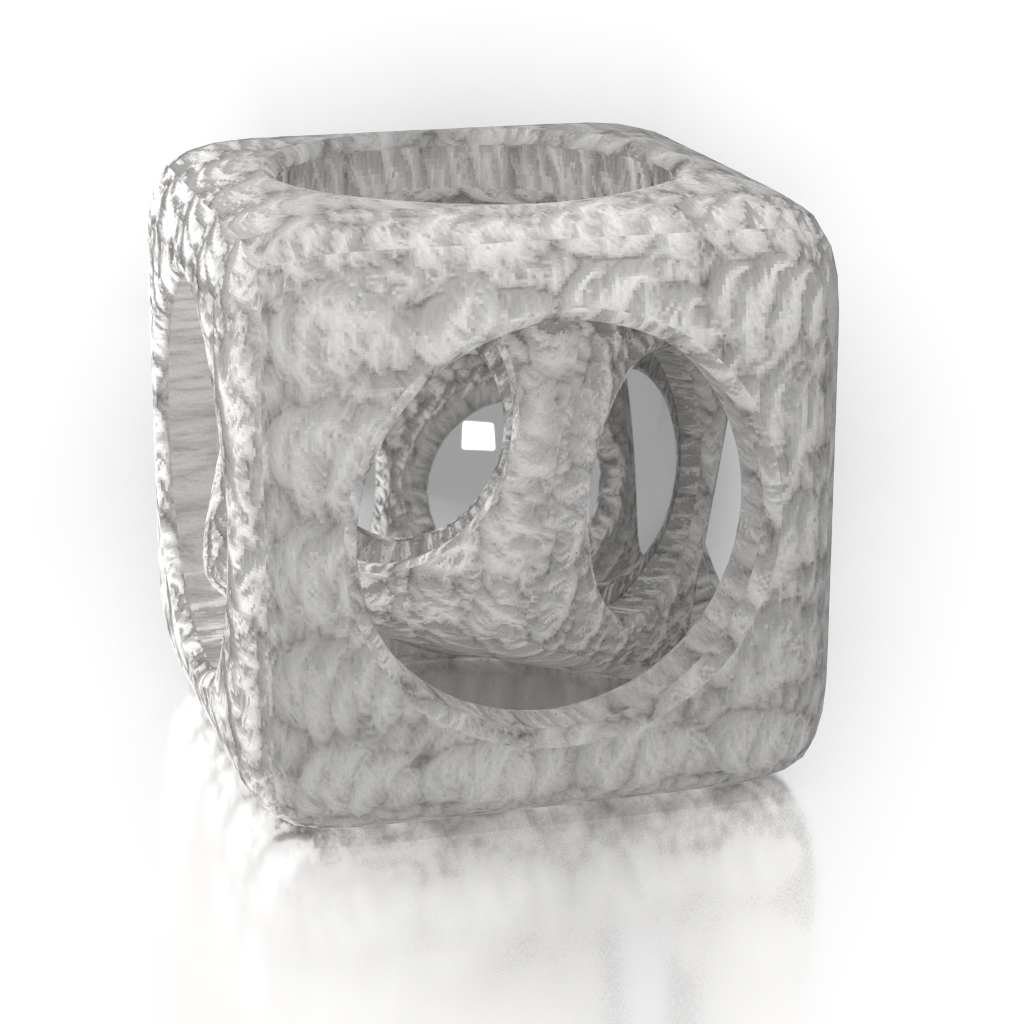
Carpet Berber White

Ceramic Tiles Small

Chrome

Coated Flipflop Paint

Coated Flint Glass

Colored Wax
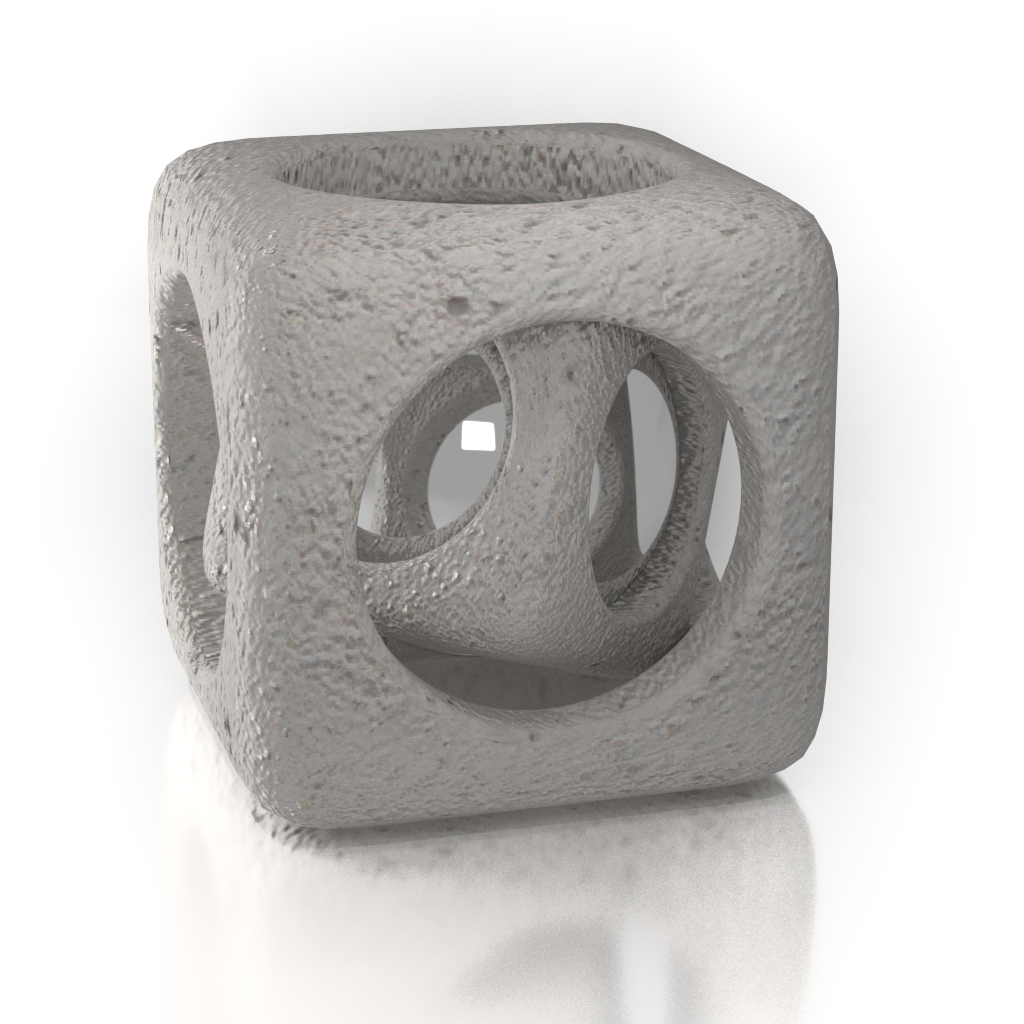
Concrete

Concrete Polished

Copper

Granite Black

Mahogany Floorboards

Marble White

Metal Examples

Noise Flow Glossy

Noise Perlin Glossy

Noise Worley Glossy

Pattern Blended

Pattern Checker Glossy

Porcelain

Resin Polyurethane Matte

Rubber Studded Black

Stucco
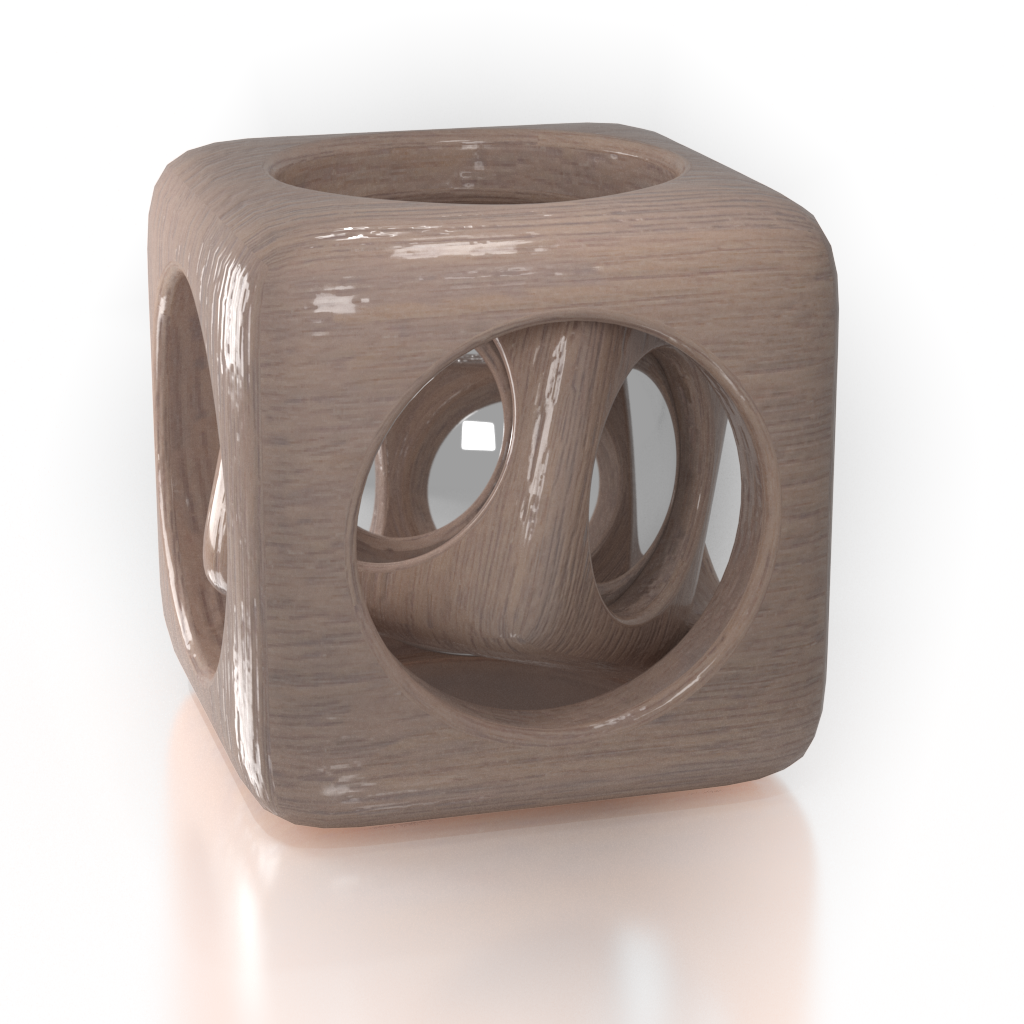
Walnut Semi-Gloss
Basic
MDL file – Specifies the file path and .mdl file loaded.
Chosen material – If more than one material definition is included in the loaded .mdl file, the selected materials will be seen in the rollouts below.
MDL parameters– The Update button refreshes the additional material-specific attributes for the loaded .mdl file.

Parameters
Any additional material-specific attributes (if any) are listed in this rollout. The example below shows parameters for the Coated Flip-flop Paint material.
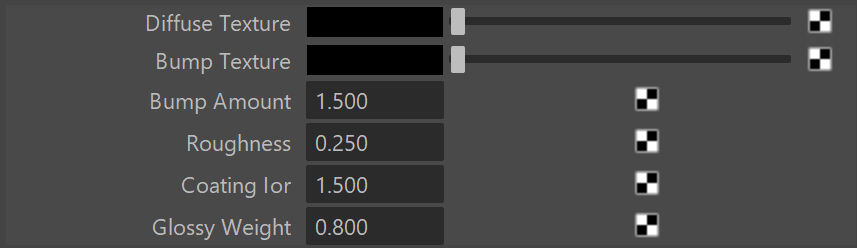
Asphalt parameters
Advanced
Max Ray Depth – Specifies the maximum reflection/refraction depth for the shader.
Remap Roughness – When enabled (default), determines whether the plugin expects squared values for GGX Roughness settings.

System Attributes
Filename – Specifies the file path and .mdl file loaded.

Importing NVIDIA vMaterials
In order for the MDL Material to correctly import NVIDIA vMaterials, the following two paths should be set in the environment variable shown below:
VRAY_MDL_PATH_MAYA20yy_x64=%PROGRAMFILES%\Chaos\V-Ray\Maya 20xx for x64\mdl;%PROGRAMDATA%\NVIDIA Corporation\mdl;%USERPROFILE%\Documents\mdl
where xx is the version of Maya installed.
Example:
VRAY_MDL_PATH_MAYA2024_x64=C:\Program Files\Chaos\V-Ray\Maya 2024 for x64\mdl;%PROGRAMDATA%\NVIDIA Corporation\mdl;%USERPROFILE%\Documents\mdl
Importing MDL Files from Substance Designer
In some cases, when using MDL files exported from Substance Designer, V-Ray may fail to load some modules. In order to load these modules, a folder needs to be set up before starting Maya, as explained below:
1. Make a folder, for example, X:\MDL, that will act as the MDL repository. Put the MDL modules that are exported from Substance Designer into this folder.
2. Put the textures needed by the MDL materials in the same repository in their respective subfolder (for example, X:\MDL\MDL_Plywood_02).
3. Tell V-Ray where the MDL repository is by appending it to the VRAY_MDL_PATH_MAYA20xx_x64 environment variable.
4. Find the folder where Substance Designer keeps its MDL modules (usually C:\Program Files\Adobe\Adobe Substance 3D Designer\ esources\view3d\iray\alg but may differ from version to version) and append its path to the same environment variable.
In the end, the environment variable should look something like:
VRAY_MDL_PATH_MAYA2018_x64=C:\Program Files\Chaos\V-Ray\Maya 2018 for x64\mdl;C:\Program Files\Adobe\Adobe Substance 3D Designer\ esources\view3d\iray\alg;X:\MDL
Known Limitations
- material_emission.mode is ignored
- material.backface is ignored
- df::diffuse_transmission_bsdf is not supported
- df::backscattering_glossy_reflection_bsdf is not supported
- df::measured_bsdf is not supported
- From the “alternative distribution functions”, only df::microfacet_ggx_smith_bsdf is implemented
- df::measured_edf and df::spot_edf are not supported
- df::anisotropic_vdf is not supported
- 3D textures are not yet supported
- The multiscatter_tint parameter in simple_glossy_bsdf, microfacet_ggx_smith_bsdf, ward_geisler_moroder_bsdf is ignored.
- The tint (color reflection_tint, color transmission_tint, bsdf base) modifier overload for separate tinting of the reflective and transmissive light paths is not supported.
References
- NVIDIA Material Definition Language home page - The MDL home page at NVIDIA.